
Introducció
The PPLEE CR1021 Portable White Noise Machine is designed to create a peaceful and soothing environment, aiding in sleep, relaxation, and focus. It features 42 non-looping sounds, a rechargeable battery, night light, and timer functions, making it suitable for home, office, and travel use.
This manual provides detailed instructions for the safe and effective use of your device. Please read it thoroughly before operation and retain it for future reference.
Informació de seguretat
Si us plau, observeu les següents precaucions de seguretat per evitar danys al dispositiu o lesions a vosaltres mateixos o a altres persones:
- No exposeu el dispositiu a l'aigua ni a una humitat excessiva.
- Mantingueu el dispositiu lluny de fonts de calor i de la llum solar directa.
- No intenteu desmuntar ni reparar el dispositiu vosaltres mateixos. Poseu-vos en contacte amb personal de servei qualificat.
- Use only the provided Type-C charging cable and a compatible power adapter (DC 5V/1A).
- Keep out of reach of small children when not in use, especially the charging cable.
- Ensure proper ventilation; do not cover the speaker grille during operation.
Contingut del paquet
Verifiqueu que tots els elements siguin presents al paquet:
- 1x PPLEE CR1021 Portable White Noise Machine
- 1x Type-C Power Cable
- 1x Hanging Loop
- 1x Manual d'usuari (aquest document)
Configuració
Càrrega del dispositiu
Before first use, fully charge the white noise machine. The device features a built-in 2200mAh rechargeable battery.
- Connecteu el cable de càrrega tipus C proporcionat al port de càrrega del dispositiu.
- Connect the other end of the cable to a compatible USB power adapter (DC 5V/1A) or a computer's USB port.
- El llum indicador de càrrega s'il·luminarà durant la càrrega i s'apagarà quan estigui completament carregat.
A full charge provides approximately 33-58 hours of playtime, depending on volume level and night light usage.
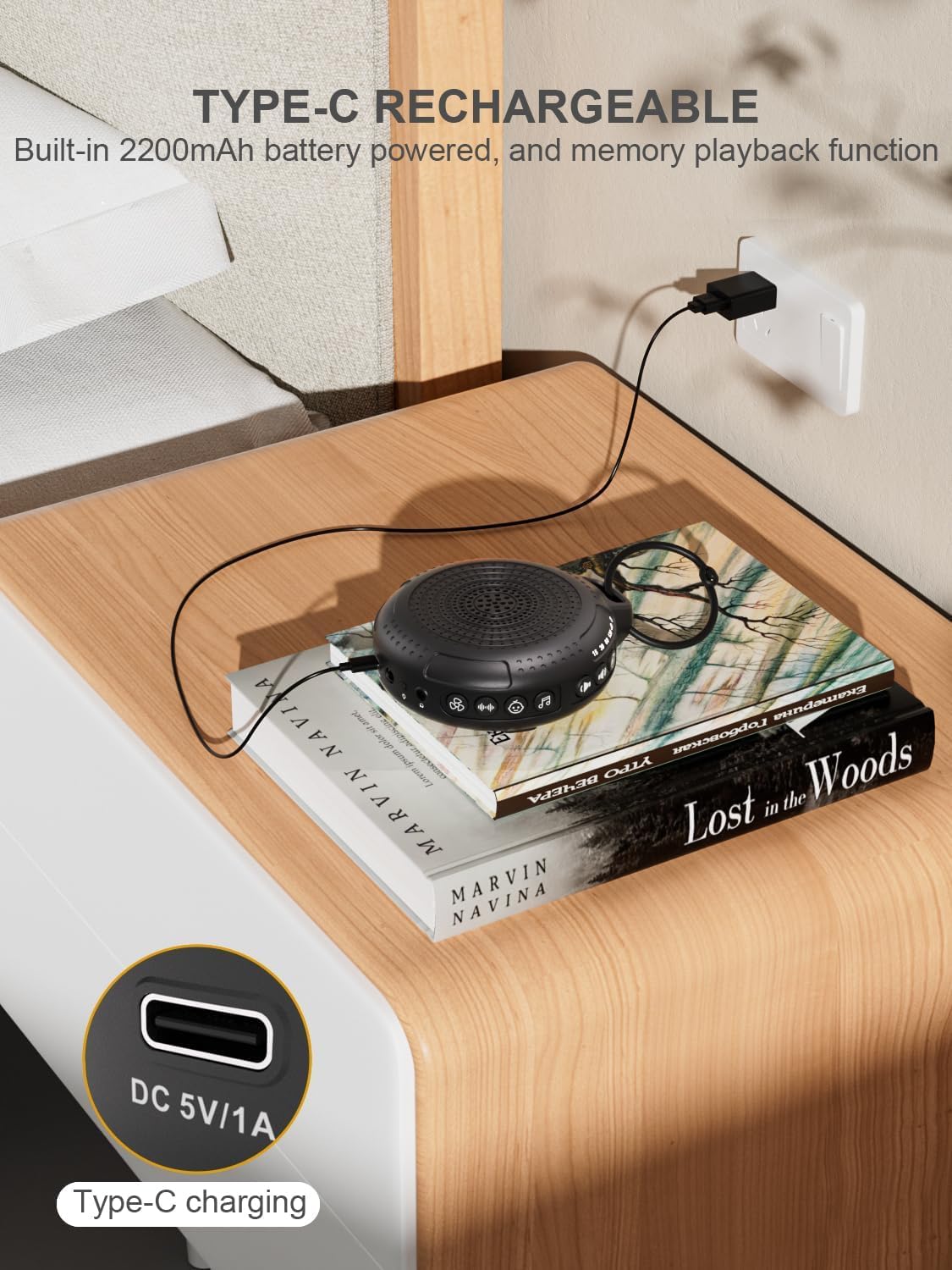
Image: The PPLEE CR1021 White Noise Machine connected to a Type-C charger, demonstrating how to charge the device.
Col·locació
Place the device on a stable, flat surface or use the included hanging loop to attach it to a stroller, car seat, or crib. Ensure the speaker is not obstructed for optimal sound projection.

Image: The PPLEE CR1021 White Noise Machine hanging from a stroller, highlighting its compact and portable design for travel.
Instruccions de funcionament
Controls acabatsview

Imatge: Una imatge detallada view of the PPLEE CR1021 White Noise Machine, illustrating the location of its various control buttons and features.
Encès/Apagat
- Manteniu premut el botó d'engegada (⏻) for 2 seconds to turn the device ON or OFF.
- The device will remember your last sound, volume, and timer settings upon powering on.
Selecció de so
The device offers 42 non-looping soothing sounds across four categories:
- Sorolls blancs: 5 sons
- Sons dels fans: 6 sons
- Cançons de bressol: 15 sons
- Sons naturals: 16 sons
- Press the Sound Category buttons (e.g., White Noise, Fan, Lullaby, Nature) to switch between sound categories.
- Once a category is selected, press the Sound Selection button (♫) to cycle through the sounds within that category.
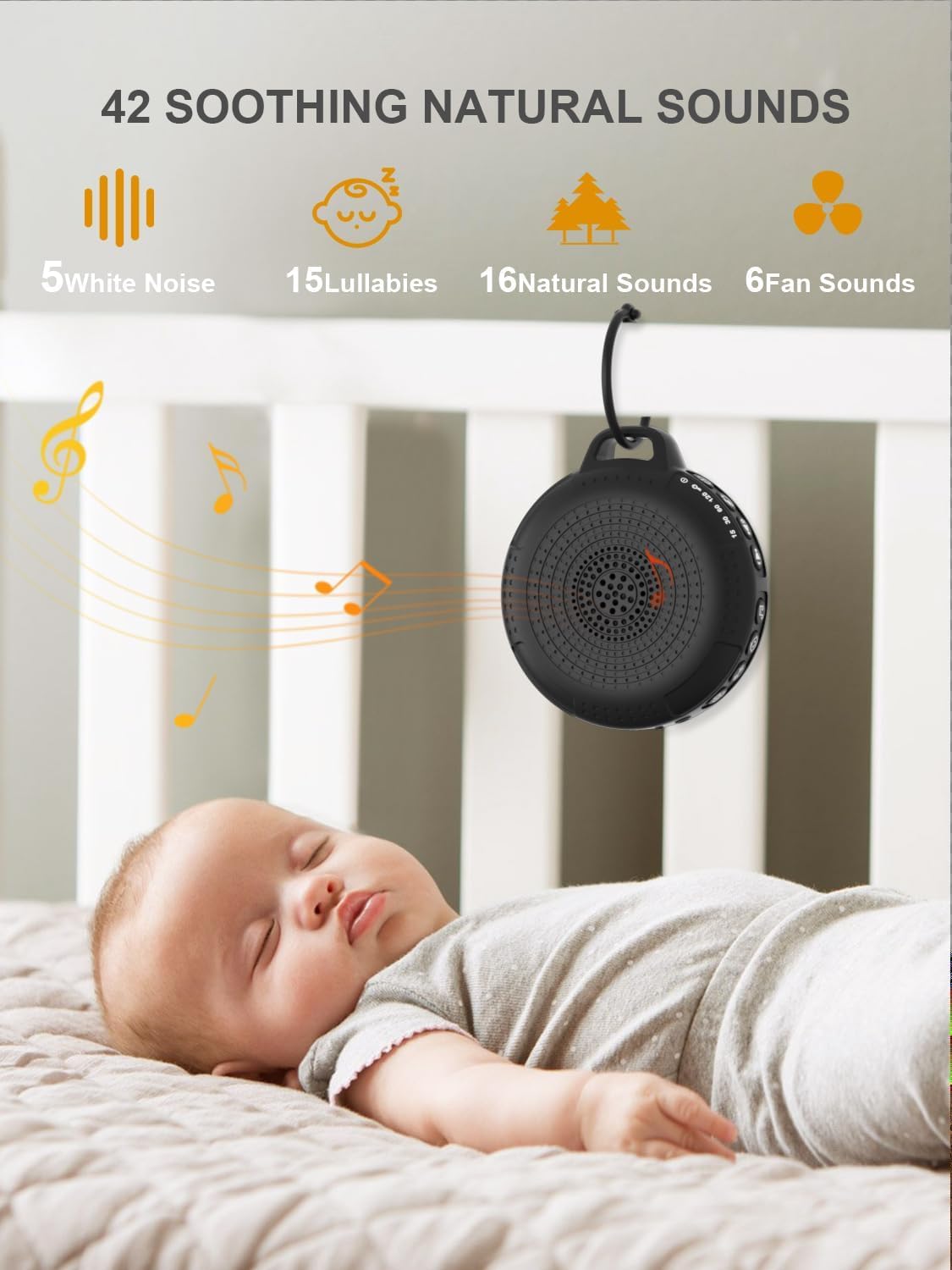
Image: The PPLEE CR1021 White Noise Machine displaying the variety of 42 soothing sounds available, categorized for easy selection.
Control de volum
Adjust the sound volume using the dedicated volume buttons:
- Premeu el botó d'apujar el volum (+) to increase the volume.
- Premeu el botó per baixar el volum (-) to decrease the volume.
- There are 8 distinct volume levels.

Image: The PPLEE CR1021 White Noise Machine highlighting its volume adjustment and timer functions, showing options for 15, 30, 60, and 120 minutes.
Funció de temporitzador
The device can play continuously or automatically turn off after a set period:
- Premeu el botó del temporitzador (⏱) to cycle through the available timer settings: 15 minutes, 30 minutes, 60 minutes, 120 minutes, or continuous play.
- An indicator light will show the selected timer duration.
Llum nocturna
The integrated night light offers two brightness levels:
- Press the Night Light button (💡) once for the first brightness level.
- Press it again for the second, brighter level.
- Press a third time to turn the night light off.
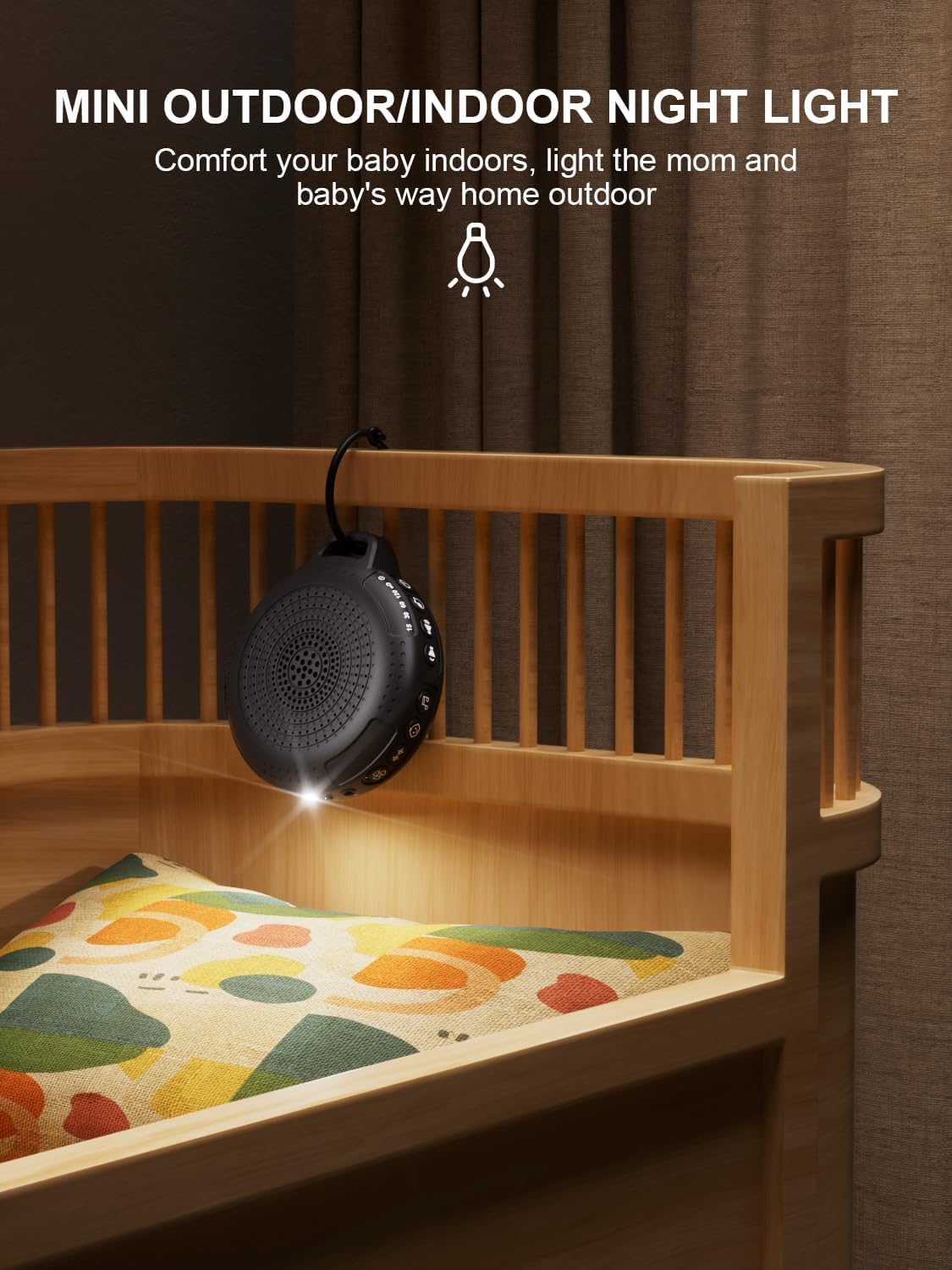
Image: The PPLEE CR1021 White Noise Machine with its night light illuminated, shown hanging on a crib, providing gentle illumination.
Funció de bloqueig infantil
To prevent accidental changes to settings, activate the child lock:
- Manteniu premut el botó de bloqueig infantil (🔒) for 2 seconds to activate or deactivate the child lock.
- When activated, all other buttons will be unresponsive until the child lock is deactivated.
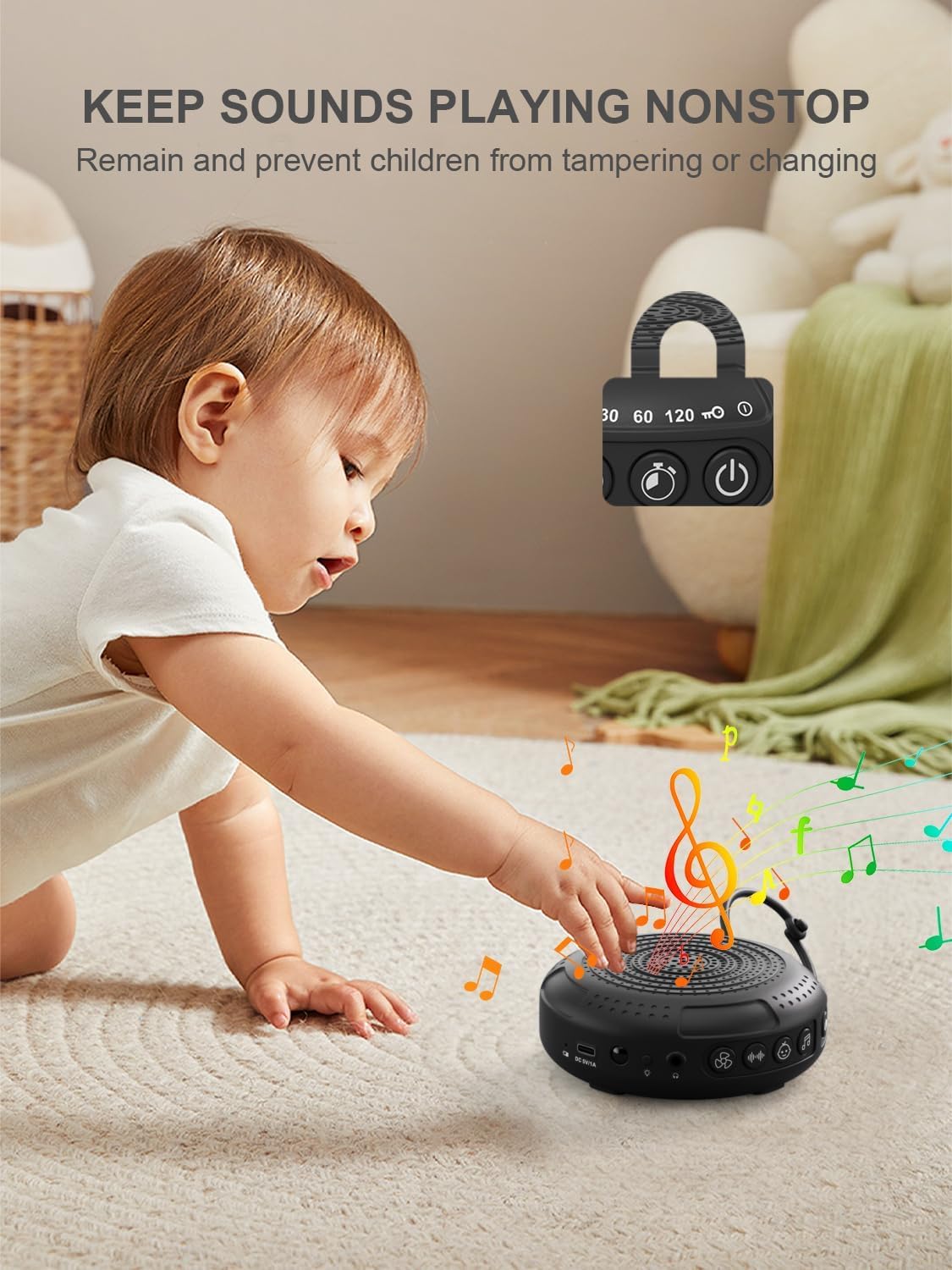
Image: The PPLEE CR1021 White Noise Machine with a visual representation of its child lock feature, designed to maintain settings and prevent tamperrant.
Conector d'auriculars
For private listening, connect standard 3.5mm headphones to the headphone jack located on the side of the device. The speaker will automatically mute when headphones are connected.
Manteniment
Neteja
- Assegureu-vos que el dispositiu estigui apagat i desconnectat abans de netejar-lo.
- Wipe the exterior with a soft, dry, or slightly damp tela.
- No utilitzeu netejadors abrasius, dissolvents ni productes químics agressius.
Emmagatzematge
- Guardeu el dispositiu en un lloc fresc i sec, allunyat de la llum solar directa i de temperatures extremes.
- Si l'emmagatzemeu durant un període prolongat, carregueu la bateria periòdicament per mantenir-ne la vida útil.
Resolució de problemes
| Problema | Causa possible | Solució |
|---|---|---|
| El dispositiu no s’encén. | La bateria està esgotada. | Carregueu el dispositiu amb el cable tipus C proporcionat. |
| Sense so. | El volum és massa baix o està silenciat. Hi ha auriculars connectats. | Augmenta el volum. Desconnecta els auriculars si no els necessites. |
| Els botons no responen. | El bloqueig infantil està activat. | Deactivate the Child Lock by pressing and holding the Child Lock button for 2 seconds. |
| La durada de la bateria és més curta del que s’esperava. | High volume level or continuous night light use. Battery degradation over time. | Reduce volume or night light usage. Ensure full charge. |
| La càrrega és lenta o no funciona. | Faulty cable or power adapter. Charging port issue. | Try a different Type-C cable and a known working 5V/1A USB power adapter. |
Especificacions
| Característica | Detall |
|---|---|
| Nom del model | CR1021 |
| Marca | PPLEE |
| Font d'alimentació | Alimentat per bateria (recarregable de 2200 mAh) |
| Port de càrrega | Tipus C (DC 5V/1A) |
| Nombre de sons | 42 (5 White Noise, 6 Fan, 15 Lullabies, 16 Natural) |
| Nivells de volum | 8 |
| Opcions del temporitzador | 15, 30, 60, 120 minutes, Continuous |
| Llum nocturna | 2 Nivells de brillantor |
| Dimensions (L x A x A) | 12.5 x 11 x 4.3 cm (4.92 x 4.3 x 1.69 polzades) |
| Pes | 177 g (0.39 lliures) |
| Components inclosos | Device, Type-C Cable, Hanging Loop, User Manual |
Garantia i Suport
For warranty information or technical support, please refer to the contact details provided with your purchase or visit the official PPLEE weblloc web. Conserveu el rebut de compra com a comprovant de compra.