
1. Introducció
This manual provides essential information for the safe and efficient operation of your MLJ 8.1 Cu. Ft. Biometric Security Safe. Please read these instructions carefully before installation and use, and retain them for future reference. This safe is designed to protect valuables, documents, and other important items from unauthorized access, fire, and water damage.
2. Informació de seguretat
- Always store emergency keys and the user manual in a secure location away from the safe. Do not store them inside the safe.
- Ensure the safe is installed on a stable, level surface or securely mounted to the floor as instructed to prevent tipping.
- Keep the safe door closed and locked when not in use to maintain security.
- No exposeu la caixa forta a temperatures o humitat extremes.
- Keep children and unauthorized individuals away from the safe and its keys/codes.
3. Característiques del producte
3.1 Capacity and Interior
The safe offers 8.1 cubic feet of storage capacity. It includes two removable and adjustable shelves and one inner cabinet for organized storage of various items such as jewelry, documents, and medicines.
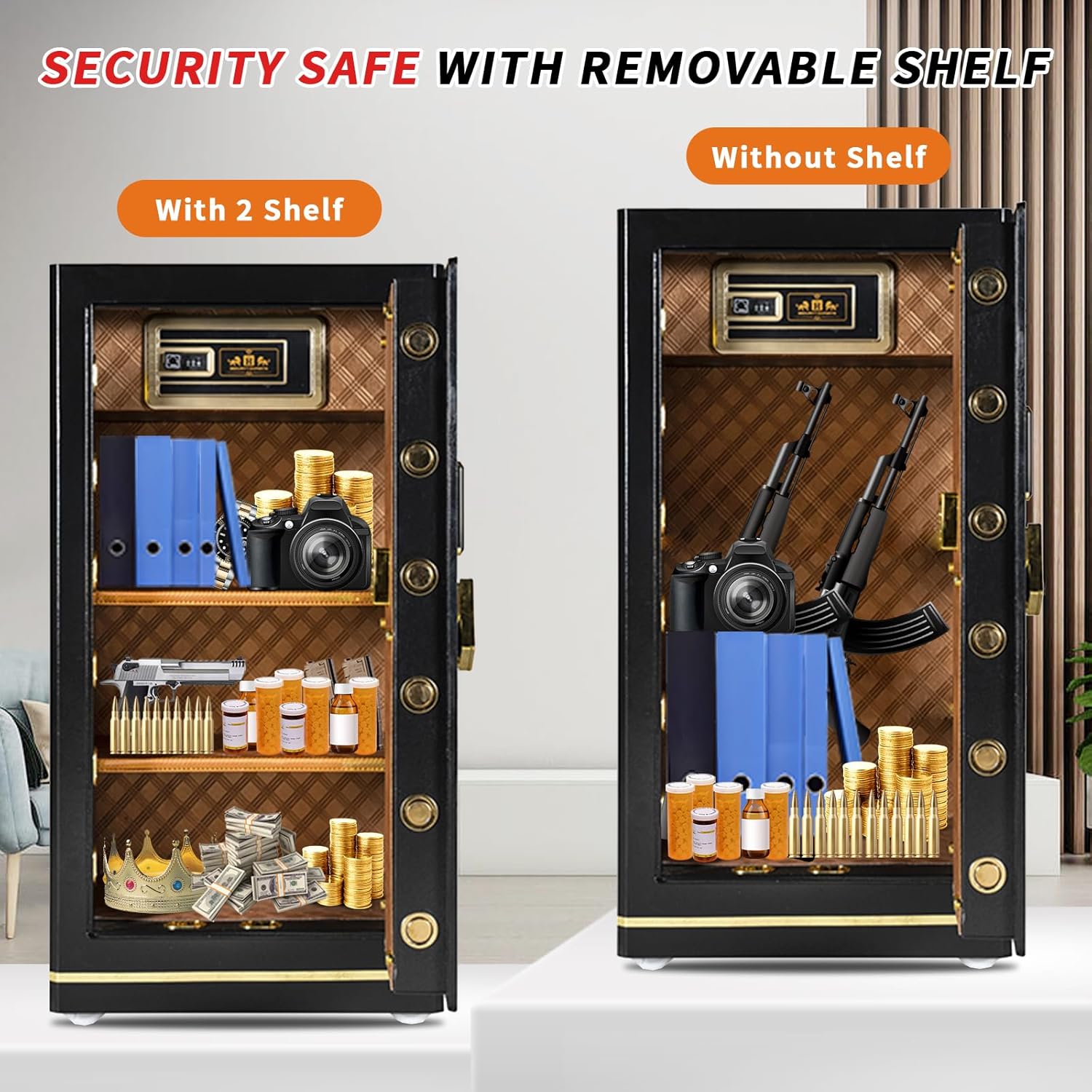
Image: Interior of the safe demonstrating storage with and without removable shelves.

Image: Detail of the movable partitions for flexible storage.

Image: High-quality interior lining for protection.

Image: Metal basket for small item storage.
3.2 Construcció
The safe is constructed from 5-layer robust cold-rolled low carbon steel. It utilizes advanced laser cutting technology for a seamless design, enhancing resistance against prying, smashing, and drilling attempts. The door features 10 live bolts and dual anti-impact hinges for robust security.
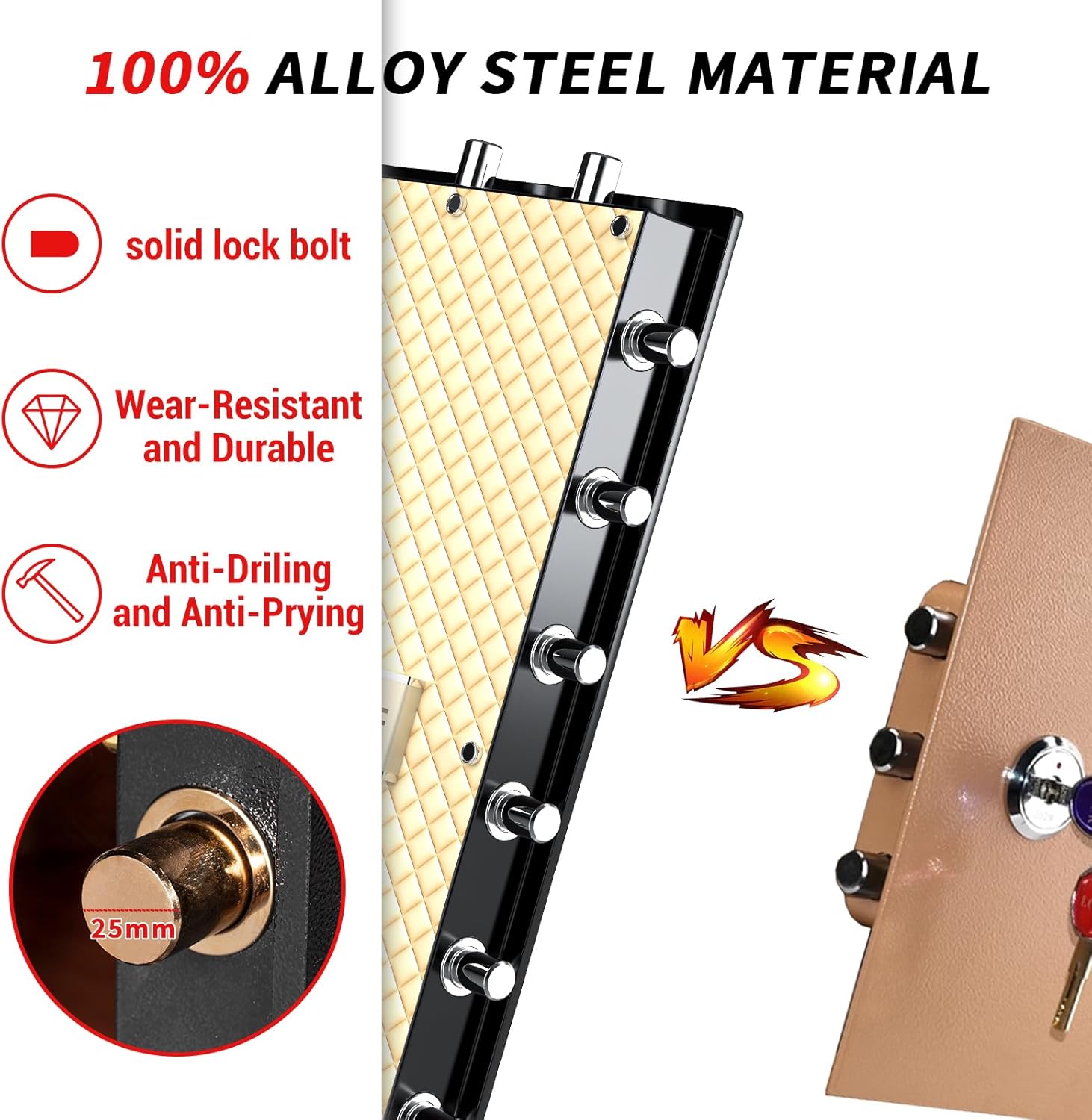
Image: Illustration of the safe's alloy steel material and solid lock bolts.
Sistema d'alarma 3.3
The safe is equipped with a tamper and motion-sensitive alarm system. If incorrect codes are entered repeatedly (typically three times), or if the safe experiences violent vibration or illegal movement, a high-decibel alarm (exceeding 70dB) will activate to alert you to potential unauthorized access.
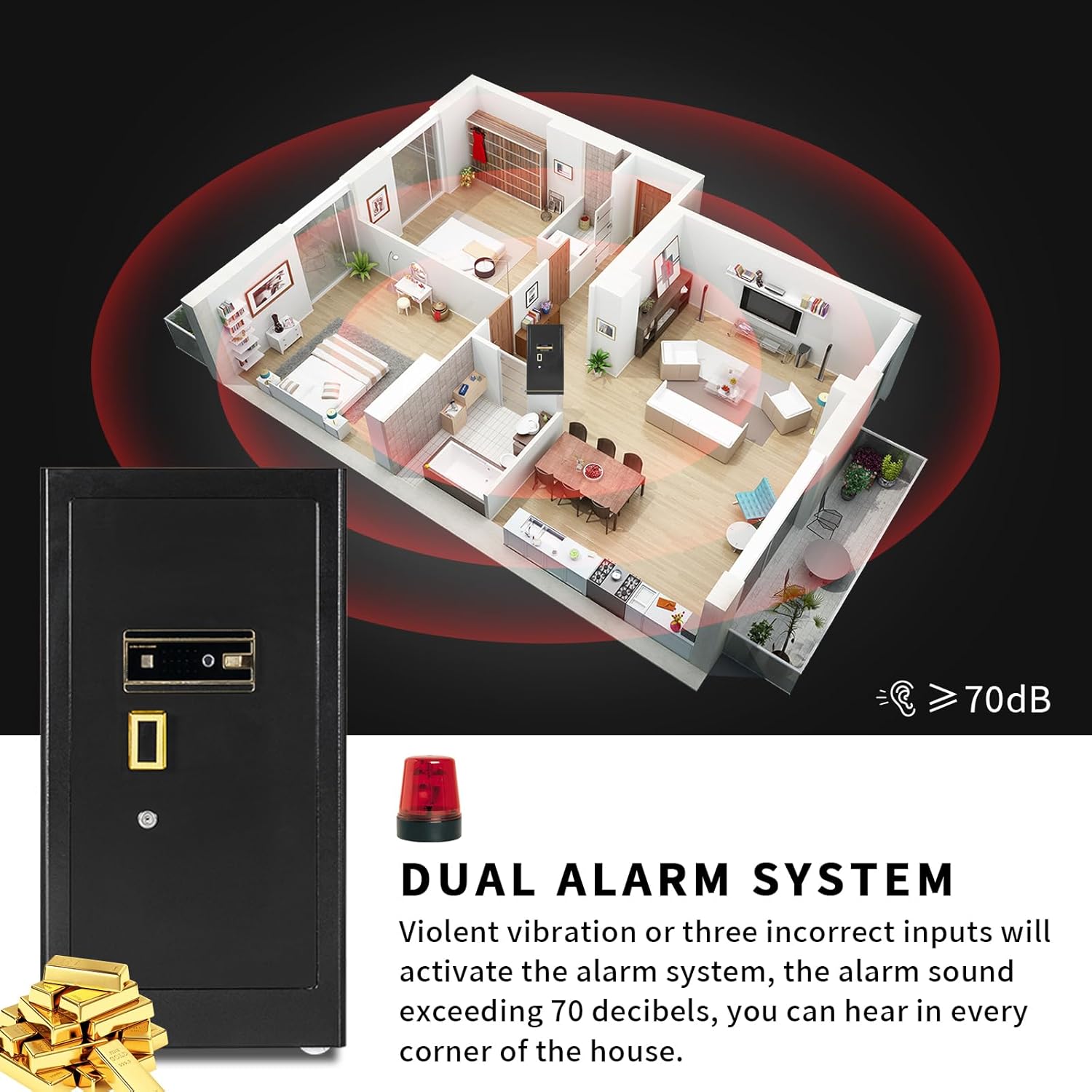
Image: Visual representation of the dual alarm system's coverage.
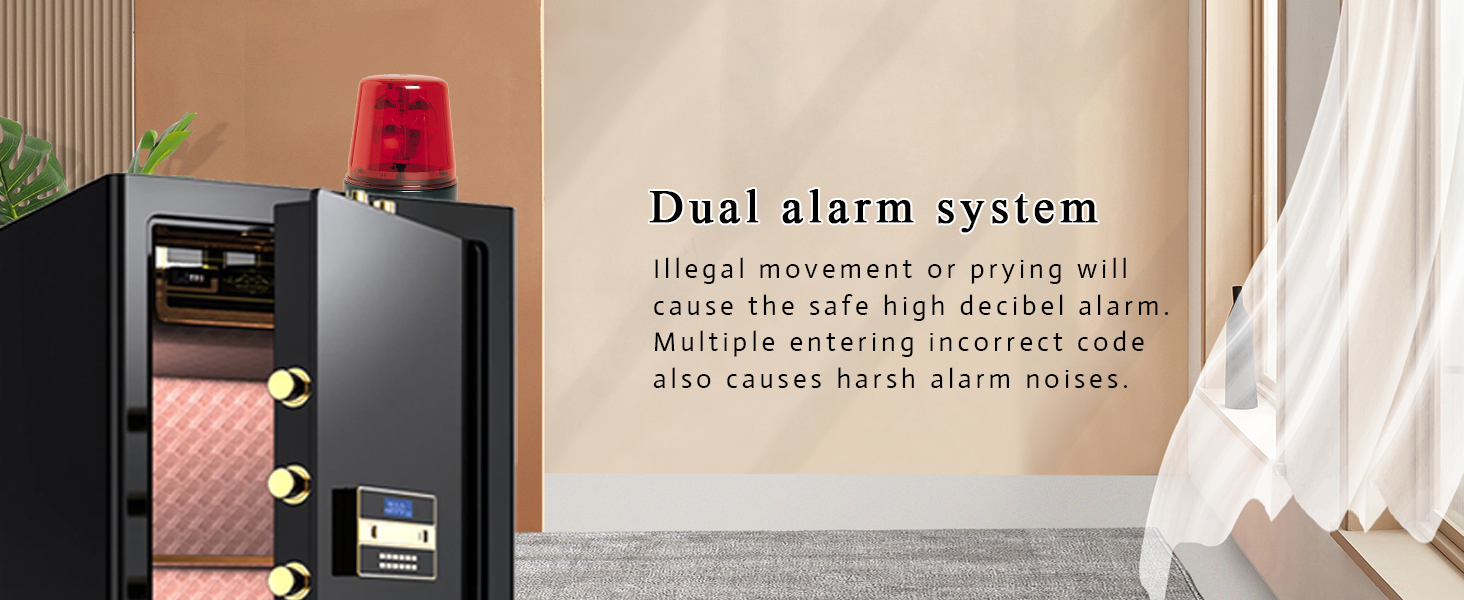
Image: The safe's dual alarm system in action.
3.4 Vídeo Overview
Vídeo: Un overview of the MLJ 8.1 cu. ft. Single Door Safe, demonstrating its features and functionality.
4. Contingut del paquet
Si us plau, reviseu el paquet amb cura per assegurar-vos que hi hagi tots els elements:
- 1 x MLJ 8.1 Cu. Ft. Biometric Security Safe
- 1 x Manual d'usuari
- 2 x Mounting Screws (Expansion Screws)
- 1 x Fireproof Waterproof Document Bag
- 3 x Emergency Keys (Main Key, Auxiliary Key, Emergency Key)
- 1 x External Power Box

Image: All items included in the package.
5. Guia de configuració
5.1 Desembalatge i inspecció inicial
- Carefully remove the safe from its packaging.
- Inspect the safe for any signs of damage during transit. If damaged, contact customer support immediately.
- Locate all included accessories as listed in Section 4.
5.2 Instal·lació de bateries
The safe requires batteries for the electronic lock and fingerprint scanner. Use the external power box if the safe is completely without power for initial setup.
- Open the battery compartment, usually located on the inside of the safe door or on the back of the keypad.
- Insert the required batteries (typically AA, not included) according to the polarity markings.
- Tanqueu el compartiment de la bateria de manera segura.
5.3 Muntatge de la caixa forta
For enhanced security, it is recommended to mount the safe to a floor or wall using the provided expansion screws.
- Trieu un lloc adequat per a la caixa forta, assegurant-vos que estigui anivellat i estable.
- Marqueu els punts de perforació a través dels forats pretallats a la part inferior o posterior de la caixa forta.
- Perforeu forats pilot al terra o a la paret amb una broca adequada.
- Align the safe with the drilled holes and insert the expansion screws.
- Tighten the screws firmly to secure the safe in place.
6. Instruccions de funcionament
6.1 Obertura inicial
For the first use or if the batteries are completely depleted, use the emergency keys:
- Insert the Main Key into the main lock cylinder.
- Insert the Auxiliary Key into the auxiliary lock cylinder.
- Turn both keys simultaneously to open the safe door.
6.2 Setting/Changing Passcode
The safe uses a 3-8 digit programmable master PIN code.
- Amb la porta de la caixa forta oberta, premeu el botó de reinici intern (normalment un petit botó vermell).
- Introduïu el codi d'accés desitjat de 3 a 8 dígits al teclat numèric.
- Press the '#' or 'confirm' button to save the new passcode.
- Proveu el nou codi d'accés amb la porta oberta abans de tancar-la.
6.3 Registre d'empremtes dactilars
Refer to the specific instructions in your user manual for detailed steps on registering fingerprints, as procedures may vary slightly.
- With the safe door open, initiate the fingerprint registration mode (often by pressing a specific button or sequence).
- Place your finger on the scanner multiple times as prompted until registration is complete.
- Test the registered fingerprint with the door open.
6.4 Mètodes de desbloqueig
Your safe offers multiple unlocking options:
- Obertura d'emergència: Main Key + Auxiliary Key + Emergency Key (for initial use or battery depletion).
- Standard Opening (Biometric): Main Key + Auxiliary Key + Fingerprint.
- Standard Opening (Digital Code): Main Key + Auxiliary Key + Password.
- Enhanced Security Mode: Fingerprint + Password + Main Key + Auxiliary Key.
- Quick Access (Keys Removed): Fingerprint Only OR Password Only (after the main and auxiliary keys are removed from their horizontal positions).
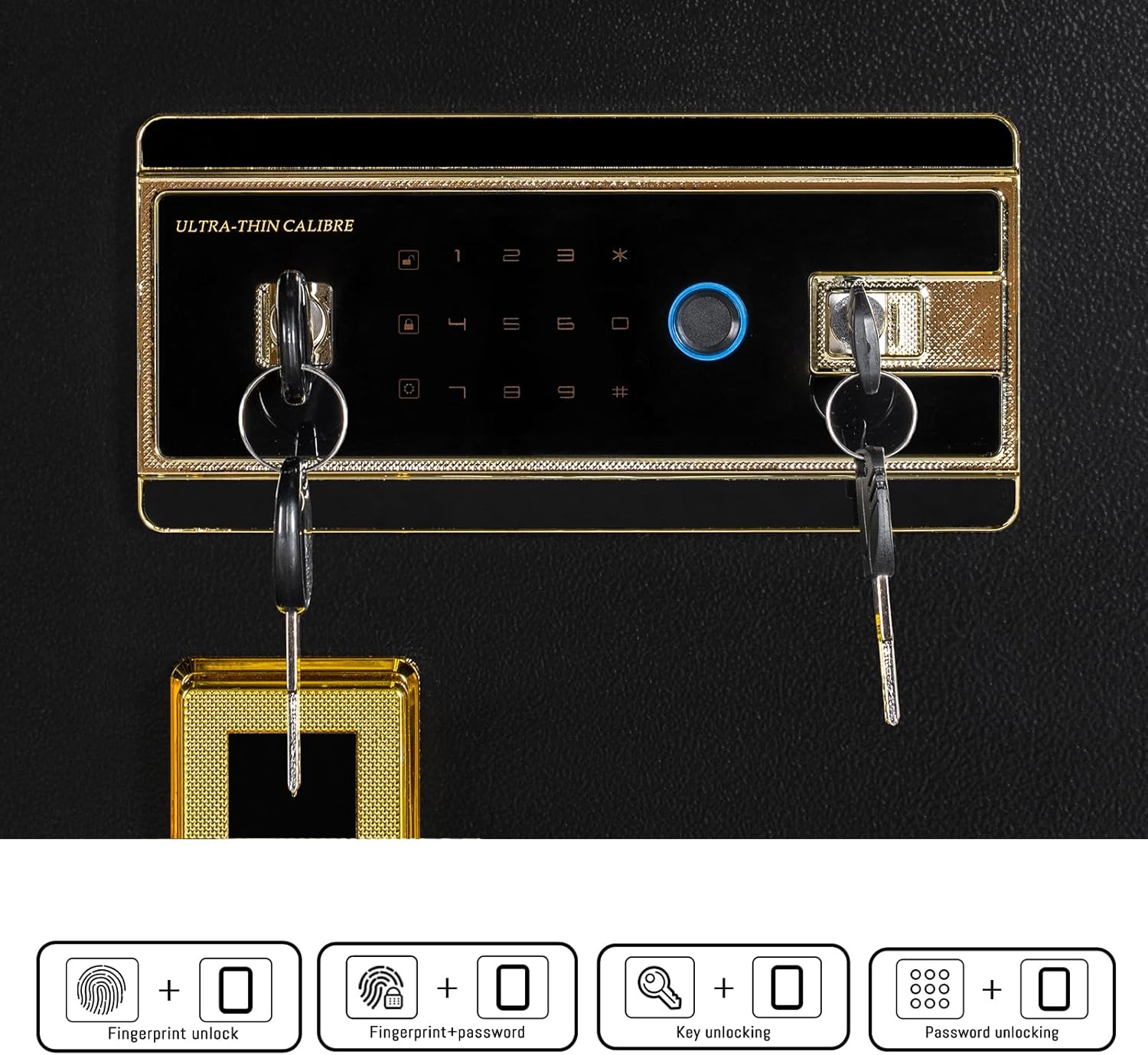
Image: The safe's multi-function lock panel and various unlocking methods.

Image: Different types of multi-function locks available.
7. Manteniment
7.1 Substitució de la bateria
When the battery indicator shows low power, replace all batteries promptly to avoid being locked out. Use the external power box or emergency keys if the batteries die completely.
7.2 Neteja
Netegeu l'exterior de la caixa forta amb un drap suauamp cloth. Avoid abrasive cleaners or solvents that could damage the finish or electronic components. Keep the fingerprint scanner clean and dry for optimal performance.
7.3 Gestió de claus
Keep emergency keys in a secure, hidden location outside the safe. Do not duplicate keys unless absolutely necessary, and ensure any duplicates are also stored securely.
8. Solució De Problemes
- Safe does not open with code/fingerprint: Ensure batteries are not low. Try using the external power box. Re-enter the code carefully. Re-scan your finger, ensuring it is clean and properly positioned. If issues persist, use the emergency keys.
- L'alarma s'activa inesperadament: Check if the safe has been moved or subjected to strong vibrations. Ensure no incorrect codes were entered. The alarm will reset after a period or upon successful unlocking.
- El teclat no respon: Check battery levels. If using the external power box, ensure it is correctly connected.
- Keys do not turn: Ensure the correct keys are being used and are fully inserted. Do not force the keys.
9. Especificacions
| Característica | Detall |
|---|---|
| Marca | MLJ |
| Número de model | LARGE SAFE BOX |
| Capacitat | 8.1 peus cúbics |
| Dimensions del producte (P x A x A) | 17.33 "P x 20.5" W x 39.4" H |
| Pes de l'article | 101.4 lliures |
| Tipus de bloqueig | Biomètric (empremta digital), teclat digital, clau |
| Material | Cold-rolled low carbon steel |
| Característiques especials | Alarm System, Sensor Light, Anti-Theft, Fire Resistant, Removable Shelf, Waterproof |
| Tipus de muntatge | Muntatge al terra |
| Color | Negre |

Image: Product dimensions of the safe.
10. Garantia i Suport
For warranty information, technical support, or any questions regarding your MLJ Security Safe, please refer to the contact information provided with your purchase documentation or visit the official MLJ weblloc web. Conserveu el rebut de compra com a comprovant de compra per a reclamacions de garantia.