
HiFuture EVENT
Manual d'usuari de l'altaveu Bluetooth HiFuture EVENT
Model: EVENT | Brand: HiFuture
Introducció
Thank you for choosing the HiFuture EVENT Bluetooth Speaker. This powerful and portable speaker is designed to deliver exceptional audio quality with vibrant RGB lighting, making it perfect for any event or gathering. This manual provides detailed instructions to help you set up, operate, and maintain your speaker for optimal performance.
Producte acabatview

Figura 1: Frontal view of the HiFuture EVENT Bluetooth Speaker, showcasing its sleek black design and dynamic RGB light ring.

Figure 2: An illustrative diagram highlighting the main features of the HiFuture EVENT speaker, including dual DSP, multiple audio inputs, dual-directional sound system, 50W woofer + 30W tweeter, RGB lights, TWS connection option, bass boost function, and power bank functionality.

Figura 3: Primer pla view of the speaker's internal components, specifically pointing out the 50W Woofer and 30W Tweeter, which contribute to its powerful 80W sound output.

Figure 4: An internal diagram demonstrating the speaker's optimized acoustic design for deep and impactful bass, including the bass port and vibration suppression features.
Característiques clau
- Sortida d'àudio potent: Equipped with a 50W woofer and 30W tweeter for a total of 80W RMS output, with a maximum peak power of 180 Watts, delivering rich and clear stereo sound.
- Connectivitat Bluetooth: Seamless wireless connection to your devices.
- Il·luminació RGB dinàmica: Enhance your listening experience with vibrant, rhythm-synced RGB lights.
- Dual DSP & Multiple Audio Inputs: Advanced Digital Signal Processing for optimized sound and versatile connectivity options.
- True Wireless Stereo (TWS) Support: Connect two EVENT speakers for an immersive stereo sound experience.
- Bass Boost Function: Dedicated feature to amplify low frequencies for deeper bass.
- Funcionalitat del banc d'energia: Use the speaker to charge your other devices on the go.
- Disseny portàtil: Durable acrylic material and table-mount type for easy placement and transport, designed for parties and various events.
Guia de configuració
1. Desembalatge i càrrega inicial
- Traieu amb cura l'altaveu i tots els accessoris de l'embalatge.
- Inspect the speaker for any signs of damage.
- Before first use, fully charge the speaker using the provided charging cable. The battery life is approximately 4 hours on a full charge.
2. Encès / apagat
- To power on, press and hold the Power button (location typically on the back or top panel) for a few seconds until you hear an audible prompt or see the indicator lights illuminate.
- Per apagar-lo, premeu i manteniu premut el botó d'engegada de nou fins que l'altaveu s'apagui.
Instruccions de funcionament
1. Emparellament Bluetooth
- Ensure the speaker is powered on and in Bluetooth pairing mode (usually indicated by a blinking LED light). If not, press the Bluetooth button to activate pairing mode.
- Al dispositiu (telèfon intel·ligent, tauleta, ordinador), aneu a la configuració de Bluetooth i activeu-lo.
- Cerca available devices. You should see "HiFuture EVENT" in the list.
- Select "HiFuture EVENT" to connect. Once connected, the speaker will provide an audible confirmation, and the LED light will become solid.
- Ara pots reproduir àudio des del teu dispositiu a través de l'altaveu.
2. Emparellatge estèreo sense fil veritable (TWS)
To pair two HiFuture EVENT speakers for a stereo experience:
- Assegureu-vos que tots dos altaveus estiguin encesos i no connectats a cap altre dispositiu Bluetooth.
- On one speaker (this will be the primary speaker), press and hold the TWS button (refer to your speaker's button layout if unsure).
- The primary speaker will search for the secondary speaker. Once connected, both speakers will provide an audible confirmation.
- Ara, connecta el dispositiu a l'altaveu principal mitjançant Bluetooth tal com es descriu a la secció "Emparellament amb Bluetooth". L'àudio es reproduirà en estèreo a través dels dos altaveus.
3. Controls i Funcions
- Control de volum: Use the volume buttons (+/-) on the speaker or your connected device.
- Reproduir/pausa: Premeu el botó Reproduir/Pausa una vegada per reproduir o pausar l'àudio.
- Omet les pistes: Double-press the Next Track button to skip forward, or the Previous Track button to skip backward.
- Control d'il·luminació RGB: Press the Light button to cycle through different lighting modes or turn the lights off.
- Intensificació dels sons més greus: Press the Bass Boost button to activate or deactivate the enhanced bass mode.
- Funció del banc d'energia: Connect your device to the speaker's USB output port to charge it.

Figure 5: The HiFuture EVENT speaker displaying its vibrant RGB lighting, which can be controlled to match your mood or music.
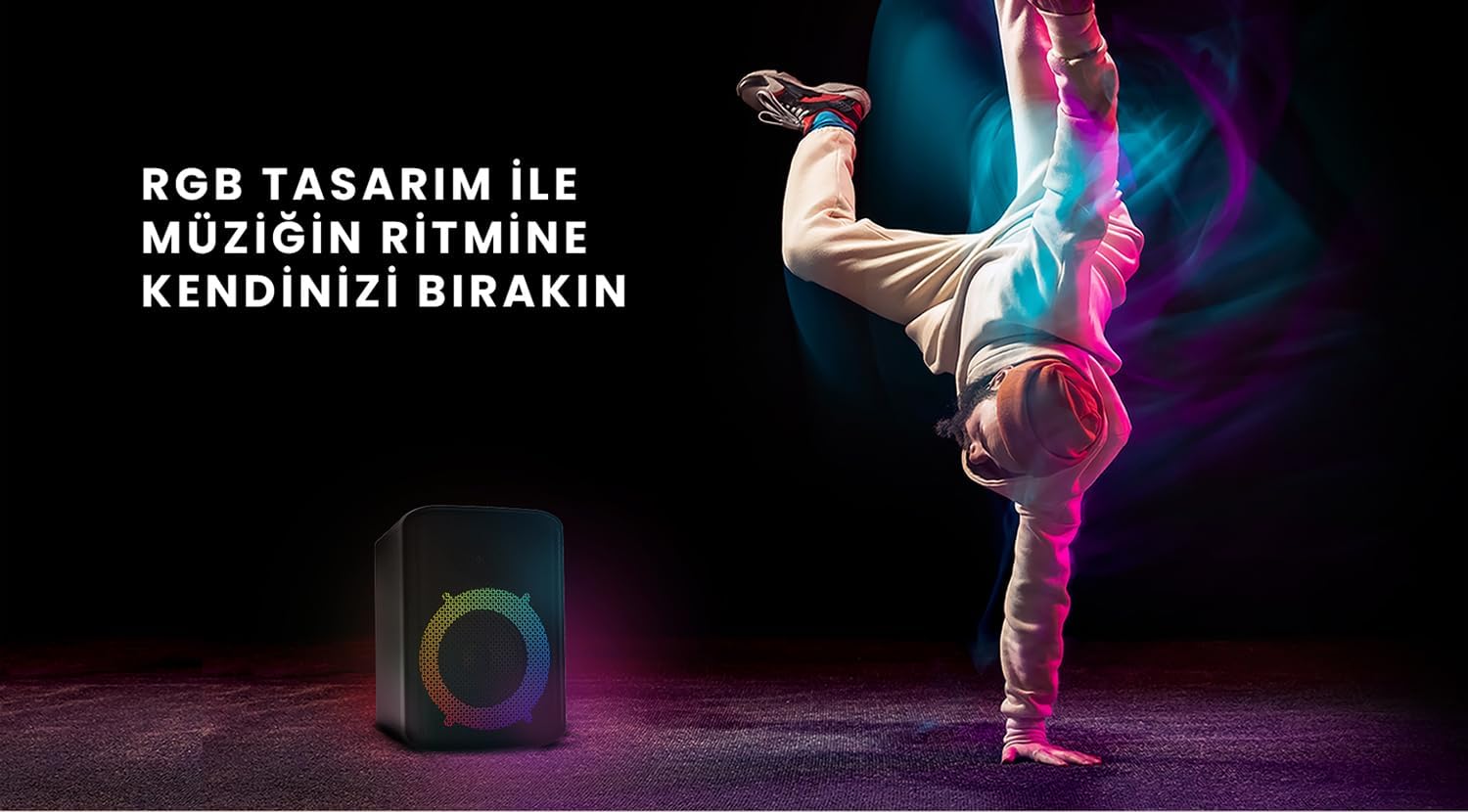
Figure 6: The HiFuture EVENT speaker in a dynamic setting, emphasizing how its RGB lighting enhances the atmosphere for parties and events.
Manteniment
- Neteja: Feu servir un drap suau i sec per netejar la superfície de l'altaveu. No utilitzeu productes de neteja abrasius ni dissolvents.
- Emmagatzematge: Guardeu l'altaveu en un lloc fresc i sec, allunyat de la llum solar directa i de temperatures extremes.
- Cura de la bateria: Per allargar la durada de la bateria, eviteu descarregar-la completament amb freqüència. Carregueu-la regularment, fins i tot si no la feu servir durant períodes prolongats.
- Resistència a l'aigua: While designed for portability, avoid exposing the speaker to excessive moisture or submerging it in water unless explicitly stated as waterproof.
Resolució de problemes
| Problema | Possible solució |
|---|---|
| L'altaveu no s'encén. | Assegureu-vos que l'altaveu estigui completament carregat. Connecteu-lo a una font d'alimentació i torneu-ho a provar. |
| No es pot emparellar per Bluetooth. |
|
| Sense so o amb un volum baix. |
|
| Les llums RGB no funcionen. | Press the Light button to cycle through modes or turn them on. Ensure the speaker is powered on. |
Especificacions
| Característica | Detall |
|---|---|
| Marca | HiFuture |
| Model | ESDEVENIMENT |
| Potència màxima de sortida de l'altaveu | 180 Watts (Peak), 80W RMS (50W Woofer + 30W Tweeter) |
| Tecnologia de connectivitat | Bluetooth |
| Mode de sortida d'àudio | estèreo |
| Tipus de muntatge | Muntatge de taula |
| Material | Acrílic |
| Tipus d'altaveu | Multimèdia |
| Dispositius compatibles | Bluetooth-enabled devices (e.g., smartphones, tablets) |
| Color | Negre |
| Durada de la bateria | Fins a 4 hores |
Garantia i Suport
The HiFuture EVENT Bluetooth Speaker comes with a standard manufacturer's warranty. Please refer to the warranty card included in your product packaging for specific terms and conditions. For technical support, troubleshooting assistance, or warranty claims, please contact HiFuture customer service through their official weblloc web o el venedor on vau comprar el producte.
Documents relacionatsESDEVENIMENT


Ask a question about this manual
Ask about setup, troubleshooting, compatibility, parts, safety, or missing instructions. Manuals+ will review the question and use this page’s manual context to help answer it.