
1. Introducció
Thank you for choosing the Rettru XDWIFI Pro Wireless WiFi Camera. This compact camera is designed for versatile security monitoring, offering HD 1080P video recording, night vision, and motion detection capabilities. It is suitable for various applications including home security, baby monitoring, and pet monitoring. This manual provides detailed instructions for setting up, operating, and maintaining your camera to ensure optimal performance.
2. Contingut del paquet
Si us plau, verifiqueu que tots els elements que s'enumeren a continuació estiguin inclosos al vostre paquet:
- 1 x Rettru XDWIFI Pro Camera
- 1 x Base magnètica
- 1 x Lector de targetes Micro SD
- 1 x Manual d'usuari
- 1 x cable d'alimentació

Image: The package contents include the camera, magnetic base, Micro SD card reader, user manual, and power cable.
3. Característiques del producte
- Disseny compacte: The camera features a small form factor, measuring approximately 1.57 x 1.18 x 0.5 inches, making it easy to conceal and place discreetly.
- Vídeo HD 1080P: Records clear video at 1080p resolution.
- Visió nocturna millorada: Equipped with two 940nm infrared lights, providing up to 26ft night vision range without visible glow.
- Detecció de moviment: Intelligent motion detection with customizable monitoring areas and times. Sends alarm notifications with images to your phone upon detection.
- Mode d'alimentació dual: Features a built-in lithium battery for approximately 1.5 hours of continuous operation, and can be connected to a USB power source for extended use.
- Enregistrament en bucle: Sobreescriu automàticament els més antics filequan la targeta de memòria està plena, cosa que garanteix un enregistrament contínuu.
- Remot Viewing: Access live video feed from anywhere via the companion mobile application (V380 Pro).
- Muntatge magnètic: Includes a magnetic base for flexible installation on various surfaces.

Image: The camera's compact dimensions are illustrated, emphasizing its small size.

Image: The camera's small size allows for discreet placement, such as within a plant pot.

Image: The camera can be mounted on a desk, bookshelf, or wall using its 360-degree rotating stand.
4. Guia de configuració
4.1 Càrrega de la càmera
Before first use, fully charge the camera. Connect the camera to a USB power source (e.g., wall charger, power bank, computer USB port) using the provided USB cable. The charging indicator light will show the charging status.

Image: The camera supports dual power modes, allowing it to be powered by its built-in battery or an external USB source like a power bank or wall charger.
4.2 Inserció d'una targeta Micro SD (opcional)
For local video storage, insert a Micro SD card (up to 128GB, purchased separately) into the camera's SD card slot. Ensure the card is inserted correctly with the contacts facing the camera's interior. The camera supports loop recording, overwriting older files quan la targeta està plena.

Image: Illustration of Micro SD card insertion and the corresponding recording durations for various card capacities.
4.3 Descàrrega i instal·lació d'aplicacions
The Rettru XDWIFI Pro camera uses the V380 Pro application for remote viewing and control. Download the app from your device's app store (iOS App Store or Google Play Store).
- Cerca "V380 Pro" in your app store.
- Baixeu i instal·leu l'aplicació.
- Registra't per obtenir un compte o inicia la sessió si ja en tens un.

Image: Visual steps for downloading the V380 Pro app, connecting the device, and establishing a WiFi connection.
4.4 Connecting the Camera to WiFi
Follow these steps to connect your camera to your home WiFi network:
- Enceneu la càmera.
- Open the V380 Pro app on your smartphone.
- Toqueu la icona "+" per afegir un dispositiu nou.
- Select the appropriate connection method (e.g., "Add device by WiFi Smart Config" or "Add device by AP Hotspot").
- Follow the on-screen instructions to connect the camera to your 2.4GHz WiFi network. Note: This camera only supports 2.4GHz WiFi networks. It is not compatible with 5GHz networks.
- Once connected, you can name your device and begin viewemetent el transmissió en directe.
5. Instruccions de funcionament
5.1 Viu Viewing
After successful setup, open the V380 Pro app and select your camera from the device list to access the live video feed. You can view the feed remotely from anywhere with an internet connection.
5.2 Detecció de moviment
The camera features intelligent motion detection. When motion is detected, the camera will send an alarm notification with images to your phone. You can customize motion detection settings within the V380 Pro app:
- Sensibilitat: Ajusteu la sensibilitat de detecció de moviment.
- Àrea de detecció: Defineix àrees específiques dins de la càmera view per a la detecció de moviment.
- Horari: Estableix horaris específics perquè la detecció de moviment estigui activa.
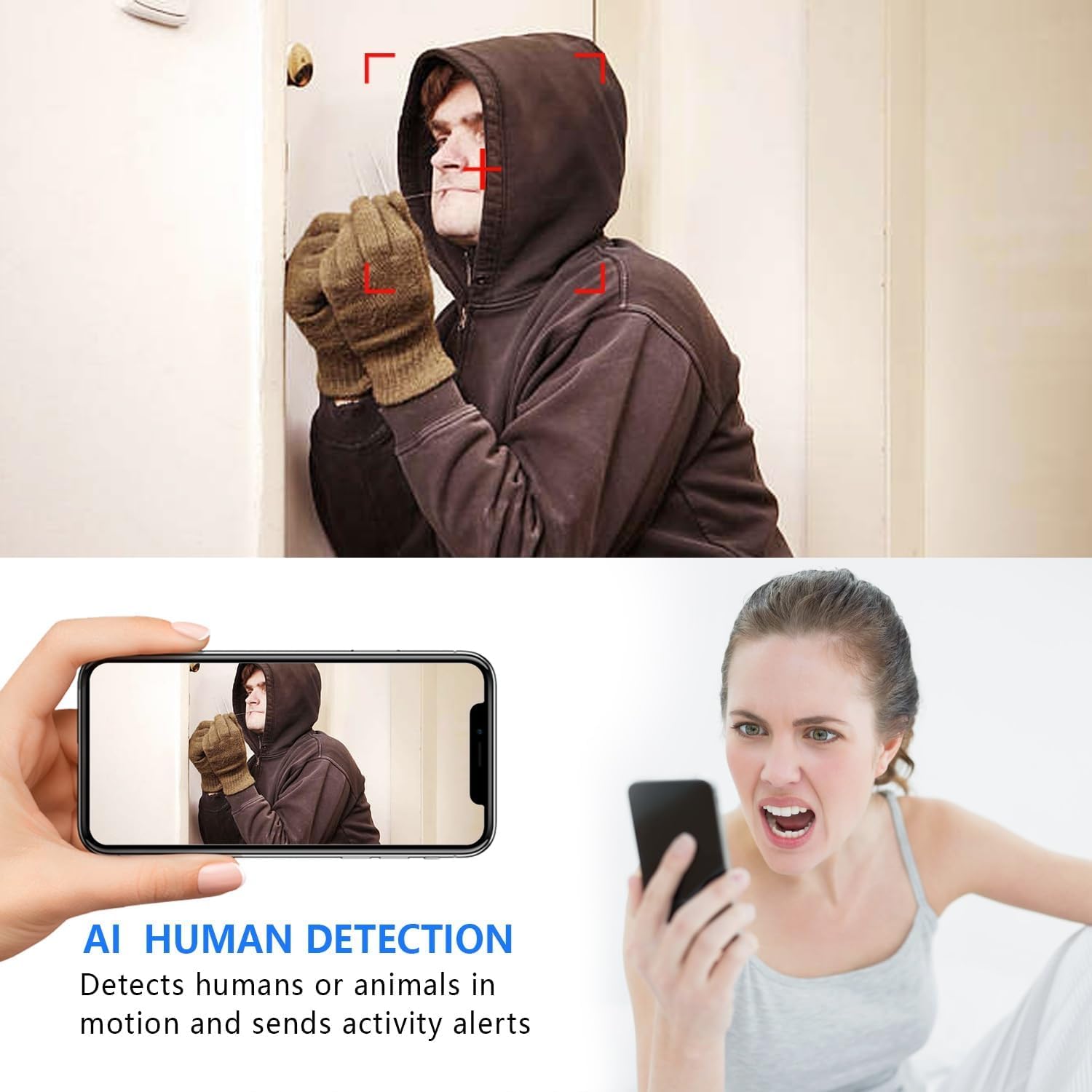
Image: The AI Human Detection feature identifies human movement and sends alerts to your mobile device.
5.3 Visió nocturna
The camera automatically switches to night vision mode in low-light conditions. The infrared lights are non-glowing, ensuring discreet monitoring in complete darkness up to 26 feet.

Image: Comparison of day and night vision, demonstrating the camera's ability to provide clear images in darkness.
5.4 Enregistrament i emmagatzematge
La càmera admet dos mètodes de gravació principals:
- Micro SD Card Recording: If an SD card is inserted, the camera will record video directly to it. Loop recording ensures continuous operation by overwriting the oldest footage.
- Emmagatzematge al núvol: The V380 Pro app may offer optional cloud storage services for your recordings. Refer to the app for details on subscription plans and features.
6. Manteniment
- Neteja: Feu servir un drap suau i sec per netejar la lent i el cos de la càmera. Eviteu utilitzar netejadors líquids o materials abrasius.
- Cura de la bateria: For optimal battery life, avoid extreme temperatures. Recharge the camera regularly, especially if it will be stored for an extended period.
- Actualitzacions de firmware: Periodically check the V380 Pro app for any available firmware updates for your camera. Keeping the firmware updated ensures the best performance and security.
7. Solució De Problemes
| Problema | Causa possible | Solució |
|---|---|---|
| Camera fails to connect to WiFi. | Incorrect WiFi password; Camera too far from router; Router is 5GHz only; Network interference. |
|
| Sense transmissió de vídeo en directe. | Camera is offline; Poor internet connection; App issue. |
|
| Motion detection alerts not received. | App notifications disabled; Motion detection settings incorrect; Camera offline. |
|
| Durada de la bateria curta. | Continuous recording; Frequent motion detection; Low ambient temperature. |
|
8. Especificacions
| Característica | Detall |
|---|---|
| Número de model | USA-Heima-XDWIFI New-JIAN-00005 |
| Resolució de captura de vídeo | 1080p |
| Viewangle ing | 160 graus |
| Gamma de visió nocturna | Fins a 26 peus |
| Protocol de connectivitat | Wi-Fi (només 2.4 GHz) |
| Dispositius compatibles | iOS/Android Phone |
| Font d'alimentació | Funciona amb bateria (1 bateria d'ions de liti inclosa) |
| Durada de la bateria | Aprox. 1.5 hores (funcionament continu) |
| Emmagatzematge | Targeta Micro SD (fins a 128 GB, no inclosa), emmagatzematge al núvol (opcional) |
| Dimensions de l'article (L x A x A) | 1.7 x 1.3 x 0.4 polzades |
| Pes de l'article | 0.64 unces (18.14 g) |
| Aplicació operativa | V380 Pro |
| Tipus d'instal·lació | Wall-Mounted & Surface-Mounted (with magnetic base) |
| Classificació de protecció internacional | IP65 |
9. Garantia i Suport
For warranty information and technical support, please refer to the contact details provided with your purchase or visit the official Rettru weblloc. Si teniu algun problema que no es tracta en aquest manual, poseu-vos en contacte amb el servei d'atenció al client per obtenir ajuda.