
Amazon Kindle Paperwhite (12a generació): llançament del 2024
Amazon Kindle Paperwhite User Manual
Model: Kindle Paperwhite (12th Generation) - 2024 Release
Introducció
The Amazon Kindle Paperwhite (12th Generation) is an advanced e-reader designed for an immersive reading experience. It features a 7-inch glare-free display, adjustable warm light, and extended battery life, making it suitable for reading in various environments. This manual provides essential information for setting up, operating, maintaining, and troubleshooting your device.

Image: The Kindle Paperwhite device, showcasing its display and compact design.
Configuració
1. Desembalatge i càrrega inicial
Upon unboxing your Kindle Paperwhite, ensure all included items are present: the Kindle Paperwhite device, a USB-C charging cable, and the Quick Start Guide. Before first use, fully charge your device. Connect the USB-C cable to the Kindle's charging port and the other end to a compatible USB power adapter (9W recommended, sold separately) or a computer's USB port. A full charge takes approximately 2.5 hours with a 9W adapter.
2. Encès / apagat
To power on your Kindle, press and hold the power button located on the bottom edge of the device for a few seconds until the screen illuminates. To turn off the screen (sleep mode), briefly press the power button. To fully power off the device, press and hold the power button for approximately 7 seconds until a power dialog appears, then select 'Power Off'.
3. Connexió a Wi-Fi
After powering on, follow the on-screen prompts to connect to a Wi-Fi network. Your Kindle supports 2.4 GHz and 5.0 GHz networks with WEP, WPA, WPA2, WPA3, and OWE security. Select your network from the list and enter the password if required. A stable Wi-Fi connection is necessary for downloading content and receiving software updates.
4. Registering Your Device
Once connected to Wi-Fi, you will be prompted to register your Kindle to an Amazon account. You can either sign in with an existing Amazon account or create a new one. Registration links your device to your Kindle library and enables access to the Kindle Store.
Funcionament del Kindle Paperwhite
1. Navegació bàsica
- Page Turns: Tap the right side of the screen to go to the next page, or the left side to go to the previous page. You can also swipe left or right.
- Pantalla d'inici: Tap the top of the screen to bring up the toolbar, then tap the 'Home' icon to return to your library.
- Cerca: Use the search bar on the home screen to find books, authors, or content within your device or the Kindle Store.
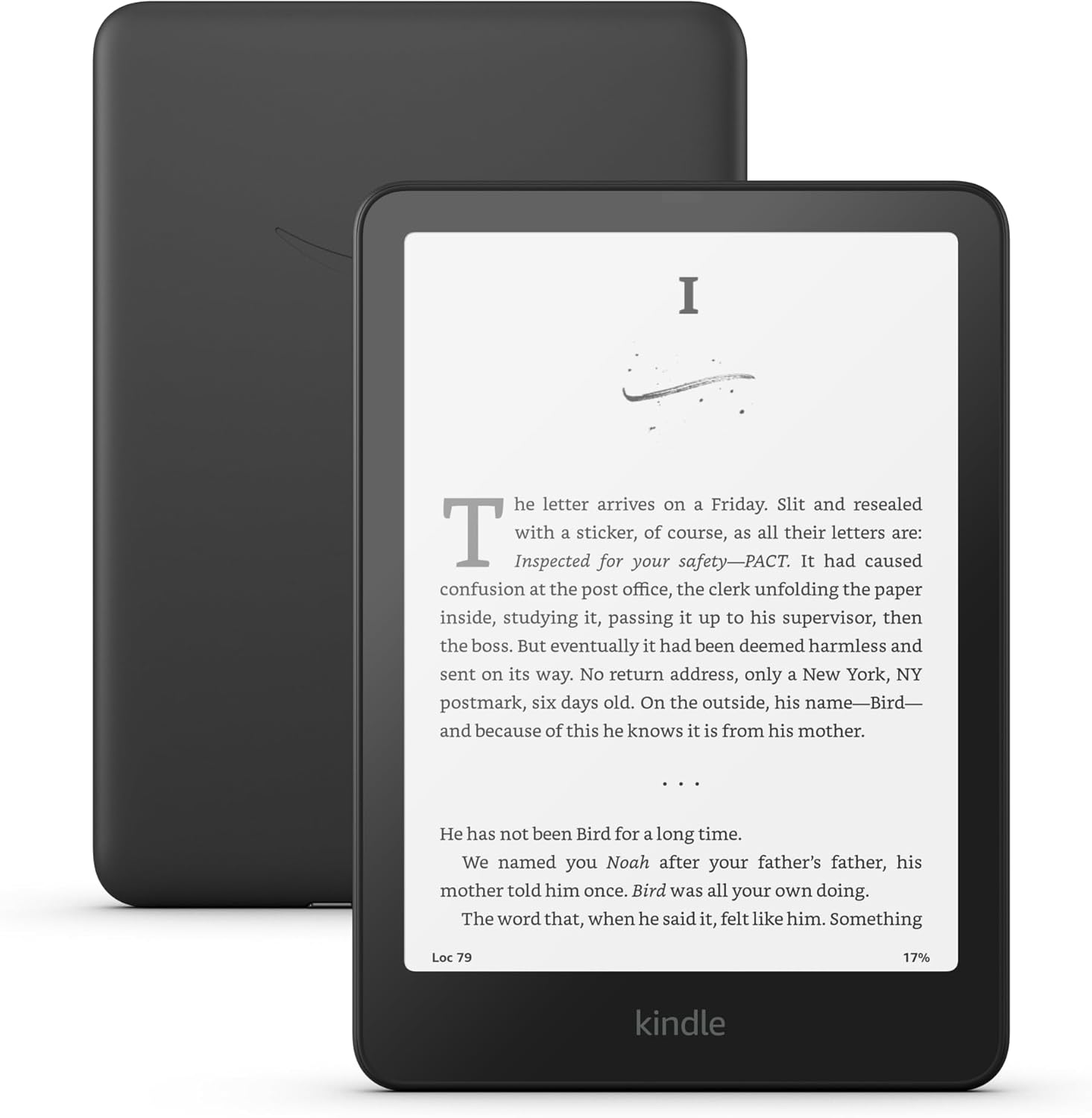
Image: A user interacting with the Kindle Paperwhite, demonstrating its ergonomic design for reading.
2. Reading Experience Customization
- Configuració del tipus de lletra: While reading, tap the top of the screen, then select the 'Aa' icon to adjust font size, font face, line spacing, and margins.
- Adjustable Warm Light: The Kindle Paperwhite features an adjustable warm light. Tap the top of the screen, then use the brightness and warmth sliders to customize the display's illumination from white to amber. This feature is beneficial for comfortable reading in various lighting conditions, including low light.
- Mode fosc: For reading in very dark environments, Dark Mode inverts the screen colors (white text on a black background). Access this setting from the quick actions menu by tapping the top of the screen.
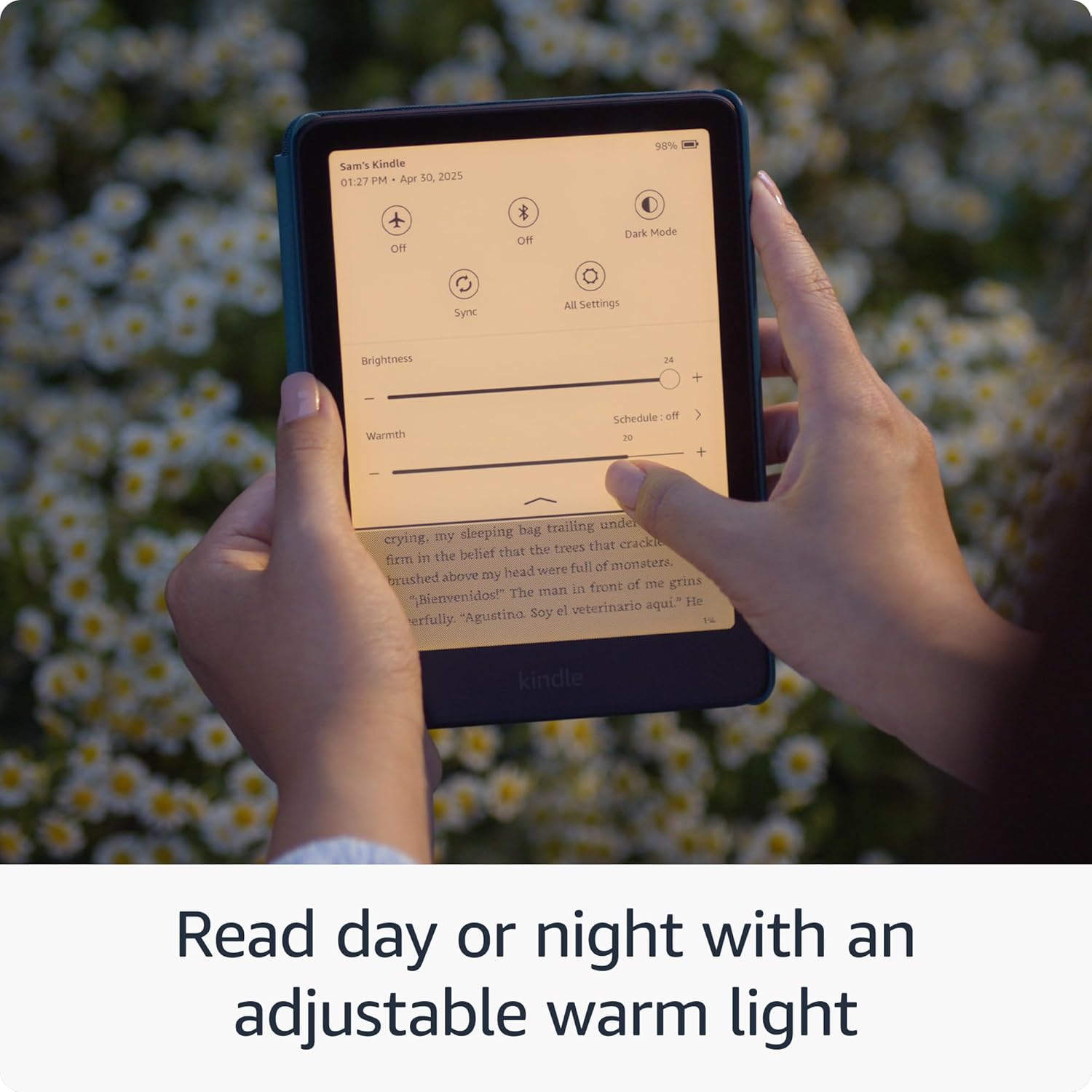
Image: The Kindle Paperwhite display demonstrating the adjustable warm light feature for comfortable reading day or night.
3. Gestió de continguts
- Botiga Kindle: Access millions of titles directly from your device via the Kindle Store. Browse by genre, author, or bestseller lists.
- Kindle Unlimited: If subscribed, Kindle Unlimited provides access to a vast catalog of e-books, audiobooks, and magazines.
- Personal Documents: You can send personal documents (PDF, DOCX, HTML, EPUB, etc.) to your Kindle via email or the Send to Kindle application. These documents will appear in your library.
- Audible Audiobooks: The Kindle Paperwhite supports Audible audiobooks. Connect Bluetooth headphones or speakers to listen.

Image: A visual representation of the extensive library of books accessible through the Kindle Store.
4. Característiques d'accessibilitat
The Kindle Paperwhite includes several accessibility features:
- veuView Lector de pantalla: Available over Bluetooth audio, VoiceView provides spoken feedback to help navigate the device and read books using text-to-speech (English only). To enable, connect Bluetooth headphones/speaker, then go to Settings > Accessibility > VoiceView Screen Reader.
- Font Adjustments: Customize font size, font face, line spacing, and margins for improved readability.
Manteniment
1. Càrrega i durada de la bateria
To maintain optimal battery performance, charge your Kindle Paperwhite regularly. A single charge can last up to twelve weeks, based on 30 minutes of reading per day with wireless off and the light setting at 13. Battery life will vary with usage, especially with Wi-Fi on or Audible audiobook streaming.
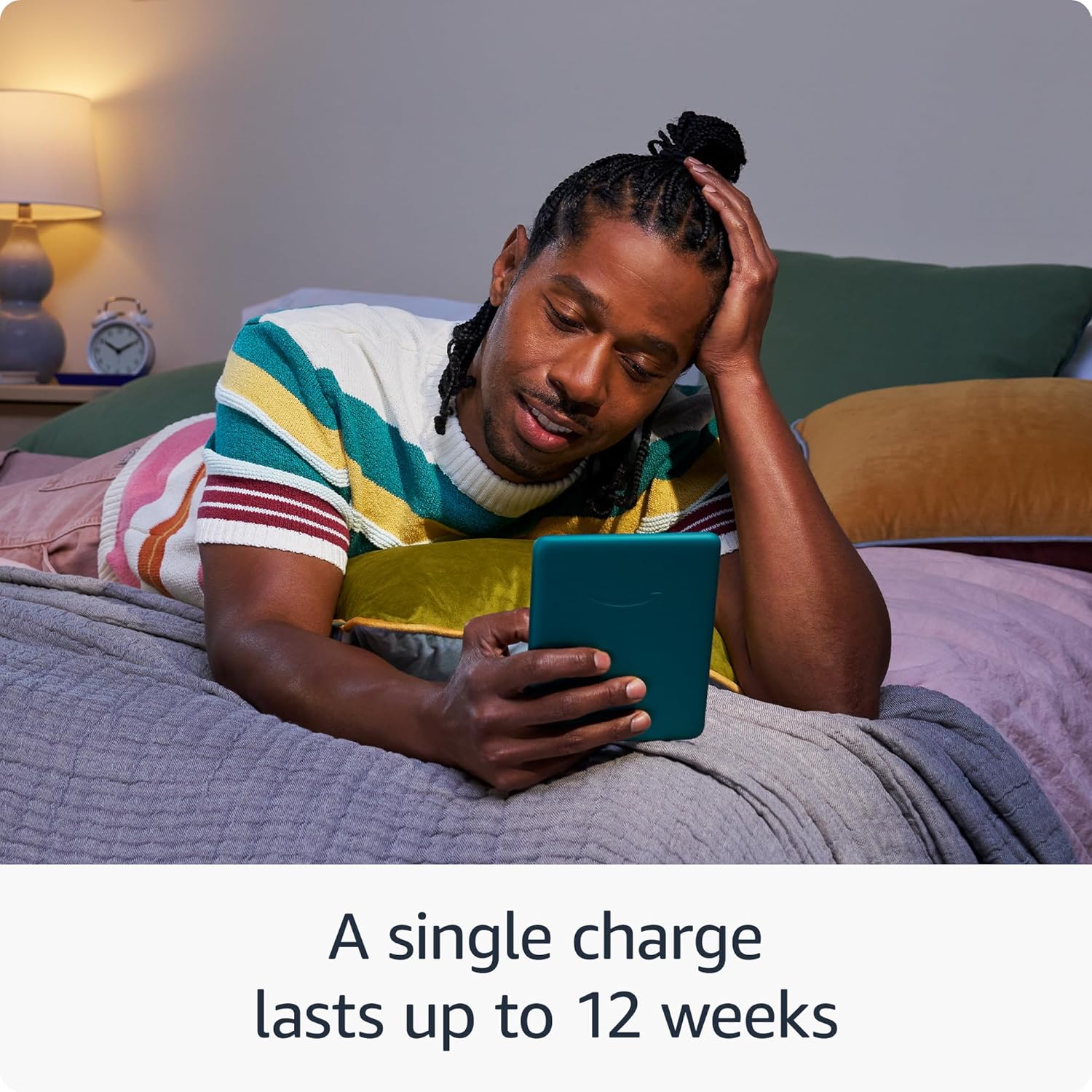
Image: The Kindle Paperwhite in use, highlighting its extended battery life for prolonged reading sessions.
2. Neteja del dispositiu
Gently wipe the screen and body of your Kindle with a soft, lint-free cloth. Avoid using abrasive cleaners, solvents, or aerosol sprays directly on the device.
3. Impermeabilització (IPX8)
The Kindle Paperwhite is waterproof with an IPX8 rating, meaning it is tested to withstand immersion in 2 meters of fresh water for 60 minutes. While designed for durability, avoid prolonged submersion in water, especially saltwater or other liquids. If the device gets wet, dry it thoroughly before charging.
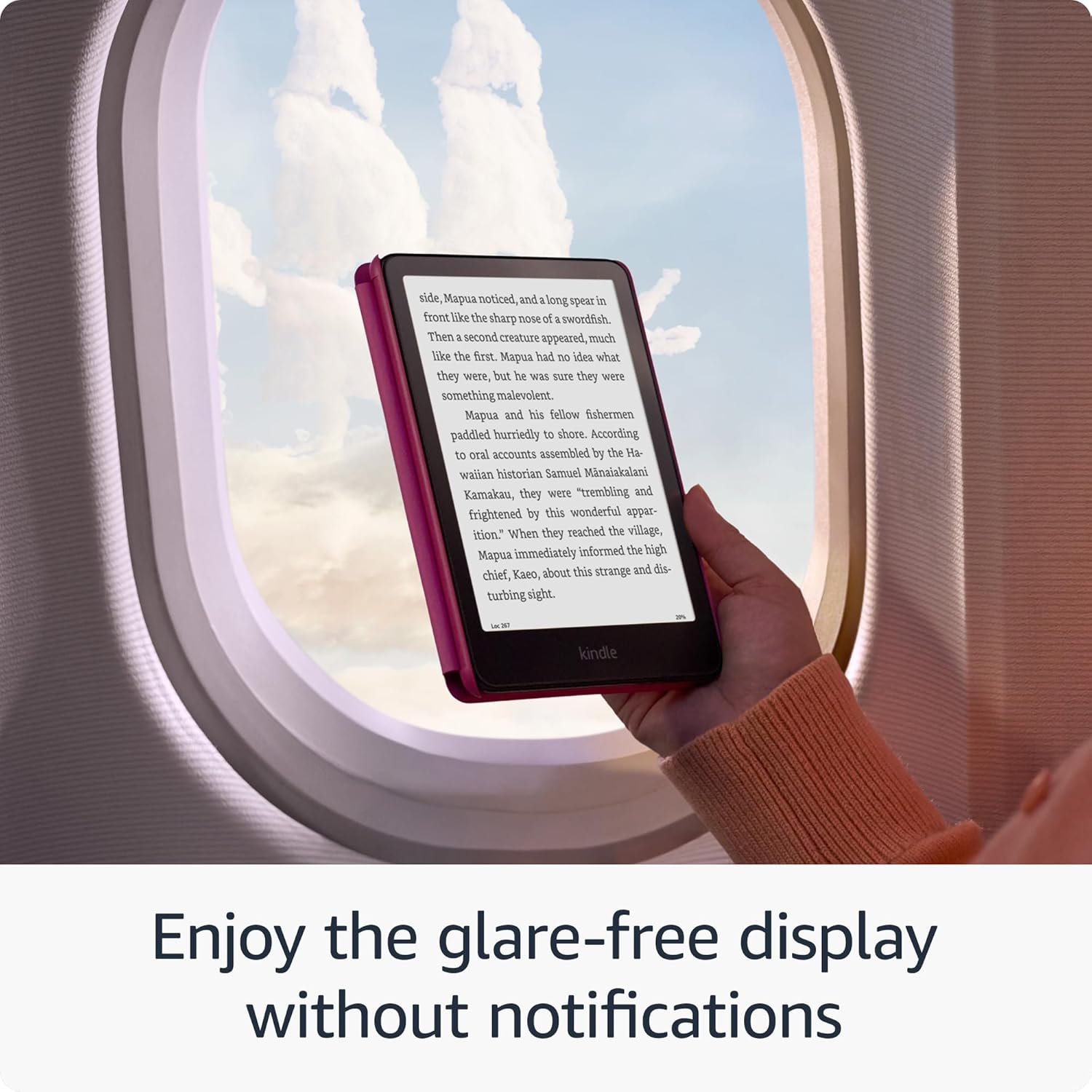
Image: The Kindle Paperwhite's glare-free display, suitable for reading in various environments without distractions.
4. Software Security Updates
Your Kindle Paperwhite receives guaranteed software security updates for at least four years from its last availability as a new unit. These updates are typically delivered automatically when connected to Wi-Fi. Ensure your device is connected to a network periodically to receive these updates, which improve performance and security.
Resolució de problemes
- El dispositiu no respon: If your Kindle is unresponsive, press and hold the power button for 40 seconds until the device restarts.
- No es pot connectar a Wi-Fi: Ensure your Wi-Fi password is correct. Try restarting your Wi-Fi router and then your Kindle. If issues persist, try connecting to a different network to rule out network-specific problems.
- Esgotament ràpid de la bateria: Reduce screen brightness, turn off Wi-Fi when not needed, and ensure no large downloads are pending. If the issue persists, a full restart may help.
- Books Not Appearing: Ensure your device is connected to Wi-Fi and registered to the correct Amazon account. Sync your Kindle from the quick actions menu (three dots icon) to refresh your library.
Especificacions
| Mostra | Tecnologia de pantalla Paperwhite de 7 polzades d'Amazon amb llum integrada, 300 ppp, tecnologia de font optimitzada i escala de grisos de 16 nivells. |
| Mida | 5" x 7" x 0.3" (127.6 x 176.7 x 7.8 mm) |
| Pes | 7.4 oz (211 g). La mida i el pes reals poden variar segons la configuració i el procés de fabricació. |
| Requisits del sistema | Cap; totalment sense fil i no requereix un ordinador per descarregar contingut. |
| Emmagatzematge al dispositiu | 16 GB; té capacitat per a milers de llibres. |
| Emmagatzematge al núvol | Emmagatzematge gratuït al núvol per a tot el contingut d'Amazon. |
| Durada de la bateria | Una sola càrrega dura fins a dotze (12) setmanes, basant-se en mitja hora de lectura al dia amb la connexió sense fil desactivada i la il·luminació a 13. La durada de la bateria pot variar segons l'ús. La transmissió de llibres d'àudio per Bluetooth reduirà la durada de la bateria. |
| Temps de càrrega | Es carrega completament en menys de 2.5 hores amb un adaptador de corrent USB de 9 W. |
| Connectivitat Wi-Fi | Admet xarxes de 2.4 GHz i 5.0 GHz amb compatibilitat amb seguretat WEP, WPA, WPA2, WPA3 i OWE mitjançant autenticació amb contrasenya o configuració protegida Wi-Fi (WPS). No admet la connexió a xarxes Wi-Fi ad-hoc (o peer-to-peer). |
| Característiques d'accessibilitat | veuView screen reader, available over Bluetooth audio, provides spoken feedback allowing you to navigate your device and read books with text-to-speech (available in English only). Kindle Paperwhite also includes Dark Mode and the ability to adjust font size, font face, line spacing and margins. |
| Formats de contingut compatibles | Format Kindle 8 (AZW3), Kindle (AZW), TXT, PDF, MOBI sense protecció, PRC de forma nativa; PDF, DOCX, DOC, HTML, EPUB, TXT, RTF, JPEG, GIF, PNG, BMP mitjançant conversió; Format d'àudio Audible (AAX). |
| Inclòs a la Caixa | Kindle Paperwhite, cable de càrrega USB-C i guia d'inici ràpid. |
| Impermeabilització | Resistent a l'aigua (IPX8), provat per suportar la immersió a 2 metres d'aigua dolça durant 60 minuts. |
| Colors disponibles | Negre, gerd i jade |
| Generació | Kindle Paperwhite (12a generació): llançament del 2024. |
Garantia i Suport
Your Kindle Paperwhite comes with a 1-year limited warranty and service. Optional extended warranties (1-year, 2-year, or 3-year) may be available for purchase separately for U.S. customers. Use of the Kindle is subject to the terms found on the Amazon weblloc.
For additional support, detailed documentation, and frequently asked questions, please visit the official Amazon Kindle support pages or refer to the Kindle User Guide available on your device or online.
You can also manage your content and devices by visiting Gestioneu el vostre contingut i dispositius.
Ask a question about this manual
Ask about setup, troubleshooting, compatibility, parts, safety, or missing instructions. Manuals+ will review the question and use this page’s manual context to help answer it.