
1. Introducció
The Zopsc Call to U Caregiver Pager system is designed to provide reliable and immediate communication between a patient or elderly individual and their caregiver. This wireless system ensures that assistance can be requested quickly and efficiently, enhancing safety and peace of mind in various settings such as homes, nursing facilities, and hospitals.
2. Producte acabatview
The system consists of a receiver unit and a call button (transmitter). The receiver alerts the caregiver, while the call button is used by the individual needing assistance.
2.1 Components
- Receptor: The main unit that receives signals from the call button and emits alerts.
- Call Button (Transmitter): A portable button used to send an alert signal.
- Cable de càrrega: For recharging the receiver unit.
- Manual d'usuari: Aquesta guia d'instruccions.
2.2 Diagrama del producte

Figura 1: Mésview of the Zopsc Caregiver Pager system, including the receiver and the call button with its lanyard.

Figura 2: Frontal view of the receiver unit, featuring a musical note icon indicating sound functions.

Figura 3: Frontal view of the call button, clearly marked with a bell icon and "CALL" text.
3. Característiques
- Trucada ràpida: Immediate alert message upon pressing the call button during an emergency.
- Senyal estable: Reliable working range up to 330 meters (1082.68 feet) in open areas, ensuring consistent communication.
- Alertes personalitzables: Offers 38 music options and 4-level volume adjustment for personalized alert settings.
- Ús versàtil: Suitable for various environments including homes, nursing homes, and hospitals, providing safety for the elderly and patients.
- Disseny portàtil: Lightweight and compact, making it easy to carry for both indoor and outdoor use.
4. Configuració
4.1 Càrrega del receptor
- Connect the provided charging cable to the receiver's charging port.
- Plug the other end of the charging cable into a standard USB power adapter (not included) or a USB port.
- Allow the receiver to charge fully before first use. The charging indicator light will typically change color or turn off when charging is complete.
4.2 Installing Battery in Call Button
- Locate the battery compartment on the back of the call button.
- Obriu la coberta del compartiment.
- Insert one 23A battery (60mAh) into the compartment, ensuring correct polarity (+/-).
- Tanqueu bé la tapa del compartiment de la bateria.
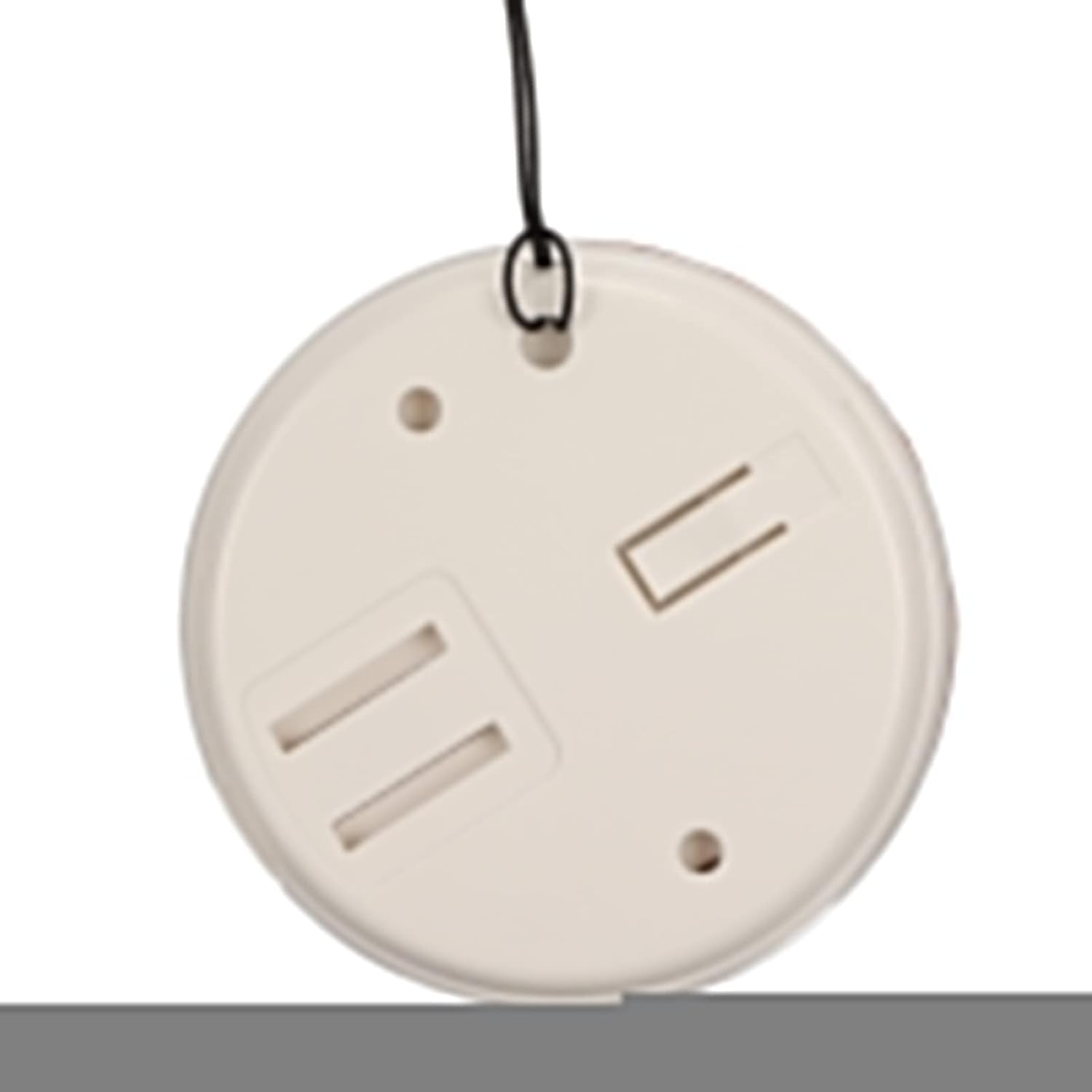
Figura 4: posterior view of the call button, illustrating the battery compartment for installation.
4.3 Pairing (Matching) Transmitter and Receiver
The system typically comes pre-paired. If re-pairing is needed or if you add additional buttons, follow these general steps:
- Enceneu el receptor.
- Press and hold the pairing button on the receiver (refer to receiver diagram for exact location, usually a small button on the side or back) until an indicator light flashes or a sound is heard, indicating pairing mode.
- Within a few seconds, press the call button (transmitter).
- The receiver should confirm successful pairing with a sound or light indication.
5. Instruccions de funcionament
5.1 Fer una trucada
To alert the caregiver, simply press the large "CALL" button on the transmitter. The receiver will immediately sound an alarm and/or flash a light, depending on its settings.
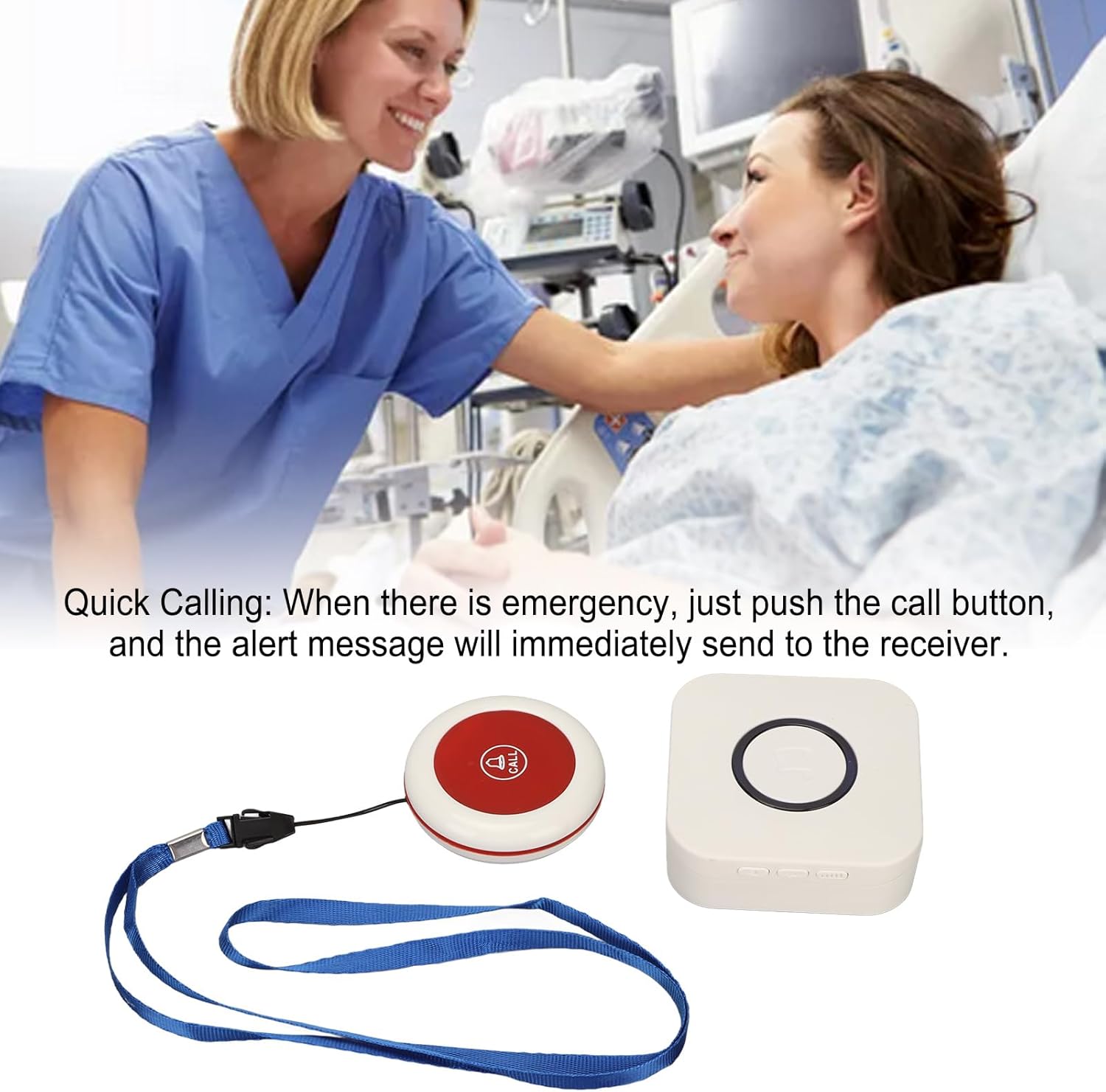
Figure 5: Illustrative image of a caregiver responding to a patient's call, demonstrating the product's purpose.
5.2 Adjusting Volume and Music Options
The receiver unit typically has buttons to adjust the volume level and cycle through the available music/alert tones. Refer to the receiver unit for specific button functions (e.g., volume up/down, melody selection button).

Figura 6: superior view of both the receiver and call button, showing their relative sizes and designs.
6. Manteniment
- Neteja: Netegeu les unitats amb un drap suau i sec. No utilitzeu productes de neteja abrasius ni les submergiu en aigua.
- Battery Replacement (Call Button): Replace the 23A battery in the call button when the signal becomes weak or the button stops functioning.
- Charging (Receiver): Recharge the receiver when the battery is low to ensure continuous operation.
- Emmagatzematge: Store the pager system in a cool, dry place when not in use for extended periods.
7. Solució De Problemes
| Problema | Causa possible | Solució |
|---|---|---|
| Receiver does not sound alarm. |
|
|
| El botó de trucada no respon. |
|
|
| Short signal range. |
|
|
8. Especificacions
| Característica | Detall |
|---|---|
| Tipus d'element | Buscapersones de cuidador |
| Material | ABS |
| Distància de recepció sense fil | Approx. 330m / 1082.68ft (in open space) |
| Freqüència sense fil | 433 MHz |
| Bateria del receptor | Built-in Lithium Polymer Battery, 1 x 1000mAh |
| Transmitter (Call Button) Battery | 1 x 23A Battery, 60mAh |
| Número de model | Zopsc2dw5184pv7 |
| Dimensions | 10.1 x 8.4 x 6.7 cm (Shipping Dimensions) |
| Pes | 190 g (pes de l'article) |
9. Garantia i Suport
Per obtenir informació sobre la garantia o assistència tècnica, consulteu l'embalatge del producte o poseu-vos en contacte amb el vostre distribuïdor. Conserveu el rebut de compra com a comprovant de compra.
For further assistance, you may visit the Zopsc official weblloc o poseu-vos en contacte amb el seu departament d'atenció al client.