1. Introducció
This manual provides instructions for the Generic 433 MHz Wireless Remote Control Key. This remote control is designed for use with specific door lock models, including HXQ908D, HXQ909E, HXQ910D, HXQ910E, and HXQ920. Please read these instructions carefully before use to ensure proper operation and longevity of your device.
2. Producte acabatview
The remote control key is a compact, battery-powered device designed for wireless control of compatible door locks. It features a durable ABS construction and is available in black. It operates on a 433 MHz frequency to communicate with the lock.

Figure 2.1: Two optional types of remote control keys (3-button and 4-button).

Figure 2.2: The remote control key communicating with compatible HXQ series smart locks.

Figura 2.3: Examples of remote control applications, including garage doors and gate doors.
3. Instruccions de configuració
3.1 Emparellament del control remot
- Open the battery cover of your door lock unit. Locate the 'setting key' in the middle of the left battery compartment.
- Press and hold the 'setting key' for approximately 2 seconds.
- El LED lamp on the lock will turn on, and you will hear a "beep, beep" sound, indicating it is in pairing mode.
- Press each remote control button for one second until you hear a single "beep". This confirms successful pairing for that remote. The pairing method for phone controllers and code boards is the same.
- Press the 'setting key' on the lock again for one second until you hear a "beep, beep" sound. This exits the pairing mode.
- Test each remote control to ensure it functions normally after configuration.
- If any remote control does not work, repeat the steps above to re-pair it.
3.2 Resetting Remote Controls
If a remote control is lost or you wish to invalidate an existing remote, you can reset the system:
- Follow the pairing steps (3.1.1 to 3.1.5) to re-pair your existing, valid remote controls.
- After resetting and re-pairing the valid remotes, any previously paired remote controls that were not re-paired will no longer be valid. This ensures security if a remote is lost.
4. Instruccions de funcionament
Once paired, the remote control key allows you to wirelessly lock and unlock your compatible door lock.
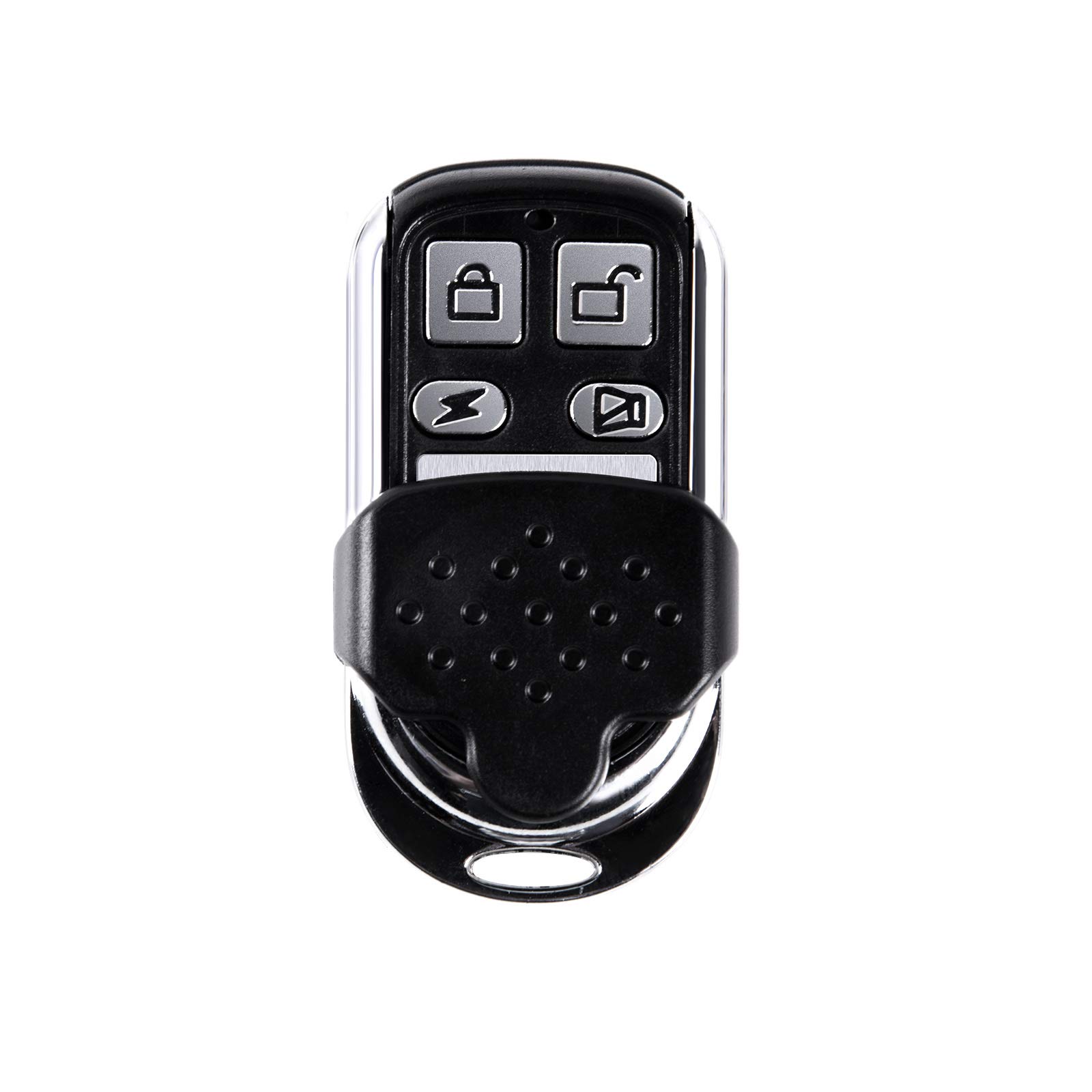
Figure 4.1: Operating the remote control key to interact with a door lock.
- Funció de bloqueig: Press the designated lock button on the remote control to engage the lock mechanism.
- Funció de desbloqueig: Press the designated unlock button on the remote control to disengage the lock mechanism.
Ensure you are within the operational range of the door lock for the remote control to function effectively.
5. Manteniment
The remote control key requires minimal maintenance. Keep the device clean and dry. Avoid exposing it to extreme temperatures, direct sunlight, or moisture. If the remote's range decreases or it becomes unresponsive, the integrated button battery may need replacement. Consult a professional for battery replacement if you are unsure.
6. Solució De Problemes
- El comandament a distància no respon: Check if the battery is depleted. Try re-pairing the remote control with the door lock as described in Section 3.1. Ensure you are within the effective range of the lock.
- Funcionament intermitent: This could be due to low battery or interference. Replace the battery if necessary. Ensure there are no large metallic objects or other strong radio frequency sources between the remote and the lock.
- Comandament a distància perdut: Follow the reset procedure in Section 3.2 to invalidate the lost remote and maintain security.
7. Especificacions
| Característica | Especificació |
|---|---|
| Tipus | 3-button, 4-button optional |
| Interval d'aplicació | Suitable for HXQ908D, HXQ909E, HXQ910D, HXQ910E, HXQ920 door locks |
| Freqüència | 433 MHz |
| Font d'alimentació | Integrated button battery |
| Funció | Bloquejar i desbloquejar |
| Material | ABS |
| Color | Negre |
| Dimensions (aprox.) | 8 x 5 x 2 cm (3.1 x 2 x 0.79 polzades) |
| Pes (aprox.) | 25 g (0.88 oz) |
| Contingut del paquet | 1 Remote Control Key |
8. Garantia i Suport
Specific warranty information for this product is not provided. For any issues or support inquiries, please refer to the retailer or manufacturer from whom the product was purchased. Keep your purchase receipt as proof of purchase.


