
Introducció
This manual provides essential information for the proper use and maintenance of your Philips T6908 True Wireless Headphones. These headphones feature Hybrid Active Noise Canceling Pro, Conversation Hearing Mode, Bluetooth Multipoint connectivity, and IPX4 water resistance. Please read this manual thoroughly before using your device.
Primers passos
Contingut del paquet
- Auriculars Philips T6908 True Wireless
- Estoig de càrrega sense fil
- Cable de càrrega USB-C
- 4 Pairs of Eartips (various sizes)
- Guia d'inici ràpid
Carregant els auriculars
Before first use, fully charge the headphones and the charging case. Connect the supplied USB-C cable to the charging case and a power source. The indicator lights on the case will show the charging status. The earbuds charge automatically when placed inside the case.

Image: Philips T6908 True Wireless Headphones and their charging case. The earbuds are shown outside the open case, ready for use or charging.
Selecting the Right Ear Tips
Optimal sound quality and noise cancellation depend on a secure fit. Experiment with the four included ear tip sizes (S, M, L, XL) to find the best fit for your ears. A good seal enhances bass response and passive noise isolation.

Image: A Philips T6908 earbud displayed alongside four different sizes of soft-touch ear tips (S, M, L, XL), illustrating the options for a customized fit.
Vinculació amb el dispositiu
- Obre l'estoig de càrrega. Els auriculars entraran automàticament en mode d'emparellament.
- Al dispositiu (telèfon intel·ligent, tauleta, ordinador portàtil), activeu el Bluetooth.
- Select "Philips T6908" from the list of available Bluetooth devices.
- For Android devices, Google Fast Pair allows for quick, single-tap pairing.

Image: Philips T6908 earbuds floating next to a smartphone screen, with icons for Google Fast Pair and the Philips Headphones app, indicating seamless connectivity and app integration.
Funcionament
Encès/Apagat
- Encès: Open the charging case, or press and hold the touch control on both earbuds for 2 seconds.
- Apagar: Place the earbuds back into the charging case and close the lid, or press and hold the touch control on both earbuds for 5 seconds.
Controls tàctils
The earbuds feature intuitive touch controls for managing audio playback, calls, and voice assistant activation. Refer to the quick start guide for specific tap sequences for functions like play/pause, skip track, answer/end call, and activating your phone's assistant.

Image: Two Philips T6908 earbuds, one showing water droplets to indicate IPX4 water resistance, and the other with an icon representing touch control gestures.
Active Noise Canceling (ANC) Pro
The Hybrid ANC Pro technology reduces ambient noise, allowing for focused listening. You can adjust the noise-canceling levels and activate wind noise reduction through the Philips Headphones app.

Image: A Philips T6908 earbud with sound wave graphics, indicating the Active Noise Canceling Pro feature is active, designed to block out external noise.
Conversation Hearing Mode
This mode allows you to hear conversations clearly without removing your earbuds. Beamforming microphones focus on speech while filtering out background noise.
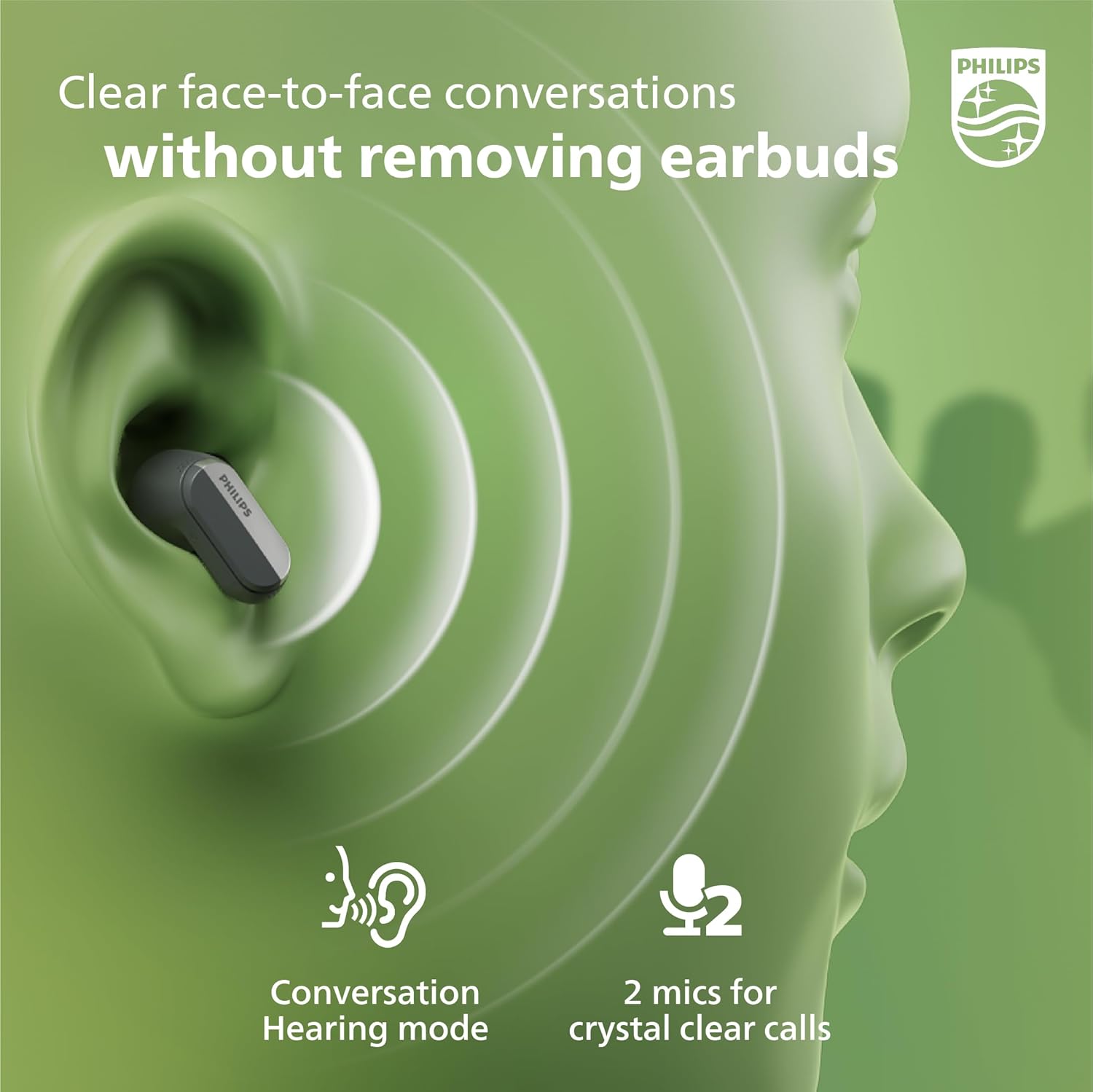
Image: A Philips T6908 earbud worn in an ear, with sound waves emanating from a person's mouth towards the earbud, illustrating the Conversation Hearing Mode.
Connexió multipunt Bluetooth
Connect your headphones to two Bluetooth devices simultaneously, such as your phone and laptop. This allows for seamless switching between devices for calls and media playback.
Mono Mode and Awareness Mode
- Mode mono: Use a single earbud for calls or music while the other charges.
- Mode de consciència: Allows ambient sounds to pass through, keeping you aware of your surroundings without removing the earbuds. Music pauses automatically when an earbud is removed.
Aplicació d'auriculars Philips
The Philips Headphones app provides additional customization options, including:
- Adjusting noise cancellation levels.
- Customizing audio settings and creating a personal hearing mode.
- Performing an in-app hearing test for optimized sound.

Image: Philips T6908 earbuds positioned near a smartphone screen, which displays the Philips Headphones app interface, highlighting the app's control and customization features.
Vídeo oficial del producte
Video: An official Philips video showcasing the key features of the T6908 True Wireless Headphones, including Conversation Hearing Mode, Noise Cancelling Pro, AI mics, and soft-touch ear tips.
Cura i Manteniment
Neteja
Regularly clean your earbuds and charging case with a soft, dry, lint-free cloth. Avoid using abrasive cleaners or solvents. Remove ear tips and clean them separately with water if necessary, ensuring they are completely dry before reattaching.
Resistència a l'aigua (IPX4)
The Philips T6908 headphones are IPX4-rated, meaning they are resistant to splashing water from any direction. This makes them suitable for workouts and light rain. They are not designed for submersion in water or exposure to pressurized water jets.
Resolució de problemes
Problemes comuns i solucions
| Problema | Solució |
|---|---|
| Els auriculars no s'encenen | Assegureu-vos que l'estoig de càrrega i els auriculars estiguin completament carregats. |
| No es pot vincular amb el dispositiu | Make sure Bluetooth is enabled on your device. Place earbuds in case, close, then reopen to re-enter pairing mode. Forget previous pairings on your device. |
| Mala qualitat de so o baix volum | Check ear tip fit for a proper seal. Clean ear tips and earbud grilles. Adjust volume on both the headphones and your connected device. |
| Active Noise Canceling not effective | Ensure ear tips provide a good seal. Adjust ANC levels via the Philips Headphones app. |
| Els auriculars es desconnecten sovint | Ensure earbuds are within Bluetooth range of your device. Avoid obstacles between earbuds and device. Fully charge both earbuds and case. |
Especificacions tècniques
| Característica | Especificació |
|---|---|
| Nom del model | Auriculars ANC True Wireless |
| Connectivitat | Bluetooth 5.3 |
| Interval Bluetooth | 10 metres |
| Control de soroll | Hybrid Active Noise Cancellation Pro |
| Mida del controlador d'àudio | 10 mil·límetres |
| Impedància | 16 ohms |
| Sensibilitat | 97 dB |
| Durada de la bateria (auriculars) | Fins a 7 hores |
| Durada total de la bateria (amb funda) | Fins a 28 hores |
| Temps de càrrega | 2 hores |
| Nivell de resistència a l'aigua | IPX4 |
| Tipus de control | Touch, Voice (Google Assistant) |
| Pes de l'article | 0.05 Kilograms (earbuds) |
| Dimensions de la maleta de transport | 3 x 6.5 x 4 Centimeters (L x W x H) |
| Pes de la maleta de transport | 50 grams |
Garantia i Suport
For warranty information and customer support, please refer to the documentation included with your product or visit the official Philips weblloc web. També hi podeu trobar preguntes freqüents i informació de contacte per a assistència tècnica.


