
Introducció
Thank you for choosing the Koanhinn X3 PRO Motorcycle Bluetooth Headset. This device is designed to enhance your riding experience with advanced communication and entertainment features. It utilizes Bluetooth 5.1 technology for stable connections, offers a 500-meter intercom range, and features intelligent noise cancellation for clear audio. The headset is built with an IP67 waterproof rating, ensuring reliable performance in various weather conditions. This manual provides essential information for the proper setup, operation, and maintenance of your X3 PRO headset.

Image: The Koanhinn X3 PRO main unit, showing its compact design, along with the wired speakers and microphone for helmet installation.
Configuració i instal·lació
1. Muntatge dels auriculars
The X3 PRO headset uses a clip installation method, suitable for most full-face, jet, rally, half-helmets, and retro helmets.
- Identify a suitable location on the side of your helmet where the main unit can be securely clipped without obstructing vision or movement.
- Attach the mounting clip to the helmet shell. Ensure it is firmly secured.
- Slide the X3 PRO main unit onto the clip until it locks into place.
2. Instal·lació d'altaveus i micròfon
- Open the helmet's inner lining to access the ear pockets.
- Attach the speakers to the inside of the helmet's ear pockets using the provided nylon stickers. Ensure they are positioned directly over your ears for optimal sound.
- Position the microphone near your mouth, ensuring it is not obstructed by the helmet's chin bar or padding.
- Route the speaker and microphone wires neatly under the helmet's lining to the main unit's connection port.
- Connect the speaker/microphone assembly to the X3 PRO main unit.
3. Càrrega inicial
Abans del primer ús, carregueu completament els auriculars.
- Connect the provided Type-C charging cable to the headset's charging port.
- Connecteu l'altre extrem del cable a un adaptador de corrent de 5V1A (no inclòs).
- Charging typically takes approximately 2.5 hours. The indicator light will change to show charging status.
Instruccions de funcionament
1. Encendre/apagar
- Encès: Press and hold the power button (usually the 'M' button or a dedicated power button) for a few seconds until the indicator light illuminates and you hear an audible prompt.
- Apagar: Premeu i manteniu premut el botó d'engegada de nou durant uns segons fins que l'indicador lluminós s'apagui i sentiu un missatge audible.
2. Emparellament Bluetooth amb telèfon intel·ligent

Image: The Koanhinn X3 PRO headset with icons indicating connection to a smartphone and another Bluetooth headset for intercom.
- With the headset powered off, press and hold the power button for approximately 5-7 seconds until the indicator light flashes rapidly, indicating pairing mode.
- Al telèfon intel·ligent, activeu el Bluetooth i cerqueu els dispositius disponibles.
- Select "X3 PRO" (or similar name) from the list of devices.
- Once paired, the indicator light will change, and you will hear a confirmation tone.
3. Intercom Pairing (Rider-to-Rider)

Image: Two riders on motorcycles, illustrating the intercom functionality between their headsets.
The X3 PRO supports 500-meter intercom calls and can pair with a third device for group communication.
- Ensure both X3 PRO headsets are powered on and not connected to other devices.
- On one headset, enter intercom pairing mode (refer to specific button press in the included quick start guide, typically a long press of the intercom button).
- On the second headset, also enter intercom pairing mode.
- The headsets will automatically search and connect to each other. A confirmation tone will indicate successful pairing.
4. Funcions bàsiques
- Respondre / finalitzar trucades: Press the phone button once.
- Rebutjar trucades: Manteniu premut el botó del telèfon durant 2 segons.
- Reproducció / pausa de música: Premeu el botó de reproducció/pausa una vegada.
- Ajust de volum: Use the volume up/down buttons (if available) or the main control knob.
- Activació de l'intercomunicador: Press the intercom button once to initiate or end an intercom conversation.
5. Colorful Lighting Feature

Image: A close-up of the headset's main button area, showing the dynamic colorful lighting effect.
The X3 PRO features colorful breathing lights. Refer to your quick start guide for specific button presses to activate or deactivate this lighting mode.
Manteniment
- Neteja: Wipe the headset's exterior with a soft, damp tela. Eviteu utilitzar productes químics aggressivs o netejadors abrasius.
- Resistència a l'aigua: The headset has an IP67 waterproof rating, meaning it is protected against dust and can withstand immersion in water up to 1 meter for 30 minutes. While it is designed for use in rain and snow, avoid prolonged submersion or high-pressure water jets. Ensure the charging port cover is securely closed when not charging.
- Emmagatzematge: Guardeu els auriculars en un lloc fresc i sec, allunyat de la llum solar directa i de temperatures extremes.
- Cura de la bateria: To prolong battery life, avoid fully discharging the battery frequently. Charge the headset regularly, especially if it will be stored for an extended period.
Resolució de problemes
- Sense energia:
- Assegureu-vos que els auriculars estiguin completament carregats.
- Comproveu si el cable de càrrega i l'adaptador de corrent estan danyats.
- No es pot emparellar amb el telèfon:
- Ensure the headset is in pairing mode (rapidly flashing indicator light).
- Desactiva i activa el Bluetooth del telèfon.
- Oblida el dispositiu de la llista de Bluetooth del telèfon i intenta emparellar-lo de nou.
- Ensure the headset is not already connected to another device.
- L'intercomunicador no es connecta:
- Ensure both headsets are powered on and in intercom pairing mode.
- Make sure both headsets are within the 500-meter range and have a clear line of sight.
- Reset both headsets and attempt pairing again.
- Mala qualitat d'àudio / soroll:
- Assegureu-vos que els altaveus estiguin correctament col·locats sobre les orelles.
- Check microphone placement to ensure it's close to your mouth and not obstructed.
- The X3 PRO features intelligent noise cancellation; however, extreme wind noise may still affect clarity.
- Ensure the headset is within range of the connected device (phone or other intercom).
Especificacions
| Característica | Detall |
|---|---|
| Model | LX3 Pro |
| Versió Bluetooth | 5.1 |
| Capacitat de la bateria | 1200 mAh |
| Operating Time (Call) | Aprox. 25 hores |
| Temps d'espera | 300 hores |
| Temps de càrrega | Aprox. 2.5 hores |
| Interfície de càrrega | Tipus-C |
| Tipus de bateria | Polímer de liti recarregable |
| Requisits d'alimentació | 5V1A |
| Gamma d'intercomunicació | 500 metres (en entorn obert) |
| Classificació impermeable | IP67 |
| Mètode d'instal·lació | Instal·lació del clip |
| Mida de l'amfitrió | 90 x 42 x 20 mm |
| Material | ABS (with rubber oil treated surface) |
| Pes | 210.5 grams |
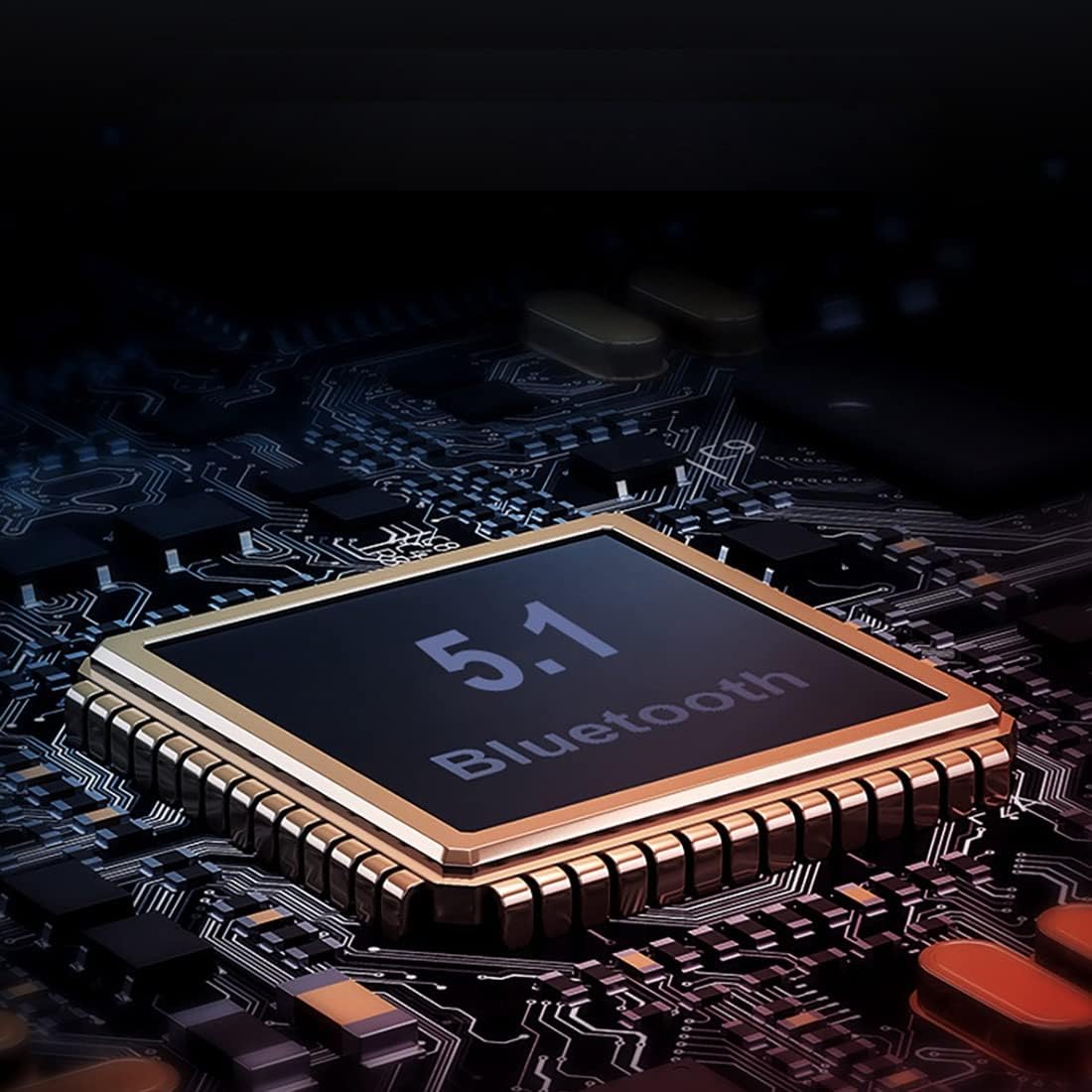
Imatge: Una imatge detallada view of a Bluetooth 5.1 chip, highlighting the core technology of the Koanhinn X3 PRO headset.
Garantia i Suport
For specific warranty details and customer support, please refer to the warranty card included with your product or contact the retailer or manufacturer directly. Keep your proof of purchase for any warranty claims.