
1. Introducció
The ONN 7-inch Wi-Fi Digital Picture Frame (Model 100096732) allows you to easily share and display photos and videos from friends and family. Featuring a vibrant LCD IPS touchscreen and built-in Frameo software, this frame provides a simple and intuitive way to enjoy your cherished memories. With 16GB of internal storage and Micro SD card support, you can store a vast collection of media. This manual provides essential information for setting up, operating, and maintaining your digital picture frame.
2. Què hi ha a la caixa
- Marc de fotos digital ONN de 7 polzades amb Wi-Fi
- Adaptador d'alimentació
- Guia de producte
- Guia d'inici ràpid

Image: The ONN 7-inch Wi-Fi Digital Picture Frame, power adapter, product guide, and quick start guide as packaged in the box.
3. Configuració
3.1 Encès
- Connect the provided power adapter to the DC port on the back of the frame.
- Plug the power adapter into a wall outlet. The frame will automatically power on.
3.2 Connexió Wi-Fi inicial
- Segueix les instruccions que apareixen a la pantalla per seleccionar l'idioma i la zona horària.
- Connect the frame to your Wi-Fi network by selecting your network and entering the password.
3.3 Frameo App Download and Pairing
To send photos and videos to your frame, download the free Frameo app on your smartphone (available for iOS and Android).
- Cerca "Frameo" in the App Store (iOS) or Google Play Store (Android).
- Instal·leu l'aplicació i creeu un compte.
- On your ONN frame, locate the unique code to pair with the app.
- In the Frameo app, enter this code to connect your smartphone to the frame.
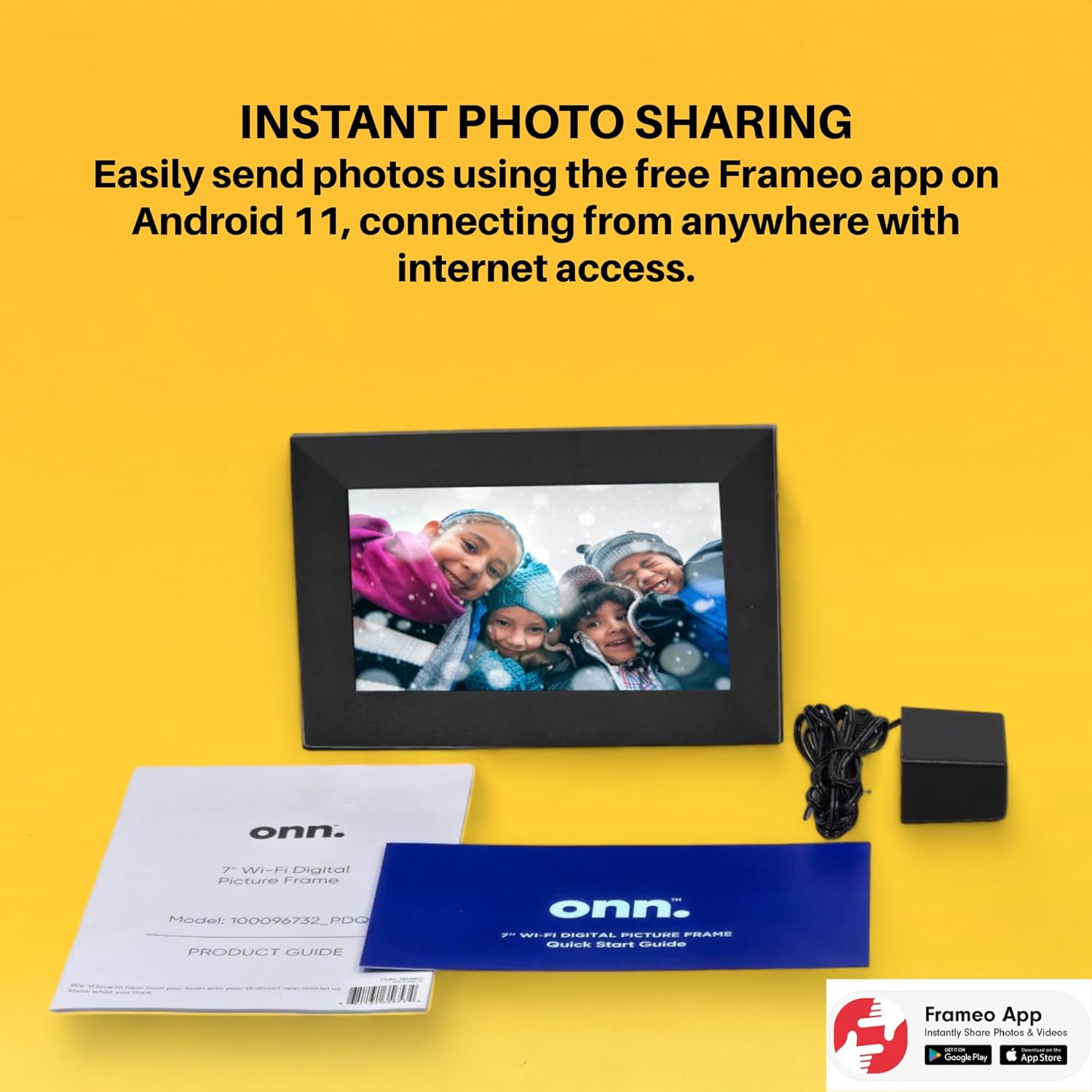
Image: The Frameo app is shown on a smartphone, highlighting its availability on Android and iOS, for instant photo sharing with the ONN digital picture frame.
4. Instruccions de funcionament
4.1 Enviament de fotos i vídeos
Once paired, you can send photos and short videos directly from your smartphone to the frame using the Frameo app. You can also add captions to your media.
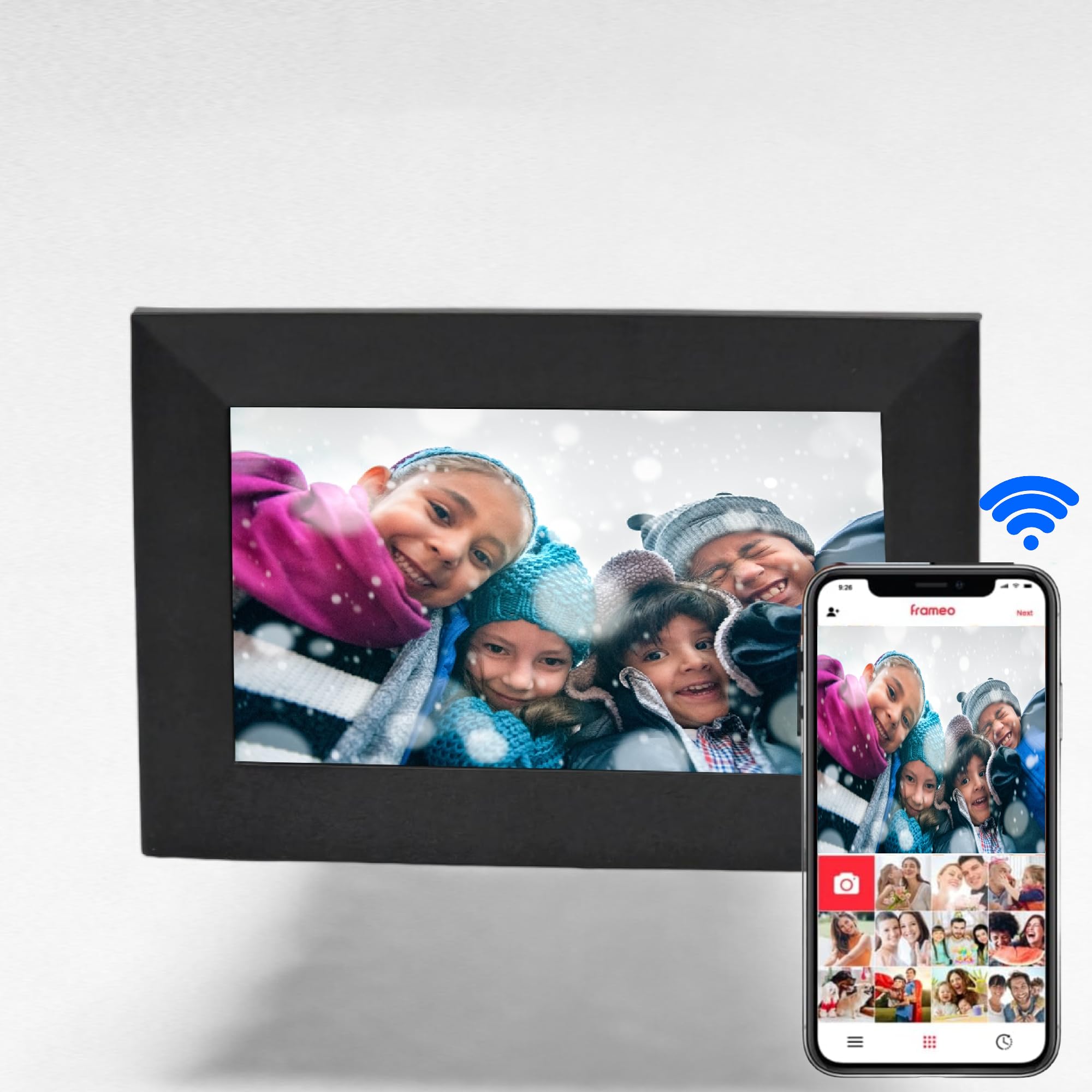
Image: The digital picture frame displays a family photo, while a smartphone shows the Frameo app, illustrating the ease of wireless photo and video sharing.
4.2 Navegació amb pantalla tàctil
The 7-inch IPS touchscreen allows for easy navigation through menus and media. Swipe left or right to browse photos, tap to access settings, and use intuitive gestures for various functions.

Image: A finger touches the screen of the digital picture frame, illustrating its touchscreen functionality for simple navigation.
4.3 Media Management
- Emmagatzematge intern: The frame has 16GB of internal memory, capable of storing up to 20,000 photos.
- Targeta micro SD: Insert a Micro SD card (up to 128GB) into the dedicated slot to display photos directly without using internal storage.
- Preferits: Mark specific photos as favorites to create a curated slideshow.
- Carpetes: Organize your media into folders for better management.
4.4 Funcions addicionals
- Clock & Alarm: Set the clock and configure alarms directly from the frame's interface.
- Reproducció de música: The frame supports music playback, allowing you to enjoy audio while viewfotos.
5. Característiques
- Instant photo and video sharing via the free Frameo app (iOS & Android).
- Vibrant 7-inch LCD IPS high-resolution touch screen (1024x600).
- Automatic photo rotation for optimal display.
- 16GB internal storage, supporting up to 20,000 photos.
- Admet targetes Micro SD de fins a 128 GB per a un emmagatzematge ampliat.
- Equipped with 2 internal speakers for audio playback.
- 16:9 Aspect Ratio for wide-screen media display.
- Wi-Fi connectivity for seamless content transfer.
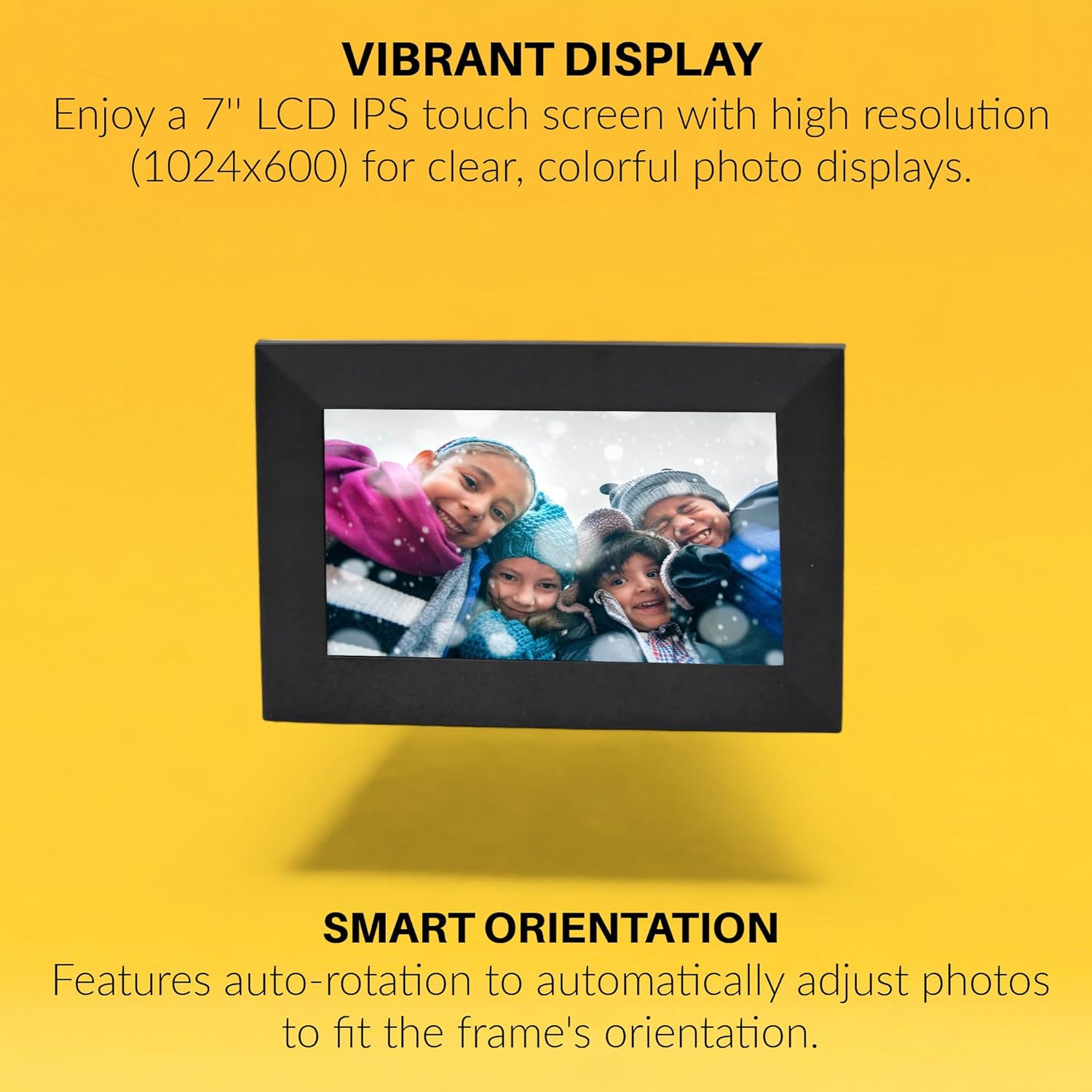
Image: The digital picture frame displays a vibrant image, with text emphasizing its high-resolution IPS display and smart auto-rotation feature.

Image: Visual icons depict the frame's capabilities: remote photo sending, connecting with friends and family, global access, and intuitive touchscreen operation.
6. Especificacions
| Atribut | Valor |
|---|---|
| Marca | ONN |
| Número de model | 100096732 |
| Mida de la pantalla | 7 polzades |
| Resolució de visualització | 1024x600 (WXGA+) |
| Tipus de visualització | LCD IPS Touchscreen |
| Relació d'aspecte | 16:9 (Product description states 16:9, specifications state 4:3. Using 16:9 from product description as it aligns with video content) |
| Memòria interna | 16 GB |
| Suport de targeta Micro SD | Fins a 128 GB |
| Tecnologia de connectivitat | Wi-Fi |
| Font d'alimentació | AC |
| Ponents interns | 2x |
| Color | Negre |
| UPC | 657768649189 |

Image: The rear of the digital picture frame displays its various ports and the serial number A2302486110001089, indicating connectivity options and device identification.
7. Manteniment
- Neteja: Feu servir un drap suau i sec per netejar la pantalla i el marc. Eviteu productes de neteja o dissolvents abrasius.
- Actualitzacions de programari: Ensure your frame's software is up to date for optimal performance and new features. Check for updates through the frame's settings menu.
- Gestió d'emmagatzematge: Periòdicament review your stored photos and videos. Delete unwanted media to free up space, especially if using a Micro SD card.
8. Solució De Problemes
- El marc no s'encén: Assegureu-vos que l'adaptador de corrent estigui connectat correctament tant al marc com a una presa de corrent que funcioni.
- Problemes de connexió Wi-Fi: Verify your Wi-Fi password is correct. Try restarting your router and the digital picture frame. Ensure the frame is within range of your Wi-Fi network.
- Photos Not Appearing: Check if the Frameo app is correctly paired with your frame. Ensure photos/videos are successfully uploaded through the app. If using a Micro SD card, ensure it is properly inserted and formatted.
- Pantalla tàctil que no respon: Restart the frame. If the issue persists, perform a factory reset (refer to the product guide for specific instructions).
9. Garantia i Suport
This ONN 7-inch Wi-Fi Digital Picture Frame comes with a Garantia limitada de 90 dies. For technical support or warranty claims, please refer to the contact information provided in your product guide or visit the official ONN support weblloc.