
1. Producte acabatview
The Retevis RM01 is a 1-pin 3.5mm shoulder speaker microphone designed for use with compatible VHF marine radios. It features a built-in speaker, an inline Push-to-Talk (PTT) button, and a 3.5mm audio jack for connecting an external earphone. Its compact design and rotatable collar clip offer convenience and ease of use in various environments.
Característiques principals:
- 3.5mm 1-pin Connector: Ensures compatibility with specific Retevis marine radios.
- Altaveu integrat de 1.5 W: Provides clear audio for effective communication.
- Inline PTT Button: Allows for easy and quick transmission without needing to access the radio directly.
- Conector d'àudio de 3.5 mm: For private listening with a compatible earphone.
- 360° Rotatable Collar Clip: Enables secure and flexible attachment to clothing.
- Construcció duradora: Features a robust PU cable designed for long-term use.
Contingut del paquet:
- 1 x Retevis RM01 Shoulder Speaker Microphone

Image: The Retevis RM01 Shoulder Speaker Microphone with its coiled cable, as included in the package.
2. Instruccions de configuració
2.1 Connexió a la ràdio
- Locate the 3.5mm audio jack on your compatible Retevis VHF marine radio (RM01, RT55, or RA26).
- Insert the 1-pin 3.5mm connector of the shoulder speaker microphone firmly into the radio's audio jack. Ensure a secure connection.

Image: The 3.5mm 1-pin connector of the shoulder speaker microphone being inserted into a compatible Retevis marine radio.
2.2 Attaching the Collar Clip
- Identify the 360° rotatable collar clip on the back of the speaker microphone.
- Rotate the clip to your desired orientation.
- Securely attach the clip to your collar, shoulder strap, or other suitable clothing for convenient access and stable positioning.

Image: The shoulder speaker microphone clipped to a user's uniform, demonstrating the rotatable clip functionality.
3. Instruccions de funcionament
3.1 Transmitting (Push-to-Talk - PTT)
- To transmit, press and hold the PTT button located on the side of the speaker microphone.
- Parla clarament a la reixeta del micròfon.
- Deixeu anar el botó PTT per aturar la transmissió i tornar al mode de recepció.

Image: A hand pressing the Push-to-Talk (PTT) button on the side of the shoulder speaker microphone.
3.2 Recepció d'àudio
Audio from your radio will be broadcast through the built-in 1.5W speaker on the front of the microphone. Ensure the radio's volume is adjusted to a comfortable listening level.
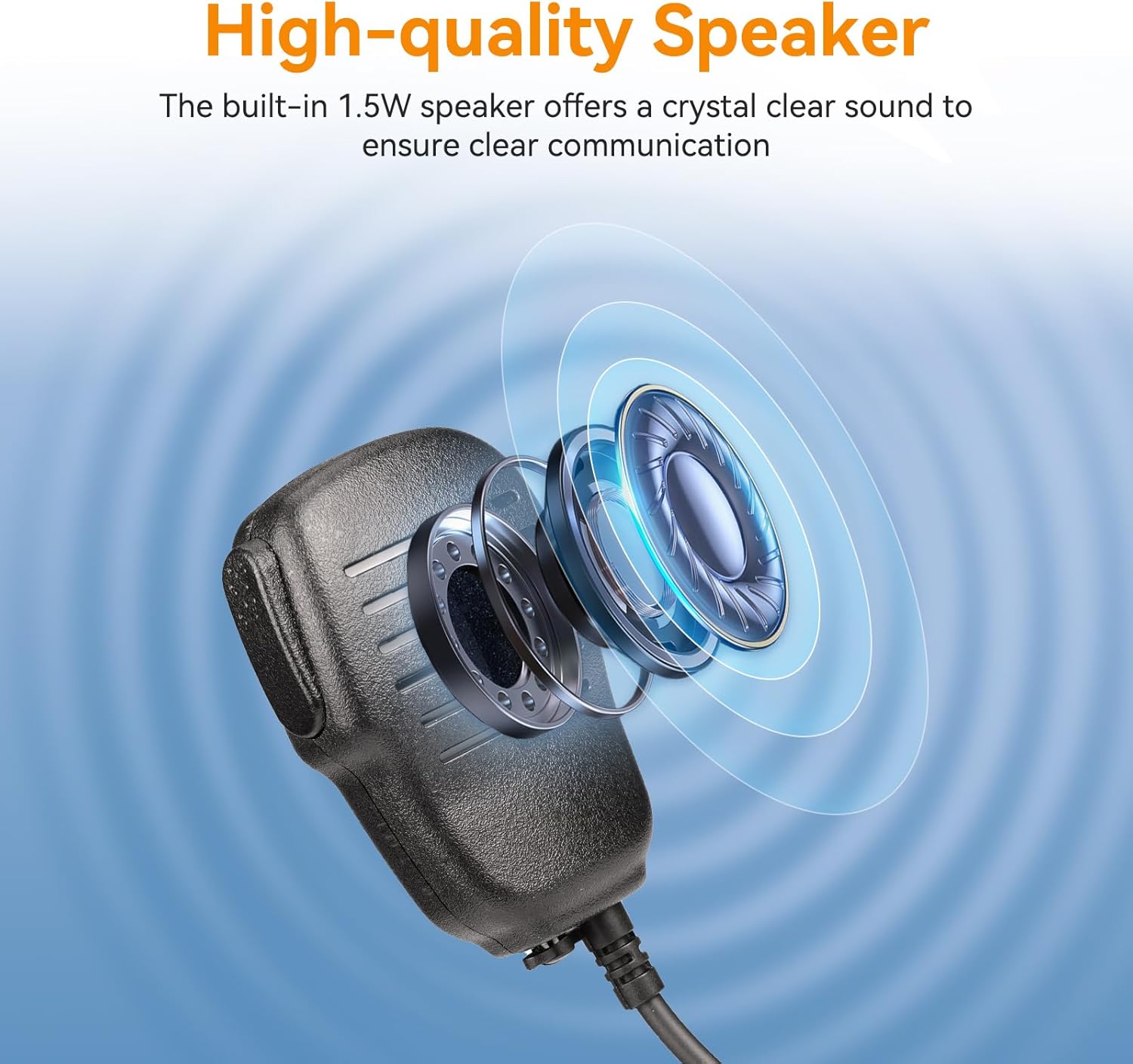
Imatge: Un primer pla view of the speaker grille on the Retevis RM01, illustrating its high-quality sound output.
3.3 Using the 3.5mm Audio Jack
For private communication, you can connect a standard 3.5mm earphone (not included) to the audio jack located on the bottom or side of the speaker microphone. When an earphone is connected, audio will typically be routed through the earphone instead of the built-in speaker.
4. Manteniment
4.1 Neteja
- Wipe the exterior of the speaker microphone with a soft, damp tela.
- No utilitzeu productes químics agressius, dissolvents ni netejadors abrasius.
- Ensure the 3.5mm connector and audio jack are free from dust and debris.
4.2 Emmagatzematge
- Guardeu el dispositiu en un lloc fresc i sec, allunyat de la llum solar directa i de temperatures extremes.
- Avoid bending or kinking the coiled cable excessively to prevent damage.
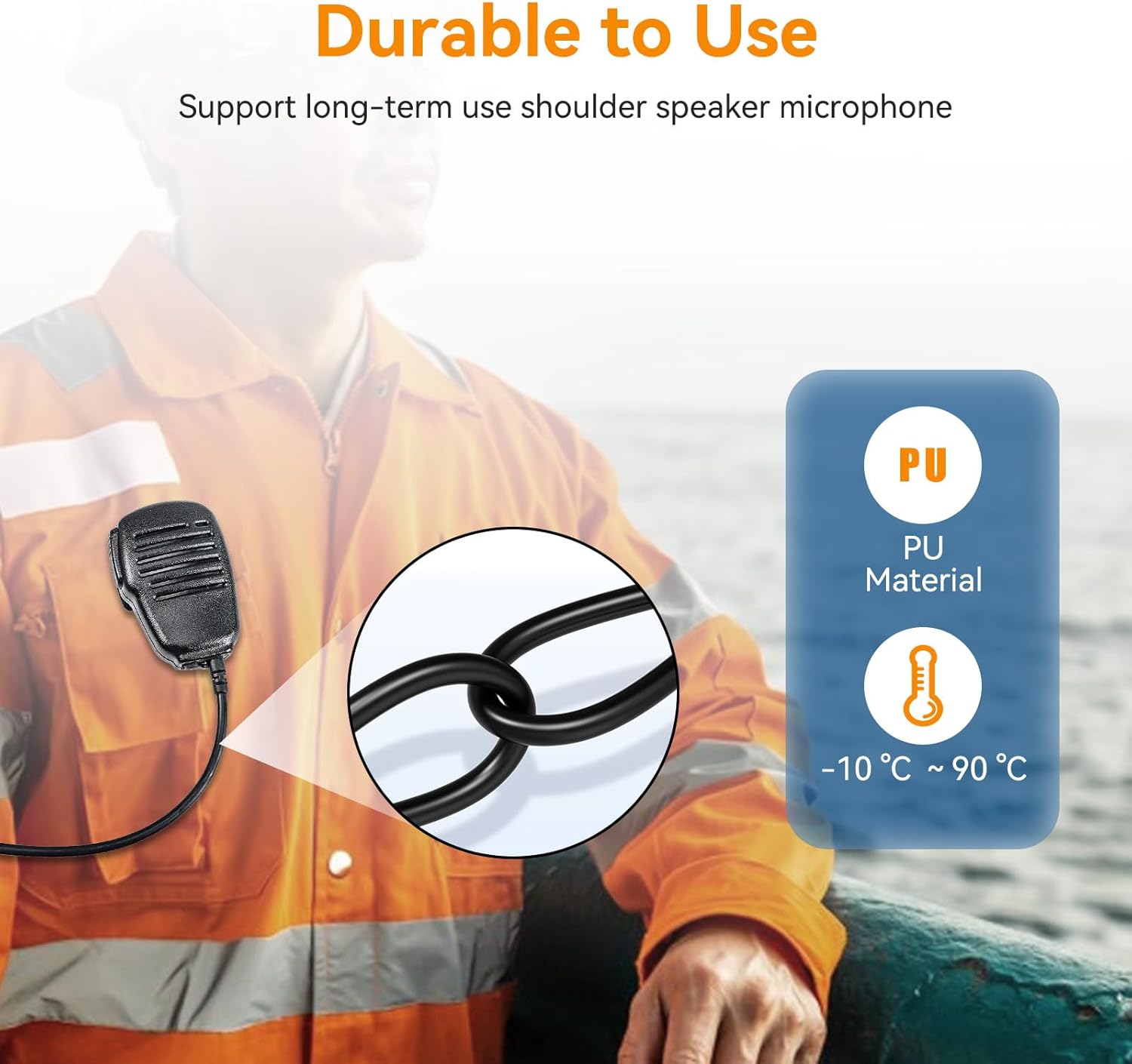
Image: A close-up of the durable PU cable, highlighting its robust construction for long-term use.
5. Solució De Problemes
| Problema | Causa possible | Solució |
|---|---|---|
| No hi ha àudio del micròfon de l'altaveu | 1. Loose connection to radio. 2. Radio volume too low. 3. Earphone connected (if applicable). 4. Speaker mic malfunction. | 1. Ensure the 3.5mm connector is fully inserted. 2. Increase the radio's volume. 3. Disconnect the earphone to use the built-in speaker. 4. Test with another compatible radio or contact support. |
| No es pot transmetre (el PTT no funciona) | 1. Loose connection to radio. 2. PTT button malfunction. | 1. Ensure the 3.5mm connector is fully inserted. 2. Test the radio's internal microphone. If it works, contact support for the speaker mic. |
| Poor sound quality / Feedback | 1. Connexió fluixa. 2. Radio settings. 3. Environmental interference. | 1. Re-seat the connector. 2. Check your radio's audio settings. 3. Move away from sources of electrical interference. |
6. Especificacions
| Característica | Detall |
|---|---|
| Nom del model | 01 RM |
| Tipus de connector | 3.5mm 1-pin Audio Jack |
| Potència de sortida dels altaveus | 1.5W |
| Factor de forma del micròfon | Gooseneck (integrated) |
| Ràtio senyal / soroll | 88 dB |
| Pes de l'article | 5.3 unces |
| Dimensions del paquet | 7.87 x 7.87 x 1.97 polzades |
| Dispositius compatibles | Retevis RM01, Retevis RT55, Retevis RA26 VHF Marine Radios |
| Característica especial | 3.5mm earphone jack, 360° rotatable collar clip |
| Color | Negre |
7. Garantia i Suport
7.1 Informació de la garantia
Retevis proporciona una 1 any de garantia for accessories from the date of purchase. Additionally, a Política de devolució sense motiu de 30 dies is offered. Beyond the warranty period, maintenance services are available, with buyers responsible for associated costs.
7.2 Atenció al client
For any questions, technical assistance, or warranty claims, please contact Retevis customer support through Amazon. Responses are typically provided within 12 hours.
Podeu visitar el Botiga Retevis a Amazon for more information and to contact support.