
1. Introducció
The NEWFAST N300 WiFi Extender is designed to expand the coverage of your existing wireless network, eliminating Wi-Fi dead zones and providing a more reliable internet connection throughout your home or office. This device operates on the 2.4GHz band, offering data transfer rates up to 300Mbps. It supports multiple devices simultaneously, ensuring stable connectivity for streaming, gaming, and general browsing.
2. Informació de seguretat
- No exposeu el dispositiu a l'aigua ni a la humitat.
- Eviteu col·locar el dispositiu a prop de fonts de calor o sota la llum solar directa.
- Use only the power adapter provided or specified by the manufacturer.
- Mantingueu el dispositiu lluny dels nens.
- Assegureu-vos una ventilació adequada per evitar el sobreescalfament.
3. Contingut del paquet
Comproveu que el vostre paquet contingui els elements següents:
- NEWFAST N300 WiFi Extender x 1
- Guia d'instal·lació ràpida x 1
4. Producte acabatview
The NEWFAST N300 WiFi Extender features a compact design with two external antennas for enhanced signal transmission and reception. It includes indicator lights for power and signal status, and a WPS button for quick setup.
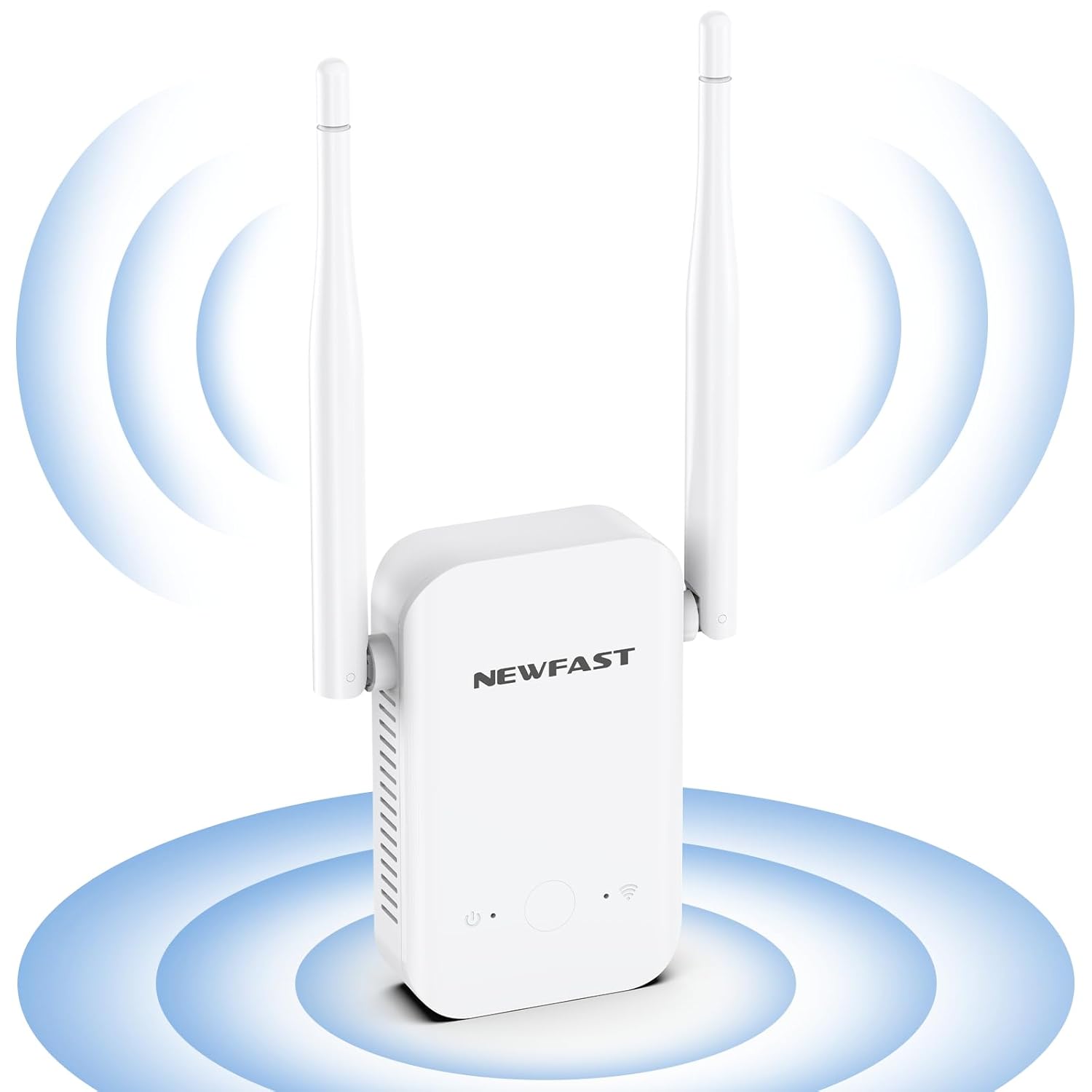
Imatge: Frontal view of the NEWFAST N300 WiFi Extender, illustrating its two external antennas and the area of signal expansion.

Imatge: Lateral view of the NEWFAST N300 WiFi Extender, highlighting its dimensions (6.1in x 3in x 1.7in) and the heat dissipation holes designed for stable, long-term operation.
5. Instruccions de configuració
The NEWFAST N300 WiFi Extender can be set up using the WPS button or through a web navegador.
5.1. WPS (Wi-Fi Protected Setup) Method
- Plug the WiFi Extender into a power outlet near your main router.
- Wait for the Power LED on the extender to turn solid.
- Press the WPS button on your existing router.
- Within two minutes, press the WPS button on the NEWFAST N300 WiFi Extender.
- The Signal LED on the extender will blink and then turn solid, indicating a successful connection.
- Relocate the extender to an optimal position between your router and the Wi-Fi dead zone. Ensure the Signal LED is blue for an appropriate placement, or red if placed too far away.

Image: Step-by-step guide for WPS setup, illustrating pressing the WPS button on the router, then on the extender, and finally enjoying expanded Wi-Fi. It also shows the meaning of blue (appropriate) and red (too far) signal lights.
5.2. Web Browser Method (Manual Setup)
- Plug the WiFi Extender into a power outlet.
- On your computer or smartphone, connect to the extender's default Wi-Fi network (e.g., "NEWFAST_Ext"). No password is required initially.
- Obre a web browser and enter the default IP address (usually 192.168.1.1 or 192.168.0.1) or the setup URL provided in the Quick Installation Guide.
- Follow the on-screen instructions to select your existing Wi-Fi network and enter its password.
- Configure the extender's network name (SSID) and password. You can choose to keep the same as your main network or create a new one.
- Once configured, the extender will restart. Reconnect your devices to the new extended network.
6. Instruccions de funcionament
The NEWFAST N300 WiFi Extender supports two main operating modes: Repeater Mode and AP Mode.
6.1. Mode repetidor
This is the default mode, used to extend the coverage of an existing wireless network. The extender connects wirelessly to your main router and rebroadcasts the signal, expanding its range.
6.2. AP (Access Point) Mode
In AP Mode, the extender converts a wired internet connection into a wireless network. This is useful if you have an Ethernet port with internet access but need to create a Wi-Fi hotspot.
6.3. Compatibilitat del dispositiu
The extender is compatible with any wireless network devices that comply with the 802.11b/g/n standard. This includes most routers, modems, smartphones, tablets, laptops, and smart TVs.

Image: Illustration of the NEWFAST N300 WiFi Extender providing connectivity to multiple devices such as phones, iPads, laptops, smart cameras, game consoles, and smart bulbs.

Imatge: Una imatge superior view of a house layout demonstrating how the NEWFAST N300 WiFi Extender expands the existing Wi-Fi coverage range, eliminating dead spots and providing 360-degree network access.
7. Manteniment
- Neteja: Feu servir un drap suau i sec per netejar el dispositiu. No utilitzeu netejadors líquids ni aerosols.
- Actualitzacions de firmware: Reviseu periòdicament el fabricant weblloc web per a actualitzacions de firmware per garantir un rendiment i una seguretat òptims.
- Col·locació: Ensure the extender is placed in an open area, away from obstructions and other electronic devices that may cause interference.
8. Solució De Problemes
If you encounter issues with your NEWFAST N300 WiFi Extender, refer to the following common problems and solutions:
- Sense senyal o senyal feble:
- Assegureu-vos que l'extensor estigui connectat a una presa de corrent que funcioni.
- Relocate the extender closer to your main router. The Signal LED should be blue.
- Check if your main router's Wi-Fi is working correctly.
- Cannot Connect to the Extender's Wi-Fi:
- Verifiqueu que esteu introduint la contrasenya Wi-Fi correcta.
- Restart both the extender and your device.
- Try resetting the extender to factory defaults (refer to the Quick Installation Guide for instructions) and setting it up again.
- Velocitat d'Internet lenta:
- While extenders improve coverage, they do not increase the original internet speed from your router.
- Ensure the extender is placed in an optimal location, not too far from the router and not too close.
- Reduir el nombre de dispositius connectats a la xarxa estesa.
- Comproveu si hi ha interferències d'altres dispositius electrònics.
- La configuració de WPS ha fallat:
- Ensure you press the WPS button on both the router and extender within the specified time frame (usually 2 minutes).
- Some routers may have a different WPS activation method; consult your router's manual.
- Try the manual web browser setup method instead.
9. Especificacions
| Característica | Detall |
|---|---|
| Marca | NEWFAST |
| Model | N300 |
| Comunicació sense fils estàndard | IEEE 802.11b/g/n |
| Velocitat de transferència de dades | Fins a 300 megabits per segon |
| Classe de banda de freqüència | Banda única (2.4 GHz) |
| Antenes | 2 External High Gain Antennas |
| Protocols de seguretat | WEP, WPA/WPA2 |
| Dispositius compatibles | Laptop, Smart Television, Smartphone, Tablet |
| Característiques especials | LED Indicator, Heat Dissipation Design |
10. Garantia i Suport
NEWFAST products are carefully inspected before shipping. For warranty information and technical support, please refer to the contact details provided in your product packaging or visit the official NEWFAST weblloc web. Conserveu el rebut de compra com a comprovant de compra per a reclamacions de garantia.