
Introducció

This manual provides detailed instructions for the setup, operation, and maintenance of your AT&T CL83107 DECT 6.0 Cordless Phone system. This system features DECT 6.0 technology, a dual keypad base, an integrated answering machine, Smart Call Blocker, Caller ID Announcer, intercom functionality, and extended range capabilities. Please read this manual thoroughly to ensure proper use and to take full advantage de totes les característiques.
Configuració
Contingut del paquet
Comproveu que el vostre paquet contingui els elements següents:
- Adaptador de CA
- Unitat base
- Battery Pack (1 product specific battery required, included)
- Telèfon sense fil
- Guia d'inici ràpid
- Cordó de línia telefònica
Instal·lació de la bateria
- Obriu la tapa del compartiment de la bateria a la part posterior del auricular sense fil.
- Connect the battery pack connector securely into the jack inside the compartment.
- Col·loqueu el paquet de bateries al compartiment.
- Tanqueu la tapa del compartiment de la bateria.
- Place the handset in the charger or base unit to charge for at least 16 hours before initial use.
Connexió de la unitat base
- Plug one end of the telephone line cord into the TEL LINE jack on the back of the base unit.
- Connecteu l'altre extrem del cable de la línia telefònica a una presa de paret.
- Plug the small end of the AC adapter into the POWER jack on the back of the base unit.
- Plug the large end of the AC adapter into an electrical outlet not controlled by a wall switch.
Nota: Use only the supplied power adapter and telephone line cord. Ensure the base unit is placed in a central location for optimal range.
Registre del telèfon
Your handset(s) are pre-registered to the base unit. If you purchase additional CL80107 or CL80067 accessory handsets (up to 12 total), you will need to register them. Refer to the accessory handset's manual for specific registration instructions.
Instruccions de funcionament
Fer i rebre trucades
- Per fer una trucada: Premeu TELÈFON or PONENTi, a continuació, marqueu el número.
- Per respondre una trucada: Premeu TELÈFON or PONENT quan sona el telèfon.
- Per finalitzar una trucada: Premeu OFF or place the handset in the charger/base.
Sistema de resposta digital
The integrated digital answering system can record up to 22 minutes of messages, announcements, and memos.
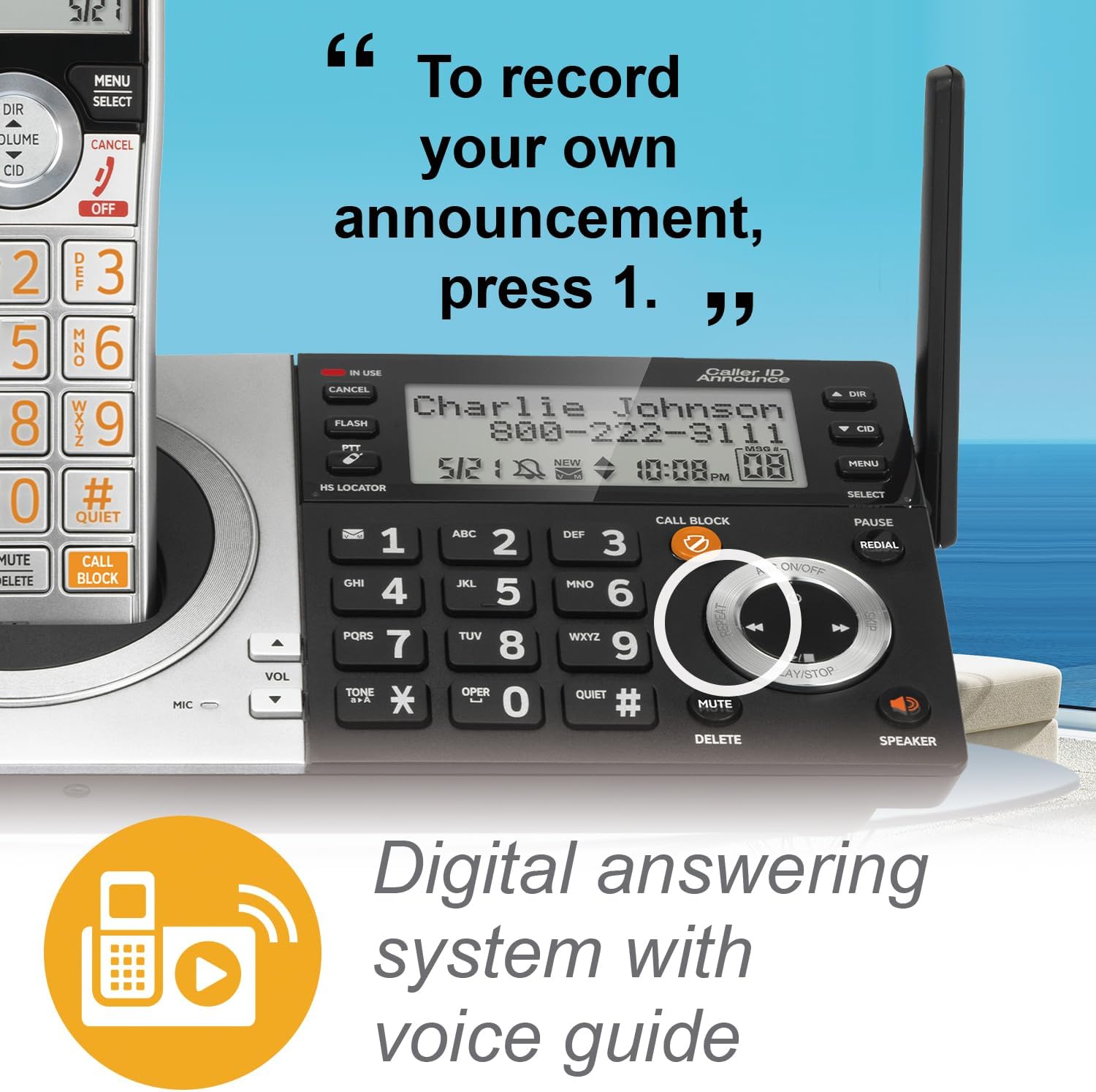
- Reproducció de missatges: Premeu PLAY/STOP a la base o a l'auricular.
- Enregistrament d'un anunci: Follow the voice prompts from the answering system menu.
- Eliminació de missatges: Premeu ELIMINAR during message playback or from the menu.
Bloqueig de trucades intel·ligent
The Smart Call Blocker feature helps filter unwanted calls. Robocalls are automatically blocked. You can also manually block numbers.
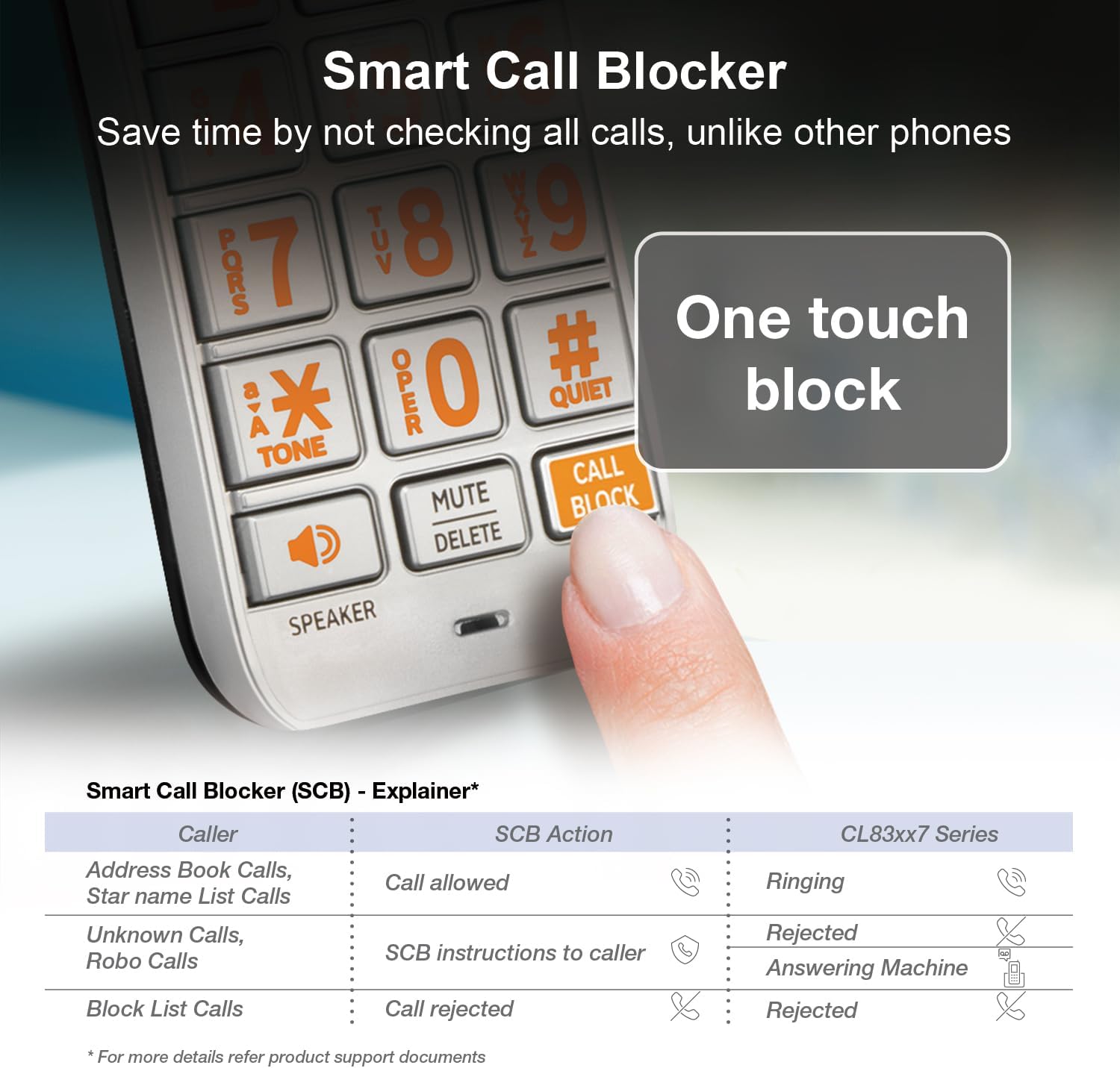
- Blocking a Number: Durant una trucada o des del registre d'identificació de trucades, premeu la tecla BLOC DE CONVOCAT .RIES botó.
- Managing Block List: Access the Call Blocker menu to add or remove numbers. The directory can store up to 1,000 entries.
Caller ID Announce
When a call comes in, the handset and base unit will announce the name of the caller (if available in your Caller ID service and phonebook).

Speakerphone and Intercom

- Altaveu: Premeu PONENT on the handset or base to activate the speakerphone during a call. This allows for hands-free communication.
- Intercomunicador: Use the intercom feature to communicate between handsets or between a handset and the base unit. Refer to the menu options for initiating an intercom call.
Prem per parlar
The Push-to-Talk (PTT) feature allows you to use your handset as a walkie-talkie with other handsets in your system.

- Initiating PTT: Manteniu premut el botó PTT button on the side of the handset.
- Parlant: Speak into the handset while holding the PTT button.
- Escolta: Deixeu anar el botó PTT per escoltar.
Mode silenciós
Quiet mode silences all handset and base ringers for a set period, useful for uninterrupted sleep or activities.

- Activating Quiet Mode: Access the menu on the handset or base and select the Quiet Mode option. You can set the duration.
Display and Keypad Features


- Extra-Large Display: The handset features a high-contrast, extra-large LCD for easy viewing of caller ID and menu options.
- Lighted Keypad: The keypad is backlit, allowing for easy dialing in low-light conditions.
- Botons grans: Large, clearly labeled buttons enhance usability.
Àudio HD
The system supports HD audio with an equalizer, allowing for customized audio profiles for clearer conversations.
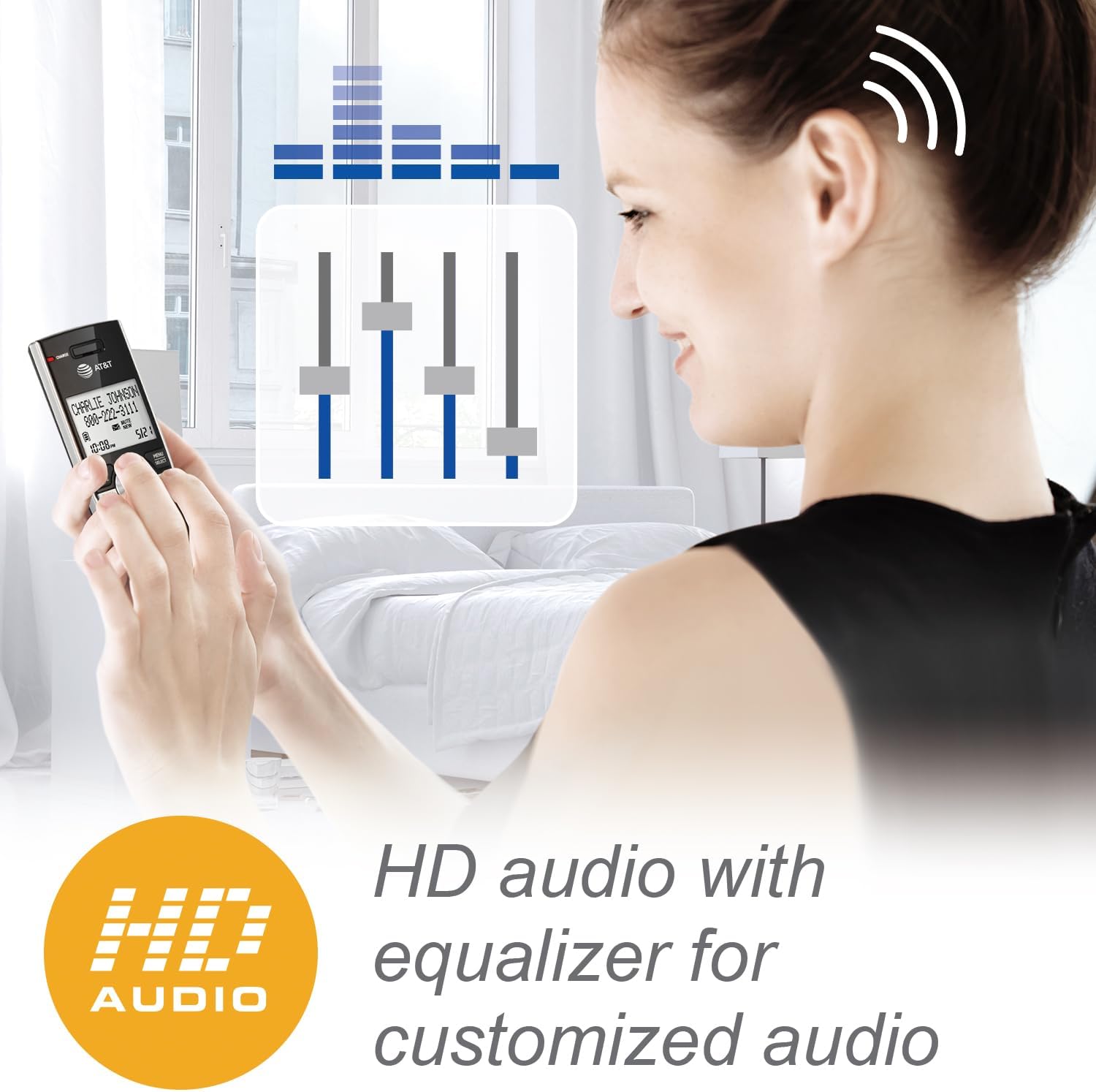
- Ajust de l'àudio: Access the audio settings in the handset menu to adjust equalizer settings for preferred sound quality.
Manteniment
- Neteja: Netegeu el telèfon i la unitat base amb un drap suau iamp cloth. Do not use cleaning sprays or liquid cleaners.
- Cura de la bateria: To maintain optimal battery performance, fully charge the handset for 16 hours before first use. If the handset will not be used for an extended period, remove the battery.
- Condicions ambientals: Avoid placing the phone in direct sunlight, near heat sources, or in areas with high humidity.
Resolució de problemes
| Problema | Solució |
|---|---|
| Sense to de marcatge |
|
| El telèfon no es carrega |
|
| Poc abast o estàtica |
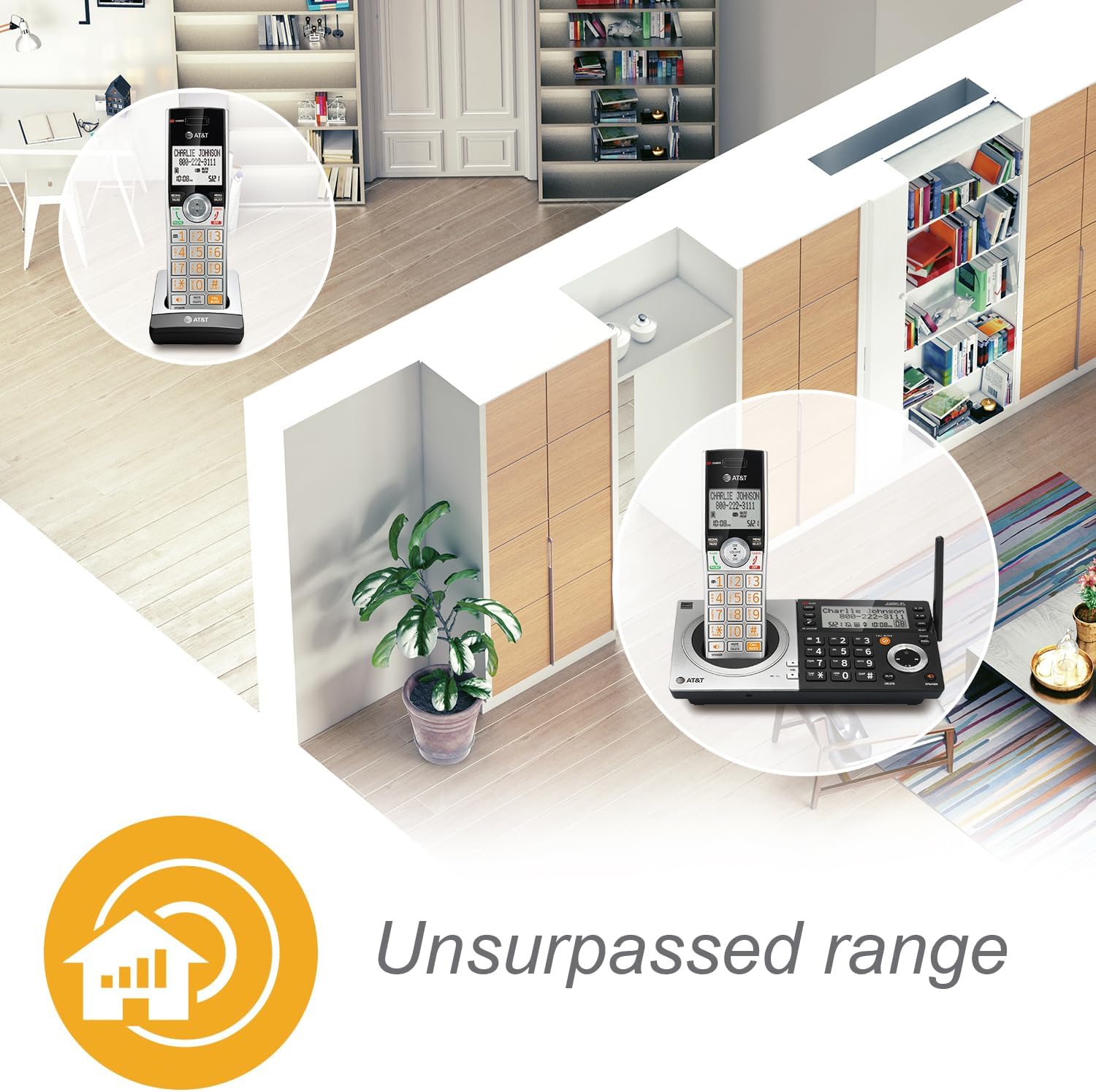 |
| Smart Call Blocker not working as expected |
|
Especificacions
- Número de model: CL83107
- Tecnologia: DECT 6.0
- Color: Silver/Black Keypad Base
- Tipus de telèfon: Sense fils
- Tipus de marcador: Teclat dual
- Tipus de contestador: Digital
- Capacitat de gravació: Fins a 22 minuts
- Font d'alimentació: Cable elèctric (adaptador de CA)
- Bateries: 1 bateria específica del producte (inclosa)
- Temps de conversa per telèfon: Aproximadament 2.5 dies
- Temps d'espera del telèfon: Aproximadament 5 dies
- Dimensions (L x A x A): 14 x 7.6 x 22.1 Centimetres
- Material: Plàstic
- Identificador de trucada: Sí
- Capacitat de trucada de conferència: Up to five parties
- Operació multilínia: Operació d'una sola línia
- Expandabilitat: Up to 12 handsets (compatible with CL80107, CL80067, and other specified models)
Informació de la garantia
AT&T products are manufactured by VTech Communications, Inc. A limited warranty typically covers this product for a period of one year from the date of purchase. For specific warranty terms and conditions, please refer to the warranty card included with your product or visit the official AT&T product support website. Keep your original purchase receipt as proof of purchase.
Atenció al client
For technical assistance, product registration, or to download the full user manual, please visit the official AT&T product support website or contact their customer service. Contact information can typically be found in the Quick Start Guide or on the manufacturer's weblloc.