
1. Introducció
Thank you for choosing the CHIQ L40G7V 40-inch Google TV. This manual provides essential information for setting up, operating, maintaining, and troubleshooting your new television. Please read it thoroughly before use and retain it for future reference.
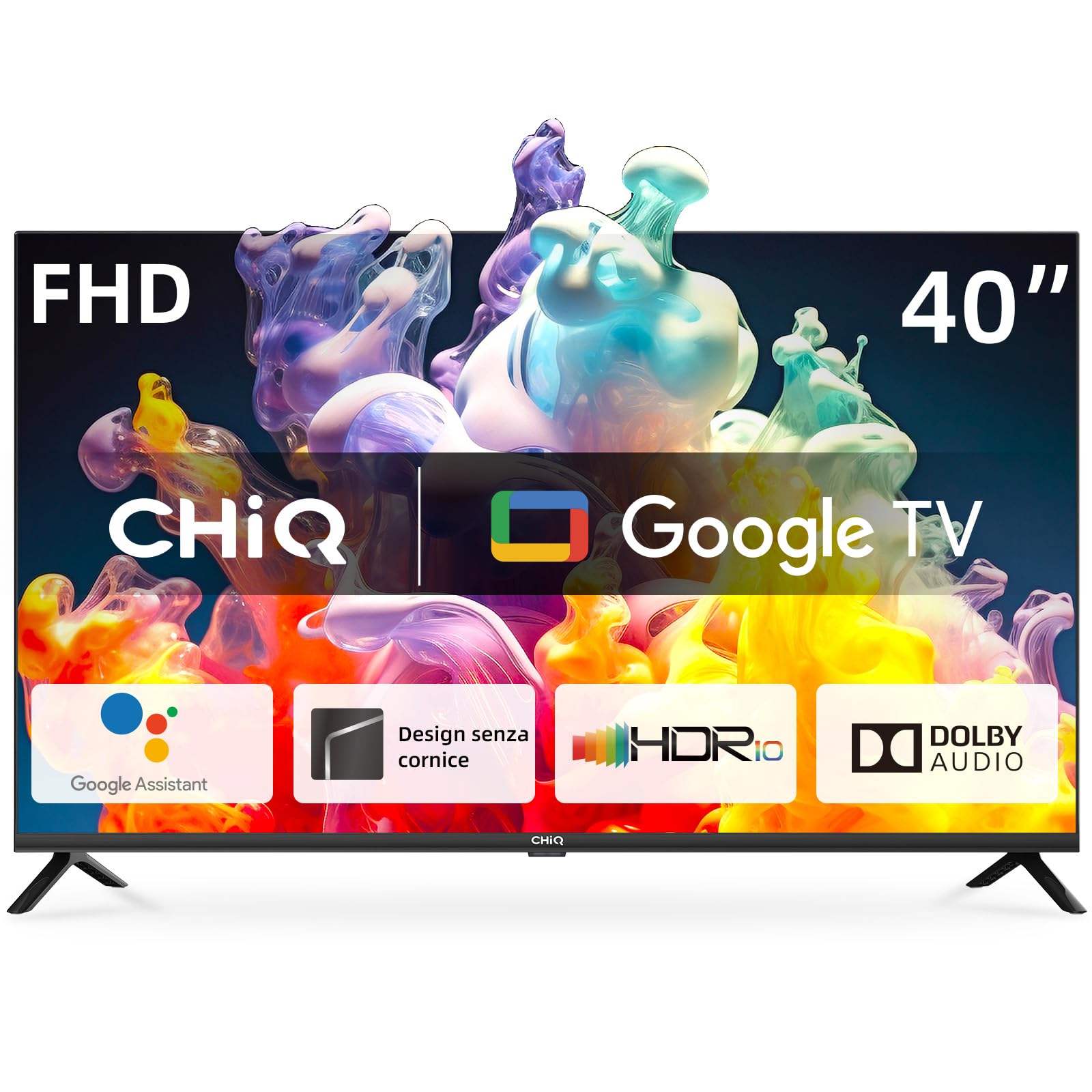
Image 1.1: The CHIQ L40G7V 40-inch Google TV.
2. Informació de seguretat
Always follow basic safety precautions when using this television to reduce the risk of fire, electric shock, and injury. Keep this manual near the TV for quick reference.
- No exposeu el televisor a la pluja o la humitat.
- No obriu el televisor casing; demaneu totes les tasques de manteniment a personal qualificat.
- Assegureu-vos una ventilació adequada al voltant del televisor.
- Feu servir només el cable d'alimentació que s'inclou amb el televisor.
- Mantingueu el televisor allunyat de la llum solar directa i de fonts de calor.
- Clean the TV with a soft, dry cloth only.
3. Contingut del paquet
Verifiqueu que tots els elements siguin presents al paquet:
- CHIQ L40G7V 40-inch Google TV
- Comandament a distància Bluetooth
- Piles AAA (2x)
- Moble per a TV (2 peces)
- Cargols per al muntatge del suport
- Cable d'alimentació
- Manual d'usuari (aquest document)
- Targeta de garantia

Imatge 3.1: acabatview of the CHIQ L40G7V TV and its remote control, with key specifications.
4. Configuració física
4.1 Muntatge del suport
Carefully place the TV face down on a soft, flat surface to prevent screen damage. Attach the two stand pieces to the bottom of the TV using the provided screws. Ensure they are securely fastened.

Image 4.1: Detail of the TV stand securely attached to the television base.
4.2 Muntatge a la paret (opcional)
If you choose to wall mount your TV, ensure you use a VESA compatible mount (200x200 mm) and follow the instructions provided with your wall mount kit. Remove the stand before mounting.
4.3 Connexió de dispositius externs
El televisor disposa de diversos ports per connectar dispositius externs:
- Ports HDMI (x2): For connecting Blu-ray players, game consoles, set-top boxes, etc. One port supports HDMI ARC.
- Port USB 2.0 (x1): Per connectar dispositius d'emmagatzematge USB per reproduir contingut multimèdia.
- Antenna Inputs (x2): For connecting terrestrial (DVB-T2) or satellite (DVB-S2) antennas.
- LAN Port (x1): Per a una connexió a Internet per cable.
- CI+ Slot (x1): Perquè els mòduls d'accés condicional (CAM) desxifrin els canals de televisió de pagament.
- Entrada AV (x1): Per a dispositius més antics que utilitzen vídeo compost i àudio estèreo.
- Digital Audio Output (x1): Per connectar a sistemes d'àudio externs.

Imatge 4.2: posterior view del televisor, destacant els diversos ports d'entrada i sortida.
4.4 Connexió d'alimentació
Connect the power cable to the TV and then to a suitable wall outlet. The TV operates on 220 VAC 50 Hz.
5. Configuració inicial
5.1 Primera encesa
After connecting the power, press the power button on the remote control or the TV. The TV will guide you through the initial setup process.
5.2 Configuració de Google TV
Follow the on-screen instructions to set up Google TV. This includes:
- Seleccionant el vostre idioma i regió.
- Connecting to a network (Wi-Fi or LAN). The TV supports 5G WLAN.
- Signing in with your Google account to access Google Play Store, Google Assistant, and personalized recommendations.
- Scanning for available TV channels (DVB-T2/S2/C).
5.3 Emparellament del control remot
The included remote control uses Bluetooth. During initial setup, you will be prompted to pair it with the TV. Follow the on-screen instructions, typically involving holding down specific buttons on the remote.
6. Instruccions de funcionament
6.1 Interfície de Google TV
Google TV organizes your entertainment from various apps and subscriptions into a single, personalized interface. You can browse movies, shows, and live TV, or discover new content based on your viewd'hàbits.
6.2 Accés a les aplicacions
Access popular streaming services like YouTube, Netflix, Disney+, and Amazon Prime Video directly from the Google TV home screen. More applications can be downloaded from the Google Play Store.

Image 6.1: The Google TV home screen displaying a selection of available streaming applications.
6.3 Control per veu amb l'Assistent de Google
Press the Google Assistant button on your remote control and speak into the microphone to search for content, control smart home devices, get answers, and more.
6.4 Chromecast integrat
Use Chromecast Built-in to cast movies, shows, photos, and more from your phone, tablet, or laptop directly to your TV screen.
6.5 Configuració d'imatge i so
Navigate to the settings menu to adjust picture and sound preferences. The TV supports Dolby Audio and offers four sound modes: News, Movie, Night, and Music.
7. Manteniment
7.1 Neteja del televisor
Always unplug the TV before cleaning. Use a soft, dry cloth to wipe the screen and exterior surfaces. Do not use liquid cleaners or aerosol sprays directly on the TV.
7.2 Actualitzacions de programari
The TV may receive automatic software updates via the internet. Ensure your TV is connected to the internet to receive the latest features and security patches.
8. Solució De Problemes
Si teniu problemes amb el televisor, consulteu els problemes i solucions més comuns següents:
| Problema | Possible solució |
|---|---|
| Sense poder | Comproveu si el cable d'alimentació està connectat correctament tant al televisor com a la presa de corrent. Assegureu-vos que la presa de corrent tingui corrent. Proveu-ne una altra. |
| No hi ha imatge, però hi ha so | Comproveu la font d'entrada. Assegureu-vos que els dispositius externs estiguin encesos i connectats correctament. Intenteu reiniciar el televisor. |
| No hi ha so, però hi ha imatge | Check the volume level and mute status. Ensure external audio systems are connected correctly and powered on. Check audio output settings. |
| El control remot no funciona | Canvieu les piles. Assegureu-vos que no hi hagi obstacles entre el comandament a distància i el televisor. Torneu a emparellar el comandament a distància Bluetooth si cal. |
| Problemes de connexió de xarxa | Check your router and modem. Restart them if needed. Ensure Wi-Fi password is correct. For wired connections, check the LAN cable. |
9. Especificacions
Detailed technical specifications for the CHIQ L40G7V TV:
| Característica | Especificació |
|---|---|
| Nom del model | L40G7V |
| Mida de la pantalla | 40 polzades |
| Tecnologia de visualització | LED |
| Resolució | 1080p (1920 x 1080 píxels) |
| Freqüència d'actualització | 60 Hz |
| Sistema operatiu | Google TV |
| Característiques especials | Google Assistant, Play Store, Netflix, YouTube, Amazon Prime Video, Dolby Audio, Chromecast Built-in, Bluetooth 5.0, Frameless Design, AI Pont, HbbTV2.0, Google Smart Home, LAN, Wi-Fi (5G WLAN) |
| Mode de sortida d'àudio | Dolby Audio (2 x 8W speakers) |
| Connectivitat | 2x HDMI 1.4 (1x ARC), 1x USB 2.0, 1x AV, 1x Digital Audio Out, 2x ANT, 1x LAN, CI+ Slot, Bluetooth 5.0, Wi-Fi |
| Dimensions (amb suport) | 89.8 x 18.0 x 56.0 cm (A x P x A) |
| Dimensions (sense suport) | 89.8 x 8.7 x 51.5 cm (A x P x A) |
| Pes de l'article | 5.8 kg |
| Estàndard VESA | 200x200 mm |
| Classe d'eficiència energètica | F |
| Consum d'energia | 39 kWh/1000h (SDR) |

Image 9.1: EU Energy Label for the CHIQ L40G7V TV. For more details, visit the official EPREL database: https://eprel.ec.europa.eu/qr/1519620

Image 9.2: Detailed dimensions of the CHIQ L40G7V television, including width, height, and depth with the stand.
10. Garantia i Suport
10.1 Garantia del producte
The CHIQ L40G7V television comes with a Garantia limitada d'2 any. Please refer to the included warranty card for specific terms and conditions.
10.2 Atenció al client
For technical assistance, troubleshooting beyond this manual, or warranty claims, please contact CHIQ customer support. Contact details can typically be found on the CHIQ official weblloc web o a la targeta de garantia.