
FASTWD L361
FASTWD L361 Android 13 Tablet User Manual
Model: L361 | Brand: FASTWD
1. Introducció
Welcome to the user manual for your new FASTWD L361 Android 13 Tablet. This guide provides essential information to help you set up, operate, and maintain your device. The FASTWD L361 features a vibrant 14-inch 2K Incell FHD display, powered by Android 13, with robust 5G WiFi connectivity, an 11580mAh battery, 19GB RAM, and 256GB of internal storage.
2. Contingut del paquet
Marqueu la casella per als elements següents:
- FASTWD L361 Android 13 Tablet
- Funda protectora
- Cable de càrrega USB
- Adaptador d'alimentació
- Manual d'usuari (aquest document)
3. Dispositiu acabatview
Familiaritzeu-vos amb els components físics de la vostra tauleta.

Imatge 3.1: Davant i darrere view of the FASTWD L361 Tablet, showcasinel seu disseny elegant i la col·locació de la càmera.
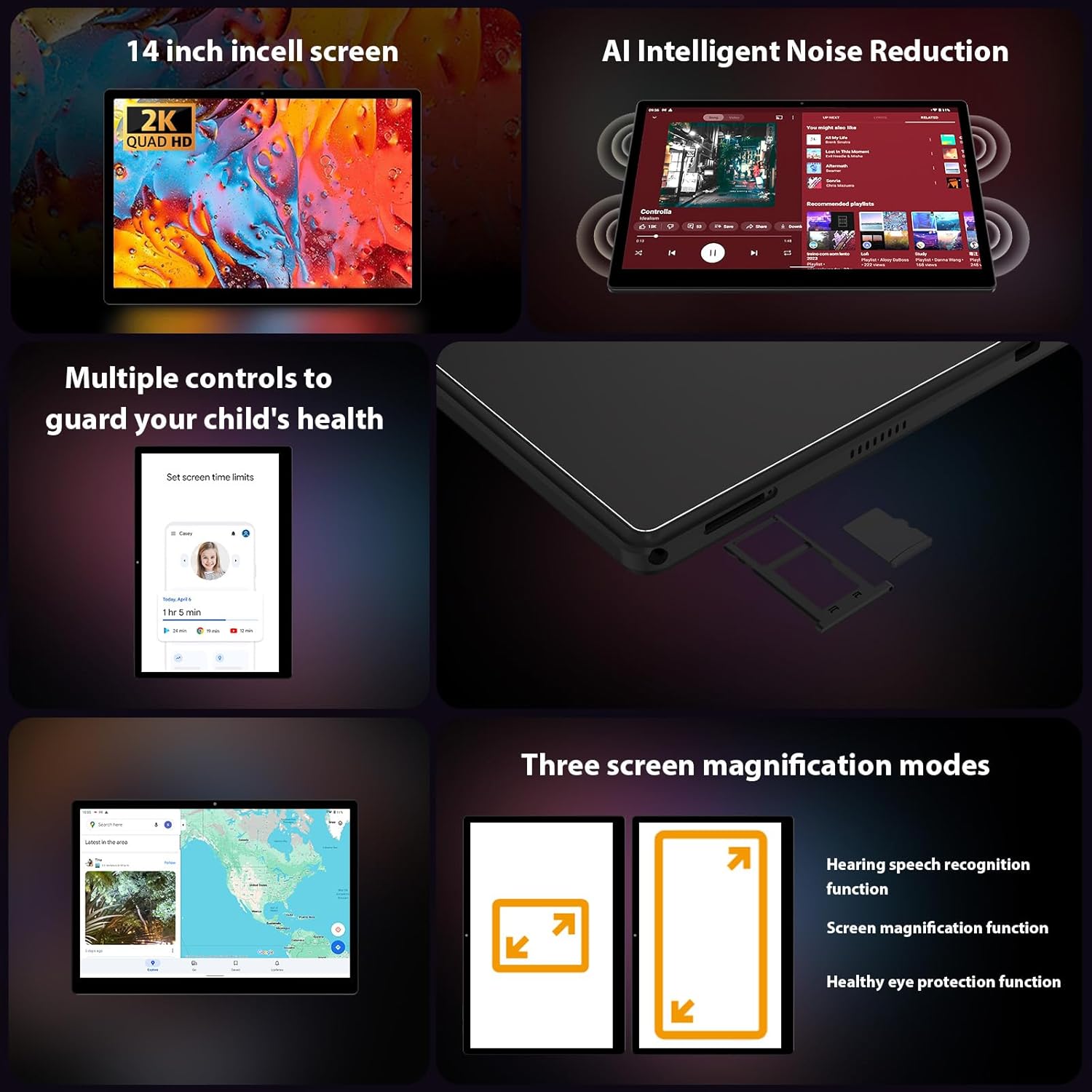
Imatge 3.2: Lateral view of the FASTWD L361 Tablet, highlighting the USB port, power button, volume controls, and the SIM/MicroSD card slot.
Components clau:
- Botó d'encesa: Press and hold to turn on/off or restart. Press briefly to wake/sleep the screen.
- Botons de volum: Ajusteu el volum d'àudio.
- Port USB: Per a càrrega i transferència de dades.
- Càmera frontal: For video calls and selfies (8MP).
- Càmera posterior: For photos and videos (13MP + 2MP Macro).
- Ranura per a targeta MicroSD: Expand storage up to 1TB.
- Ponents: Per a la sortida d'àudio.
4. Configuració inicial
4.1 Càrrega de la tauleta
Before first use, fully charge your tablet. Connect the USB charging cable to the tablet's USB port and the power adapter, then plug the adapter into a power outlet. The tablet supports 12W fast charging.

Image 4.1: Illustration of the FASTWD L361 Tablet being charged, highlighting its 11580mAh battery and 12W fast charging capability.
4.2 Engegada/apagada
- Per encendre: Press and hold the Power button until the FASTWD logo appears.
- Per apagar: Mantingueu premut el botó d'engegada i, a continuació, seleccioneu "Apagar" de les opcions que apareixen a la pantalla.
- Per reiniciar: Mantingueu premut el botó d'engegada i, a continuació, seleccioneu "Reiniciar" de les opcions.
4.3 Configuració inicial
Quan l'encengueu per primera vegada, seguiu les instruccions que apareixen a la pantalla per configurar la tauleta:
- Seleccioneu el vostre idioma preferit.
- Connecteu-vos a una xarxa Wi-Fi.
- Inicia la sessió amb el teu compte de Google o crea'n un de nou.
- Review i acceptar els termes i condicions.
- Set up screen lock (PIN, pattern, password, or Face ID).
4.4 Inserció d'una targeta MicroSD
To expand storage, insert a MicroSD card (up to 1TB) into the designated slot on the side of the tablet. Ensure the tablet is powered off before inserting or removing the card.
5. Com utilitzar la tauleta
5.1 Pantalla i protecció ocular
The FASTWD L361 features a 14-inch Incell FHD display with a resolution of 2000 x 1200 pixels. It is TÜV certified for eye protection, reducing eye strain during prolonged use.
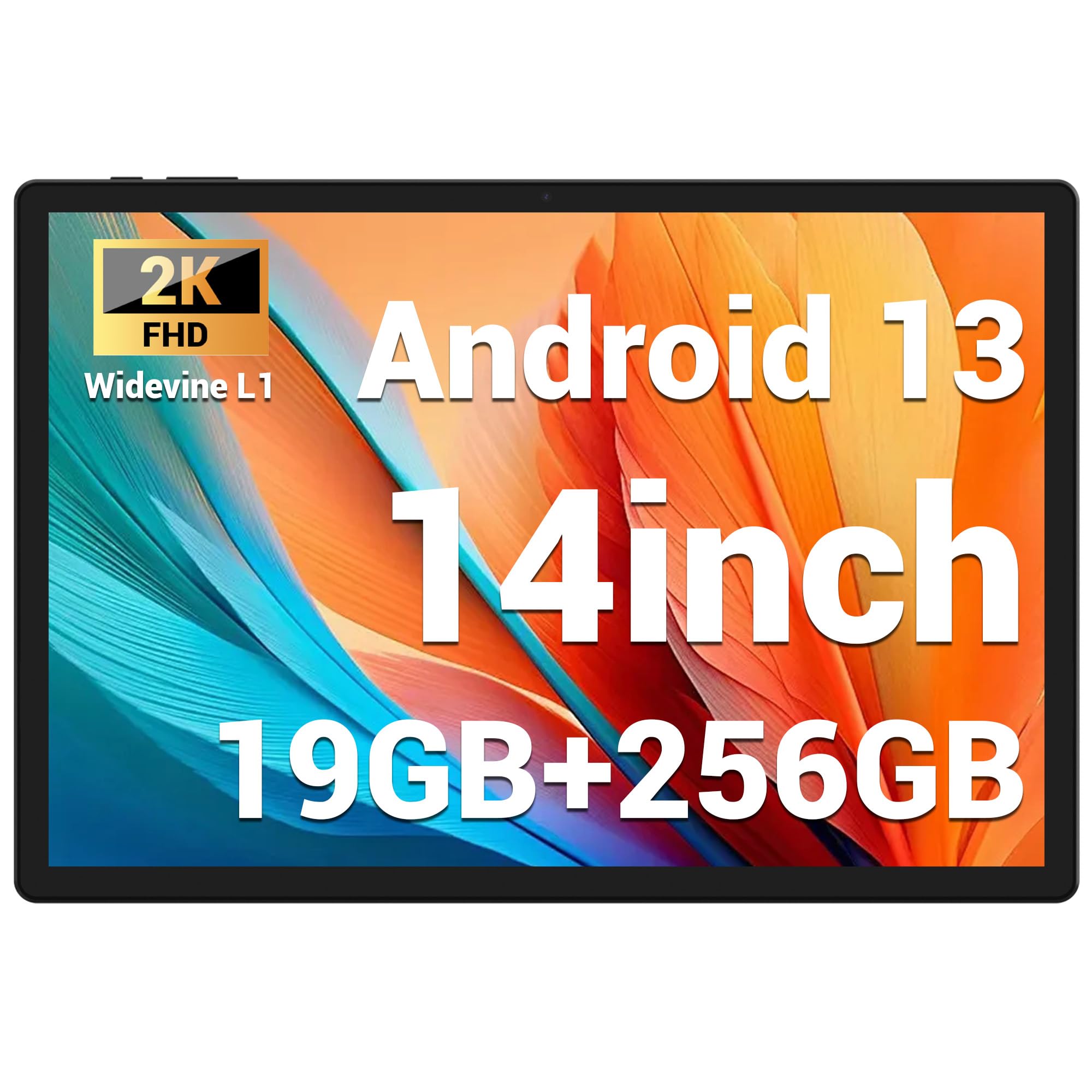
Image 5.1: Visual representation of the FASTWD L361 Tablet's 14-inch 2K Incell FHD display, highlighting its 2000x1200 resolution and TÜV eye protection certification.
5.2 Connectivitat
Your tablet supports advanced wireless connectivity:
- WiFi 5G: Connect to high-speed wireless networks for fast internet access.
- Bluetooth 5.0: Emparella-ho amb auriculars sense fil, altaveus i altres dispositius compatibles amb Bluetooth.

Image 5.2: Depiction of the FASTWD L361 Tablet's 5G WiFi capabilities, 19GB RAM, 256GB ROM, and support for 1TB MicroSD expansion.
5.3 Càmeres
The tablet is equipped with dual cameras:
- Càmera frontal: 8 Megapixels, ideal for video calls and self-portraits.
- Càmera posterior: 13 Megapixels with a 2 Megapixel Macro lens, suitable for capturing detailed photos and videos.

Image 5.3: Visuals demonstrating the FASTWD L361 Tablet's 8MP front camera, 13MP rear camera, and the process for setting up Face ID for secure unlocking.
5.4 Identificació facial
Unlock your tablet securely using Face ID. To set up:
- Vés a Configuració > Seguretat > Desbloqueig facial.
- Seguiu les instruccions a la pantalla per registrar la vostra cara.
5.5 AI Intelligent Noise Reduction
The tablet integrates AI Intelligent Noise Reduction technology to filter out ambient sounds, enhancing audio clarity during calls and media playback.
5.6 Multitasca amb Multi-Window
Utilize the multi-window feature to run two applications simultaneously, enhancing productivity and user experience.

Image 5.4: The FASTWD L361 Tablet displaying its multi-window and split-screen capabilities, allowing users to operate multiple applications simultaneously.
6. Manteniment
6.1 Neteja de la tauleta
Feu servir un drap suau i sense borrissol per netejar la pantalla i el cos de la tauleta. Eviteu utilitzar productes químics agressius o materials abrasius que puguin danyar la superfície.
6.2 Cura de la bateria
The tablet is equipped with an 11580mAh battery. To prolong battery life:
- Eviteu exposar la tauleta a temperatures extremes.
- No deixeu que la bateria s'esgoti completament abans de tornar-la a carregar regularment.
- Use the provided charger for optimal charging performance.
6.3 Actualitzacions de programari
Ensure your tablet's software is up to date to benefit from the latest features and security enhancements. Go to Configuració > Sistema > Actualització del sistema per comprovar i instal·lar actualitzacions.
7. Solució De Problemes
Si teniu problemes amb la tauleta, consulteu les solucions habituals següents:
| Problema | Solució |
|---|---|
| La tauleta no s'encén | Assegureu-vos que la bateria estigui carregada. Premeu i manteniu premut el botó d'engegada durant almenys 10 segons. |
| Problemes de connexió Wi-Fi | Restart your Wi-Fi router and the tablet. Check Wi-Fi settings on the tablet to ensure it's connected to the correct network. |
| Tablet is slow or unresponsive | Close unnecessary apps running in the background. Clear cache from apps. Restart the tablet. If issues persist, consider a factory reset (back up data first). |
| Face ID not working | Ensure your face is well-lit and not obstructed. Re-register your face in settings if necessary. |
7.1 Restabliment de fàbrica
If troubleshooting steps do not resolve the issue, you may need to perform a factory reset. This will erase all data on your tablet, so ensure you back up important files abans de continuar.
- Vés a Configuració > Sistema > Opcions de restabliment.
- Seleccioneu Esborra totes les dades (restabliment de fàbrica).
- Confirmeu la vostra decisió.
8. Especificacions
| Característica | Detall |
|---|---|
| Model | L361 |
| Sistema operatiu | Android 13 |
| Mostra | 14-inch Incell FHD, 2000 x 1200 pixels, TÜV Certified |
| Velocitat del processador | 2 GHz |
| RAM | 19 GB (8GB + 11GB virtual) |
| Emmagatzematge intern | 256 GB |
| Emmagatzematge ampliable | Up to 1 TB MicroSD |
| Capacitat de la bateria | 11580 mAh |
| Carregant | Càrrega ràpida de 12 W |
| Càmera frontal | 8 MP |
| Càmera posterior | 13 MP + 2 MP Macro |
| Connectivitat | Wi-Fi 5G, Bluetooth 5.0 |
| Característiques de seguretat | Identificació facial |
| Característiques especials | AI Noise Reduction, GMS Certified |
| Dimensions | 41.79 x 25.1 x 3.7 cm |
| Pes | 2.08 quilograms |
9. Garantia i Suport
Your FASTWD L361 Tablet comes with a standard manufacturer's warranty. For specific warranty terms and conditions, please refer to the warranty card included in your package or visit the official FASTWD weblloc.
For technical support, product inquiries, or warranty claims, please contact FASTWD customer service through the contact information provided on the official weblloc web o la documentació de la compra.
Ask a question about this manual
Ask about setup, troubleshooting, compatibility, parts, safety, or missing instructions. Manuals+ will review the question and use this page’s manual context to help answer it.