
DUODUOGO T30
DUODUOGO 10.1 inch Android Tablet User Manual
Model: T30
1. Introducció
Welcome to the user manual for your new DUODUOGO 10.1 inch Android Tablet. This device is designed to provide a seamless and powerful experience for all your digital needs, from entertainment to productivity. Please read this manual carefully to ensure proper use and to maximize the performance and longevity of your tablet.

Figure 1.1: DUODUOGO 10.1 inch Android Tablet and accessories.
2. Què hi ha a la caixa
En obrir el paquet, comproveu que hi hagi tots els elements següents:
- 1 x DUODUOGO 10.1 inch Android Tablet
- 1 x funda per a tauletes
- 1 x cable USB tipus C
- 1 x Carregador
- 1 x Manual d'usuari
3. Producte acabatview
The DUODUOGO T30 tablet is engineered for high performance and user convenience. Below are key features and components:
3.1. Rendiment i emmagatzematge
Equipped with a powerful octa-core processor and 8GB RAM (4GB physical + 4GB virtual memory), the tablet ensures smooth multitasking and fast application loading. The 64GB internal storage is expandable up to 1TB via a TF card, providing ample space for all your files.

Figure 3.1: Performance and Storage Capabilities.

Figure 3.2: Octa-Core Processor for Enhanced Performance.
3.2. Display and Audiovisual
Experience vibrant visuals on the 10.1-inch IPS HD display with a resolution of 1920x1200 pixels. The tablet features dual speakers for an immersive audio experience and supports Widevine L1 DRM for high-quality streaming content.
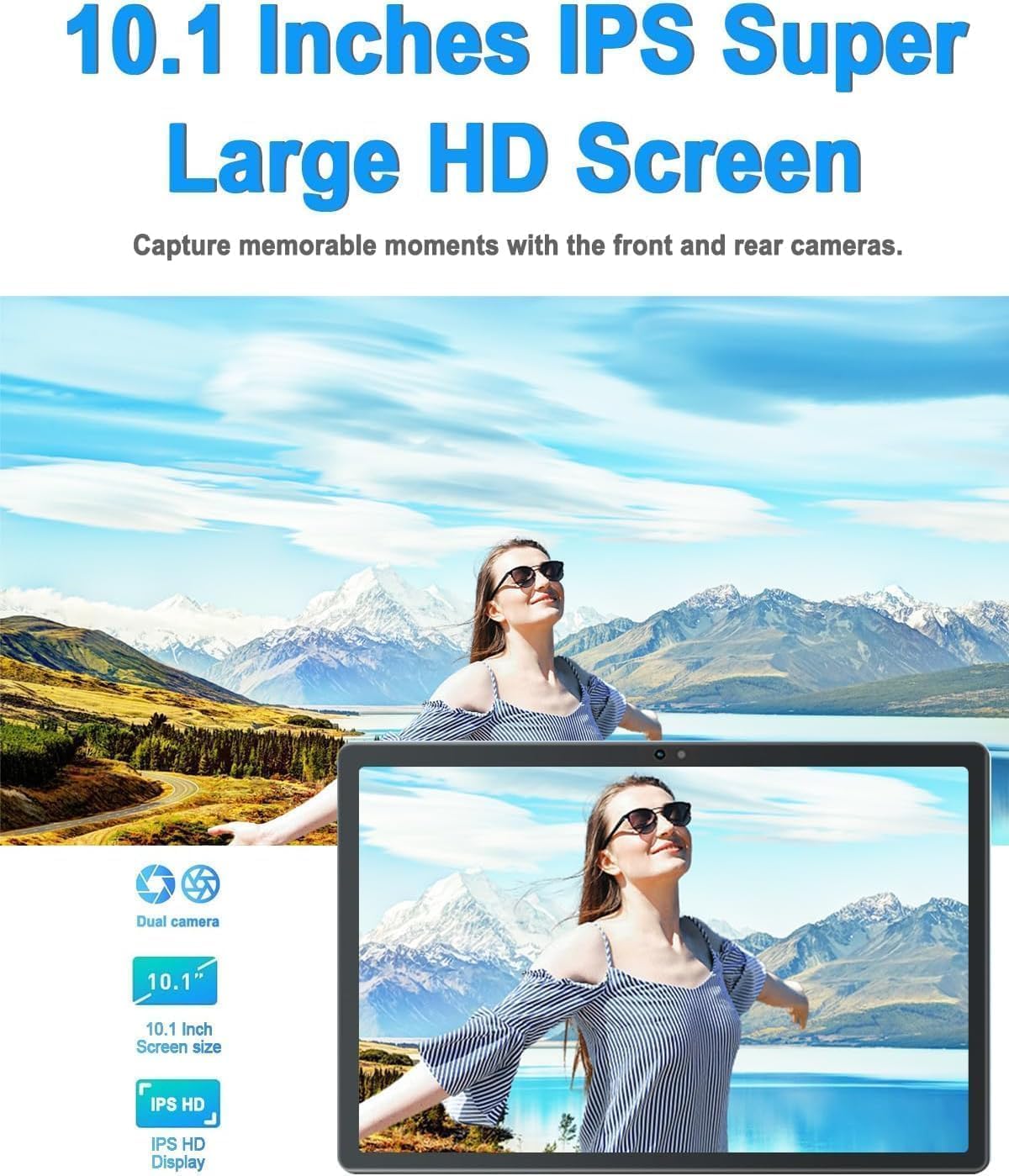
Figure 3.3: 10.1-inch IPS HD Display and Dual Cameras.

Figure 3.4: Immersive Audiovisual Experience.
3.3. Cameras and Connectivity
Capture moments with the 8MP rear camera and 5MP front camera. The tablet supports stable Wi-Fi (802.11ac) and Bluetooth 4.3 for seamless connectivity. It also includes GPS navigation capabilities.

Figure 3.5: Key Features and Connectivity Options.
3.4. Software and Battery
The tablet runs on the latest Android system and is GMS certified, ensuring full access to the Google Play Store and all its applications. A 6000 mAh battery provides extended usage time for various activities.

Figure 3.6: Google GMS Certification and App Access.
Vídeo 3.1: Acabatview of the 10.1 inch Android Tablet's features and capabilities.
4. Guia de configuració
4.1. Càrrega inicial
Before first use, fully charge your tablet. Connect the Type-C USB cable to the tablet's charging port and the other end to the provided charger. Plug the charger into a power outlet. The battery indicator on the screen will show charging progress.
4.2. Encendre/apagar
- Per encendre: Press and hold the Power button (usually located on the side or top edge) until the DUODUOGO logo appears.
- Per apagar: Premeu i manteniu premut el botó d'engegada fins que aparegui el menú d'opcions d'engegada. Seleccioneu "Apagar" i confirmeu.
4.3. Assistent de configuració inicial
The first time you power on the tablet, you will be guided through a setup wizard. Follow the on-screen prompts to:
- Seleccioneu el vostre idioma.
- Connecteu-vos a una xarxa Wi-Fi.
- Inicia la sessió amb el teu compte de Google o crea'n un de nou.
- Configura el bloqueig de pantalla (PIN, patró, contrasenya).
- Review i acceptar els termes i condicions.
5. Instruccions de funcionament
5.1. Navegació per la interfície
- Toca: Toqueu una icona o opció per seleccionar-la.
- Toca i mantén premut: Mantingueu premut un element per accedir a més opcions.
- Llisca: Arrossegueu el dit per la pantalla per desplaçar-vos o navegar entre pantalles.
- Pessigar: Feu servir dos dits per ampliar o reduir les fotos i web pàgines.
5.2. Funcions bàsiques
- Pantalla d'inici: Tap the Home button (circle icon) to return to the main screen.
- Aplicacions recents: Toqueu el botó Aplicacions recents (icona quadrada) per view i canviar entre les aplicacions utilitzades recentment.
- Enrere: Tap the Back button (triangle icon) to go back to the previous screen.
- Notificacions: Llisca cap avall des de la part superior de la pantalla per accedir al tauler de notificacions i a la configuració ràpida.
- Control de volum: Use the physical Volume Up/Down buttons on the side of the tablet.
5.3. Connexió a Wi-Fi
- Vés a Configuració > Xarxa i Internet > Wi-Fi.
- Activa/desactiva el Wi-Fi On.
- Seleccioneu la xarxa desitjada de la llista.
- Introduïu la contrasenya si us demana i toqueu Connecta't.
5.4. Ús de càmeres
Open the Camera app from your home screen or app drawer. You can switch between the front and rear cameras using the camera switch icon. Tap the shutter button to take a photo or start/stop video recording.

Figure 5.1: HD Large Screen Display for optimal viewing.
6. Manteniment i cura
To ensure the longevity and optimal performance of your DUODUOGO tablet, follow these maintenance guidelines:
- Neteja: Feu servir un drap suau i sense borrissol per netejar la pantalla i el cos. Per a taques difícils, fregueu lleugeramentampNetegeu el drap amb aigua o un netejador de pantalles. Eviteu productes químics agressius.
- Temperatura: Do not expose the tablet to extreme temperatures (hot or cold) or direct sunlight for prolonged periods.
- Exposició a l'aigua: This tablet is not waterproof. Avoid contact with liquids.
- Emmagatzematge: When not in use for extended periods, store the tablet in a cool, dry place.
- Actualitzacions de programari: Regularly check for and install system updates to ensure your tablet has the latest features and security patches. Go to Configuració > Sistema > Actualització del sistema.
7. Solució De Problemes
If you encounter issues with your tablet, refer to the following common problems and solutions:
- La tauleta no s'encén:
- Ensure the battery is charged. Connect the charger and wait a few minutes before attempting to power on.
- Press and hold the Power button for at least 10-15 seconds to force a restart. - La pantalla no respon:
- Restart the tablet.
- Ensure your hands are clean and dry. - Problemes de connexió Wi-Fi:
- Ensure Wi-Fi is enabled in Settings.
- Restart your Wi-Fi router.
- Forget the network in tablet settings and reconnect.
- Ensure you are within range of the Wi-Fi signal. - Apps are crashing or freezing:
- Close and reopen the app.
- Clear the app's cache (Settings > Apps > [App Name] > Storage & cache > Clear cache).
- Update the app from Google Play Store.
- Uninstall and reinstall the app. - Rendiment lent:
- Close unused apps running in the background.
- Clear cache and temporary files.
- Ensure sufficient storage space is available.
- Restart the tablet regularly. - La bateria es descarrega ràpidament:
- Reduce screen brightness.
- Turn off Wi-Fi, Bluetooth, and GPS when not in use.
- Close background apps.
- Limit notifications.
- Check battery usage in Settings to identify power-hungry apps.
If the problem persists, please contact DUODUOGO customer support for further assistance.
8. Especificacions
| Característica | Especificació |
|---|---|
| Marca | DUODUOGO |
| Número de model | T30 |
| Sistema operatiu | Android |
| Mida de la pantalla | 10.1 polzades |
| Resolució de pantalla | 1920 x 1200 pixels IPS |
| Processador | Octa-nucli, 2 GHz (MediaTek) |
| RAM | 8 GB (4 GB + 4 GB virtual) |
| Emmagatzematge intern | 64 GB |
| Emmagatzematge ampliable | Up to 1TB (TF card) |
| Càmera posterior | 8 MP |
| Càmera frontal | 5 MP |
| Capacitat de la bateria | 6000 mAh |
| Tipus sense fil | Wi-Fi 802.11ac |
| Bluetooth | Bluetooth 4.3 |
| Connectivitat | Type-C USB, 3.5mm Headphone Jack |
| Pes de l'article | 1.04 lliures |
| Dimensions del producte | 9.6 x 6.4 x 0.32 polzades |
9. Garantia i Suport
Your DUODUOGO tablet comes with a standard manufacturer's warranty. Please refer to the warranty card included in your product packaging for specific terms and conditions, including warranty period and coverage details.
For technical support, troubleshooting assistance, or warranty claims, please contact DUODUOGO customer service through the contact information provided on the product packaging or the official DUODUOGO weblloc.
Si us plau, conserveu el comprovant de compra per motius de garantia.
Ask a question about this manual
Ask about setup, troubleshooting, compatibility, parts, safety, or missing instructions. Manuals+ will review the question and use this page’s manual context to help answer it.