
Introducció
The Amazon Basics Thunderbolt 4 / USB4 Docking Station is designed to expand your laptop's connectivity and enhance your workspace. It provides multiple ports for monitors, peripherals, and network access, all while delivering power to your connected laptop through a single Thunderbolt 4 cable.
Què s'inclou
- Estació d'acoblament Thunderbolt 4
- Cable Thunderbolt 4
- Adaptador d'alimentació
- Cable d'alimentació
- Guia de configuració ràpida

Image: All components included with the docking station.
Producte acabatview
The docking station features a compact design with various ports for versatile connectivity. Below is a detailed look at the ports and indicators.

Imatge: Frontal view of the docking station.
Panell frontal
- Lector de targetes SD: Per llegir i escriure a targetes de memòria SD.
- Port USB-A 3.1: Connect USB-A peripherals.
- Conector d'àudio de 3.5 mm: Per a auriculars o altaveus.
- Port de pujada Thunderbolt 4: Connects to your laptop. Supports up to 85W Power Delivery.
- Indicadors LED: Power and Thunderbolt connection status.
- Botó d'encesa: To turn the docking station on or off.
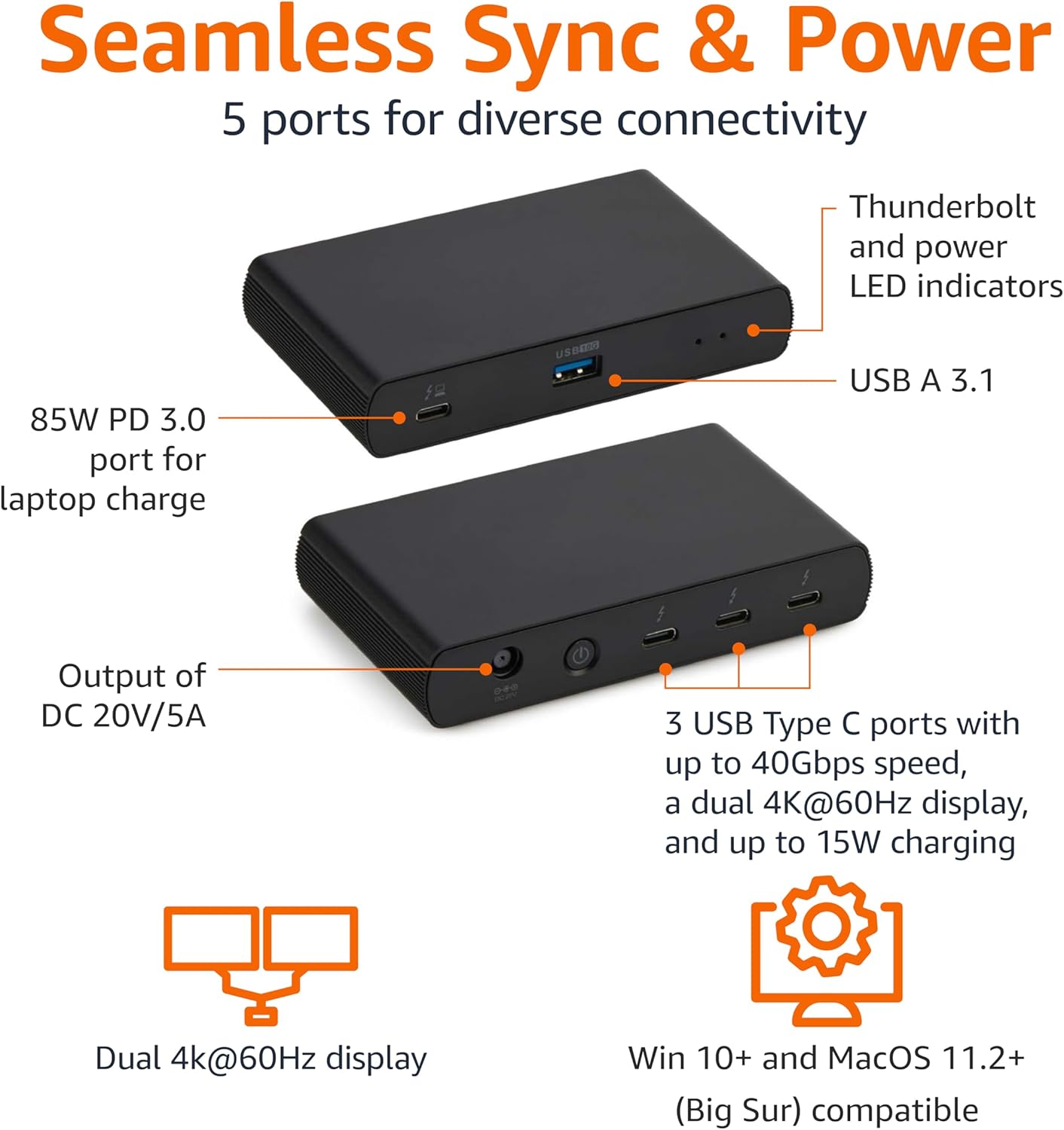
Image: Labeled ports on the docking station.
Panell posterior
- DC In Port: Connecteu l'adaptador de corrent proporcionat.
- Port HDMI 2.1: Connecteu una pantalla externa.
- 2 ports de baixada Thunderbolt 4: Connect additional Thunderbolt devices or external displays. Each supports up to 15W charging.
- Port Ethernet de 2.5 G: Per a la connectivitat de xarxa amb cable.
- 2 ports USB-A 3.1: Connect additional USB-A peripherals.
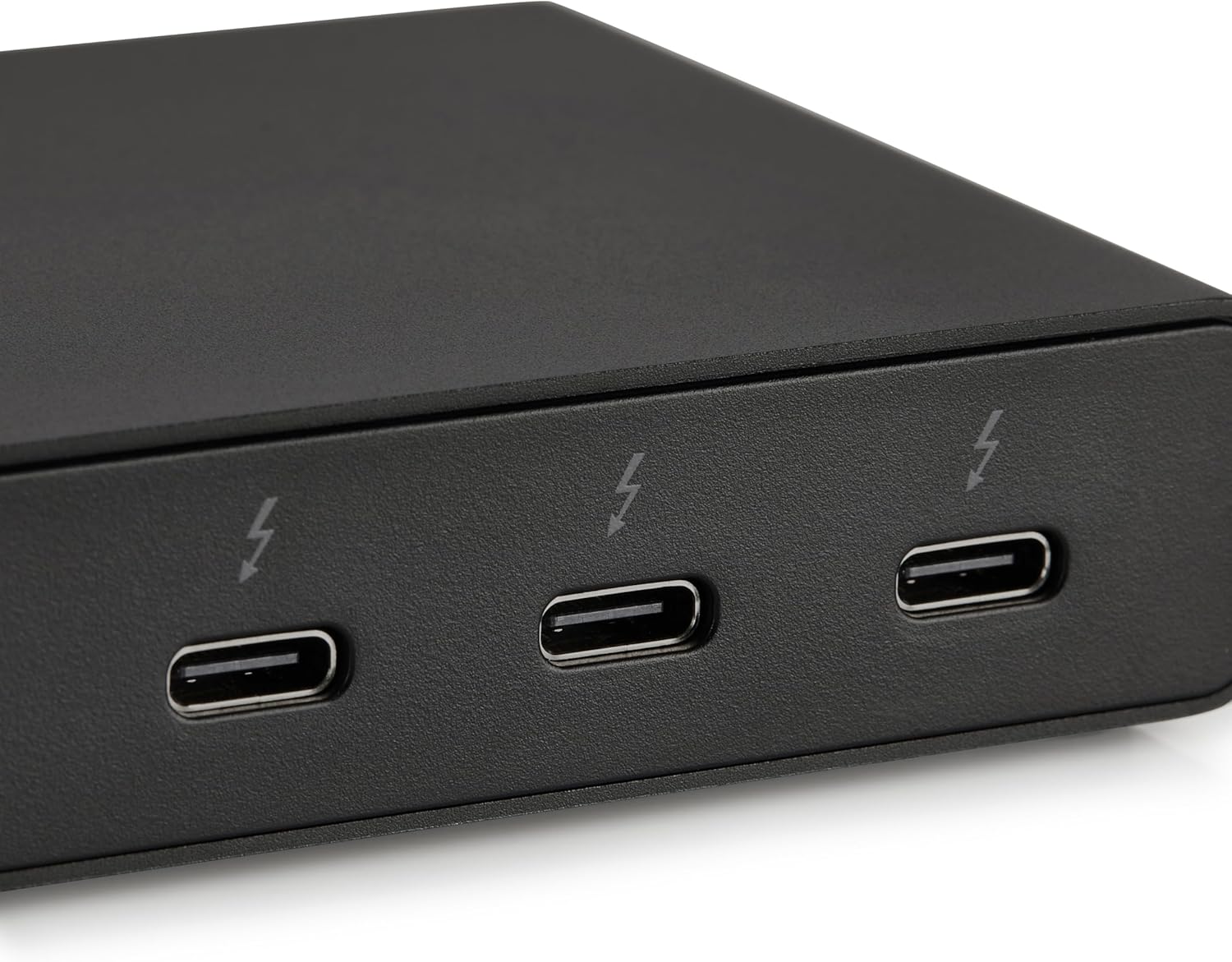
Image: Close-up of Thunderbolt 4 ports.
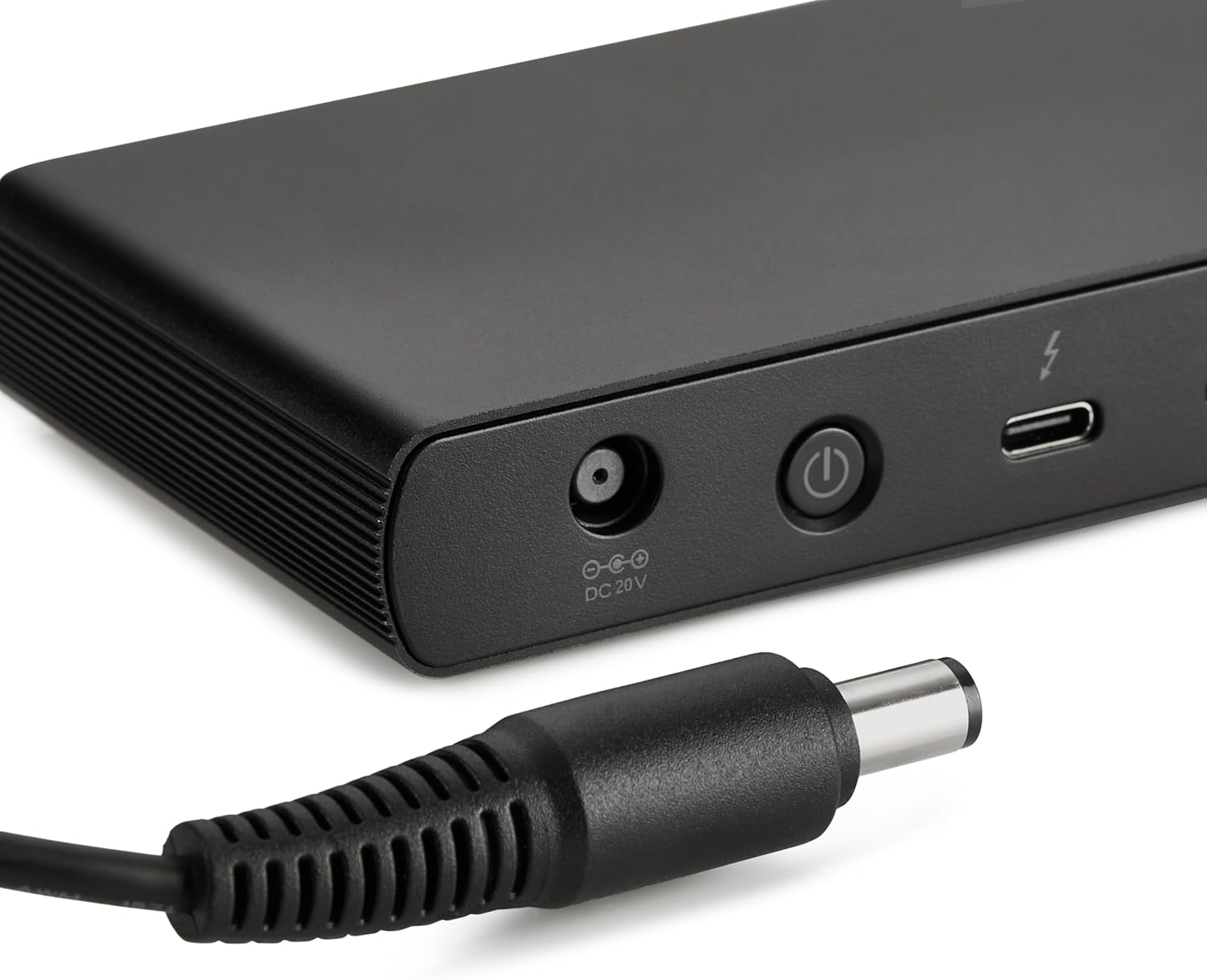
Image: Close-up of the DC power input.
Instruccions de configuració
- Connectar l'alimentació: Plug the provided power adapter into the DC In port on the rear of the docking station, then connect the power cord to a wall outlet.
- Connectar-se al portàtil: Use the provided black Thunderbolt 4 cable to connect the Thunderbolt 4 upstream port on the davant of the docking station to a Thunderbolt 4 port on your laptop.
- Encès: Press the power button on the front panel of the docking station. The green power LED and blue Thunderbolt LED should illuminate.
- Connecteu els perifèrics: Connect your monitors, Ethernet cable, USB devices, and audio devices to the appropriate ports on the docking station.
Video: This video demonstrates the basic setup and connectivity of the Amazon Basics Thunderbolt 4 / USB4 Docking Station, including connecting to a laptop, external displays, and peripherals.
Note: If your laptop does not immediately detect the dock, ensure the Thunderbolt 4 cable is securely connected. Wait approximately 60 seconds for the system to complete the setup process.
Instruccions de funcionament
Suport de doble pantalla
The docking station supports up to dual 4K@60Hz displays. You can connect one display via the HDMI 2.1 port and another via one of the Thunderbolt 4 downstream ports (using an appropriate adapter/cable, not included).
- Verify your laptop's Thunderbolt ports support dual 4K@60Hz output.
- Ensure your graphics card has the latest drivers installed.
- Confirm your monitors support 4K@60Hz display.
- Use high-quality Thunderbolt 4 or USB4 cables for display connections (not included).

Image: Dual display setup with the docking station.
Subministrament d'energia (PD)
The docking station provides dynamic power delivery up to 85W to charge your connected laptop. This eliminates the need for a separate laptop charger.
- Check your laptop manufacturer's power supply specifications.
- If laptop power requirements exceed 85W, the docking station may activate an overload protection feature, causing disconnection or improper port function.
- The Thunderbolt 4 downstream ports also provide up to 15W charging for connected devices.
Transferència de dades d'alta velocitat
Leverage Thunderbolt 4 and USB4 technology for lightning-fast data transfers up to 40Gbps across the Thunderbolt ports, ensuring seamless workflows for large files and demanding applications.
Compatibilitat
- Sistemes operatius compatibles: Windows 10 OS or later (with Thunderbolt 4 port), non-M1/M2 chip MacBooks running macOS 11 (Big Sur) or later.
- Compatibilitat enrere: Thunderbolt 3 laptops may work with limited functionality (e.g., not supporting dual display).
- No compatible amb: Linux or Chrome OS laptops, and M1/M2 chip MacBooks running macOS 10.16 or earlier.
Especificacions
| Característica | Detall |
|---|---|
| Marca | Conceptes bàsics d'Amazon |
| Número de model | DBD1010 |
| Dimensions del producte | 4.76 x 2.84 x 0.86 polzades |
| Pes de l'article | 1.76 lliures |
| Interfície del maquinari | Thunderbolt, USB |
| Ports USB totals | 4 (1x USB-A 3.1 front, 2x USB-A 3.1 rear, 1x Thunderbolt 4 upstream front) |
| Ports Thunderbolt | 3 (1x upstream, 2x downstream) |
| Port HDMI | 1x HDMI 2.1 |
| Port Ethernet | 1x 2.5G RJ45 |
| Lliurament d'energia | Fins a 85 W per allotjar un ordinador portàtil |
| Sortida de vídeo | Dual 4K@60Hz displays |
| UPC | 840324412260 |
Resolució de problemes
- Sense sortida de pantalla:
- Ensure all display cables are securely connected.
- Verify your laptop's Thunderbolt ports support dual 4K@60Hz output.
- Actualitzeu els controladors de la vostra targeta gràfica a la darrera versió.
- Confirm your monitors support 4K@60Hz.
- Try using different high-quality Thunderbolt 4 or USB4 cables for display connections.
- Laptop Not Charging / Intermittent Charging:
- Ensure the provided Thunderbolt 4 cable is used for the upstream connection to your laptop.
- Confirm the power adapter is correctly plugged into the dock and a working wall outlet.
- Check your laptop's power requirements. If they exceed 85W, the dock's overload protection may activate.
- Perifèrics no detectats:
- Ensure the Thunderbolt 4 cable connecting the dock to your laptop is firmly seated.
- Try connecting the peripheral directly to your laptop to rule out device issues.
- Reinicieu el portàtil i l'estació d'acoblament.
- Transferència lenta de dades:
- Ensure you are using Thunderbolt 4 or USB4 compatible devices and cables for optimal speeds.
- Check that your laptop's ports support the expected data transfer rates.
Manteniment
- Neteja: Use a soft, dry cloth to clean the exterior of the docking station. Avoid liquid cleaners or solvents.
- Emmagatzematge: Guardeu l'estació d'acoblament en un lloc fresc i sec, allunyat de la llum solar directa i de temperatures extremes.
- Cura del cable: Eviteu doblegar o engarxar excessivament els cables per evitar danys.
Garantia i Suport
Per obtenir informació sobre la garantia i l'atenció al client, consulteu els conceptes bàsics oficials d'Amazon. website or contact Amazon customer service. Protection plans are also available for extended coverage.
For additional assistance, visit: amazon.com/AmazonBasics