
1. Introducció
Thank you for choosing the KOLINK Umbra X 120mm PWM ARGB Fan. This fan is designed to provide efficient cooling for your computer system while offering customizable ARGB lighting effects. Featuring a 28mm thick frame for enhanced airflow and a durable hydraulic bearing, the Umbra X delivers quiet and reliable performance. This manual provides essential information for proper installation, operation, and maintenance.
2. Informació de seguretat
- Assegureu-vos que el sistema informàtic estigui apagat i desendollat de la presa de corrent abans de la instal·lació.
- Manipuleu el ventilador i els seus components amb cura per evitar danys.
- Do not attempt to modify the fan or its cables. Unauthorized modifications may void your warranty and cause damage.
- Mantingueu el ventilador allunyat de líquids i d'humitat excessiva.
- This product is intended for use within computer systems. Do not use it for other purposes.
3. Contingut del paquet
The KOLINK Umbra X Single Pack includes the following items:
- 1x KOLINK Umbra X 120mm PWM ARGB Fan
- 4x cargols de muntatge
- Necessary connection cables (PWM and ARGB)
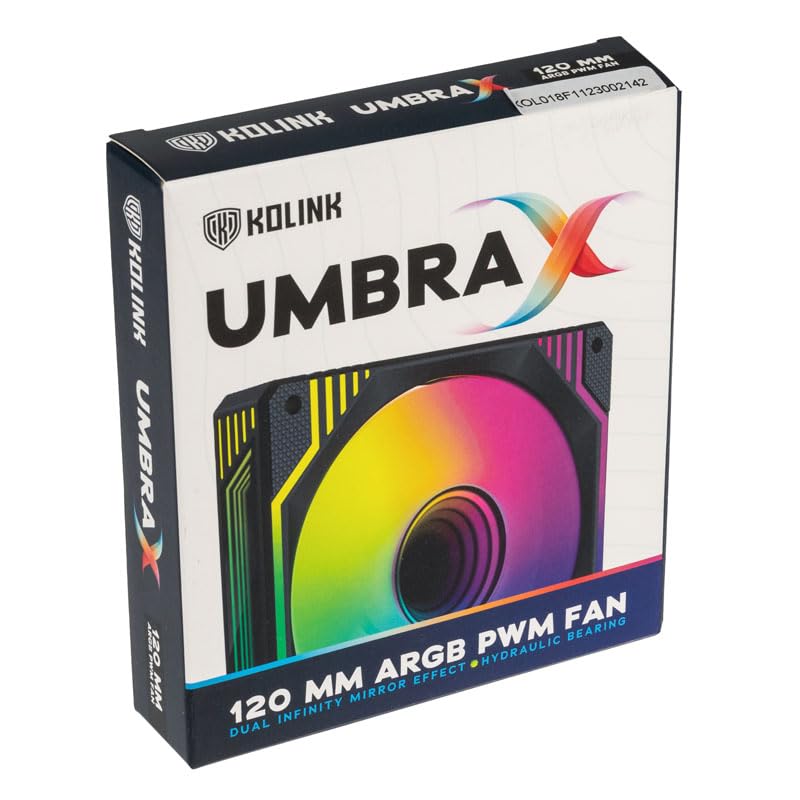
Image: KOLINK Umbra X 120mm PWM ARGB Fan product box.
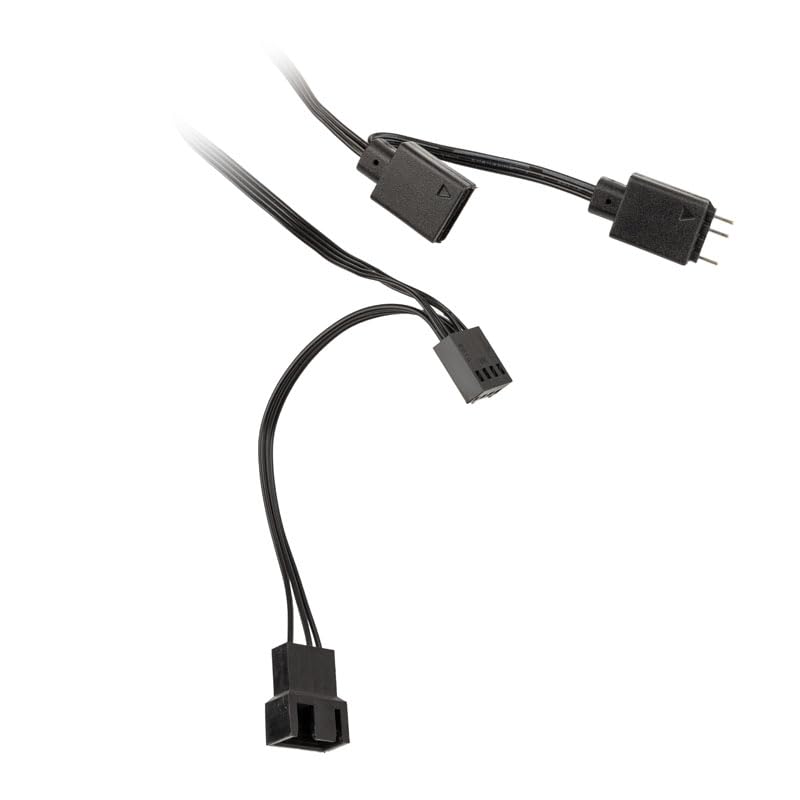
Image: Included PWM and ARGB connection cables for the fan.
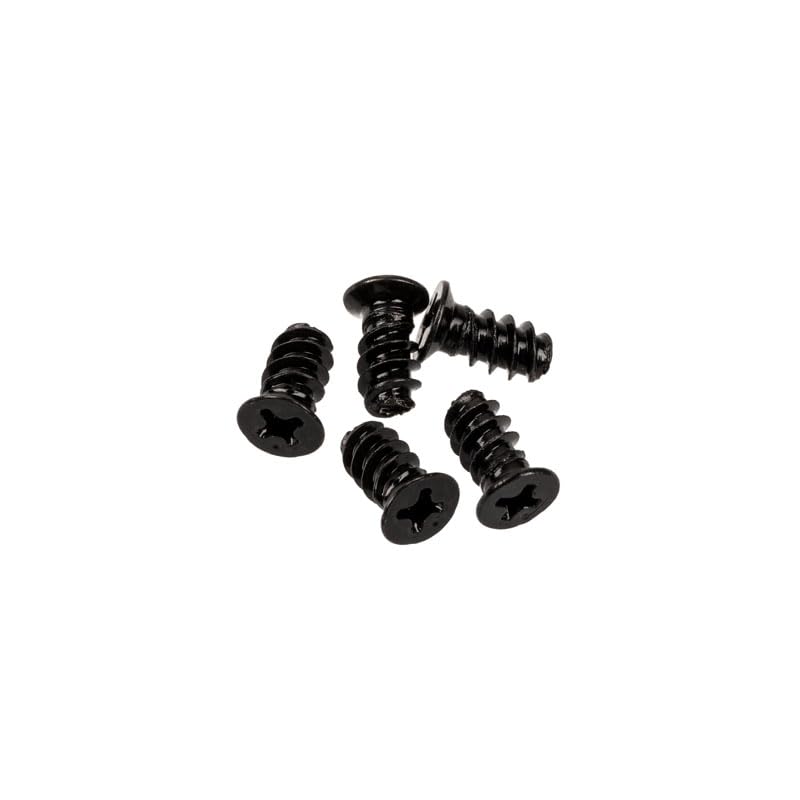
Image: Four black mounting screws for fan installation.
4. Especificacions
| Característica | Especificació |
|---|---|
| Model | Umbra X Single Pack (539470) |
| Dimensions (L x A x A) | 120 x 120 x 28 mm |
| Velocitat del ventilador | Fins a 1600 RPM |
| Nivell de soroll | 24 dBA (màxim) |
| Tipus de rodament | Coixinet hidràulic |
| MTBF (temps mitjà entre fallades) | 40,000 hores |
| Tipus de connector | 4-pin PWM (Fan Control), 3-pin ARGB (5V) |
| Mètode de refrigeració | Aire |
| Dispositius compatibles | Ordinadors d'escriptori |
5. Instal·lació (Configuració)
Follow these steps to install your KOLINK Umbra X fan:
- Prepareu el vostre sistema: Power off your computer and unplug it from the power outlet. Open your computer case to access the fan mounting locations.
- Identificar la ubicació de muntatge: Determine where you want to install the fan (e.g., front, rear, top, or bottom of the case, or on a radiator). Ensure there is sufficient space.
- Muntar el ventilador: Position the fan in the desired location. Ensure the airflow direction is correct (usually indicated by an arrow on the fan frame). Use the four included mounting screws to secure the fan to the case or radiator. Tighten screws until snug, but do not overtighten.
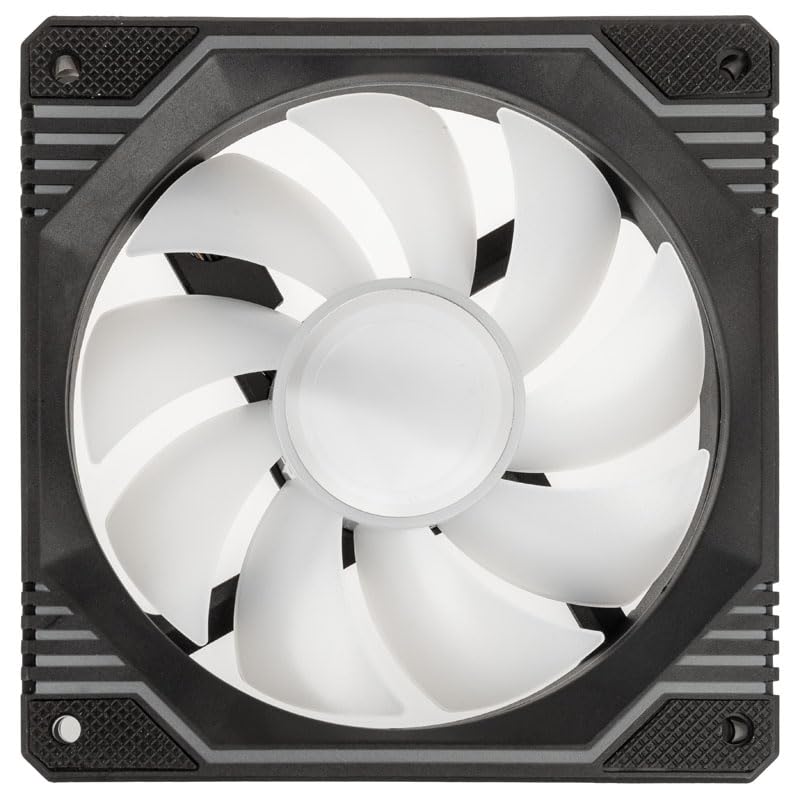
Imatge: De dalt a baix view of the KOLINK Umbra X fan, showing the fan blades and mounting holes.
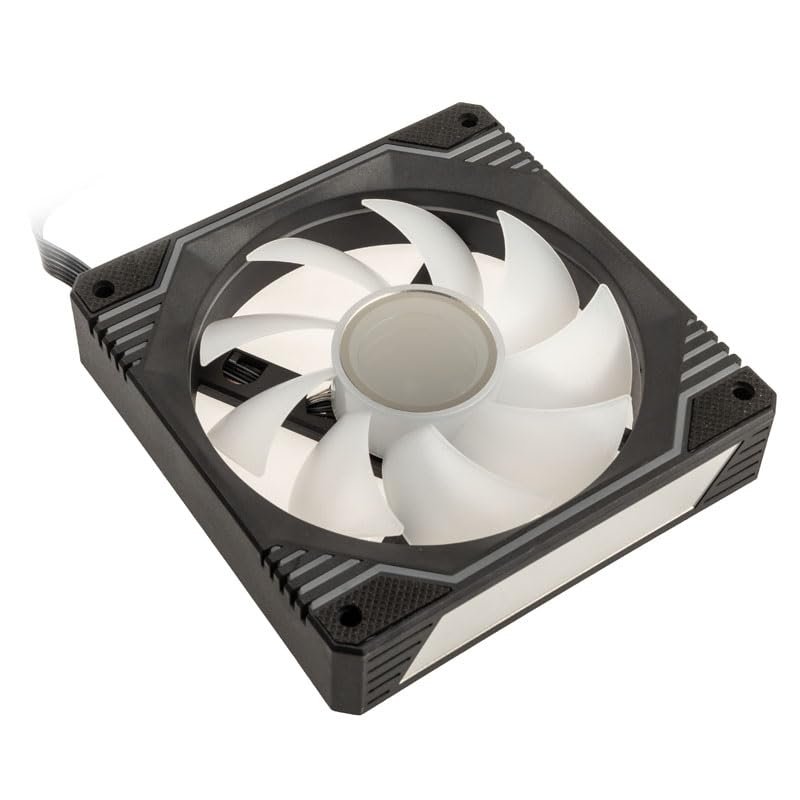
Imatge: Anglesa view of the KOLINK Umbra X fan, highlighting its design and mounting points.
- Connecteu el cable PWM: Locate a 4-pin fan header on your motherboard (often labeled CPU_FAN, SYS_FAN, or CHA_FAN). Connect the fan's 4-pin PWM cable to this header. This allows your motherboard to control the fan speed.
- Connecteu el cable ARGB: Locate a 3-pin 5V ARGB header on your motherboard (often labeled ADD_HEADER, JRAINBOW, or D_LED). Connect the fan's 3-pin ARGB cable to this header. Ensure the arrow on the connector aligns with the +5V pin on the motherboard header to prevent damage. Do not connect to a 4-pin 12V RGB header.
- Gestió de cables: Route the cables neatly to avoid interference with other components and to improve airflow within the case.
- Tanqueu la carcassa i engegueu-la: Close your computer case, plug in the power cable, and power on your system. Verify that the fan spins and the ARGB lighting illuminates.
6. Funcionament
The KOLINK Umbra X fan operates with two primary functions: fan speed control and ARGB lighting control.
Control de velocitat del ventilador (PWM)
The fan's speed is controlled via the 4-pin PWM connection to your motherboard. You can manage fan speed settings through your motherboard's BIOS/UEFI or through compatible software provided by your motherboard manufacturer. This allows for dynamic adjustment of fan speed based on system temperature, optimizing cooling performance and noise levels.
Control d'il·luminació ARGB
The ARGB lighting features two Infinity Mirror effects on the fan hub and frame edges. The lighting is controlled via the 3-pin 5V ARGB connection to your motherboard. You can customize lighting effects, colors, and patterns using your motherboard's ARGB synchronization software (e.g., ASUS Aura Sync, MSI Mystic Light Sync, Gigabyte RGB Fusion, ASRock Polychrome Sync). Ensure your motherboard supports 3-pin 5V ARGB.
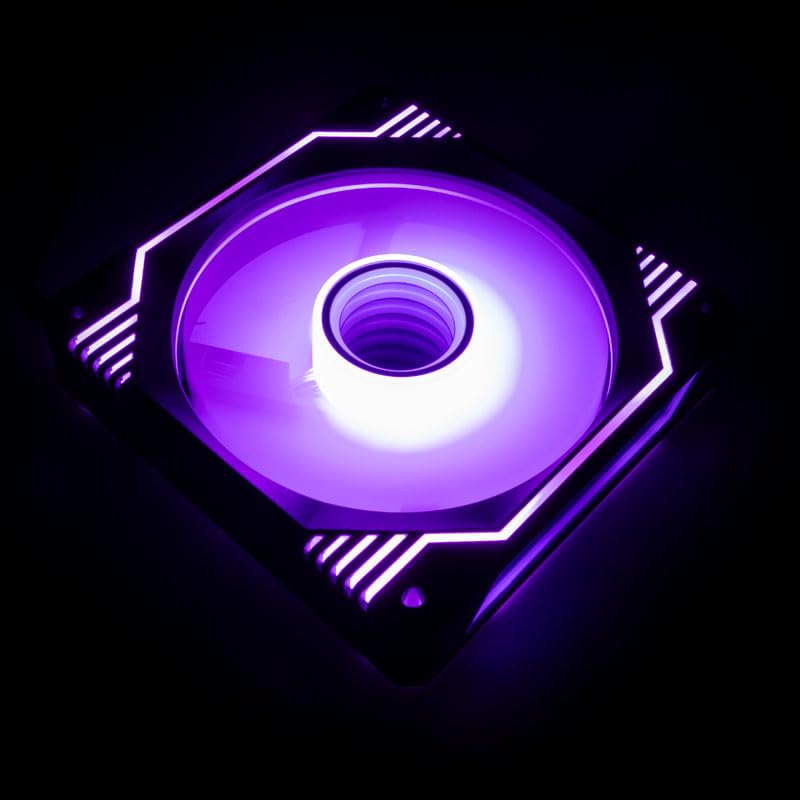
Image: KOLINK Umbra X fan illuminated with purple ARGB lighting, showcasing the infinity mirror effect.

Image: KOLINK Umbra X fan illuminated with green ARGB lighting.
7. Manteniment
Un manteniment regular ajuda a garantir un rendiment òptim i una llarga vida útil del ventilador.
- Neteja: Periodically clean the fan blades and frame to remove dust buildup. Use a can of compressed air or a soft, dry cloth. Ensure the system is powered off and unplugged before cleaning.
- Inspecció: Occasionally check the fan for any signs of damage or loose connections.
- Evitar la lubricació: The hydraulic bearing is sealed and does not require external lubrication. Attempting to lubricate it may cause damage.
8. Solució De Problemes
If you encounter issues with your KOLINK Umbra X fan, refer to the following common solutions:
- El ventilador no gira:
- Assegureu-vos que el cable PWM de 4 pins estigui connectat correctament a un capçal de ventilador funcional de la placa base.
- Check BIOS/UEFI settings to ensure the fan header is enabled and configured correctly (e.g., not set to 0 RPM).
- Verify that your power supply is providing adequate power to the motherboard and components.
- La il·luminació ARGB no funciona:
- Ensure the 3-pin ARGB cable is securely connected to a 5V ARGB header on the motherboard. No connecteu a un capçal RGB de 12 V.
- Check your motherboard's ARGB software to ensure lighting effects are enabled and configured.
- Verify that the ARGB header on your motherboard is functioning correctly.
- Soroll excessiu:
- Comproveu si hi ha cables o obstruccions que toquin les aspes del ventilador.
- Ensure the fan is securely mounted and screws are tightened appropriately.
- Ajusteu la configuració de la velocitat del ventilador a la BIOS/UEFI o al programari de la placa base a unes RPM més baixes si el soroll és un problema.
- Netegeu qualsevol acumulació de pols a les aspes del ventilador.
- Rendiment de refrigeració deficient:
- Verify the fan's airflow direction is appropriate for your case configuration (e.g., intake or exhaust).
- Assegureu-vos que no hi hagi obstruccions que bloquegin el flux d'aire cap al ventilador o des d'aquest.
- Increase fan speed settings if temperatures are too high.
9. Garantia i Suport
KOLINK products are manufactured to high-quality standards. For warranty information and technical support, please refer to the official Kolink weblloc web o poseu-vos en contacte amb el vostre distribuïdor. Conserveu el comprovant de compra per a reclamacions de garantia.