
1. Introducció
The STRONG REPEATERAX1800 Wi-Fi 6 Repeater is designed to extend the coverage of your existing wireless network, eliminating Wi-Fi dead zones and providing a stronger, more reliable internet connection throughout your home or office. This device supports the latest Wi-Fi 6 standard, offering faster speeds and improved efficiency for multiple connected devices. Please read this manual carefully before using the product to ensure proper installation and operation.
2. Contingut del paquet
Verifiqueu que tots els articles siguin presents al vostre paquet. Si falta algun article o està malmès, poseu-vos en contacte amb el vostre distribuïdor.
- 1x STRONG REPEATERAX1800 Wi-Fi 6 Repeater
- 1x Instruccions d'instal·lació
- 1x Targeta de garantia
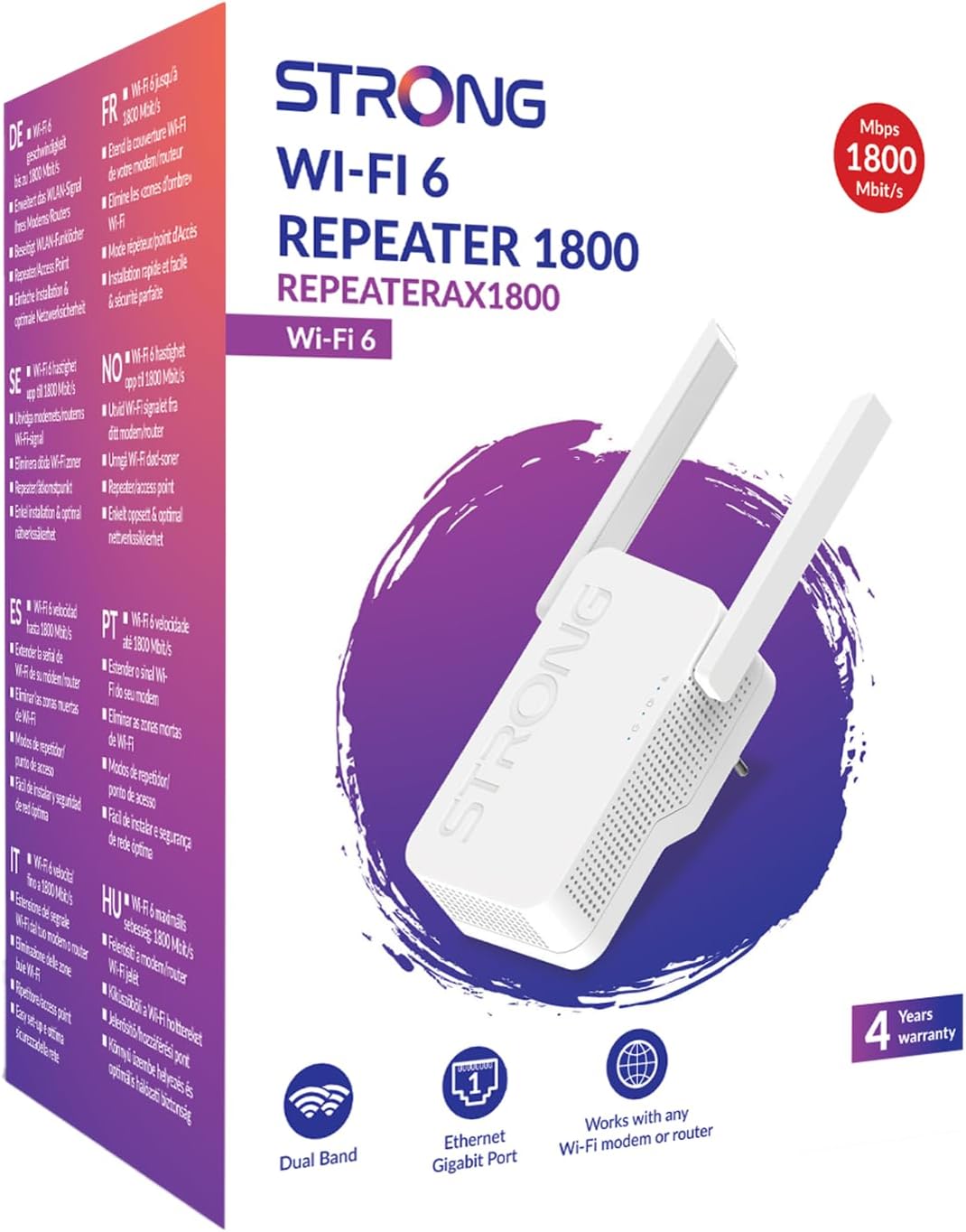
Image: The STRONG REPEATERAX1800 Wi-Fi 6 Repeater and its packaging, illustrating the included items: the repeater unit and installation instructions.
3. Producte acabatview
Característiques clau
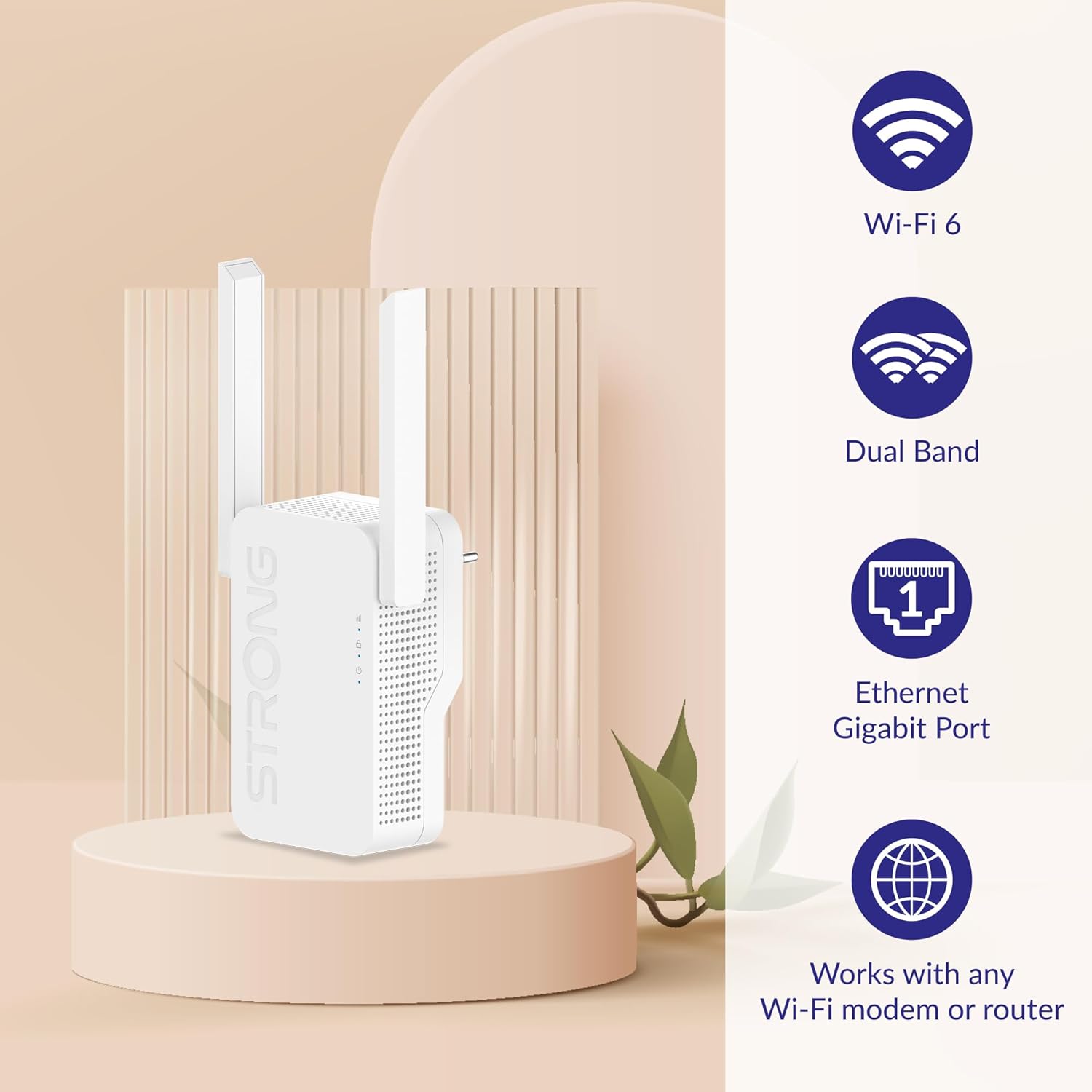
- Compatibilitat amb Wi-Fi 6 (802.11ax): For faster speeds and improved network efficiency.
- Funcionament de doble banda: Simultaneous 2.4 GHz and 5 GHz connections for flexible network expansion.
- Port Gigabit Ethernet: Per a connexions per cable a dispositius com ara ordinadors, consoles de jocs o televisors intel·ligents.
- Compatibilitat universal: Works with any standard Wi-Fi modem or router.

Image: Visual representation of the repeater highlighting its key features: Wi-Fi 6, Dual Band, Ethernet Gigabit Port, and compatibility with any Wi-Fi modem or router.
Device Layout and Indicators
Familiarize yourself with the repeater's ports and LED indicators:
- LED Wi-Fi: Indica l'estat de la connexió Wi-Fi.
- LED WPS: Shows the status of the Wi-Fi Protected Setup (WPS) function.
- LED d'alimentació: Indica si el dispositiu està encès.
- Port Gigabit Ethernet: For connecting a wired device.
Imatge: Un primer pla view of the STRONG REPEATERAX1800, with numbered labels pointing to the Wi-Fi LED, WPS LED, Power LED, and Gigabit Ethernet Port.
4. Configuració
Follow these steps for a quick and easy installation of your Wi-Fi repeater:
- Encès: Plug the REPEATERAX1800 into an electrical outlet near your existing Wi-Fi router. Wait for the Power LED to turn solid.
- Connecteu-vos al router:
- WPS Method (Recommended): Press the WPS button on your router, then within two minutes, press the WPS button on the REPEATERAX1800. The WPS LED will indicate a successful connection.
- Mètode manual: Connect your computer or mobile device to the repeater's default Wi-Fi network (usually printed on the device or in the quick start guide). Open a web browser and follow the on-screen instructions to connect the repeater to your home Wi-Fi network.
- Col·locació òptima: Once connected, unplug the repeater and move it to a location halfway between your router and the Wi-Fi dead zone. Ensure the Wi-Fi LED indicates a strong signal from your router.
- Extend Signal: The repeater will now broadcast an extended Wi-Fi signal. You can connect your devices to this new network (often with '_EXT' appended to your original network name).

Image: A visual guide demonstrating the quick and easy installation process, showing the repeater connecting to a modem/router and then extending the Wi-Fi signal to cover a larger area.
5. Funcionament
Bandes Wi-Fi
The REPEATERAX1800 operates on both 2.4 GHz and 5 GHz frequency bands simultaneously:
- Banda de 2.4 GHz: Offers wider coverage and better penetration through walls, suitable for general internet use and older devices. Supports up to 574 Mbps.
- Banda de 5 GHz: Provides faster speeds and lower latency, ideal for streaming HD video, online gaming, and bandwidth-intensive applications. Supports up to 1201 Mbps.

Image: Illustration showing the 2.4 GHz and 5 GHz Wi-Fi signals emanating from the repeater, with their respective maximum data rates of 574 Mbps and 1201 Mbps.
Velocitat de transferència de dades
The REPEATERAX1800 provides a combined data transfer rate of up to 1800 Megabits Per Second (Mbps), leveraging the capabilities of Wi-Fi 6 across both frequency bands.
6. Manteniment
To ensure optimal performance and longevity of your REPEATERAX1800:
- Col·locació: Avoid placing the repeater near large metal objects, concrete walls, or devices that emit strong electromagnetic interference (e.g., microwaves, cordless phones).
- Actualitzacions de firmware: Reviseu periòdicament el fabricant website for firmware updates. Keeping your device's firmware up-to-date can improve performance, security, and add new features.
- Neteja: Feu servir un drap suau i sec per netejar el dispositiu. No utilitzeu netejadors líquids ni aerosols.
7. Solució De Problemes
If you encounter issues with your REPEATERAX1800, try the following steps:
- Sense energia: Ensure the repeater is securely plugged into a working electrical outlet. Check if the Power LED is illuminated.
- Sense connexió a Internet: Verify that your main router has an active internet connection. Check the Wi-Fi LED on the repeater to ensure it's properly connected to your router.
- Senyal feble: Relocate the repeater to a position closer to your main router, ensuring it is still within a good signal range of the area you want to cover.
- No es pot accedir a la pàgina de configuració: Ensure your device is connected to the repeater's Wi-Fi network. Try clearing your browser's cache or using a different browser.
- Restabliment de fàbrica: If problems persist, you may need to perform a factory reset. Locate the reset button (usually a small pinhole) on the device, press and hold it for 5-10 seconds until the LEDs flash, then release. This will restore the repeater to its default settings.
8. Especificacions
| Característica | Detall |
|---|---|
| Marca | Fort |
| Model | REPETIRAX1800 |
| Comunicació sense fils estàndard | Radiofreqüència de 2.4 GHz, radiofreqüència de 5 GHz |
| Velocitat de transferència de dades | 1800 megabits per segon (Mbps) |
| Classe de banda de freqüència | Quadrupanda |
| Característica especial | Suport informàtic |
| Dispositius compatibles | Escriptori, ordinador portàtil |
| Pes de l'article | 290 grams |
| Dimensions de l'article (D x W x H) | 4.8" x 3.82" x 6.38" (12.19 cm x 9.70 cm x 16.21 cm) |
| Mitjans integrats | Installation instructions, Warranty Card |
| Fabricant | FORT |

Image: Diagram illustrating the physical dimensions of the STRONG REPEATERAX1800, showing its height (222.8 cm), width (77.8 cm), and depth (49 cm).
9. Garantia i Suport
The STRONG REPEATERAX1800 comes with a 4 any de garantia, ensuring peace of mind regarding your purchase. Please refer to the included Warranty Card for detailed terms and conditions.

Image: The product packaging for the STRONG REPEATERAX1800, prominently displaying a '4 Years warranty' badge.
Per a assistència tècnica, assistència per a la resolució de problemes o reclamacions de garantia, visiteu el lloc web oficial de Strong. weblloc web o poseu-vos en contacte amb el seu departament d'atenció al client. Normalment, podeu trobar la informació de contacte al fabricant weblloc web o a l'embalatge del producte.