
Introducció
This manual provides detailed instructions for the TOZO T21 Wireless Earbuds. Please read this guide thoroughly to ensure proper usage, optimal performance, and longevity of your device. The TOZO T21 earbuds offer a high-quality audio experience with advanced features designed for convenience and durability.
Què hi ha a la caixa
Upon unboxing your TOZO T21 Wireless Earbuds, you should find the following items:
- Auriculars sense fil TOZO T21
- Estoig de càrrega sense fil
- Cable de càrrega USB A a USB C
- Manual d'usuari
Producte acabatview
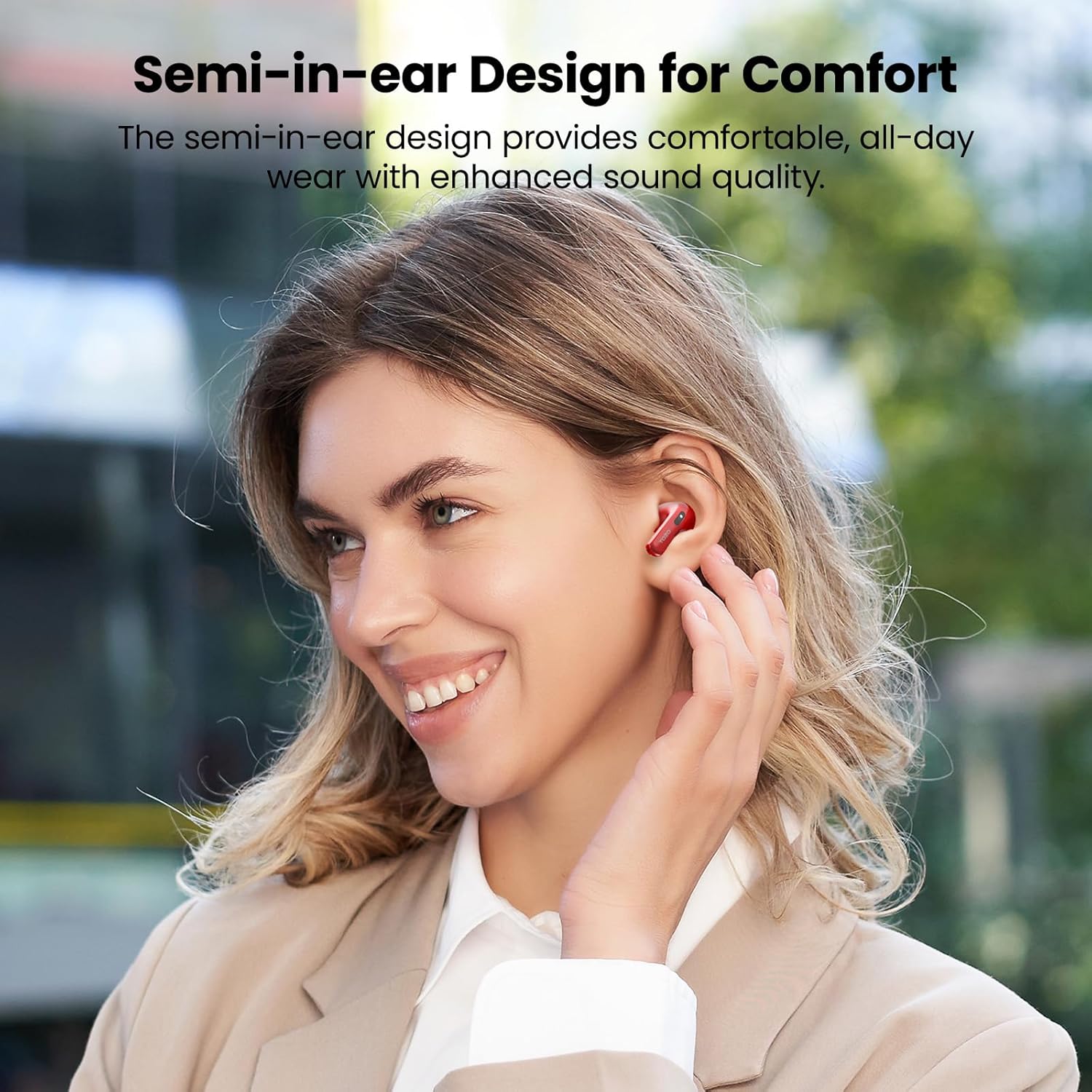
The TOZO T21 earbuds are designed for comfort and superior sound quality. Below are key features and components.

Configuració
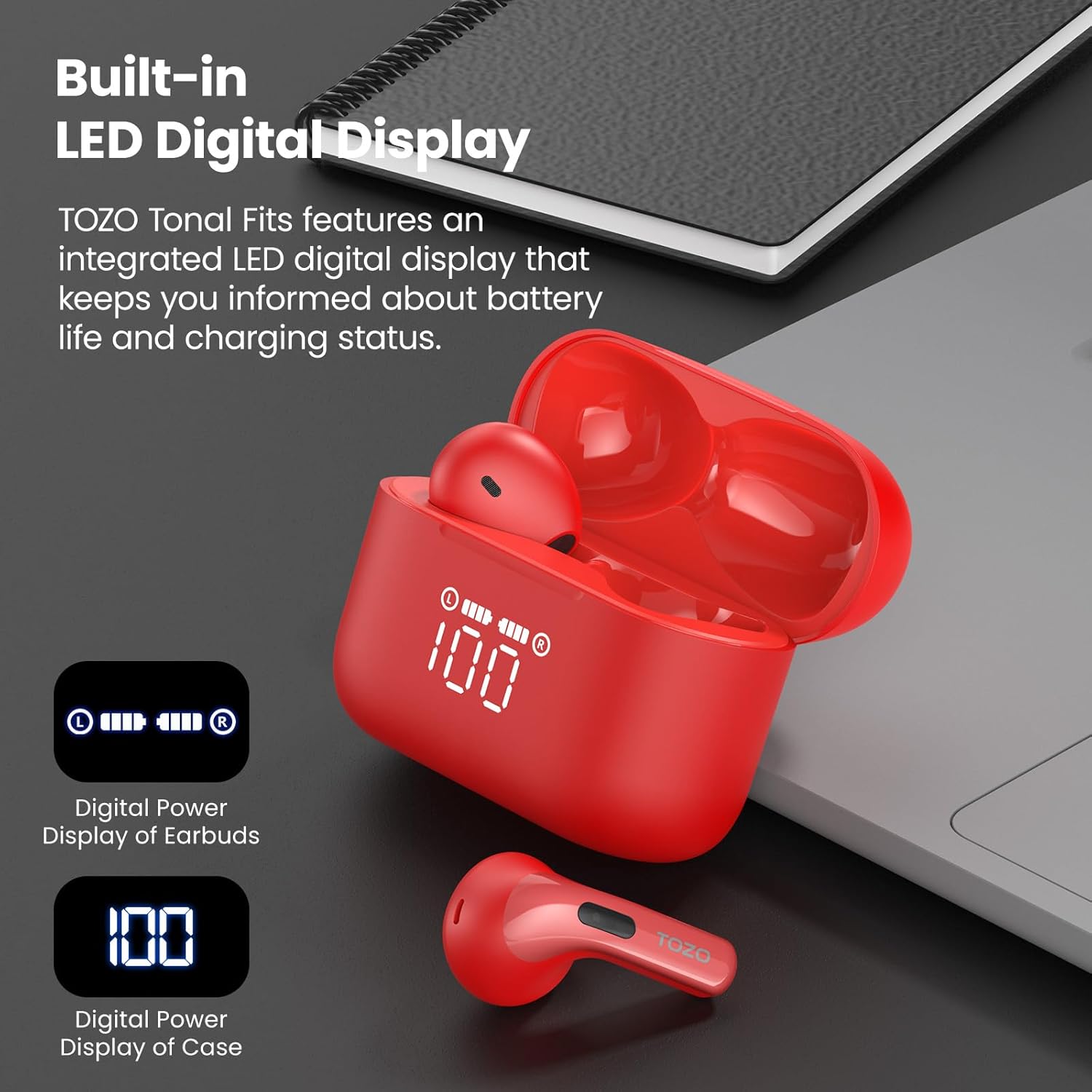
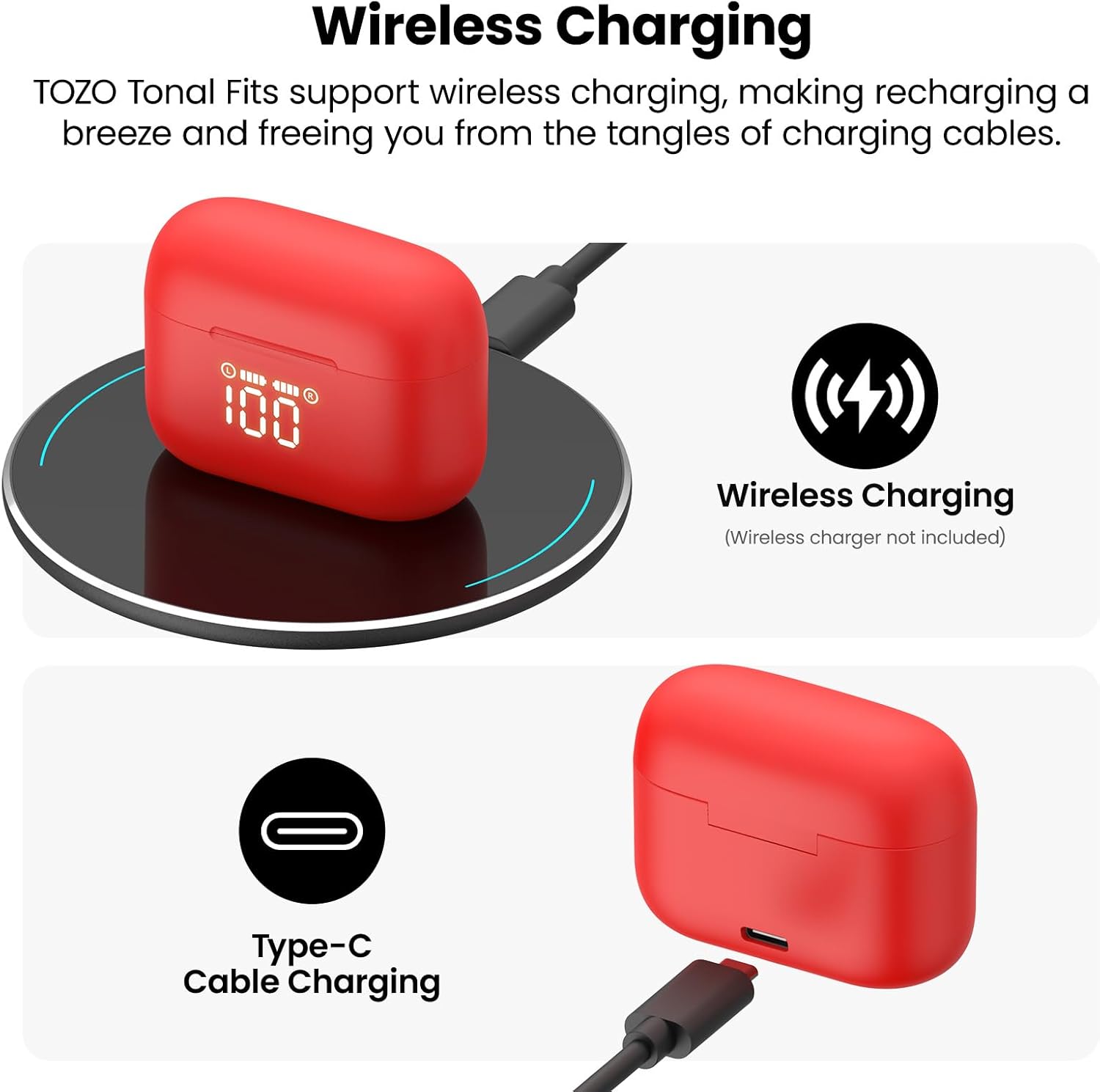
- Càrrec inicial: Before first use, fully charge the earbuds and the charging case. Place the earbuds into the charging case and connect the case to a power source using the provided USB-C cable or a wireless charger. The LED display will indicate charging status.
- Maridatge en un sol pas:
- Obre l'estoig de càrrega. Els auriculars entraran automàticament en mode d'emparellament.
- Al dispositiu (telèfon intel·ligent, tauleta, etc.), aneu a la configuració de Bluetooth.
- Cerca "TOZO T21" in the list of available devices and select it to connect.
- Once paired, the earbuds will automatically reconnect to your device when the case is opened for subsequent uses.
Instruccions de funcionament
The TOZO T21 earbuds feature intuitive touch controls and can be further customized via the TOZO APP.
Controls tàctils
- Reproduir/pausa: Un sol toc a qualsevol dels auriculars.
- Pista següent: Toca dues vegades l'auricular dret.
- Pista anterior: Toca dues vegades l'auricular esquerre.
- Respondre/Finalitzar la trucada: Un sol toc a qualsevol dels auriculars.
- Rebutja la trucada: Manteniu premut qualsevol dels auriculars durant 2 segons.
- Activa l'Assistent de veu: Toqueu tres vegades qualsevol dels auriculars.
- Pujar el volum: Prem i mantén premut l'auricular dret.
- Baixar el volum: Prem i mantén premut l'auricular esquerre.
TOZO APP Features
Download the official TOZO APP from your device's app store to unlock advanced customization options:
- Paràmetres d'EQ personalitzables: Choose from 32 preset equalizer settings or create your own personalized sound profiles.
- White Noise Options: Access a variety of white noise tracks for relaxation or focus.
- Zona d'equalització: Share your custom EQ settings with a global community of audiophiles.
- Actualitzacions de firmware: Ensure your earbuds are always up-to-date with the latest features and improvements.
Carregant
The TOZO T21 offers flexible charging options to keep your music playing.
Carregant els auriculars
- Col·loca els auriculars a l'estoig de càrrega. Començaran a carregar-se automàticament.
- The LED display on the case will show the individual earbud battery levels.
Càrrega de la caixa
The charging case can be recharged using two methods:
- USB-C Cable Charging: Connect the provided USB-A to USB-C fast charging cable to the charging port on the case and a power adapter (not included).
- Càrrega sense fils: Place the charging case on a compatible wireless charging pad (not included).
The integrated LED display on the case will show the charging progress and current battery percentage of the case.
Resistència a l'aigua
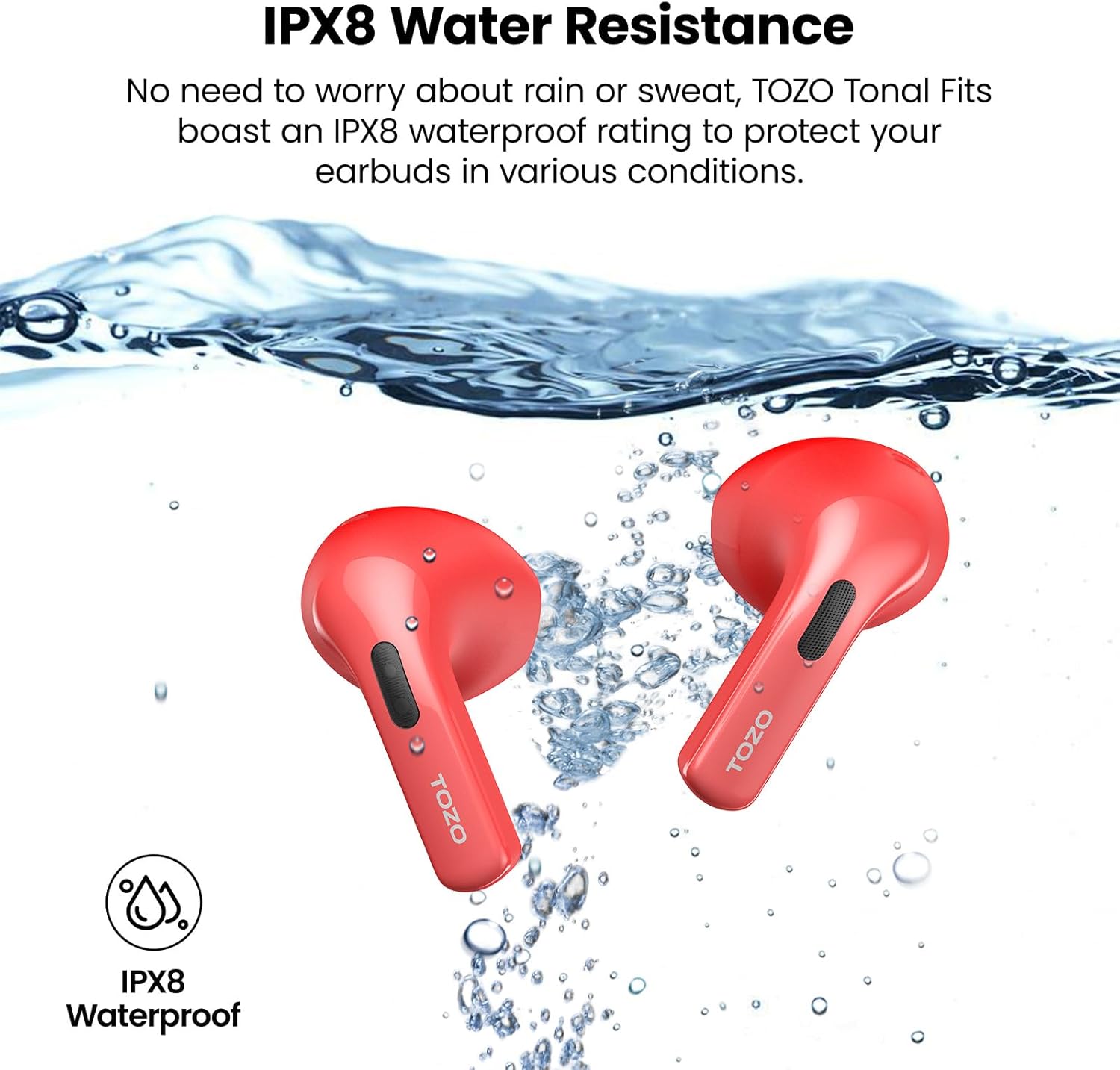
The TOZO T21 earbuds boast an IPX8 waterproof rating, meaning they are protected against immersion in water up to 1 meter for 30 minutes. They also feature a sweat-proof nano-coating. This makes them suitable for workouts and outdoor activities, providing protection against sweat and rain. Ensure earbuds are dry before placing them back in the charging case to prevent damage.
Especificacions
| Característica | Detall |
|---|---|
| Marca | TOZO |
| Nom del model | TOZO T21 |
| Número de model | T11054 |
| Color | Red (as per current variant) |
| Col·locació de l'orella | A l'orella |
| Factor de forma | A l'orella |
| Tecnologia de connectivitat | Sense fil (Bluetooth) |
| Versió Bluetooth | 5.3 |
| Interval Bluetooth | 10 metres |
| Mida del controlador d'àudio | 14.2 mil·límetres |
| Control de soroll | Aïllament acústic |
| Nivell de resistència a l'aigua | IPX8 impermeable |
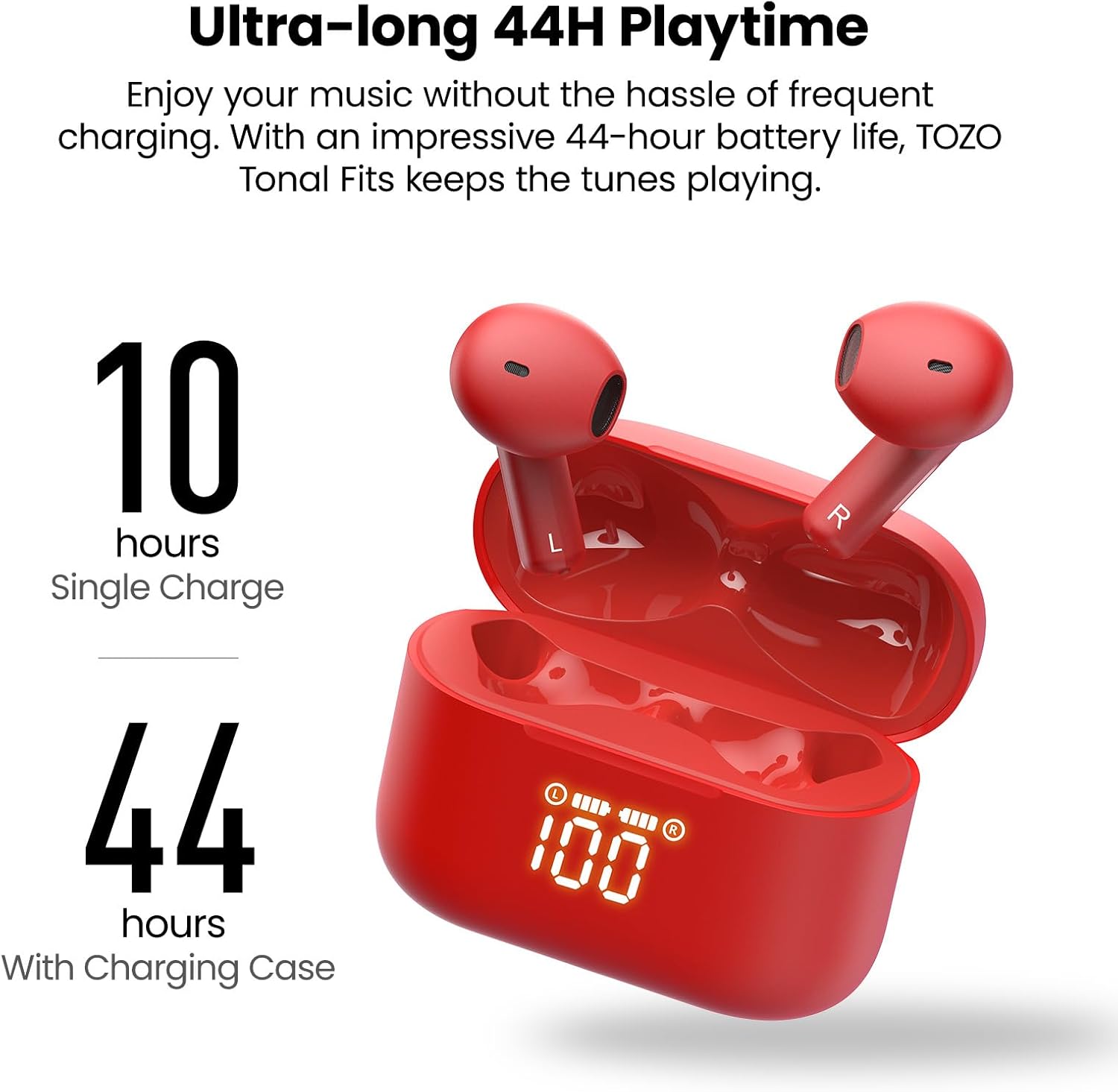
| Temps de reproducció dels auriculars | Fins a 10 hores (una sola càrrega) |
| Temps total de reproducció (amb estoig) | Fins a 44 hores |
| Estoig de càrrega Durada de la bateria | 44 hores |
| Temps de càrrega de la bateria | 2 hores |
| Tipus de control | Control tàctil, aplicació |
| Dispositius compatibles | Cellphones, Tablets (iOS, Android, Windows) |
| Pes de l'article | 0.02 grams |
Manteniment
- Neteja: Netegeu regularment els auriculars i l'estoig de càrrega amb un drap suau i sec. Eviteu utilitzar productes químics agressius o materials abrasius.
- Emmagatzematge: Store the earbuds in their charging case when not in use to protect them and keep them charged. Store in a cool, dry place away from extreme temperatures.
- Exposició a l'aigua: While IPX8 waterproof, it is recommended to dry the earbuds thoroughly before placing them back in the charging case to prevent moisture buildup in the charging contacts.
Resolució de problemes
If you encounter any issues with your TOZO T21 Wireless Earbuds, please refer to the following common solutions:
- Els auriculars no s'aparellen: Ensure both earbuds are in the charging case, then open the case to initiate pairing mode. Check your device's Bluetooth settings to ensure it's discoverable and select "TOZO T21". If issues persist, try resetting the earbuds (refer to the TOZO APP or TOZO support for specific reset instructions).
- Sense so d'un auricular: Place both earbuds back into the charging case, close it, and then reopen it. Ensure both earbuds are charged. If the problem continues, try re-pairing them with your device.
- Problemes de càrrega: Verify that the charging cable is securely connected to both the case and the power source. If using wireless charging, ensure the case is correctly positioned on the charging pad. Check the LED display for charging indicators.
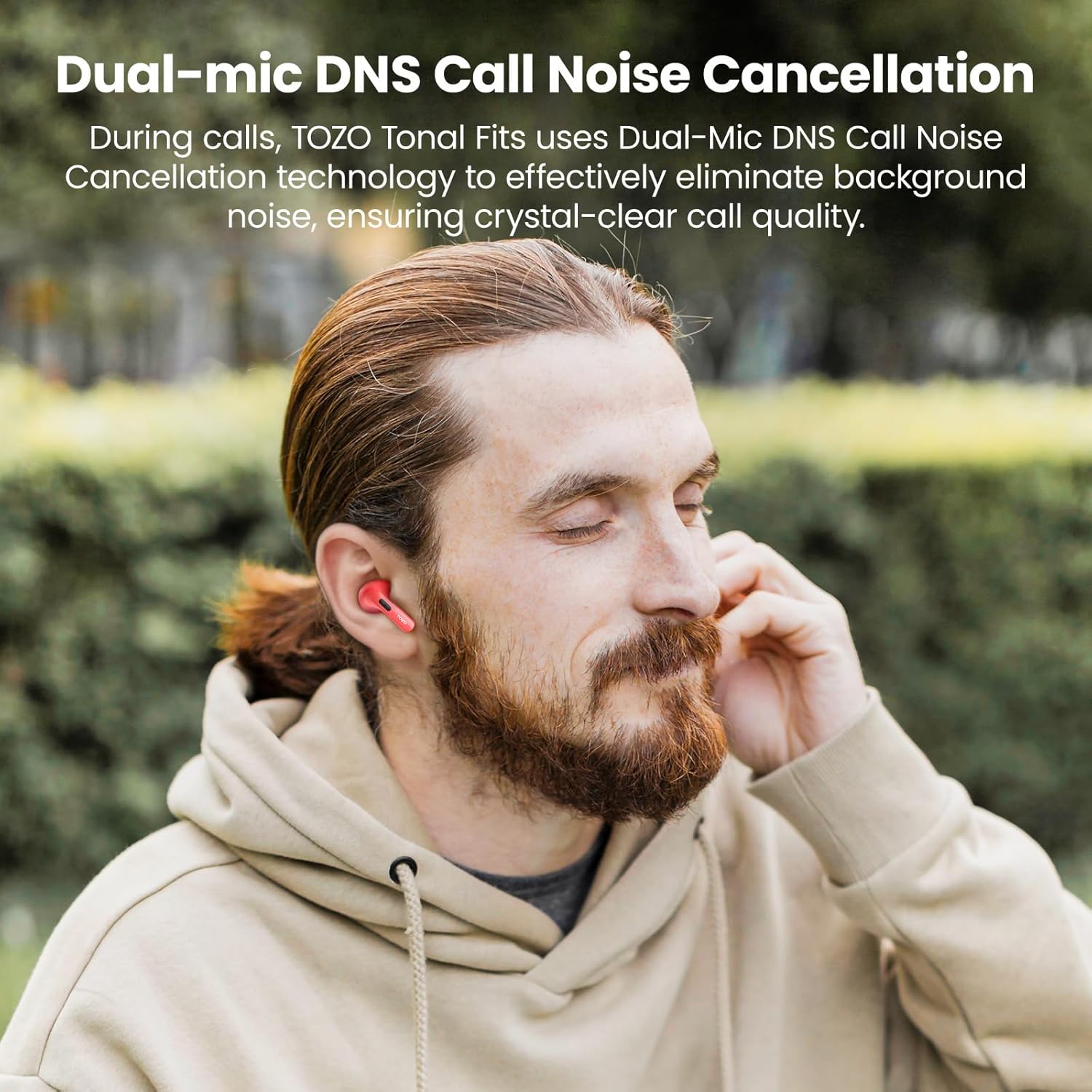
- Qualitat de trucada baixa: Ensure the earbuds are properly seated in your ears. Check for any obstructions around the microphones. If using the TOZO APP, ensure firmware is updated.
- Desconnexió Bluetooth: Ensure your device is within the 10-meter Bluetooth range. Avoid significant obstacles between your device and the earbuds.
For further assistance, please visit the official TOZO support weblloc o poseu-vos en contacte amb el seu servei d'atenció al client.
Vídeo oficial del producte
Aquest vídeo ofereix un finalview of the TOZO T21 Wireless Earbuds, highlighting their key features and design. It showcases the earbuds and charging case, demonstrating their functionality and aesthetic.
Garantia i Suport
TOZO products typically come with a manufacturer's warranty. For specific warranty details, registration, and support, please refer to the warranty card included in your product packaging or visit the official TOZO website. You can also find additional support and FAQs on their weblloc.
TOZO Oficial Weblloc: Visit the TOZO Store on Amazon