
Introducció
The Uncaged Ergonomics Cube Power Strip is designed to provide a compact and efficient power solution for your devices. This power strip features multiple AC outlets, USB-A ports, and a USB-C port, all integrated with surge protection and a convenient on/off switch. Its space-saving design and 10-foot extension cord offer flexibility for various environments, from home offices to entertainment systems.
Característiques del producte
The Cube Power Strip offers a range of features to enhance your charging experience:
- Múltiples punts de venda: Equipped with 5 AC outlets, 3 USB-A ports (5V/2.4A), and 1 fast-charging USB-C port (20W) to power up to 9 devices simultaneously.
- Protecció contra sobretensions: Integrated 320J surge protection safeguards your devices from power fluctuations.
- Long Extension Cord: A 10-foot heavy-duty 18 AWG copper wire cable provides ampel arribar.
- Disseny per estalviar espai: Compact cube shape with non-blocking outlets and a 45-degree right-angled flat plug.
- Mountable: Features mounting slots and anti-slip pads for secure placement on surfaces or walls.
- Interruptor d'encesa/apagada: A master on/off switch for easy power control.
- Sistema de seguretat de 8 punts: Includes over-current, over-temperature, short-circuit, grounded, surge, overload, fire-resistance, and over-voltagprotecció.

The Uncaged Ergonomics Cube Power Strip, showing its compact design and multiple outlets.

An illustration highlighting the power strip's capacity to charge up to 9 devices simultaneously, with 5 AC outlets, 3 USB-A ports, and 1 USB-C port.
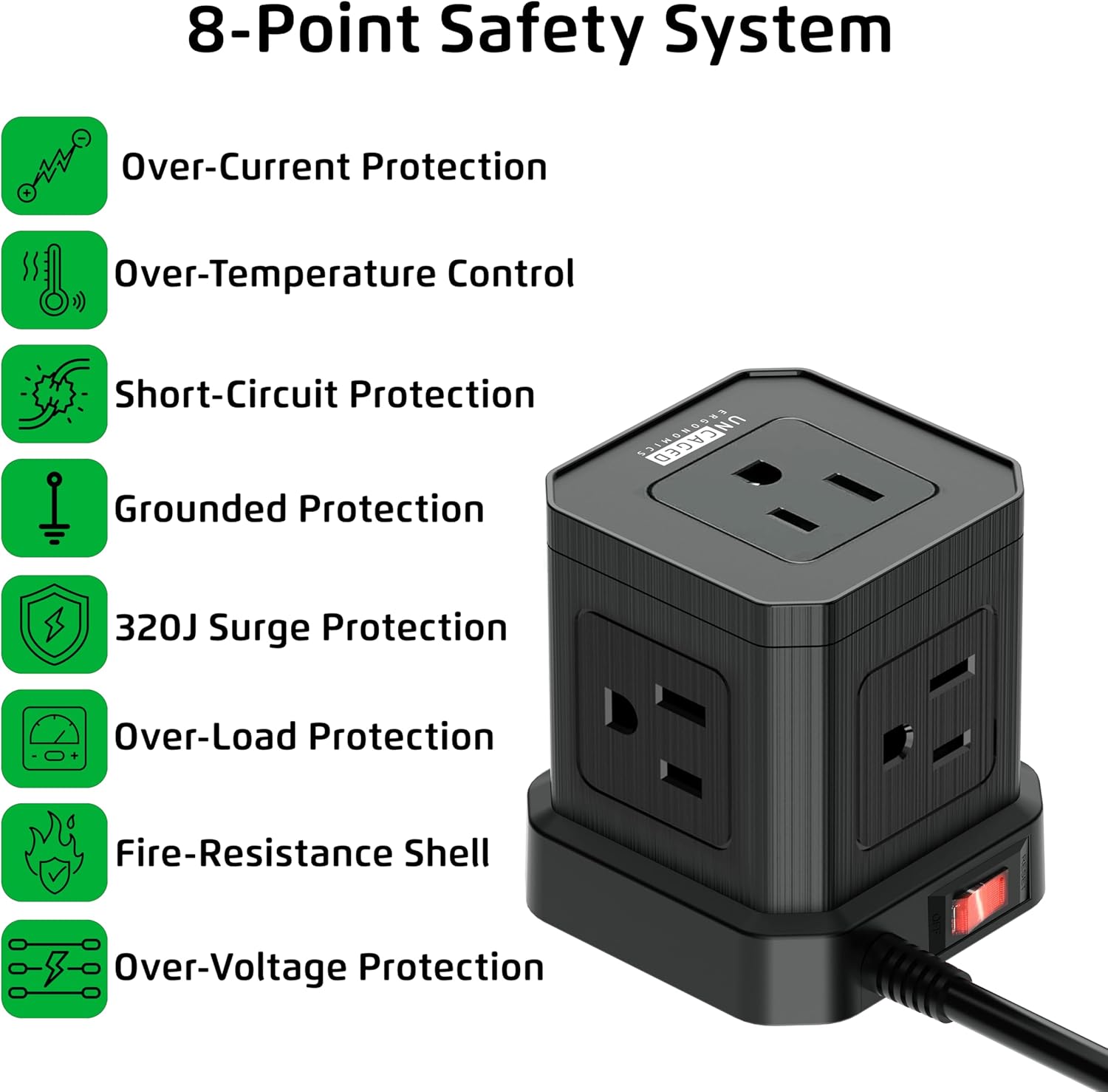
This image details the eight safety features integrated into the power strip, including over-current, over-temperature, short-circuit, grounded, surge, overload, fire-resistance, and over-voltagprotecció.

The power strip features a 45-degree right-angled flat plug, designed to fit flush against walls and furniture, saving space.

A 'before and after' comparison showing how the Cube Power Strip helps organize cables and reduce clutter compared to a messy setup.
Instruccions de configuració
- Desempaquetar el dispositiu: Carefully remove the Cube Power Strip from its packaging. Inspect for any damage.
- Trieu una ubicació: Select a suitable location for the power strip. Consider proximity to devices needing power and the length of the 10-foot cord.
- Connecteu-vos a la presa de corrent: Insert the 45-degree right-angled flat plug into a standard 120V AC wall outlet. Ensure the connection is secure.
- Muntatge (opcional): If desired, use the integrated mounting slots on the bottom of the power strip to secure it to a wall or desk surface. Screws or adhesive strips (not included) can be used for this purpose. The anti-slip pads provide stability if placed on a flat surface.

The underside of the power strip, featuring anti-slip rubber feet for stability, mounting slots for wall installation, and a convenient on/off power switch.
Instruccions de funcionament
- Encès/apagat: Use the red on/off switch located on the side of the power strip to control the power supply to all connected devices. Press 'ON' to supply power and 'OFF' to cut power.
- Connecteu els dispositius de corrent altern: Plug your AC-powered devices into any of the 5 available AC outlets. The non-blocking design allows for larger adapters.
- Connectar dispositius USB: Plug your USB-A compatible devices into the 3 USB-A ports for standard charging. For faster charging, use the dedicated USB-C port for compatible devices.
- Càrrega del monitor: Ensure devices are charging correctly. The power strip's surge protection indicator (if present, typically a small LED) will confirm active protection.
Un funcionari acabatview video demonstrating the features and benefits of the Uncaged Ergonomics Cube Power Strip, including its multiple outlets, USB ports, and compact design.
Informació de seguretat
Your Uncaged Ergonomics Cube Power Strip is built with an 8-Point Safety System to ensure the protection of your devices and your safety:
- Protecció contra sobreintensitat: Evita els danys causats per un flux de corrent excessiu.
- Over-Temperature Control: Controla i regula la temperatura interna per evitar el sobreescalfament.
- Protecció contra curtcircuits: Talla automàticament l'alimentació en cas de curtcircuit.
- Protecció a terra: Ensures a safe path for electrical current in case of a fault.
- Protecció contra sobretensions de 320J: Absorbs sudden voltage spikes to protect connected electronics.
- Protecció de sobrecàrrega: Prevents damage when total power draw exceeds the rated capacity (1250W).
- Fire-Resistance Shell: Constructed with fire-resistant materials for added safety.
- Més de voltage Protecció: Shields devices from excessive voltage.
Precaucions de seguretat importants:
- No supereu la càrrega màxima de 1250 W.
- Use indoors only. Avoid exposure to moisture or wet conditions.
- No desmunteu ni modifiqueu el reglet d'endolls.
- Mantenir fora de l'abast dels nens.
Manteniment
To ensure the longevity and optimal performance of your Cube Power Strip, follow these maintenance guidelines:
- Neteja: Disconnect the power strip from the wall outlet before cleaning. Use a soft, dry cloth to wipe the exterior. Do not use liquid cleaners or abrasive materials.
- Emmagatzematge: Quan no l'utilitzeu durant períodes prolongats, guardeu el reglet en un lloc fresc i sec, allunyat de la llum solar directa i de la humitat.
- Inspecció: Periodically inspect the power cord and the power strip for any signs of damage, such as frayed wires, cracks, or loose connections. If damage is found, discontinue use immediately.
Resolució de problemes
If you encounter issues with your Cube Power Strip, refer to the following common problems and solutions:
| Problema | Causa possible | Solució |
|---|---|---|
| Sense alimentació als dispositius | Power switch is off; Power strip not plugged in; Wall outlet not working; Overload protection tripped. | Ensure the on/off switch is in the 'ON' position. Verify the power strip is securely plugged into a live wall outlet. Check the wall outlet with another device. Reduce the number of connected devices to prevent overload. |
| Els ports USB no es carreguen | Device not compatible; Cable issue; Power strip is off. | Ensure your device is compatible with USB charging. Try a different USB cable. Confirm the power strip is turned on. |
| Surge protection indicator off | La protecció contra sobretensions s'ha vist compromesa. | If the surge protection indicator light is off, the surge protection feature may no longer be active. Replace the power strip to ensure continued protection. |
Especificacions
| Característica | Detall |
|---|---|
| Marca | Ergonomia sense gabia |
| Número de model | PC-B-C |
| Color | Negre |
| Preses de corrent total | 9 (5 AC, 3 USB-A, 1 USB-C) |
| Preses de corrent altern | 5 |
| Ports USB-A | 3 (5 V/2.4 A) |
| Port USB-C | 1 (20W Fast Charging) |
| Voltage | 120 Volts |
| Corrent màxima | 11 Amps |
| Potència nominal | 1250W |
| Classificació de protecció contra sobretensions | 320 Joules |
| Longitud del cable | 10 peus |
| Tipus de cable | Heavy-duty 18 AWG Copper Wire |
| Tipus d'endoll | Type A - 2 pin (North American), 45-degree flat plug |
| Material de tancament | Copper, Plastic, Rubber |
| Ús recomanat | Interior |
| UPC | 810150310016 |
Garantia i Suport
Uncaged Ergonomics products are designed for reliability and performance. For specific warranty information and customer support, please refer to the documentation included with your purchase or visit the official Uncaged Ergonomics website. If you have any questions or require assistance, please contact our customer service team.