
1. Introducció
The AutoSky Wireless CarPlay Adapter Micro Edition (Model WUA-6) is designed to convert your vehicle's existing wired Apple CarPlay system into a wireless one. This compact device allows for a seamless and cable-free CarPlay experience, enabling access to navigation, music, communication, and other applications directly from your car's infotainment screen without needing to connect your iPhone via a USB cable. It is compatible with cars manufactured in 2015 or newer that feature factory-installed wired CarPlay.

The AutoSky Wireless CarPlay Adapter Micro Edition, shown connected, enabling wireless access to Apple CarPlay applications like Phone, Music, Maps, and Messages on a car's display.
2. Informació de seguretat
- No intenteu desmuntar, reparar o modificar el dispositiu. Això pot anul·lar la garantia i causar danys.
- Manteniu el dispositiu allunyat de l'aigua, la humitat i les temperatures extremes.
- Ensure the device is securely plugged into the USB port to prevent accidental disconnection during operation.
- Always prioritize safe driving. Do not operate your phone or the adapter in a way that distracts you from the road.
3. Contingut del paquet
Verifiqueu que tots els elements siguin presents al paquet:
- AutoSky Wireless CarPlay Adapter Micro Edition (WUA-6)
- Cable USB-A a USB-C
- Cable USB-C a USB-C
- Manual d'usuari

The package contents for the AutoSky Wireless CarPlay Adapter Micro Edition, featuring the adapter unit, a USB-A to USB-C cable, a USB-C to USB-C cable, and the user manual.
4. Compatibilitat
The AutoSky Wireless CarPlay Adapter is compatible with most vehicles (approximately 98%) that come with factory-installed wired Apple CarPlay, model year 2015 or newer. An iPhone running iOS 12 or newer is required for operation.
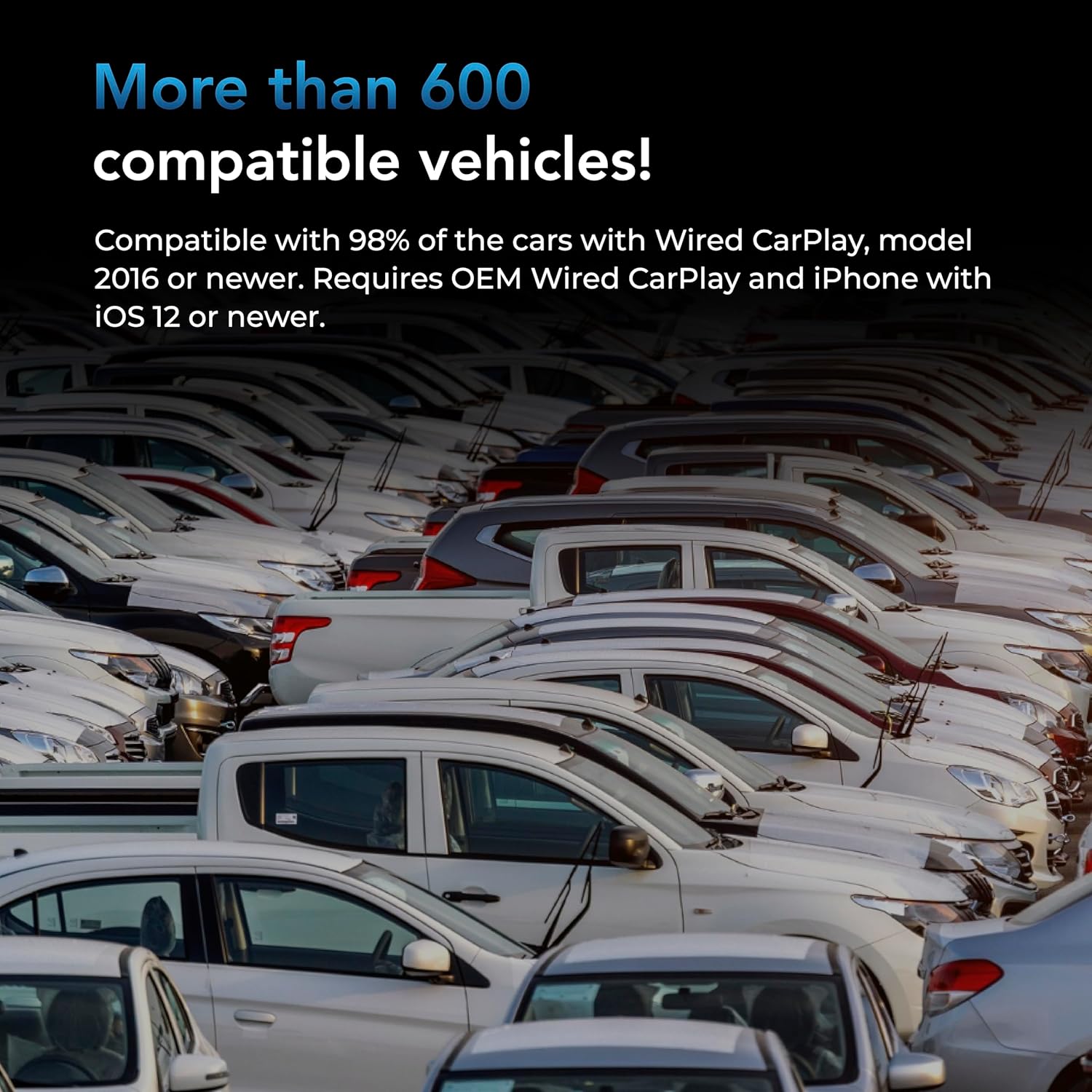
A visual representation of a large number of vehicles, indicating the broad compatibility of the AutoSky Wireless CarPlay Adapter with various car models.
5. Instruccions de configuració
Follow these steps to set up your AutoSky Wireless CarPlay Adapter:
- Locate the CarPlay USB Port: Identify the USB port in your vehicle that supports wired Apple CarPlay. This is typically labeled with a CarPlay icon or a smartphone icon.
- Connecteu l'adaptador: Plug the AutoSky Wireless CarPlay Adapter into the identified USB port using the appropriate USB cable (USB-A to USB-C or USB-C to USB-C) provided in the package. The adapter's indicator light should illuminate.
- Activate Bluetooth on iPhone: On your iPhone, go to Settings > Bluetooth and ensure Bluetooth is turned ON.
- Emparella amb l'adaptador: On your car's infotainment screen, navigate to the Apple CarPlay section. The system should detect the AutoSky adapter. On your iPhone, search for and select the Bluetooth device named 'AutoSky' or similar. Confirm the pairing code if prompted.
- Initiate Wireless CarPlay: Once paired, your car's screen should automatically switch to the Apple CarPlay interface, now operating wirelessly.

The AutoSky adapter discreetly plugged into a car's USB port, ready for connection.

An iPhone displaying a Bluetooth pairing request, indicating the final step to connect to the wireless CarPlay adapter.
6. Instruccions de funcionament
Once connected, your wireless CarPlay experience will mirror the wired version, offering full access to your iPhone's compatible apps on your car's display. The adapter ensures a stable connection for various functions:
- Navegació: Use Apple Maps, Google Maps, Waze, or other navigation apps for real-time directions.
- Música i àudio: Stream music, podcasts, and audiobooks from your preferred apps like Apple Music, Spotify, or Podcasts.
- Comunicació: Make and receive calls, send and read messages using Siri, or access your contacts directly from the car's screen.
- Control de veu: Utilize Siri for hands-free control of various functions, enhancing safety while driving.

A view of the car's infotainment system running Apple CarPlay, demonstrating features such as GPS navigation, making phone calls, and controlling music playback.
7. Manteniment
To ensure the longevity and optimal performance of your AutoSky Wireless CarPlay Adapter, follow these simple maintenance guidelines:
- Neteja: Feu servir un drap suau i sec per netejar l'adaptador. Eviteu utilitzar netejadors líquids o dissolvents.
- Emmagatzematge: Quan no l'utilitzeu durant períodes prolongats, guardeu l'adaptador en un lloc fresc i sec, allunyat de la llum solar directa.
- Manipulació: Manipuleu l'adaptador amb cura. Eviteu deixar-lo caure ni sotmetre'l a impactes forts.
8. Solució De Problemes
If you encounter issues with your AutoSky Wireless CarPlay Adapter, refer to the following troubleshooting steps:
- Adapter Not Connecting:
- Ensure your car has factory-wired CarPlay and is model year 2015 or newer.
- Verifiqueu que l'adaptador estigui ben connectat al port USB correcte.
- Restart your car's infotainment system and your iPhone.
- Forget the Bluetooth connection for 'AutoSky' on your iPhone and re-pair.
- Audio Distortion or Poor Call Quality:
- Check for any interference from other Bluetooth devices in the vehicle.
- Ensure your iPhone's software is up to date.
- Prova de desconnectar i tornar a connectar l'adaptador.
- Steering Wheel Controls Unresponsive:
- This can sometimes be resolved by unplugging and replugging the adapter.
- Ensure your car's firmware is up to date.
- Incoming Calls Go Straight to Voicemail:
- Check your iPhone's 'Do Not Disturb' settings or any call forwarding options.
- Ensure the iPhone is properly connected to the adapter's Bluetooth.
- Resposta retardada:
- A slight delay is normal for wireless connections. If it's significant, try restarting the adapter and your iPhone.
9. Especificacions
| Número de model | WUA-6 |
| Dimensions del producte | 2.44 x 0.98 x 0.39 polzades (6.2 x 2.5 x 1 cm) |
| Pes de l'article | 1.13 unces (32 grams) |
| Tipus de connector | USB tipus C |
| Color | Negre |
| Dispositius compatibles | Cars with factory-wired CarPlay (2015 or newer), iPhone with iOS 12 or newer |
10. Informació de la garantia
AutoSky provides a limited warranty for the Wireless CarPlay Adapter Micro Edition (WUA-6). For specific details regarding warranty duration, coverage, and claims process, please refer to the official AutoSky website or contact customer support. An extended warranty may be available.
11. Atenció al client
For further assistance, technical support, or inquiries, please visit the official AutoSky weblloc web o poseu-vos en contacte amb el seu departament d'atenció al client. Normalment, les dades de contacte es troben a l'embalatge del producte o a la fitxa del fabricant. weblloc.