
1. Introducció
The HOTONE Soul Press II is a versatile 4-in-1 guitar effects pedal, integrating Wah, Volume, Volume/Wah, and Expression functions into a single compact unit. Designed for guitarists seeking flexibility and high-quality analog tone, this pedal offers enhanced control and an improved user experience. This manual provides detailed instructions for setting up, operating, and maintaining your Soul Press II pedal.

The HOTONE Soul Press II, a versatile 4-in-1 guitar effects pedal.
2. Informació de seguretat
- No exposeu la unitat a la pluja o la humitat.
- No obriu la c.asing. No hi ha peces que l'usuari pugui reparar a l'interior.
- Use only the specified power supply (9V DC or 9V Battery).
- Mantenir fora de l'abast dels nens.
- Eviteu temperatures o humitat extremes.
3. Producte acabatview
The Soul Press II offers four primary functions: Wah, Volume, Volume/Wah, and Expression. It features a 100% analog circuit for authentic tone and includes Q and TONE controls for precise sound shaping. The pedal also provides independent EXP Out and Tuner Out jacks for versatile connectivity.
Característiques principals:
- Funcionalitat 4 en 1: Seamlessly switch between Wah, Volume, Volume/Wah, and Expression modes.
- 100% Analog Circuit: Ensures a pure and lossless signal path.
- Q & TONE Controls: Fine-tune your Wah and Volume tones.
- Indicador d'ESTAT: LEDs show the pedal's real-time position.
- Multiple I/O Options: Includes independent EXP Out and Tuner Out.
- True Bypass: Maintains signal integrity when the effect is off.
- Construcció duradora: Lightweight aluminum alloy casing with a steel shaft connection.

The Soul Press II integrates up to 4 function modes: Volume, Wah, Volume/Wah, and Expression.
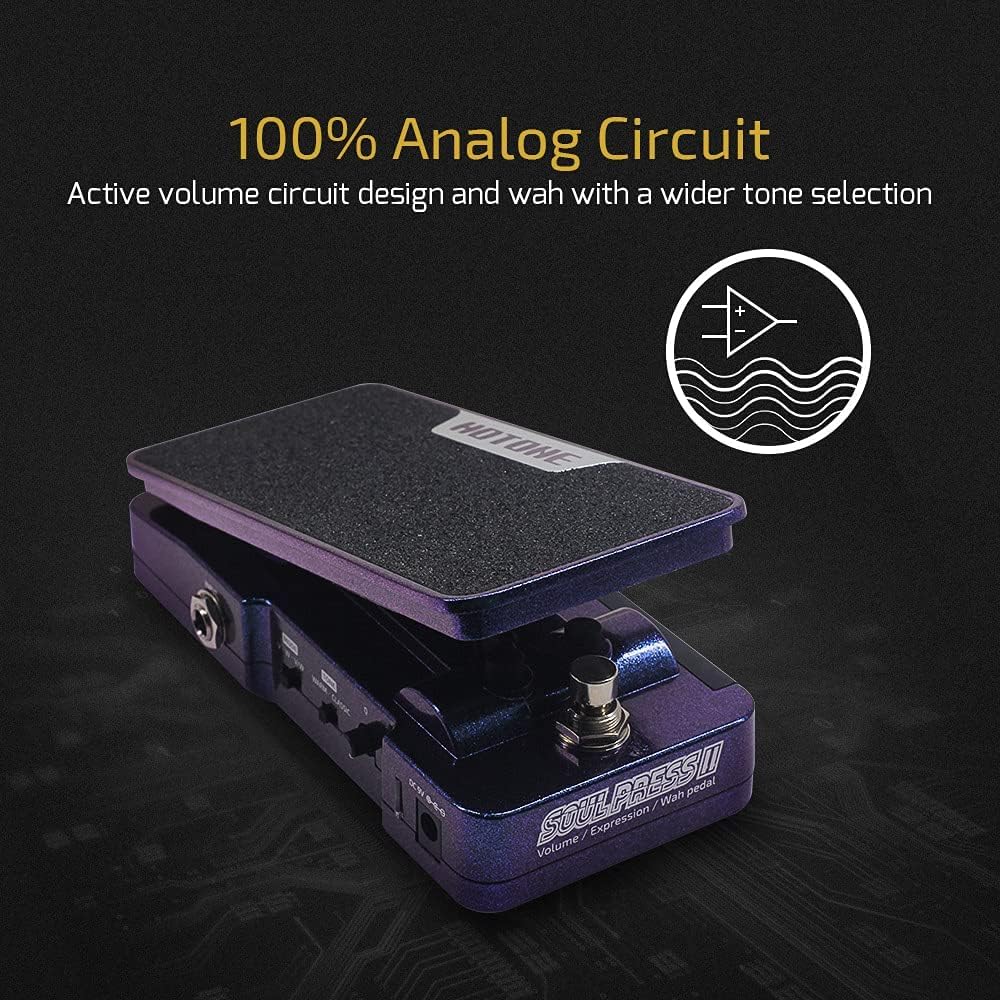
The pedal features a 100% analog circuit design for active volume and wah with a wider tone selection.
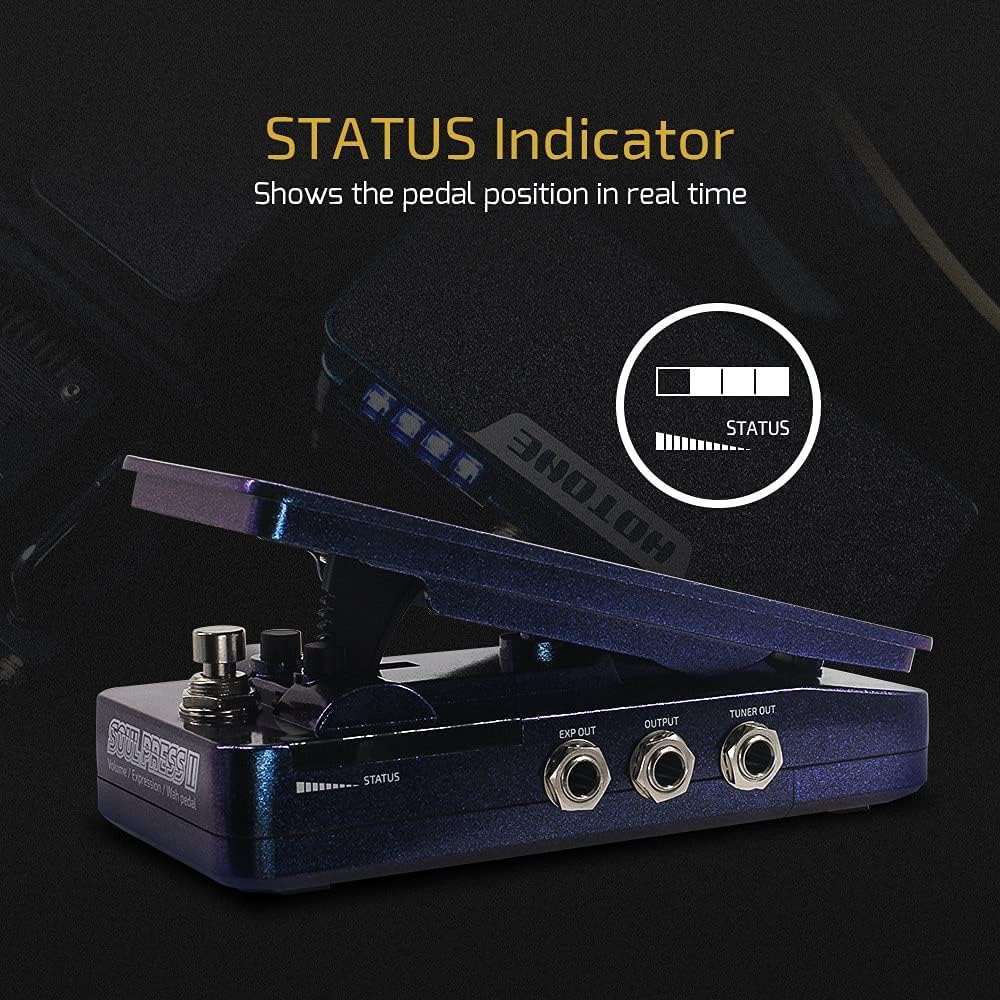
The LED STATUS indicator shows the pedal position in real-time, providing visual feedback during use.
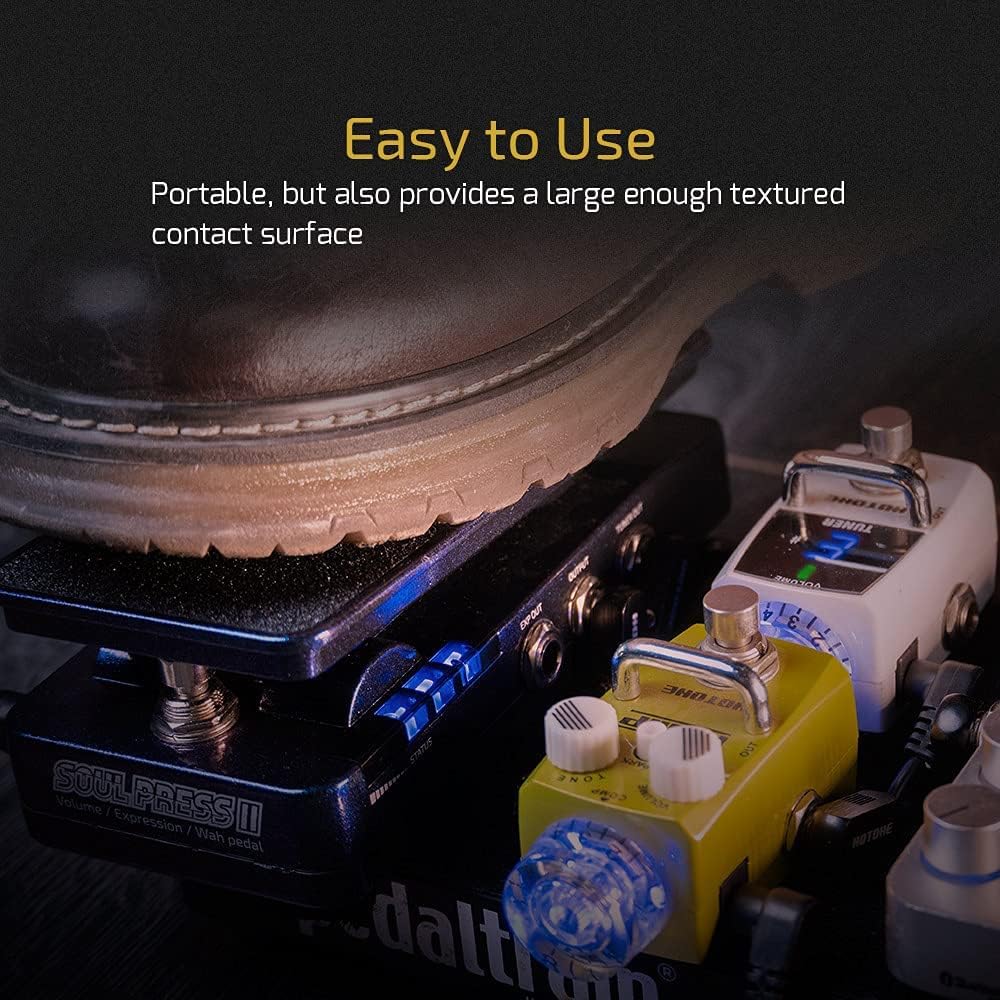
The Soul Press II is portable and provides a large, textured contact surface for comfortable and easy use.
Vídeo oficial del producte:
This video demonstrates the 'wah pedal SP-20SC' functionality, showcasing the sound and responsiveness of the Soul Press II pedal in action.
4. Configuració
Follow these steps to set up your HOTONE Soul Press II pedal:
- Font d'alimentació: Connect a 9V DC power adapter (not included) to the DC IN jack, or install a 9V battery inside the pedal.
- Connexió d'entrada: Connect your guitar or other instrument to the INPUT jack using a standard 1/4-inch TS cable.
- Connexió de sortida: Connect the OUTPUT jack to your amplifier or the next pedal in your signal chain using a standard 1/4-inch TS cable.
- Expression Out (Optional): If using the pedal as an expression controller for another device, connect the EXP OUT jack to the expression input of that device using a TRS cable.
- Tuner Out (Optional): Connect the TUNER OUT jack to your tuner for silent tuning.

The Soul Press II offers multiple I/O options, including independent expression pedal output and a tuner jack, enhancing its versatility.
5. Funcionament
The Soul Press II features a footswitch to toggle between Volume/Wah modes and a side switch to select the overall mode. The Q and TONE knobs allow for further sound customization.
Selecció del mode:
- Use the small switch on the side of the pedal to select between Volum, Wah, Volume/Wah, i Expressió modes.
Controls:
- Interruptor de peu: Press down firmly on the pedal to engage or disengage the Wah or Volume effect, depending on the selected mode.
- Q Knob: Adjusts the Q factor (resonance) of the Wah effect. A higher Q setting results in a more pronounced and sharper wah sound.
- Mando de TONE: Controls the overall tone of the Wah or Volume effect. Use this to fine-tune the brightness or warmth of your sound.
- WARM/CLASSIC Switch: Selects between two distinct wah voicings. 'WARM' provides a smoother, more vintage wah tone, while 'CLASSIC' offers a more traditional and aggressive wah sound.
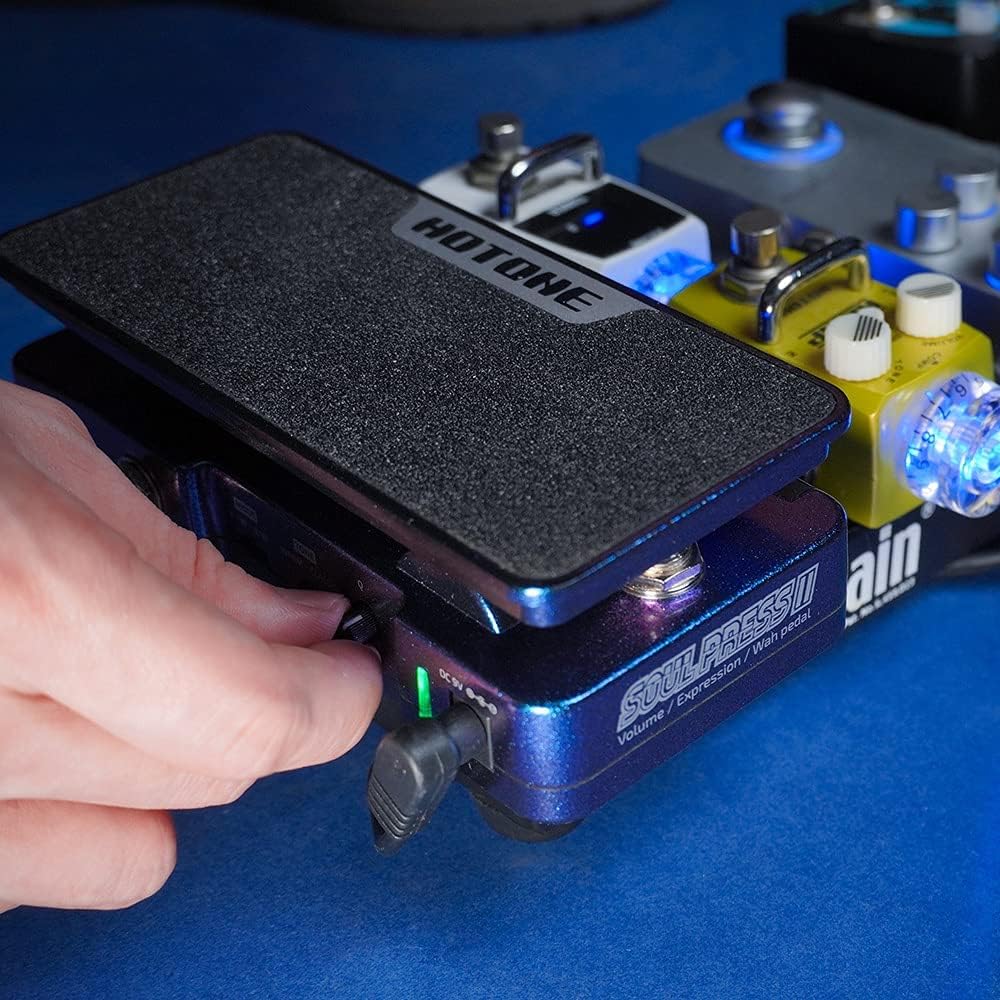
Adjusting the side controls for fine-tuning the pedal's parameters.
6. Manteniment
To ensure the longevity and optimal performance of your Soul Press II pedal:
- Neteja: Feu servir un drap suau i sec per netejar la superfície del pedal. Eviteu productes de neteja o dissolvents abrasius.
- Emmagatzematge: Guardeu el pedal en un lloc fresc i sec, allunyat de la llum solar directa i de temperatures extremes.
- Substitució de la bateria: If using a 9V battery, replace it when the LED indicator dims or the pedal's performance degrades. Disconnect the input cable when not in use to conserve battery life.
- Connexions: Periodically check all cable connections for tightness and ensure they are free from corrosion.
7. Solució De Problemes
| Problema | Causa possible | Solució |
|---|---|---|
| Sense so ni senyal feble | Incorrect connections, dead battery, faulty cables. | Check all cable connections. Replace 9V battery or ensure power adapter is working. Test with different cables. |
| Wah/Volume effect not engaging | Pedal not fully pressed, mode switch incorrect. | Ensure the pedal is pressed down completely to engage the footswitch. Verify the mode switch is set to the desired function (Wah or Volume). |
| Soroll/bruix no desitjat | Ground loop, faulty power supply, interference. | Use a regulated power supply. Try isolating the pedal from other electronics. Check for faulty cables. |
| Expression function not working | Incorrect cable type (TS instead of TRS), incompatible device. | Ensure a TRS cable is used for the EXP OUT. Verify the receiving device is compatible with passive expression pedals. |
8. Especificacions
- Pes de l'article: 1.1 lliures (500 grams)
- Dimensions del producte: 6.38 x 3.19 x 2.01 polzades (16.2 x 8.1 x 5.1 cm)
- País d'origen: Xina
- Número de model de l'article: Soul Press II 4 in 1
- Interfície de maquinari: Àudio d'1/4 de polzada
- Format del senyal: Analògic
- Font d'alimentació: Battery Powered (9V Battery) or 9V DC Power Supply (not included)
- Voltage: 9 Volts
- Color: Soul Press II 4 in 1 (Purple/Blue iridescent casing)
9. Garantia i Suport
For detailed warranty information and customer support, please refer to the official user guide PDF or contact HOTONE customer service.
Guia oficial d'usuari: Descarregar PDF