
Introducció
Gràcies per la compraasing the Trust Primo Pack Wireless Keyboard and Mouse. This manual provides essential information for setting up, operating, and maintaining your new wireless peripheral set. Please read these instructions carefully before use.

Image: The Trust Primo Pack Wireless Keyboard and Mouse, showing both devices.
Contingut del paquet
Assegureu-vos que tots els elements siguin presents al paquet:
- Trust Primo Pack Wireless Keyboard (QWERTY Spanish Layout)
- Trust Primo Pack Wireless Mouse
- Micro receptor USB
- 2 piles AA (preinstal·lades o incloses per separat)
- Manual d'usuari (aquest document)

Image: The Trust Primo Pack Wireless Keyboard and Mouse in its retail packaging.
Instruccions de configuració
- Insereix les piles:
Locate the battery compartments on the underside of both the keyboard and the mouse. Insert the provided AA batteries, ensuring correct polarity (+/-). The batteries may already be pre-installed; remove any protective tabs if present.

Image: Diagram showing the single USB micro receiver and battery icons, indicating batteries are included.
- Connecteu el receptor USB:
Plug the single USB micro receiver into an available USB port on your computer (PC or laptop). The keyboard and mouse share this one receiver.
- Reconeixement automàtic:
Your operating system (Windows, macOS, Chrome OS) should automatically detect and install the necessary drivers. This process may take a few moments.
- Funcionalitat de prova:
Once installed, test the keyboard by typing and the mouse by moving the cursor and clicking. If they do not respond, ensure batteries are correctly inserted and the USB receiver is firmly connected.
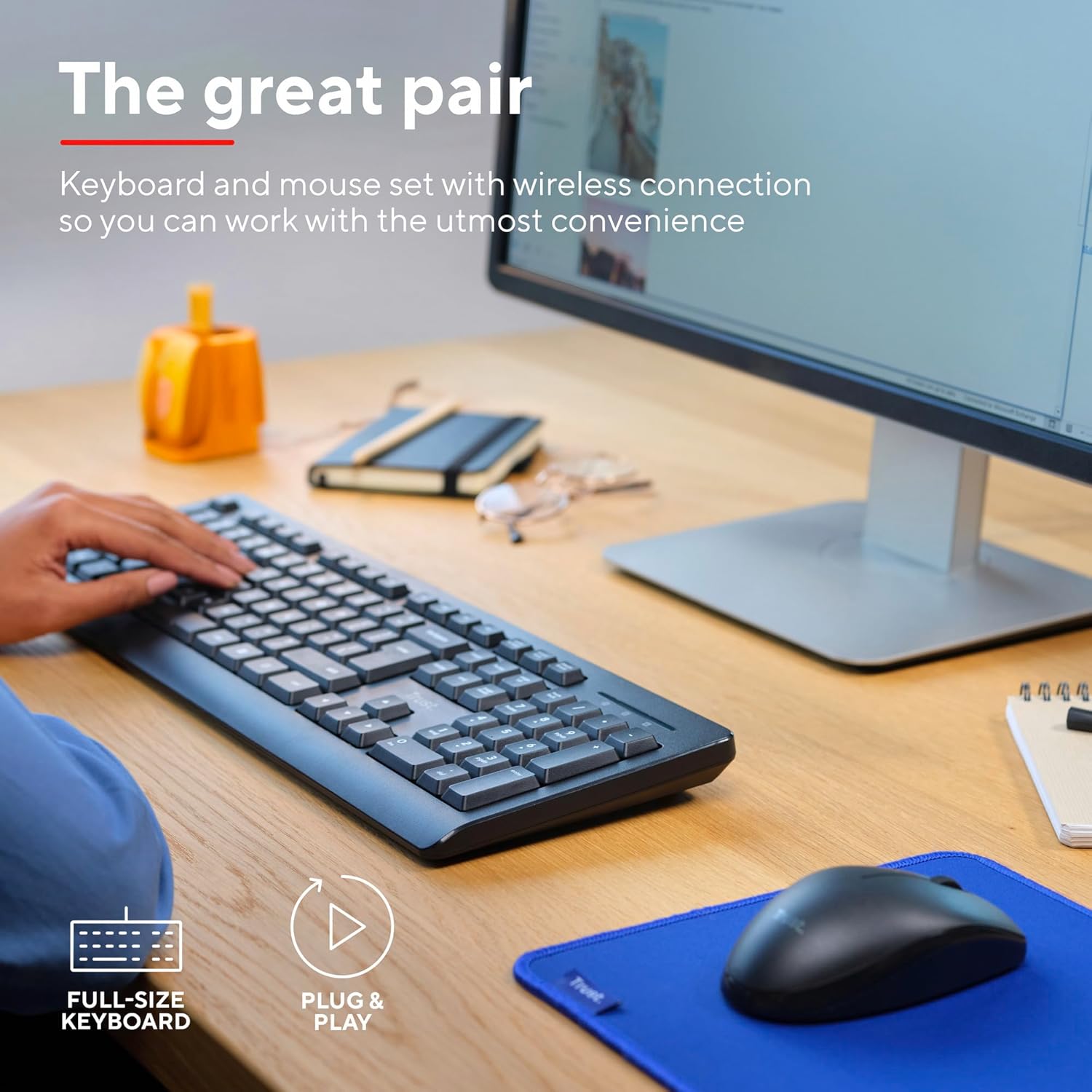
Image: A person using the full-size keyboard and mouse, illustrating the plug-and-play functionality.
Instruccions de funcionament
Ús del teclat
- Low-Profile Claus: El teclat té una baixa eficiènciafile keys designed for comfortable and efficient typing.
- Alçada ajustable: Use the foldable feet on the underside of the keyboard to adjust its typing angle for ergonomic comfort.
- QWERTY Spanish Layout: The keyboard follows the standard QWERTY Spanish layout, including specific characters and key placements for Spanish language input.

Imatge: Vista de dalt a baix view of hands typing on the Trust Primo Pack keyboard, with the mouse visible on a blue mat.
Ús del ratolí
- Disseny ambidextre: The mouse is designed for comfortable use by both left-handed and right-handed users.
- Seguiment òptic: The mouse uses optical tracking technology for precise cursor movement.
- Cursor Speed: The mouse operates at a cursor speed of 1200 DPI, suitable for common computing tasks.
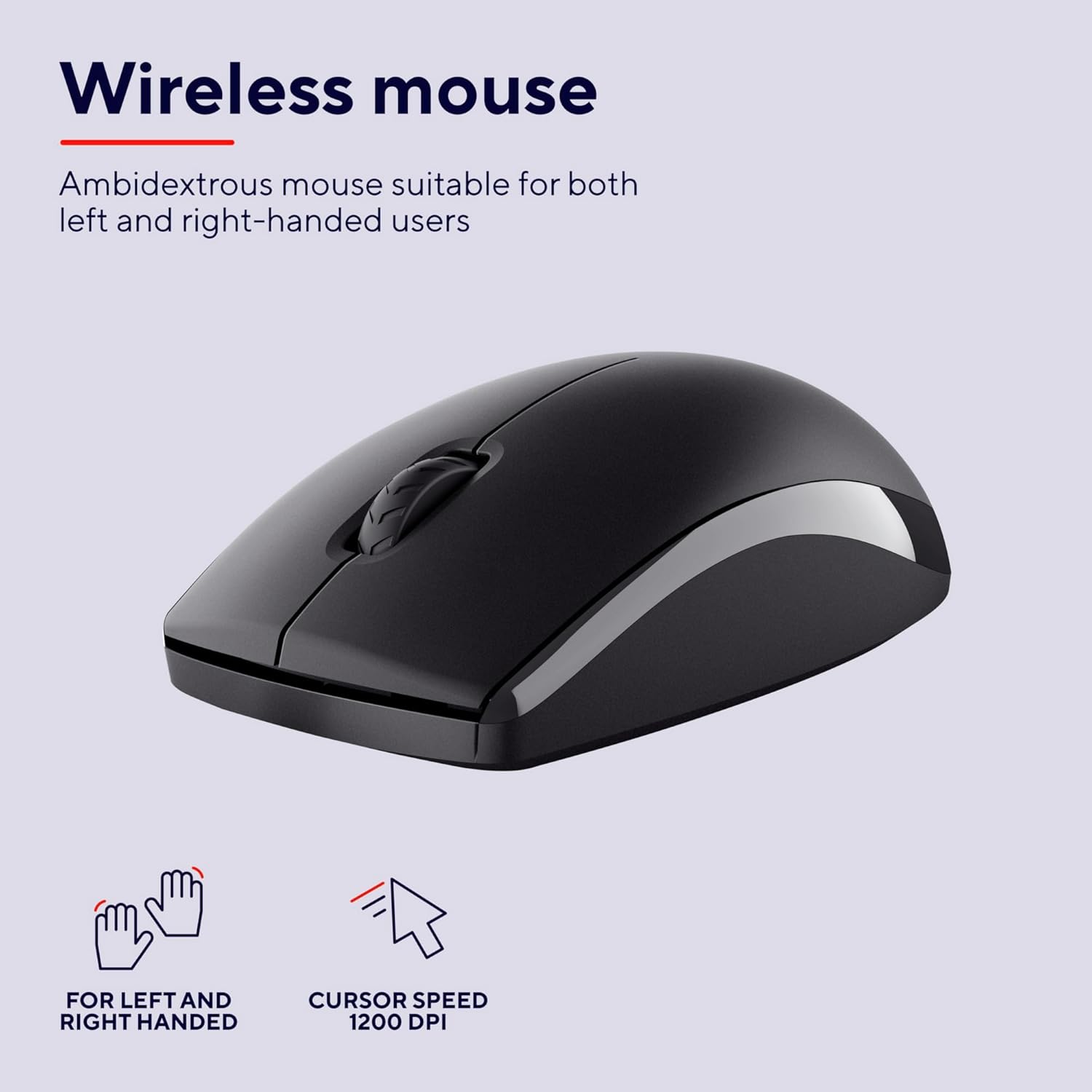
Image: A close-up of the Trust Primo Pack wireless mouse, highlighting its ambidextrous design and 1200 DPI cursor speed.
Manteniment
- Neteja: Utilitzeu un suau, damp drap per netejar les superfícies del teclat i del ratolí. Eviteu productes químics agressius o materials abrasius.
- Disseny resistent a vessaments: The keyboard is designed to be spill-resistant. In case of accidental spills, gently wipe away the liquid immediately. Do not immerse the keyboard in water.
- Substitució de la bateria: When the keyboard or mouse performance degrades, replace the AA batteries. Dispose of used batteries responsibly according to local regulations.
- Emmagatzematge: Store the devices in a cool, dry place away from direct sunlight and extreme temperatures when not in use for extended periods.

Image: A person holding a cup near the keyboard, illustrating the spill-resistant design feature.
Resolució de problemes
| Problema | Causa possible | Solució |
|---|---|---|
| El teclat/ratolí no respon |
|
|
| Connexió endarrerida o intermitent |
|
|
| Cursor del ratolí erràtic |
|
|
Especificacions
- Número de model: 25433
- Connectivitat: Wireless (Radio Frequency)
- Disseny del teclat: QWERTY Spanish, Full-size, 104 keys, Low-profile, Spill-resistant
- Mouse Design: Ambidextrous, Optical tracking
- DPI del ratolí: 1200 DPI
- Font d'alimentació: 2 piles AA (incloses)
- Sistemes operatius compatibles: Windows 10, 11; macOS 11, 12, 13; Chrome OS
- Dimensions (Keyboard): Approximately 430 x 140 x 25 mm (based on package dimensions and typical full-size keyboard size)
- Pes (producte): 500 Grams (combined keyboard and mouse)
Garantia i Suport
The Trust Primo Pack Wireless Keyboard and Mouse comes with a 5 any de garantia. Aquesta garantia cobreix els defectes de materials i de mà d'obra en ús normal.

Image: A graphic indicating a 5-year warranty for Trust products.
For detailed terms and conditions, or for technical support, please visit the official Trust weblloc:
You can also find additional support and FAQs on the Trust brand store on Amazon: Trust Amazon Store.