
Cuifati Cuifatia9mwv2b6ie-14
Cuifati Smart Health Ring User Manual
Model: Cuifatia9mwv2b6ie-14
Introducció
This manual provides comprehensive instructions for the proper use, setup, operation, and maintenance of your Cuifati Smart Health Ring. Please read this manual thoroughly before using the device to ensure optimal performance and longevity.
Producte acabatview i Components
The Cuifati Smart Health Ring is a wearable device designed to monitor various health metrics. The package includes the following items:
- 1 x Smart Health Ring
- 1 x Manual d'usuari (aquest document)
- 1 x cable de càrrega

Image: The Cuifati Smart Health Ring, a sleek black ring with internal sensors visible.
Especificacions
| Característica | Detall |
|---|---|
| Material | Ceràmica |
| Color | Negre |
| Tipus de bateria | Lithium battery, 18 mAh (built-in) |
| Durada de la bateria | Aproximadament 7 dies |
| Temps de càrrega | 60 minuts |
| Aplicació acompanyant | JYouPro (compatible with Android and iOS) |
| Classificació impermeable | IP68 |
| Sensors | Accelerometer, Optical Heart Rate Sensor, Blood Oxygen Sensor |
| Funcions especials | Always-on display function, Body temperature measurement |
| Connectivitat | Bluetooth |
| Número de model | Cuifatia9mwv2b6ie-14 |
Guia de configuració
1. Càrrega del dispositiu
Before first use, fully charge your Smart Health Ring. Connect the provided charging cable to the ring and a USB power source. The ring will be fully charged in approximately 60 minutes.
2. Instal·lació i emparellament de l'aplicació
Descarrega't el JYouPro application from your device's app store (available for Android and iOS). Open the app and follow the on-screen instructions to create an account and pair your Smart Health Ring via Bluetooth. Ensure Bluetooth is enabled on your smartphone.
3. Ring Sizing and Wearing Instructions
For accurate readings, it is crucial to wear the ring on the correct finger and ensure a snug fit. Refer to the sizing guide below to determine your ideal ring size.

Image: An international ring size comparison table showing sizes for United States, UK, Japan, Germany, France, Switzerland, and China, along with perimeter and diameter measurements in millimeters.
Image: Two steps illustrating how to measure finger size for the ring. Step 1 shows circling a thin line around the finger. Step 2 shows straightening the line and measuring its length with a ruler to choose the correct size.
- Pas 1: Select a thin layer without elasticity when measuring. Circle the line around the finger.
- Pas 2: Straighten the thin line and measure its length with a ruler. Choose according to the following specifications.
Instruccions de funcionament
1. Monitorització de la salut
The Smart Health Ring continuously monitors various health metrics, including heart rate, blood oxygen levels, and body temperature. Data is automatically synced to the JYouPro app when your ring is connected to your smartphone.
2. Monitorització del son
Wear the ring during sleep to track your sleep patterns, including deep sleep, light sleep, and awake times. The app provides detailed analysis of your sleep quality.

Image: An illustration showing the sleep monitoring feature, detailing deep sleep, light sleep, and sober (awake) periods, with an image of a person sleeping and various ring colors.
3. Motion Monitoring
The ring tracks your daily activity, including calorie consumption and daily metabolism. It supports various activities such as indoor running, outdoor running, treadmill, and fitness walking.

Image: A person running outdoors, with a smartphone displaying the motion tracking interface of the JYouPro app, showing activity data and a play button for a video.
4. Data Synchronization
Ensure your ring is within Bluetooth range of your paired smartphone for automatic data synchronization. Regularly open the JYouPro app to view your latest health data and insights.
Manteniment
1. Neteja
Clean your Smart Health Ring regularly with a soft, damp cloth. Avoid using harsh chemicals or abrasive materials that could damage the ceramic finish or sensors.
2. Resistència a l'aigua (IP68)
The ring has an IP68 waterproof rating, meaning it can withstand daily water exposure such as hand washing, showering, and swimming. However, it is not recommended for diving or high-pressure water activities.
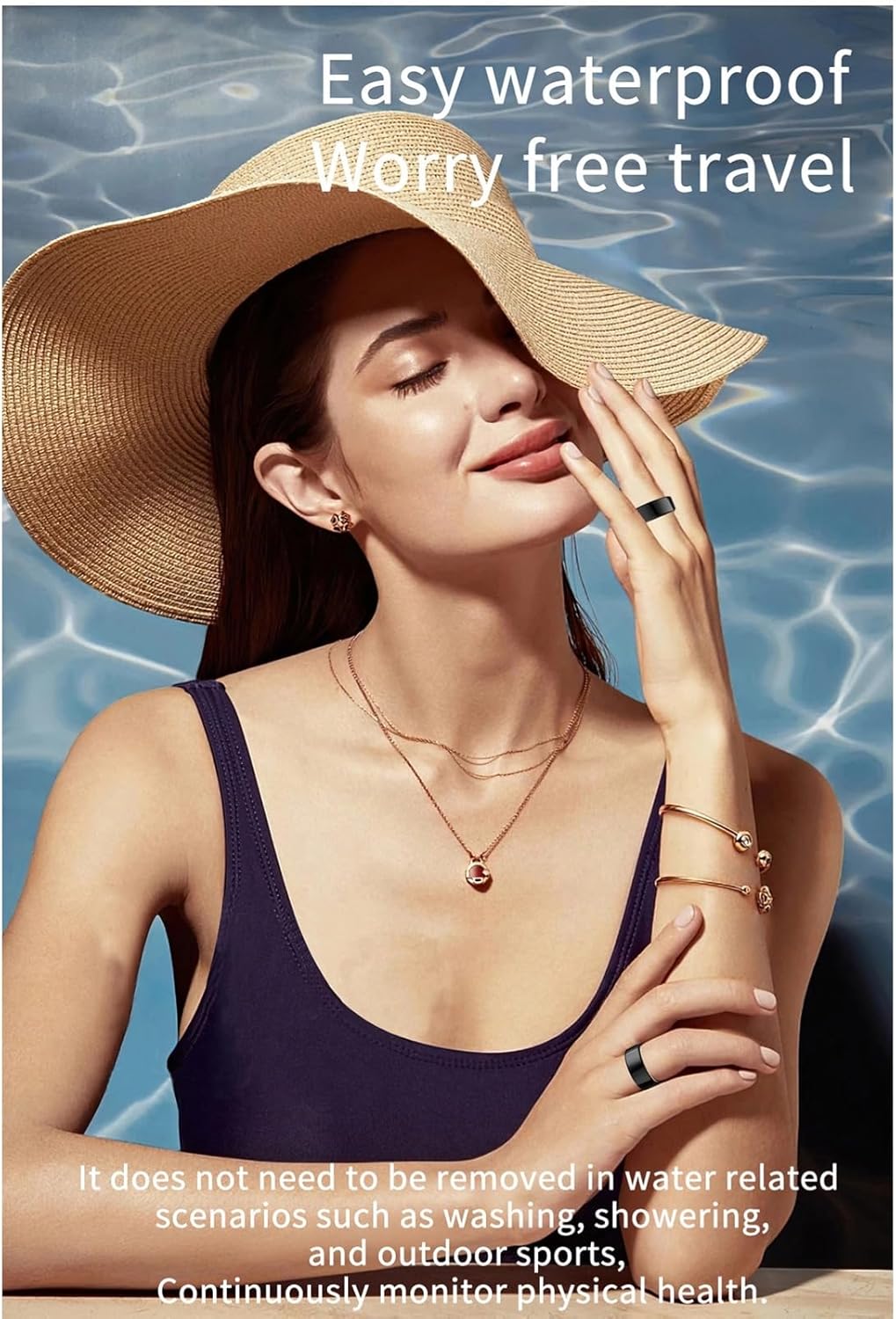
Image: A woman near a swimming pool, demonstrating the ring's IP68 waterproof capability, indicating it does not need to be removed for water-related activities.
3. Cura de la bateria
To prolong battery life, avoid extreme temperatures and do not leave the ring fully discharged for extended periods. Charge the ring when the battery level is low.

Image: A close-up of the smart ring with text highlighting "High capacity battery" and "Longer battery life," indicating 7-9 days of daily use.
Resolució de problemes
| Problema | Causa possible | Solució |
|---|---|---|
| Ring not pairing with app | Bluetooth off, ring not charged, app issue | Ensure Bluetooth is on. Charge the ring. Restart the app and try pairing again. |
| Dades de salut inexactes | Improper fit, dirty sensors, app not updated | Ensure the ring fits snugly. Clean the sensors. Update the JYouPro app to the latest version. |
| Durada de la bateria curta | Frequent data syncing, old battery | Reduce frequency of manual syncing if applicable. Ensure full charge cycles. Contact support if battery degradation is significant. |
| L'aplicació no mostra dades | No connection, app permissions, server issues | Check Bluetooth connection. Grant all necessary app permissions. Check internet connection. |
Garantia i Suport
For warranty information and technical support, please refer to the contact details provided on the product packaging or visit the official Cuifati weblloc. Conserveu el rebut de compra per a reclamacions de garantia.
For common questions and further assistance, you may also refer to the pàgina del producte a Amazon.
cap document rellevant
Ask a question about this manual
Ask about setup, troubleshooting, compatibility, parts, safety, or missing instructions. Manuals+ will review the question and use this page’s manual context to help answer it.