
1. Introducció
This manual provides essential information for the proper setup, operation, and maintenance of your GenMachine Mini PC with AMD Ryzen 3 2200U processor. Please read this manual thoroughly before using the device to ensure optimal performance and longevity. This Mini PC is designed for various applications including office work, design tasks, and light gaming, offering a compact and efficient computing solution.
2. Contingut del paquet
Verifiqueu que tots els elements que s'enumeren a continuació s'inclouen al vostre paquet. Si falta algun element o hi ha algun malmès, poseu-vos en contacte amb l'atenció al client.
- GenMachine Mini PC Unit
- Cable HDMI
- Adaptador d'alimentació
- Manual d'usuari

Image: The package contents including the Mini PC, HDMI cable, power adapter, and user manual.
3. Instruccions de configuració
Follow these steps to set up your GenMachine Mini PC:
- Connect to a Display: Connect the Mini PC to a monitor or TV using the provided HDMI cable. The device supports dual HDMI output for extended display configurations.
- Connecteu els perifèrics: Plug in your USB keyboard and mouse into the available USB ports (2x USB 3.0, 2x USB 2.0).
- Connectar-se a la xarxa (opcional): For a wired internet connection, connect an Ethernet cable to the LAN port. For wireless connectivity, the device supports Wi-Fi 5.
- Encès: Connect the power adapter to the DC IN port on the Mini PC, then plug the adapter into a power outlet. Press the power button located on the front of the device.
- Arrencada inicial: The Mini PC will boot up. Follow any on-screen instructions for initial operating system setup.

Imatge: Una imatge detallada view of the GenMachine Mini PC's front and rear ports, including DC IN, LAN, DP, HDMI, USB 3.0, USB 2.0, and audio jack.
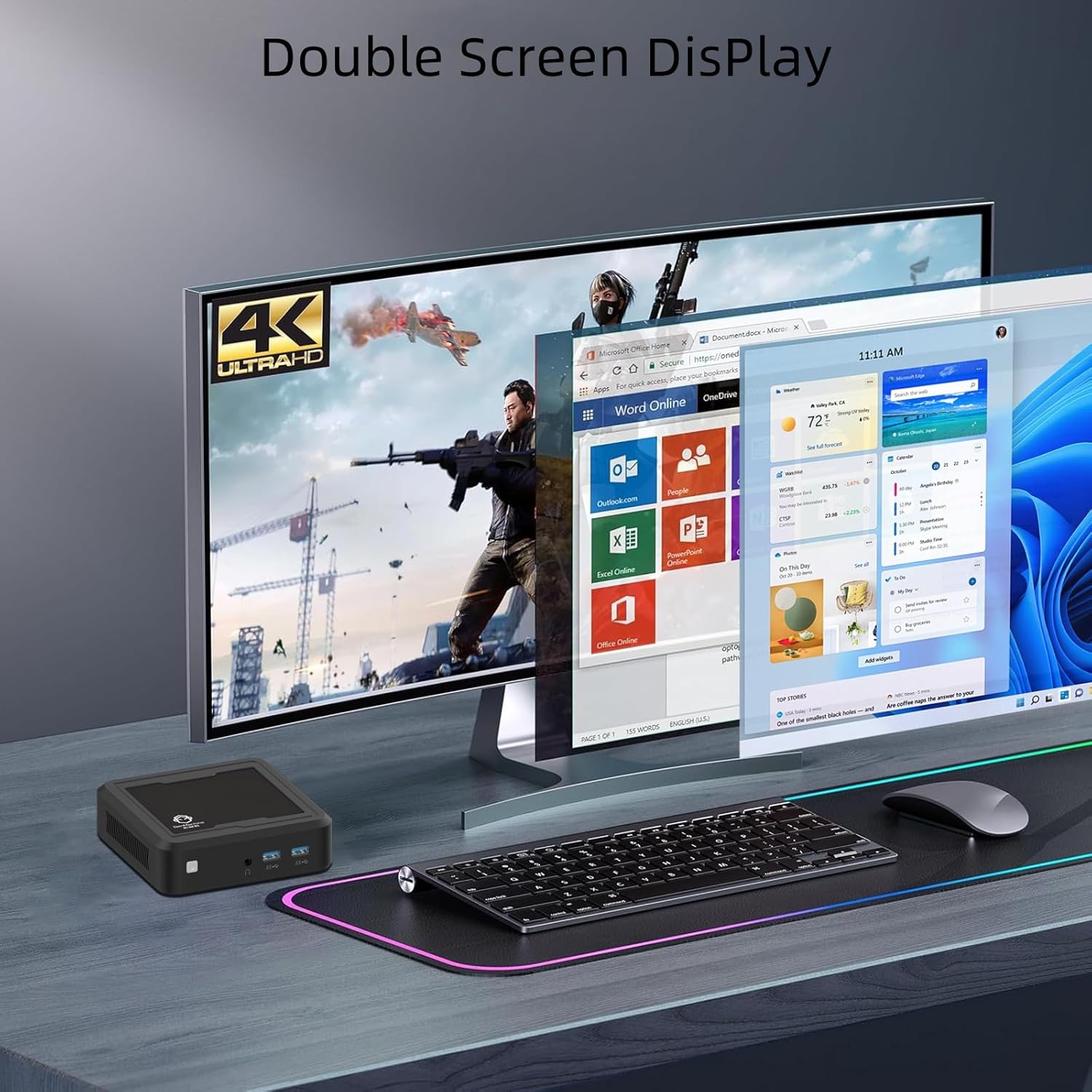
Image: The GenMachine Mini PC connected to a dual monitor setup, demonstrating its 4K Ultra HD display capabilities for multitasking.
Video: This video demonstrates the GenMachine Mini PC's capability to support two monitors simultaneously, enhancing productivity and user experience.
4. Instruccions de funcionament
4.1 Encès/Apagat
- Per encendre: Premeu el botó d'engegada a la part frontal del Mini PC.
- Per apagar: Feu servir la funció d'apagada del sistema operatiu. Si no, manteniu premut el botó d'engegada durant 5 segons per forçar l'apagada (feu-la servir només quan sigui necessari).
4.2 Configuració de la pantalla
The Mini PC supports dual HDMI output for connecting two displays. You can configure display settings (e.g., extend, duplicate) through your operating system's display settings menu.
4.3 Connectivitat de xarxa
- Connexió per cable: Connect an Ethernet cable to the LAN port for a stable 1.0 Gbps internet connection.
- Connexió sense fil: The Mini PC is equipped with Wi-Fi 5 (802.11ac) for wireless internet access. Connect to your preferred Wi-Fi network through the operating system's network settings.
- Bluetooth: Bluetooth 4.2 allows for connection to wireless peripherals such as keyboards, mice, and headphones. Pair devices through the operating system's Bluetooth settings.

Imatge: Un primer pla view of the 1.0 Gbps Ethernet port on the GenMachine Mini PC, highlighting its high-speed network capability.
5. Manteniment
Un manteniment regular ajuda a garantir la longevitat i el rendiment òptim del vostre Mini PC.
- Neteja: Use a soft, dry cloth to clean the exterior of the Mini PC. Avoid using liquid cleaners or solvents. For dust accumulation in vents, use compressed air.
- Ventilació: Ensure the Mini PC is placed in a well-ventilated area. Do not block the ventilation openings to prevent overheating. The device features a silent cooling system.
- Actualitzacions de programari: Regularly update your operating system and drivers to ensure security and performance.
- Gestió d'emmagatzematge: Netegeu periòdicament allò innecessari files and applications to maintain optimal storage performance.
6. Solució De Problemes
This section addresses common issues you might encounter with your GenMachine Mini PC.
6.1 Sense poder
- Assegureu-vos que l'adaptador de corrent estigui connectat correctament tant al Mini PC com a una presa de corrent que funcioni.
- Verifiqueu que la presa de corrent funciona connectant-hi un altre dispositiu.
- Prova una presa de corrent diferent si està disponible.
6.2 Sense sortida de pantalla
- Check if the HDMI cable is securely connected to both the Mini PC and the monitor.
- Ensure the monitor is powered on and set to the correct input source (HDMI/DP).
- Prova un altre cable HDMI o monitor si és possible.
6.3 Sense connexió a Internet
- For wired connections, ensure the Ethernet cable is properly connected and your router is working.
- For wireless connections, verify that Wi-Fi is enabled in your operating system and you are connected to the correct network with the correct password.
- Reinicieu el router i el mini PC.
6.4 Rendiment lent
- Tanca les aplicacions innecessàries que s'executen en segon pla.
- Check for available operating system updates.
- Assegureu-vos que hi hagi prou espai lliure a l'SSD.
- Monitor system temperatures to ensure the device is not overheating.
7. Especificacions
Detailed technical specifications for the GenMachine Mini PC (Model: 2200U/8GB/256GB):
| Característica | Detall |
|---|---|
| Processador | AMD Ryzen 3 2200U (2 Cores, 4 Threads, 2.5 GHz Base, up to 3.4 GHz Boost, 4MB L3 Cache) |
| Gràfics | Integrated AMD Radeon Vega 3 Graphics (1100MHz) |
| RAM | 8 GB DDR4 |
| Emmagatzematge | 256GB SSD (M.2 NVME support) |
| Sortida de visualització | 2x HDMI (Supports 4K @ 60Hz, 3840 x 2160 resolution) |
| Connectivitat sense fil | Wi-Fi 5 (802.11ac), Bluetooth 4.2 |
| Connectivitat per cable | 1 x Gigabit Ethernet (LAN) |
| Ports USB | 2x USB 3.0, 2x USB 2.0 |
| Àudio | 1 presa d'àudio de 3.5 mm |
| Dimensions (L x A x A) | 4.32 x 3.93 x 1.57 polzades (114 x 106 x 37 mm) |
| Pes | 2 lliures (0.5 kg) |
| Sistema operatiu | OS (Pre-installed or user-installable) |
| Característiques especials | Silent Cooling System, Wake-on-LAN, PXE Boot |

Image: An infographic displaying key features and specifications of the GenMachine Mini PC, including Ryzen 2200U, DDR4 support, SSD support, silent fan, Bluetooth & Dual-Band WiFi, Radeon Vega 3 Graphics, and core/thread count.
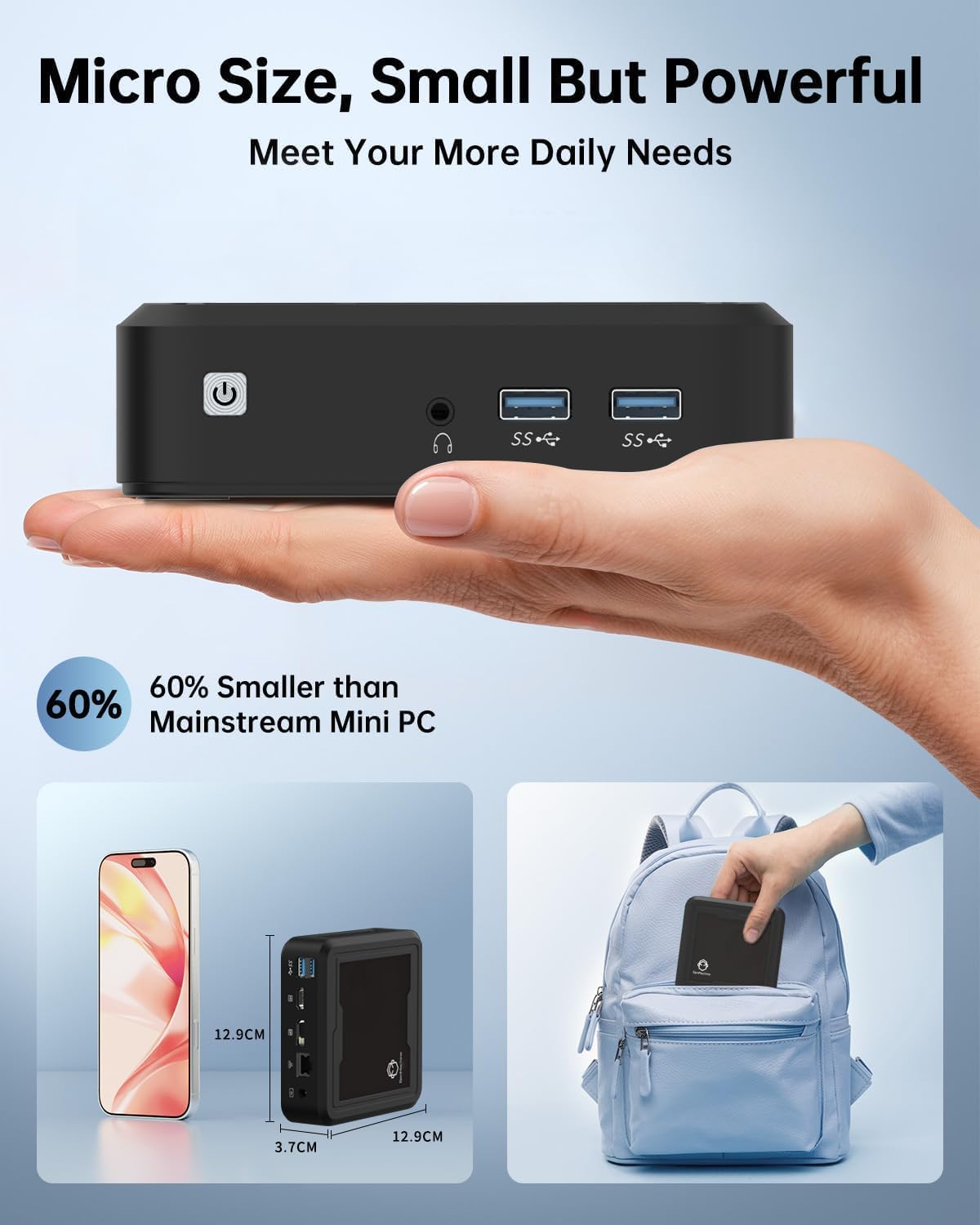
Image: The GenMachine Mini PC held in a hand and shown next to a smartphone and inside a backpack, illustrating its micro size and portability.
8. Garantia i Suport
For warranty information and technical support, please refer to the documentation included with your purchase or visit the official GenMachine website. If you encounter any issues not covered in this manual, please contact GenMachine customer service for assistance.