
1. Producte acabatview
The Awei T25 Wireless Earphones are designed for an immersive audio experience, featuring Bluetooth 5.3 connectivity, touch controls, and a comfortable in-ear design. These earbuds are suitable for various activities, including sports, and offer noise reduction capabilities.

The Awei T25 wireless earbuds are shown in their translucent pink charging case. The earbuds are also pink with the 'awei' logo visible.
2. Contingut del paquet
- Awei T25 Wireless Earphones (Left and Right)
- Estoig de càrrega
- Cable de càrrega USB tipus C
- Puntes per a les orelles (talles S/M/L)
- Manual d'usuari
3. Configuració i primer ús
3.1 Càrrega dels auriculars i l'estoig
- Connect the provided USB Type-C cable to the charging port on the case.
- Connecteu l'altre extrem del cable a una font d'alimentació USB (per exemple, un adaptador de paret, un port USB de l'ordinador).
- The indicator lights on the charging case will show the charging status. Ensure the earphones are placed inside the case for them to charge.
A full charge provides approximately 4 hours of earbud usage, with the charging case extending total battery life up to 20 hours.
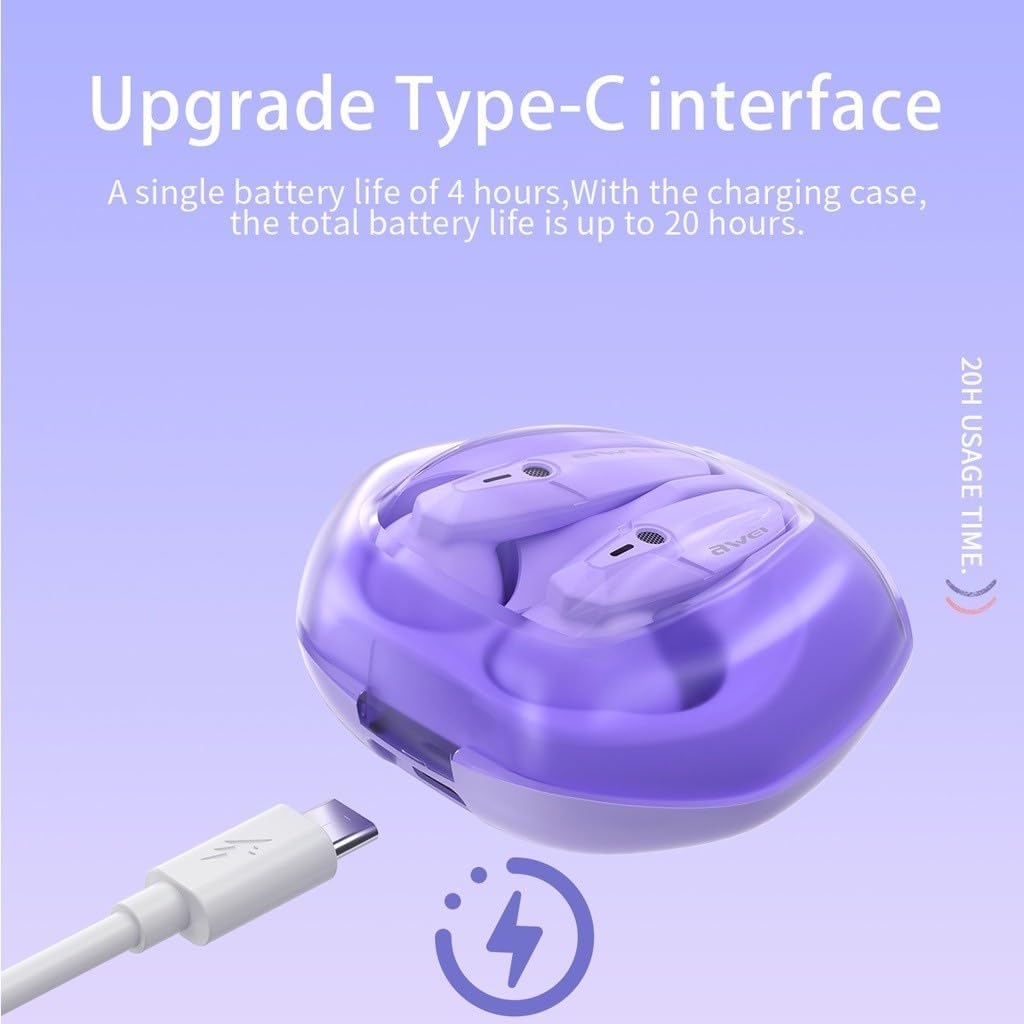
The Awei T25 charging case is shown with its Type-C charging port, indicating a single earbud battery life of 4 hours and a total battery life of up to 20 hours with the charging case.
3.2 Vinculació amb un dispositiu
- Assegureu-vos que els auriculars estiguin carregats.
- Open the lid of the charging case. The earphones will automatically power on and enter pairing mode.
- Al dispositiu (telèfon intel·ligent, tauleta, etc.), activeu el Bluetooth i cerqueu els dispositius disponibles.
- Select "Awei T25" from the list of found devices to connect.
- Once successfully paired, the earphones will automatically connect to your device when the case lid is opened for subsequent uses.
3.3 Selecció de les puntes per a les orelles
The Awei T25 earphones come with three sizes of ear tips (S/M/L). Choose the size that provides a secure and comfortable fit for optimal sound quality and noise isolation.
4. Funcionament dels auriculars
4.1 Controls tàctils
The Awei T25 earphones feature intuitive touch controls located on the side of each earbud. Specific functions may vary slightly depending on your device and application.
- Reproduir/pausa: Un sol toc a qualsevol dels auriculars.
- Pista següent: Toqueu dues vegades l'auricular dret.
- Pista anterior: Toqueu dues vegades l'auricular esquerre.
- Respondre/Finalitzar la trucada: Toqueu un sol cop a qualsevol dels auriculars durant una trucada entrant.
- Rebutja la trucada: Premeu i manteniu premut qualsevol dels auriculars durant 2 segons durant una trucada entrant.
- Activa l'Assistent de veu: Toqueu tres vegades qualsevol dels auriculars.

The Awei T25 earbuds are presented within a frosted transparent charging case, illustrating features like stereo sound, auto-connect functionality, touch control, and Bluetooth 5.3.
4.2 Sound Experience and EQ Modes
The earphones are equipped with 13mm large moving coil drivers for a rich audio experience. They also feature an in-ear design with 3 EQ switch options:
- Per defecte: So equilibrat professionalfile.
- Baix: Enhanced low frequencies.
- Vocal: Optimized for clear vocals.
Refer to the detailed instructions for switching between EQ modes, typically involving a specific touch gesture.
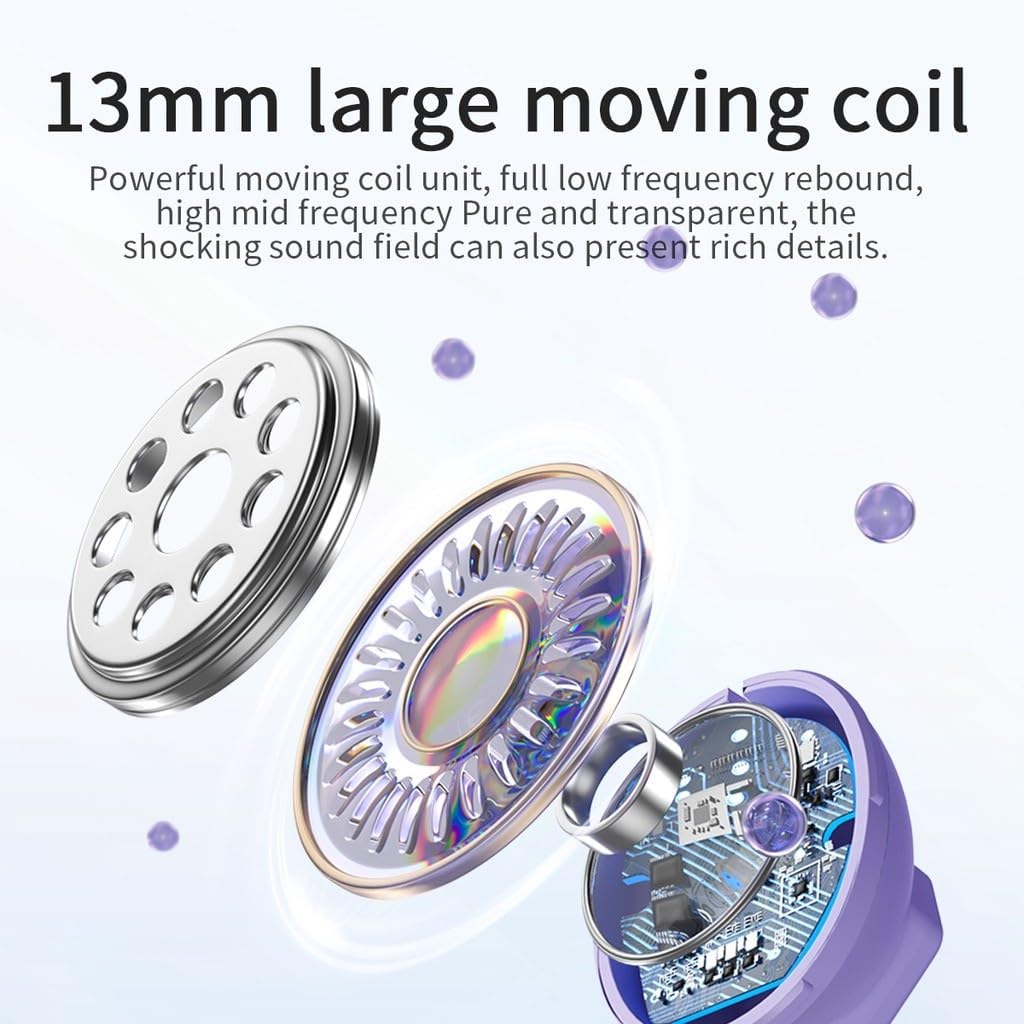
Un va explotar view diagram highlights the 13mm large moving coil unit, responsible for sound production, emphasizing its role in delivering powerful low frequencies and clear mid-high frequencies.
4.3 RGB Breathing Lights
The earphones feature colorful breathing lights that display the Awei logo, adding a visual element to your listening experience.

This image highlights additional features of the Awei T25 earbuds, including colorful breathing lights, an ergonomic in-ear design with 3 EQ switch options (default, bass, vocal), and the convenience of charging by simply placing them in the compartment.
5. Manteniment i cura
- Neteja: Netegeu regularment els auriculars i l'estoig de càrrega amb un drap suau i sec. Eviteu utilitzar materials abrasius o productes químics agressius.
- Resistència a l'aigua: The earphones are IPX5 waterproof, meaning they are resistant to splashes and sweat. They are not designed for submersion in water. Dry them thoroughly if they get wet.
- Emmagatzematge: Quan no els utilitzeu, guardeu els auriculars a la seva funda de càrrega per protegir-los i mantenir-los carregats.
- Temperatura: Avoid exposing the earphones to extreme temperatures (hot or cold) or direct sunlight for extended periods.
6. Solució De Problemes
- Auriculars que no s'emparellan: Ensure both earbuds are charged and placed in the case. Open the case lid to initiate pairing mode. If issues persist, try forgetting the device from your phone's Bluetooth settings and re-pairing.
- No se sent cap so d'un auricular: Check if both earbuds are charged. Try placing them back in the case, closing the lid, and then reopening it.
- Problemes de càrrega: Verify the charging cable and adapter are working correctly. Ensure the charging contacts on the earbuds and inside the case are clean and free of debris.
- Mala qualitat del so: Ensure the ear tips provide a good seal in your ear canal. Try different sized ear tips. Check your device's volume settings and the earbud's EQ mode.
- Els controls tàctils no responen: Ensure your fingers are clean and dry. A single tap should be quick and precise.
7. Especificacions
| Model | T25 |
| Marca | Awei |
| Connectivitat | Bluetooth 5.3 |
| Resistència a l'aigua | IPX5 |
| Durada de la bateria dels auriculars | Aprox. 4 hores |
| Durada total de la bateria (amb funda) | Aprox. 20 hores |
| Mètode de control | Toca |
| Col·locació de l'orella | In-orella |
| Material | Plàstic |
| Mida del controlador | 13 mm |
| Components inclosos | User Manual, USB Type-C Cable, Ear Tips |
8. Garantia i Suport
Specific warranty information for the Awei T25 Wireless Earphones is not provided in the available product data. Please refer to the warranty card included with your purchase or contact the retailer/manufacturer directly for details regarding warranty coverage and customer support.