
1. Introducció
Thank you for choosing the ProtoArc XK01 Foldable Bluetooth Keyboard. This manual provides essential information for the proper setup, operation, and maintenance of your device. Please read it thoroughly before use to ensure optimal performance and longevity.
The ProtoArc XK01 is a full-size, portable AZERTY Bluetooth keyboard designed for seamless connectivity with up to three devices across various operating systems, including Android, Windows, and iOS. Its foldable design and long-lasting rechargeable battery make it ideal for travel and flexible work environments.

Image 1.1: The ProtoArc XK01 keyboard unfolded, showcasing its full AZERTY layout and compact design.
2. Contingut del paquet
Assegureu-vos que tots els elements siguin presents al paquet:
- Teclat Bluetooth plegable ProtoArc XK01
- Cable de càrrega USB-C
- Manual d'usuari (aquest document)
3. Producte acabatview
The ProtoArc XK01 features a 105-key AZERTY layout, including a numeric keypad, designed for comfortable and efficient typing. Its scissor-switch keys provide a quiet and responsive typing experience.

Imatge 3.1: Detallada view of the keyboard layout, showing the function keys and numeric pad.

Image 3.2: Illustration of the scissor-switch key structure, ensuring a pleasant and comfortable typing feel.

Image 3.3: Dimensions of the keyboard, indicating its full size when open and compact size when folded.
4. Configuració i connectivitat
4.1 Càrrega del teclat
Before initial use, fully charge the keyboard using the provided USB-C cable. Connect the cable to the USB-C port on the keyboard and a power source (e.g., computer USB port, USB wall adapter).

Image 4.1: The USB-C charging port located on the side of the keyboard.
4.2 Encès/Apagat
To power on the keyboard, simply unfold it. The keyboard will automatically power on. To power off, fold the keyboard. The magnetic design ensures it stays closed and powers off automatically.
4.3 Vinculació Bluetooth
The ProtoArc XK01 can connect to up to three devices simultaneously via Bluetooth. Follow these steps to pair your devices:
- Unfold the keyboard per engegar-lo.
- Select a Bluetooth channel: Premeu el botó BT1, BT2, o BT3 key to choose a channel. The corresponding indicator light will flash slowly.
- Entreu al mode de vinculació: Manteniu premut el botó Fn + BT1 (or BT2/BT3) key for 3-5 seconds until the indicator light flashes rapidly. This indicates the keyboard is in pairing mode.
- Activa el Bluetooth al teu dispositiu (smartphone, tablet, laptop, etc.) and search for available devices.
- Select "ProtoArc XK01" de la llista de dispositius disponibles.
- Confirmeu l'aparellament: Your device may prompt you to enter a code on the keyboard and press Enter. Follow the on-screen instructions.
- Once successfully paired, the indicator light will stop flashing and remain solid for a few seconds before turning off.
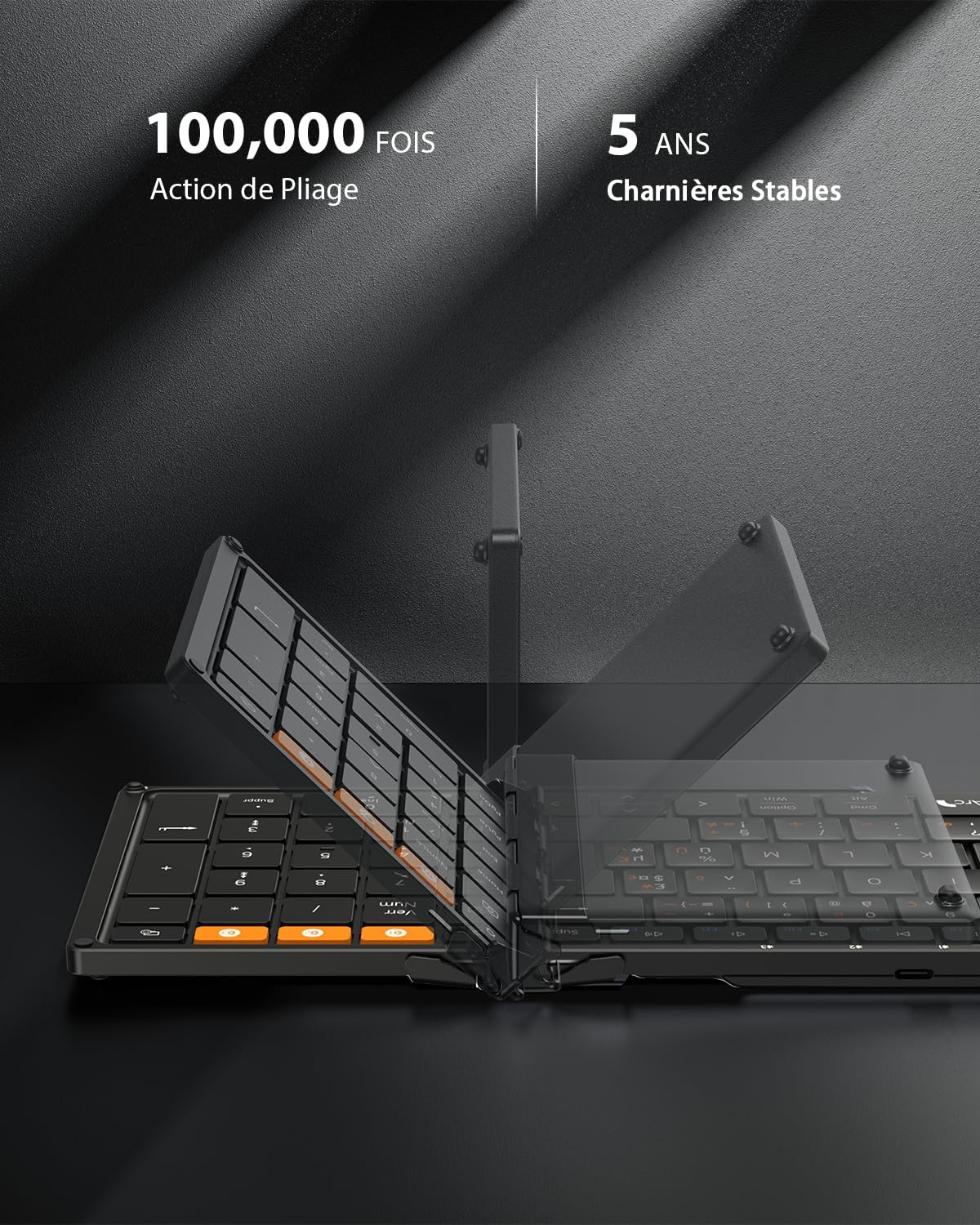
Image 4.2: The dedicated Bluetooth channel keys (BT1, BT2, BT3) for connecting multiple devices.
4.4 Canvi entre dispositius
To switch between paired devices, simply press the corresponding BT1, BT2, o BT3 key. The keyboard will automatically connect to the last paired device on that channel.
4.5 Android Language Setting
For Android users, it is necessary to set the keyboard language to French (AZERTY) on your device before use. Navigate to: Settings > More settings > Language & Input > Physical keyboard > ProtoArc XK01 > Set keyboard layouts > Choose French (AZERTY).
Video 4.1: A short video demonstrating the ProtoArc XK01 keyboard's features, including its foldable design, thin profile, scissor-switch keys, and multi-device connectivity.
5. Instruccions de funcionament
5.1 Tecles de drecera multimèdia
The keyboard features 12 multimedia shortcut keys for quick access to various functions. These keys are typically located on the F1-F12 row.

Image 5.1: Illustration of the 12 multimedia shortcut keys.
5.2 Fn Key Functionality
To activate the secondary functions (F1-F12) of the multimedia keys, press Fn + ESC. Premeu Fn + ESC again to toggle back to the multimedia functions.
5.3 Typing Special Characters
For instructions on typing special characters, refer to the detailed layout provided in the physical manual included in the box, as layouts can vary by operating system.
6. Manteniment
6.1 Neteja
Per netejar el teclat, netegeu suaument la superfície amb un drap suau iamp drap. Eviteu utilitzar productes químics agressius o materials abrasius. Assegureu-vos que el teclat estigui apagat abans de netejar-lo.
6.2 Emmagatzematge
When not in use, fold the keyboard to protect the keys and conserve battery life. The robust hinges and magnetic closure ensure durability and secure storage. Store in a dry place away from extreme temperatures.

Image 6.1: The keyboard in its folded state, ready for transport or storage.
7. Solució De Problemes
If you encounter issues with your ProtoArc XK01 keyboard, please refer to the following common solutions:
- El teclat no es connecta: Ensure Bluetooth is enabled on your device and the keyboard is powered on and in pairing mode (rapidly flashing indicator). Try re-pairing the keyboard.
- Les tecles no responen: Check the battery level. If low, charge the keyboard. Ensure the keyboard is properly connected to your device.
- Incorrect characters typing (Android): Verify that the keyboard layout is set to French (AZERTY) in your Android device's settings as described in Section 4.5.
- Retard o desconnexions: Ensure the keyboard is within the effective Bluetooth range (typically 10 meters) and there are no significant obstructions or interference sources.
- Keyboard not folding properly: Ensure no debris is obstructing the hinges. The keyboard is designed to fold easily with magnetic assistance.
Si el problema persisteix després d'intentar aquests passos, poseu-vos en contacte amb l'atenció al client.
8. Especificacions
| Característica | Especificació |
|---|---|
| Marca | ProtoArc |
| Número de model | XK01 |
| Tecnologia de connectivitat | 3 Bluetooth |
| Descripció del teclat | AZERTY - Foldable Bluetooth Keyboard |
| Característiques especials | AZERTY Layout, Ergonomic, Foldable, Portable, Rechargeable |
| Color | Negre |
| Dimensions del producte (desplegat) | 38.6L x 11.9W x 2.0H cm (approx. 15.19 x 4.68 x 0.78 inches) |
| Material | Plàstic |
| Dispositius compatibles | Game Console, Laptop, PC, Smartphone, Tablet |
| Font d'alimentació | Alimentat per bateria (210 mAh) |
| Tipus de canvi | Interruptor de tisora |
| Nombre de claus | 105 |
| Compatible OS Family | Android, iOS, Mac OS, Windows |
9. Garantia i Suport
9.1 Informació de la garantia
The ProtoArc XK01 Foldable Bluetooth Keyboard comes with a 12 mesos de garantia from the date of purchase. This warranty covers manufacturing defects and material flaws under normal use. It does not cover damage caused by misuse, accidents, unauthorized modifications, or normal wear and tear.
9.2 Atenció al client
For technical assistance, warranty claims, or any questions regarding your ProtoArc XK01 keyboard, please contact ProtoArc customer support through the retailer where you purchased the product or visit the official ProtoArc weblloc per obtenir dades de contacte.


