

1. Introducció
The Aqara Smart Curtain Motor E1 (Rod Version) is designed to automate your existing curtains, providing convenience and smart control. This device integrates with various smart home ecosystems, allowing for scheduled operations, voice control, and automation based on environmental conditions or other smart devices. This manual provides essential information for the safe and effective use of your curtain motor.
2. Informació important de seguretat
- Llegiu atentament totes les instruccions abans de la instal·lació i l'ús.
- Keep the device away from water or humid environments.
- No intenteu desmuntar, reparar o modificar el producte.
- Assegureu-vos que la font d'alimentació coincideixi amb els requisits del dispositiu.
- Mantingueu els nens i les mascotes lluny del dispositiu durant el funcionament.
- Eviteu col·locar objectes pesats al dispositiu.
- Treballar dins dels rangs de temperatura i humitat especificats.
3. Contingut del paquet
Verifiqueu que tots els components siguin presents al paquet:
- Aqara Curtain Motor E1 (Rod Version)
- Cable USB-C a USB-A × 1
- Clip × 8
- Rubber Strip (3m) × 1
- Accessori de vareta × 1
4. Producte acabatview
The Aqara Smart Curtain Motor E1 is a compact device designed to attach to your curtain rod. It features an internal motor that drives the curtain open and closed. The device includes a rechargeable battery and a USB-C port for charging. It communicates wirelessly via Zigbee 3.0 to an Aqara Hub.

Image: The Aqara Smart Curtain Motor E1 (Rod Version) device.
5. Requisits de compatibilitat
Before installation, ensure your setup meets the following requirements:
- Aqara Hub: An Aqara Zigbee 3.0 Hub (e.g., M2, M1S, E1, M1S Gen2, Camera Hub G2H Pro/G2H, G3) is required and sold separately. Hubs from other brands are not compatible.
- Xarxa Wi-Fi: A secured 2.4 GHz Wi-Fi network is needed for Hub M2/M1S/E1/M1S Gen2 and Camera Hub G2H Pro/G2H. For Camera Hub G3, 2.4/5 GHz Wi-Fi is supported. Ensure the hub and Wi-Fi router are on the same local area network (LAN).
- Curtain Rod: The motor supports most popular rods with uniform thickness. It does not support telescopic or extendable rods with varying thicknesses. The supported rod diameter range is 0.99 - 1.25 inches (25-32mm).
- Curtain Type: Compatible with grommet curtains (minimum space between grommets >95mm) and ring top curtains (minimum ring thickness >4mm).
- Proximitat: For a stable connection, the Aqara Curtain Motor E1 should be within 400 inches of the Aqara Zigbee hub.

Image: Visual guide for compatible curtain rod types and dimensions. Note: Extendable rods and U-rail gliders without wheels are not supported.

Image: Detailed compatibility requirements for grommet and ring top curtains, including minimum spacing and thickness, and supported rod diameter.
6. Configuració i instal·lació
The Aqara Curtain Motor E1 is designed for easy installation without specialized tools. Follow these steps:
- Prepare the Curtain Rod: Ensure your curtain rod is clean and free of obstructions. Confirm it meets the diameter and uniform thickness requirements (0.99 - 1.25 inches).
- Enganxar clips: Secure the provided clips to the curtain motor.
- Muntar el motor: Gently attach the motor to your curtain rod. The motor should sit securely on the rod, integrating behind the curtain.
- Pair with Aqara Hub:
- Download the Aqara Home App from your device's app store.
- Ensure your Aqara Hub's firmware and the Aqara Home App are updated to the latest versions.
- Follow the in-app instructions to add the Curtain Motor E1 to your Aqara Hub.
- Calibració: After pairing, use the Aqara Home App to calibrate the curtain motor. This involves setting the open and closed positions for your curtains.

Image: A user installing the Aqara Curtain Motor E1 onto a curtain rod, demonstrating the ease of attachment.
Video: An official video demonstrating the installation process of the Aqara Smart Curtain Motor E1.
7. Funcionament
Once installed and calibrated, you can control your curtains using various methods:
- Aplicació Aqara Home: Use the Aqara Home App to manually open, close, or set the curtain to a specific percentage.
- Control de veu: Integrate with HomeKit, Alexa, or IFTTT to use voice commands (e.g., "Hey Siri, open the curtain," "Alexa, close all the curtains").
- Automatismes: Set up automated routines based on time, weather, lighting conditions (using the built-in light sensor), or triggers from other Aqara devices. For example, schedule curtains to open at sunrise or close when a smart sensor detects high temperature.
- Manual Pull: The motor supports a manual pull feature, allowing you to gently pull the curtain to trigger the motor to open or close it fully.

Imatge: Més deview of various control methods available for the Aqara Curtain Motor E1, including voice, remote, built-in sensor, scheduling, geofencing, and automations.
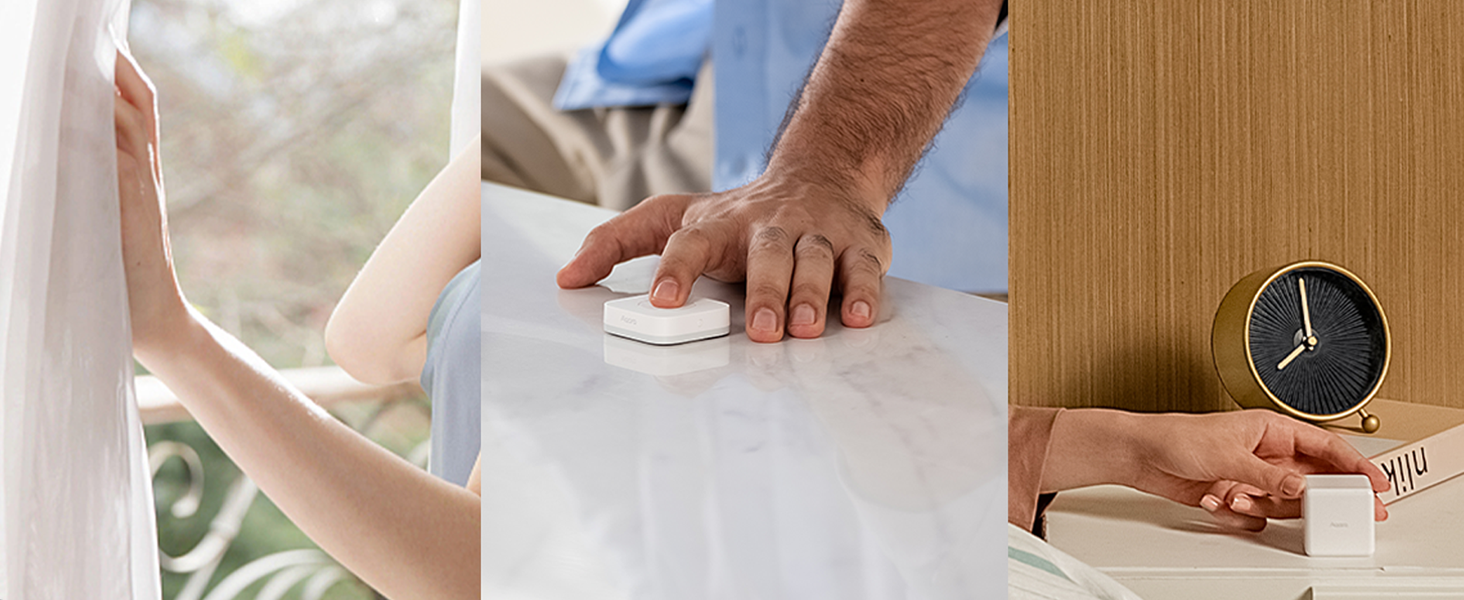
Image: Illustration of smart home automations, showing how the curtain motor can be controlled by actions or events.

Image: Illustration of smart home automations, showing how the curtain motor can be controlled by time schedules or app settings.
8. Durada i càrrega de la bateria
The Aqara Curtain Motor E1 is equipped with a 6000 mAh rechargeable battery, providing up to one year of usage on a single charge. Battery life may vary depending on curtain weight, track length, and friction. The device can be charged using the included USB-C to USB-A cable with a power bank or a power supply (not included).

Image: Visual representation highlighting the 1-year battery life and 6000 mAh capacity of the Aqara Curtain Motor E1.
9. Manteniment
To ensure optimal performance and longevity of your Aqara Smart Curtain Motor E1, follow these maintenance guidelines:
- Neteja: Netegeu el dispositiu amb un drap suau i sec. No utilitzeu netejadors líquids ni materials abrasius.
- Curtain Rod: Periodically check your curtain rod for any dust or debris that might impede the motor's movement.
- Bateria: Recharge the battery when indicated by the Aqara Home App to avoid interruptions in service.
- Actualitzacions de firmware: Regularly check for and install firmware updates for both the curtain motor and your Aqara Hub via the Aqara Home App to ensure compatibility and access to new features.
10. Solució De Problemes
If you encounter issues with your Aqara Smart Curtain Motor E1, refer to the following common troubleshooting steps:
| Problema | Possible solució |
|---|---|
| Motor not responding/pairing: |
|
| Curtains not moving smoothly: |
|
| El control per veu no funciona: |
|
| La bateria es descarrega ràpidament: |
|
11. Especificacions
| Característica | Detall |
|---|---|
| Model | E1 (Rod Version) |
| Dimensions | 5.7 x 3.78 x 1.81 polzades |
| Pes de l'article | 1.85 lliures |
| Color | Blanc |
| Bateria | 1 bateria de ions de liti (inclosa), 6000 mAh |
| Connectivitat | Zigbee 3.0 |
| Càrrega màxima | 12 kg |
| Rod Diameter Support | 0.99 - 1.25 polzades (25-32 mm) |
| Fabricant | Lumi United Technology Co., Ltd |
12. Garantia i Suport
Garantia: Els productes Aqara solen incloure una garantia limitada. Consulteu la targeta de garantia inclosa amb el producte o visiteu el lloc web oficial d'Aqara. weblloc web per obtenir informació detallada sobre els termes i condicions de garantia específics de la vostra regió.
Atenció al client: For technical assistance, troubleshooting beyond this manual, or warranty claims, please contact Aqara customer support. You can find contact information and additional resources on the official Aqara weblloc: www.akara.com.