
1. Introducció
This manual provides comprehensive instructions for the safe and efficient use of your NEC VKT16XZG5 laptop. Please read this manual thoroughly before using the product and retain it for future reference. This laptop is equipped with Windows 11, an Intel Core i5-8th Generation processor, and solid-state drive (SSD) storage, designed for general computing tasks.
2. Informació de seguretat
Observe the following safety precautions to prevent damage to the laptop or injury to yourself.
- No exposeu el portàtil a temperatures extremes, llum solar directa ni humitat elevada.
- Eviteu col·locar objectes pesats sobre l'ordinador portàtil.
- Mantingueu els líquids allunyats de l'ordinador portàtil per evitar descàrregues elèctriques o danys.
- Use only the provided AC adapter or a compatible replacement.
- No intenteu desmuntar ni reparar el portàtil vosaltres mateixos. Poseu-vos en contacte amb personal de servei qualificat.
- Assegureu-vos de ventilar correctament per evitar el sobreescalfament. No bloquegeu les reixetes de ventilació.
3. Contingut del paquet
Verifiqueu que tots els elements siguin presents al paquet:
- NEC VKT16XZG5 Laptop
- Adaptador de CA
- Security Zero License Card
- 64GB USB Recovery Storage
- Digital Recovery Manual (pre-saved on the laptop)

Image: 64GB USB Recovery Storage device. This USB drive contains essential recovery files for your laptop.

Image: ZERO Security software box. A license card for this security software is included.
4. Producte acabatview
Familiarize yourself with the components of your NEC VKT16XZG5 laptop.
4.1 Amunt View (Teclat i touchpad)

Imatge: Superior view of the NEC VKT16XZG5 laptop. This image highlights the Japanese keyboard layout and the integrated touchpad for navigation.
- Teclat: Standard Japanese layout for text input.
- Touchpad: For cursor control and gesture input.
- Botó d'encesa: Located above the keyboard, typically on the right side.
4.2 Exterior Design and Durability
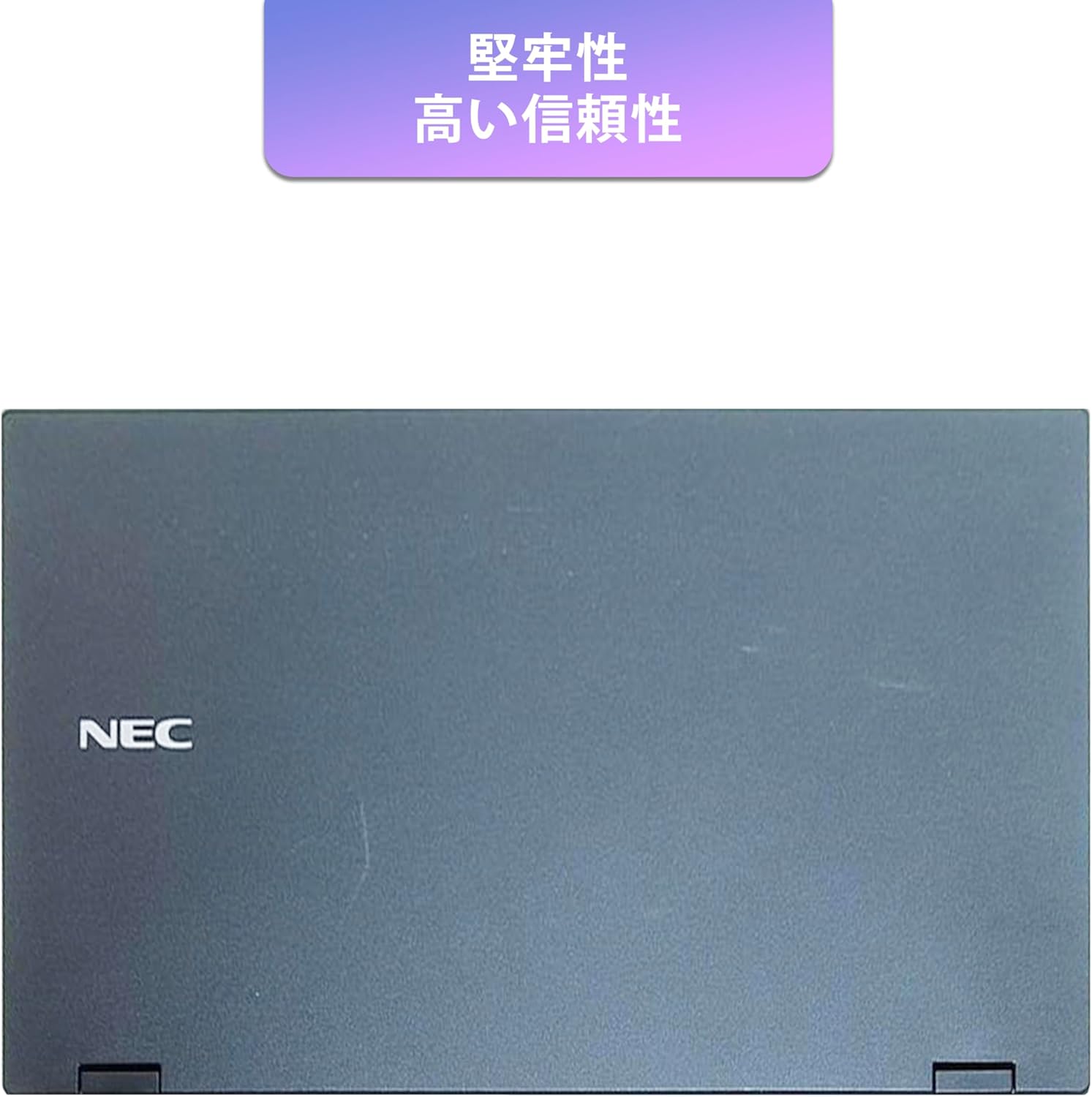
Image: Closed NEC VKT16XZG5 laptop, top casing. The design emphasizes durability and high reliability.
The laptop features a robust casing designed for durability and reliable performance.
4.3 Integrated Camera and Battery Life

Imatge: Lateral view of the open NEC VKT16XZG5 laptop. This view indicates the presence of an integrated camera and highlights the laptop's long battery life capability.
- Càmera integrada: Located at the top center of the display for video conferencing and other applications.
- Bateria: Designed for extended usage on a single charge.
4.4 Característiques de rendiment

Imatge: Lateral view of the open NEC VKT16XZG5 laptop. This image emphasizes the Intel Core i5-8th Generation processor and the high-speed SSD for enhanced performance.
- CPU: Intel Core i5-8th Generation processor for efficient multitasking.
- SSD: High-speed Solid State Drive for faster boot times and application loading.
5. Configuració
Follow these steps for initial setup of your laptop:
- Desembalar: Traieu amb cura el portàtil i tots els accessoris de l'embalatge.
- Connectar l'alimentació: Connecteu l'adaptador de CA al port d'alimentació del portàtil i després a una presa de corrent.
- Encesa inicial: Open the laptop lid and press the power button. The laptop will begin the Windows 11 setup process.
- Configuració de Windows: Follow the on-screen prompts to configure Windows 11, including language, region, network connection, and user account creation.
- WPS Office Activation: Your laptop comes with WPS Office pre-installed. Use the provided license card to activate the software upon first use.
- Security Software Installation: Install the included ZERO Security software using the license card for protection against malware.

Image: Laptop screen displaying information about the WPS Office 2 license card. This indicates that WPS Office is ready for use immediately after activation.
6. Instruccions de funcionament
This section covers basic operation of your NEC VKT16XZG5 laptop.
6.1 Encès/Apagat
- Encès: Premeu el botó d'encesa.
- Apagar: Feu clic al botó Inici del Windows i, a continuació, seleccioneu Energia > Apagar.
- Reinicia: Feu clic al botó Inici i, a continuació, seleccioneu Energia > Reiniciar.
- Dormir: Close the lid or click the Start button, then select Power > Sleep.
6.2 Ús del teclat i del touchpad
- Teclat: Type text and use function keys (Fn) for special commands (e.g., volume, brightness).
- Touchpad: Move your finger across the surface to control the cursor. Tap to click, use two fingers to scroll.
6.3 Connexió a Wi-Fi
- Feu clic a la icona Wi-Fi de la barra de tasques.
- Seleccioneu la xarxa desitjada de la llista.
- Introduïu la clau de seguretat de xarxa (contrasenya) si se us demana.
- Feu clic a "Connecta".
6.4 Using the DVD-ROM Drive
- Premeu el botó d'expulsió de la unitat per obrir la safata.
- Place a DVD or CD onto the tray, ensuring it is seated correctly.
- Gently push the tray back into the laptop.
- The disc content should appear in File Explorador.
7. Manteniment
Proper maintenance ensures the longevity and performance of your laptop.
- Neteja: Feu servir un drap suau i sense borrissol per netejar la pantalla i l'exterior. Per a marques difícils, dampNetegeu lleugerament el drap amb aigua o un netejador de pantalles. Eviteu productes químics agressius.
- Cura de la bateria: To maximize battery life, avoid fully discharging the battery frequently. Store the laptop in a cool, dry place if not used for extended periods.
- Actualitzacions de programari: Comproveu i instal·leu regularment si hi ha actualitzacions de Windows i controladors per garantir l'estabilitat i la seguretat del sistema.
- Recovery Function: Your laptop includes a recovery area and a 64GB USB recovery storage. In case of system issues, refer to the digital recovery manual saved on your laptop for instructions on how to restore the system.

Image: Laptop screen displaying information about the recovery area, large capacity USB storage for recovery, and the performance benefits of the high-speed SSD.
8. Solució De Problemes
Aquesta secció tracta problemes comuns que podeu trobar.
| Problema | Possible solució |
|---|---|
| El portàtil no s'encén. | Ensure the AC adapter is securely connected to both the laptop and a working power outlet. Check if the power outlet is functional. Try charging the battery for a while before attempting to power on again. |
| No hi ha connexió Wi-Fi. | Check if Wi-Fi is enabled in Windows settings. Ensure your router is working correctly. Try restarting the laptop and the router. Verify the Wi-Fi password. |
| El portàtil va lent. | Close unnecessary applications. Check for background processes consuming high resources (Task Manager). Ensure Windows and drivers are up to date. Run a virus scan using the ZERO Security software. |
| El teclat o el touchpad no responen. | Restart the laptop. Check for any physical obstructions. Ensure drivers are updated. |
9. Especificacions
Detailed technical specifications for the NEC VKT16XZG5 laptop.
| Característica | Especificació |
|---|---|
| Marca | NEC |
| Nom del model | VKT16XZG5 |
| Mida de la pantalla | 15.6 polzades |
| Tipus de visualització | LED |
| Resolució màxima de pantalla | 1366 x 768 píxels |
| Capacitat del disc dur | 256 GB (SSD) |
| Model de CPU | Intel Core i5-8th Generation |
| Velocitat de la CPU | 1.6 GHz (Max 3.9 GHz) |
| Recompte de processadors | 4 |
| Mida de la memòria RAM instal·lada | 8 GB / 16 GB |
| Tecnologia de memòria RAM | DDR4 |
| Sistema operatiu | Windows 11 |
| Coprocessador gràfic | Intel UHD Graphics 620 |
| Optical Storage Device | DVD-ROM |
| Tipus sense fil | Bluetooth, Wireless LAN |
| Interfície de comunicació | USB |
| Dimensions de l'article (LxWxH) | 37.6 x 25.4 x 2.5 cm |
| Descripció del teclat | JP (Japanese) |
| Components inclosos | AC Adapter, Security Zero License Card, 64GB USB Recovery Storage |
| Tipus de bateria | Ió de liti |
| Bateria Watt-hora | 45 watts-hora |
| Any de llançament/Any del model | 2019 |
10. Garantia i Suport
Your NEC VKT16XZG5 laptop comes with a warranty to ensure your peace of mind.
- Període de garantia: 6 months of free repair service from the date of purchase.
- Política de substitució: If a repair is not possible, the product will be replaced with an equivalent item.
- For technical support or warranty claims, please refer to the contact information provided at the point of purchase or on the official NEC support weblloc.