
1. Producte acabatview
This manual provides instructions for the Loddery Android 13 Car Stereo, designed specifically for Hyundai IX45 Santa FE models from 2013 to 2018. This unit features a 9-inch touch screen, Android 13 operating system, wireless Carplay and Android Auto, Bluetooth, GPS navigation, Wi-Fi, FM radio, Steering Wheel Control (SWC) support, and backup camera compatibility.
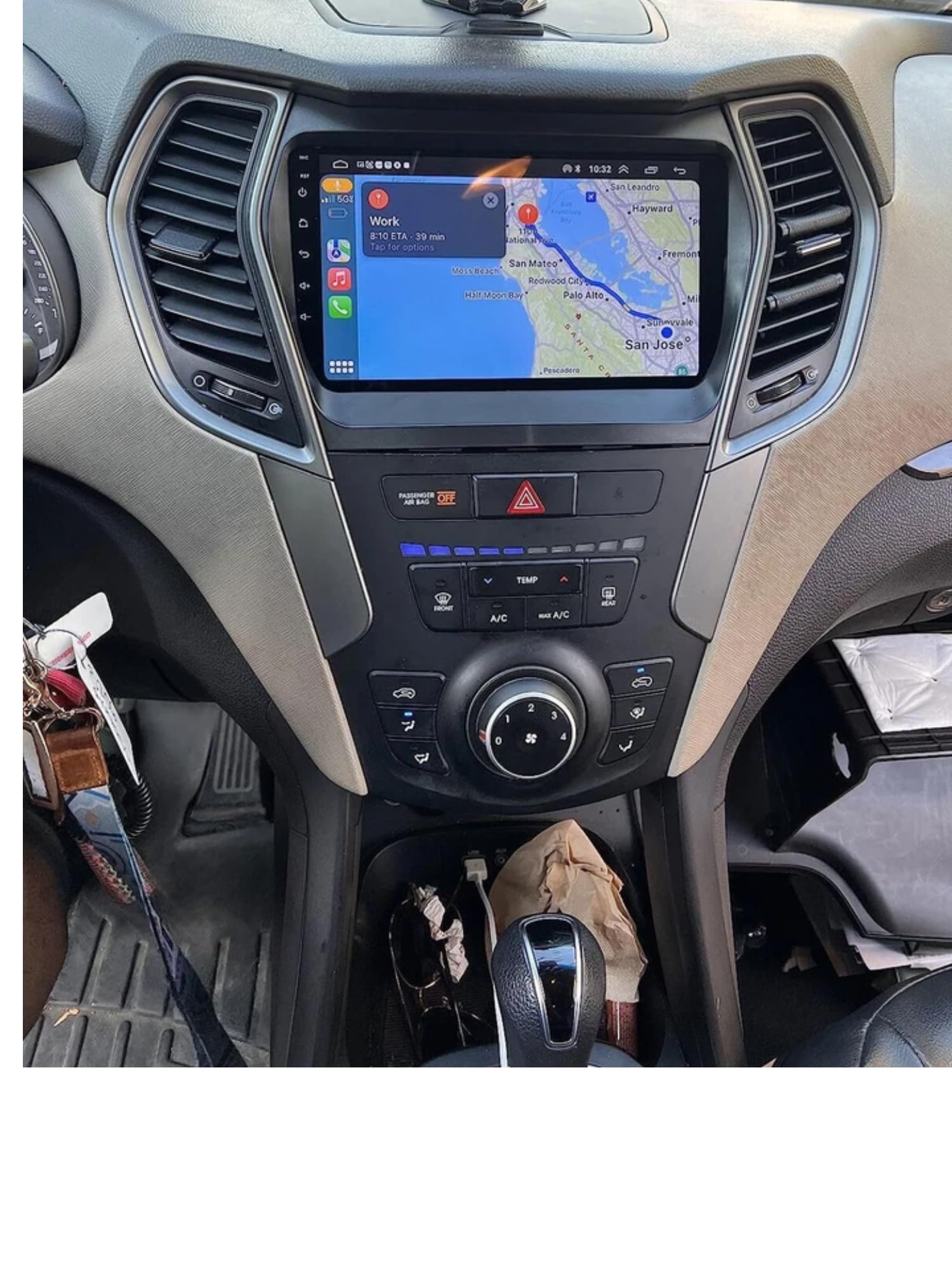
Image 1.1: Loddery Android 13 Car Stereo main unit.
2. Contingut del paquet
Verifiqueu que tots els components siguin presents al paquet abans de continuar amb la instal·lació:
- 1x 9-inch Android Stereo Unit
- 1x cable d'alimentació
- 1x Cable RCA
- 2x cables USB
- 1 x Antena GPS
- 1x Cable d'entrada de càmera
- 1x Manual d'instruccions (aquest document)
- Installation tools (plastic pry tools, screws)

Image 2.1: Included components: stereo unit, power cable, RCA cable, USB cables, GPS antenna, camera input cable, and installation tools.
3. Configuració i instal·lació
This section provides general guidance for installing the car stereo. Professional installation is recommended.
3.1 Comprovació de compatibilitat
Ensure your vehicle is a Hyundai IX45 Santa FE manufactured between 2013 and 2018. The unit is designed to fit the dashboard of these specific models.
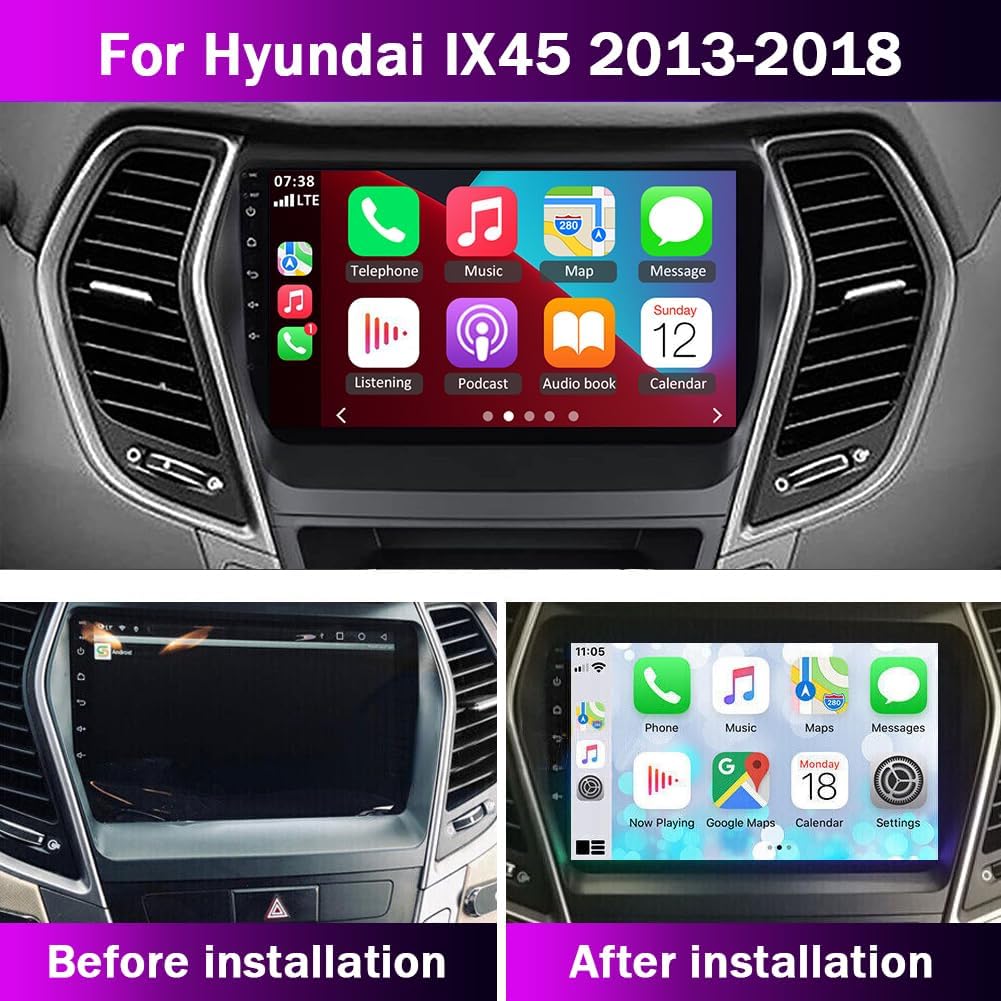
Image 3.1: Comparison of the dashboard before and after installing the Loddery Android 13 Car Stereo.
3.2 Connexions de cablejat
Carefully connect the provided cables to the corresponding ports on the car stereo and your vehicle's wiring harness. Refer to the wiring diagram below.
- Cable de corrent: Connect to the vehicle's power supply.
- Cable RCA: For audio/video input/output connections (e.g., external amplifier, headrest monitors).
- Cables USB: For connecting USB devices, Carplay/Android Auto (wired), or charging.
- Antena GPS: Muntar en un lloc amb claredat view del cel per a una recepció òptima del senyal GPS.
- Cable d'entrada de la càmera: Connect to the backup camera for automatic display when reversing.

Image 3.2: Wiring diagram showing connections for power, RCA, USB, GPS, and camera input.

Imatge 3.3: posterior view of the stereo unit with labeled connection ports.
3.3 Backup Camera Connection
For the backup camera functionality:
- Connect the reversing detection cable (H) to the reversing signal input (I) of the stereo.
- Connect the camera's positive power lead (J) to the positive pole of the vehicle's backup lamp (BUL).
- Connect the camera's ground lead (L) to a suitable grounding point or leave unconnected if not required by the camera model.
4. Instruccions de funcionament
4.1 Encès/Apagat
Press and hold the power button on the unit or use the vehicle's ignition to turn the stereo on or off.
4.2 Carplay sense fil i Android Auto
Connecta el teu telèfon intel·ligent per a una integració perfecta d'aplicacions de navegació, música i comunicació.
- For iOS (Carplay): Connect via Bluetooth. Open the "Car Link" app on the stereo and follow the on-screen prompts. Wired connection is also supported via USB.
- Per a Android (Android Auto): Connect via Bluetooth. Open the "Car Link" app on the stereo and follow the on-screen prompts. Wired connection is also supported via USB.
Voice control is available by saying "Hey Siri" or "OK Google" to access functions hands-free.

Image 4.1: Steps for connecting to Wireless Carplay (iOS) and Android Auto (Android system).
4.3 Bluetooth Hands-free & Music
Emparella el telèfon mitjançant Bluetooth per a trucades de mans lliures i transmissió d'àudio.
- Go to the Bluetooth settings on the stereo and enable Bluetooth.
- Cerca el nom Bluetooth de l'estèreo al telèfon i emparella'l.
- Once connected, you can make/receive calls and play music through the car speakers. An external microphone can be connected for clearer call quality.
4.4 Navegació GPS
The unit supports both online and offline GPS navigation. Download offline maps as needed for navigation without an internet connection.
4.5 Enllaç de mirall
Use the "Phonelink" app to mirror your smartphone screen onto the stereo display. Android phones support two-way control, while iOS phones support one-way control.
4.6 Control del volant (SWC)
The unit supports your vehicle's existing steering wheel controls. This allows you to adjust volume, change tracks, and answer calls without taking your hands off the wheel.

Imatge 4.2: Ex.ample of steering wheel controls used to operate the car stereo.
4.7 Ràdio FM
Access the FM radio function to listen to local stations. The unit provides 18 preset stations for quick access.
4.8 Funció DSP
The Digital Sound Processor (DSP) function enhances audio quality, providing a high-fidelity sound experience.
4.9 Funció de pantalla dividida
Utilitzeu la funció de pantalla dividida per executar dues aplicacions simultàniament, com ara la navegació i la reproducció de música.
5. Manteniment
To ensure the longevity and optimal performance of your Loddery Android 13 Car Stereo, follow these maintenance guidelines:
- Neteja de pantalla: Use a soft, lint-free cloth to gently wipe the touch screen. Avoid abrasive cleaners or harsh chemicals that could damage the display.
- Actualitzacions de programari: Periodically check for available software updates to ensure the system runs efficiently and has the latest features and security patches. Connect to Wi-Fi to download updates.
- Condicions ambientals: Eviteu exposar la unitat a temperatures extremes, a la llum solar directa durant períodes prolongats o a una humitat excessiva.
- Connexions de cable: Assegureu-vos que tots els cables estiguin connectats correctament. Les connexions soltes poden provocar un funcionament intermitent.
6. Solució De Problemes
Si teniu problemes amb l'estèreo del vostre cotxe, consulteu els següents problemes i solucions habituals:
6.1 Sense poder
- Comproveu les connexions d'alimentació: Ensure the power cable is securely connected to both the stereo and the vehicle's power source.
- Comproveu els fusibles: Inspect the vehicle's fuse box and the stereo's inline fuse for any blown fuses. Replace if necessary.
- Estat d'encesa: Confirm the vehicle's ignition is on or in accessory mode.
6.2 Screen Frozen or Unresponsive
- Restart the Unit: Turn off the vehicle's ignition, wait a few seconds, and then restart.
- Restabliment de fàbrica: If restarting does not resolve the issue, perform a factory reset through the system settings (note: this will erase all user data and settings).
- Error de programari: Assegureu-vos que el programari estigui actualitzat.
6.3 Sense so
- Nivell de volum: Check that the volume is not muted or set too low.
- Connexions d'altaveus: Verify that all speaker wires are correctly connected to the stereo and are not short-circuited.
- Font d'àudio: Ensure the correct audio source (e.g., FM, Bluetooth, Carplay) is selected.
6.4 Problemes amb el senyal GPS
- Col·locació de l'antena: Assegureu-vos que l'antena GPS estigui muntada en un lloc amb una vista clara i sense obstacles view del cel.
- Connexió d'antena: Check that the GPS antenna cable is securely connected to the unit.
- Map Data: Verify that map data is downloaded and up to date for offline navigation.
6.5 Carplay/Android Auto Not Connecting
- Emparellament Bluetooth: Ensure your phone is correctly paired via Bluetooth.
- Cable USB: If using a wired connection, try a different USB cable. Ensure it is a data-transfer cable, not just a charging cable.
- Permisos de l'aplicació: Check phone settings to ensure Carplay/Android Auto has necessary permissions.
- Compatibilitat amb el telèfon: Confirm your smartphone model and operating system version are compatible.
7. Especificacions
| Marca | Loddery |
| Nom del model | For Hyundai IX45 Santa FE 2013-2018 |
| Mida de la pantalla | 9 polzades |
| Sistema operatiu | Android 13 |
| Capacitat d'emmagatzematge de memòria | 32 GB |
| Resolució | 1280x720 (supports 1080P video playback) |
| Tecnologia de connectivitat | Bluetooth, WiFi |
| Supported Navigation System | GPS (online and offline maps) |
| Entrada de la interfície humana | Micròfon, pantalla tàctil |
| Mètode de control | Voice, Steering Wheel Control (SWC) |
| Mode de sortida d'àudio | estèreo |
| Tipus de muntatge | Muntatge al quadre de comandament |
8. Garantia i Suport
This product comes with a manufacturer's warranty. For any questions, technical assistance, or warranty claims, please contact Loddery customer service. Refer to your purchase documentation for specific contact details or visit the official Loddery weblloc.
For immediate assistance, please reach out to the seller through the platform where the purchase was made.