
1. Introducció
This manual provides detailed instructions for the setup, operation, and maintenance of your HP H300 Wireless Headset. Please read this guide thoroughly to ensure optimal performance and longevity of your device. The HP H300 headset offers a high-quality audio experience with wireless connectivity, designed for various uses including entertainment, fitness, and travel.
2. Contingut del paquet
Verifiqueu que tots els elements siguin presents al paquet:
- HP H300 Wireless Headset
- Cable de càrrega USB tipus C
- Manual d'usuari (aquest document)
3. Producte acabatview
Familiarize yourself with the components and controls of your HP H300 Wireless Headset.

Imatge 3.1: Davant view of the HP H300 Wireless Headset, showcasing its over-ear design and adjustable headband.
Controls i Ports
The main controls are located on the earcups for easy access.

Imatge 3.2: Primer pla view of the earcup controls, including power on/off, volume adjustment, and call answer buttons.
- Botó d'encesa: S'utilitza per encendre o apagar els auriculars.
- Controls de volum: Botons per augmentarasing o decreasinvolum d'àudio g.
- Botó multifunció: For answering/ending calls and controlling music playback (play/pause, next/previous track).
- Port de càrrega tipus C: Per connectar el cable de càrrega.
- Indicador LED: Displays power status, charging status, and Bluetooth pairing status.
- Micròfon: Built-in mic with Digital Signal Processor for clear calls.
4. Configuració
4.1 Càrrega dels auriculars
Before initial use, fully charge your HP H300 Wireless Headset.
- Connecteu el cable de càrrega USB tipus C proporcionat al port de càrrega dels auriculars.
- Connecteu l'altre extrem del cable a una font d'alimentació USB (per exemple, un port USB de l'ordinador, un adaptador de paret).
- L'indicador LED mostrarà l'estat de càrrega. Una càrrega completa sol trigar aproximadament 3 hores.
- Once fully charged, the LED indicator will change (refer to the LED status section in the full manual for specific indications). The headset provides up to 60 hours of playtime on a full charge.
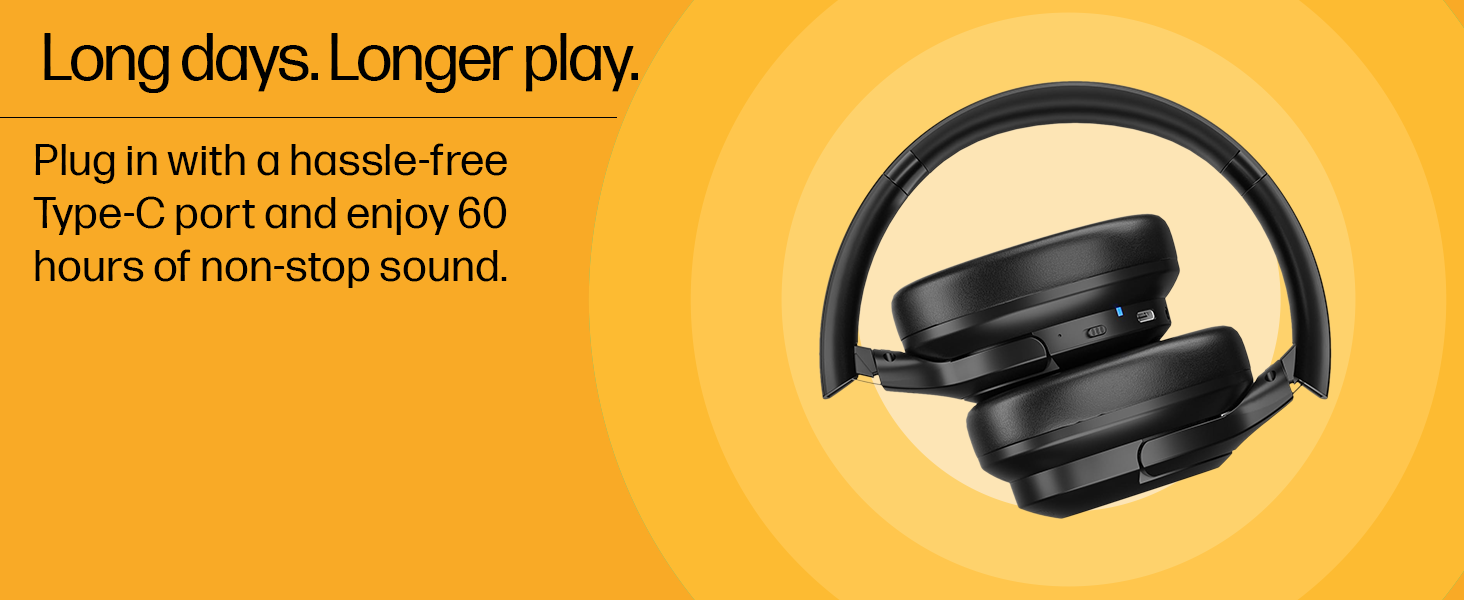
Imatge 4.1: Illustration of the Type-C charging port on the HP H300 Wireless Headset, highlighting its long battery life.
4.2 Vinculació Bluetooth
Pair your headset with a Bluetooth-enabled device (smartphone, laptop, tablet, desktop).
- Assegureu-vos que els auriculars estiguin carregats i apagats.
- Premeu i manteniu premut el botó d'engegada fins que l'indicador LED parpellegi, cosa que indica el mode d'emparellament.
- Al dispositiu, activa el Bluetooth i cerca els dispositius disponibles.
- Select "HP H300" from the list of found devices.
- Once connected, the LED indicator will show a steady light (refer to the LED status section for specific indications).
- The headset uses Bluetooth 5.3 for a stable connection up to 10 meters.
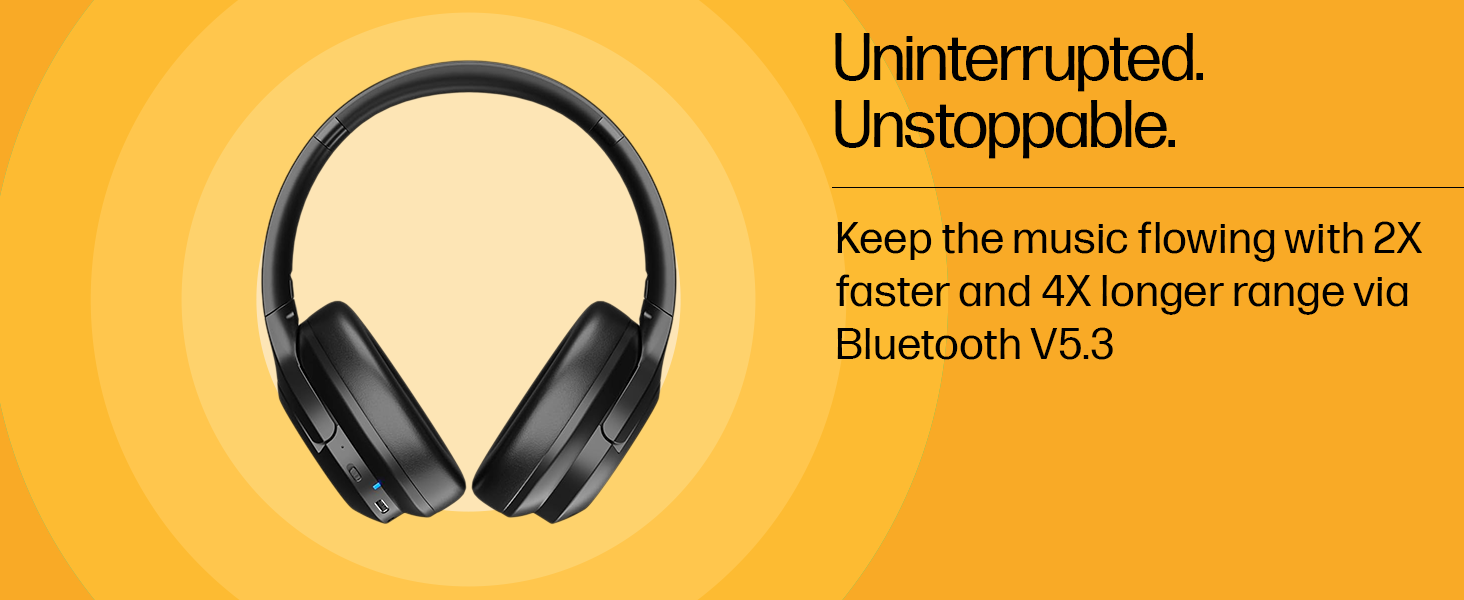
Imatge 4.2: Diagram illustrating the Bluetooth 5.3 connectivity of the HP H300 Wireless Headset.
5. Instruccions de funcionament
5.1 Encès/Apagat
- Per encendre: Premeu i manteniu premut el botó d'engegada durant aproximadament 3 segons fins que l'indicador LED s'encengui.
- Per apagar: Premeu i manteniu premut el botó d'engegada durant aproximadament 5 segons fins que l'indicador LED s'apagui.
5.2 Gestió de trucades
- Respondre/Finalitzar la trucada: Premeu el botó multifunció una vegada.
- Rebutja la trucada: Manteniu premut el botó multifunció durant 2 segons.
- The built-in microphone with Digital Signal Processor helps reduce background noise for clearer conversations.
5.3 Control de volum
- Augmenta el volum: Premeu el botó Pujar volum.
- Disminueix el volum: Premeu el botó per baixar el volum.
5.4 Reproducció de música
- Reproduir/pausa: Premeu el botó multifunció una vegada.
- Pista següent: Premeu dues vegades el botó multifunció.
- Pista anterior: Premeu tres vegades el botó multifunció.
6. Manteniment
6.1 Neteja
- Netegeu els auriculars amb un drap suau, sec i sense borrissol.
- No utilitzeu netejadors abrasius, dissolvents ni aerosols.
- Mantingueu el port de càrrega net de pols i deixalles.
6.2 Resistència a l'aigua
The HP H300 headset features a water-resistant design, making it suitable for use during workouts or in light rain. However, it is not waterproof. Avoid submerging the headset in water or exposing it to heavy downpours.
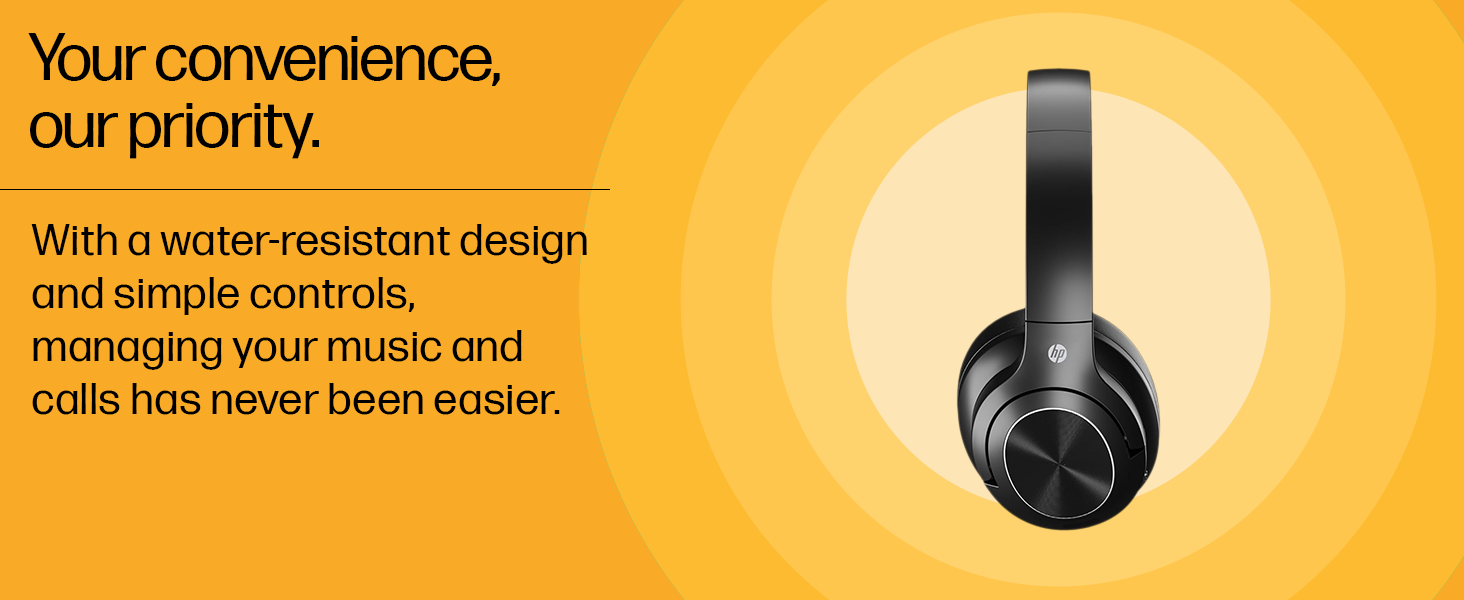
Imatge 6.1: Visual representation of the water-resistant design of the HP H300 Wireless Headset.
6.3 Emmagatzematge
Guardeu els auriculars en un lloc fresc i sec, allunyat de la llum solar directa i de temperatures extremes. Eviteu col·locar objectes pesats a sobre dels auriculars.
7. Solució De Problemes
| Problema | Causa possible | Solució |
|---|---|---|
| Els auriculars no s'encén. | Bateria baixa. | Carregueu els auriculars durant almenys 30 minuts. |
| No es pot emparellar amb el dispositiu. | Auriculars no en mode d'emparellament; Bluetooth desactivat al dispositiu; dispositiu massa lluny. | Ensure headset is in pairing mode (flashing LED). Turn on Bluetooth on your device. Move headset closer to the device (within 10 meters). |
| Sense so o amb un volum baix. | Volum massa baix als auriculars o al dispositiu; els auriculars no estan connectats. | Increase volume on both headset and connected device. Re-establish Bluetooth connection. |
| Mala qualitat de trucada. | Senyal feble; obstrucció del micròfon. | Move closer to the connected device. Ensure the microphone is not covered. |
8. Especificacions
| Nom del model | H300 |
| Marca | HP |
| Color | Negre |
| Col·locació de l'orella | Sobre l'orella |
| Impedància | 32 ohms |
| Versió Bluetooth | 5.3 |
| Interval Bluetooth | Fins a 10 metres (33 peus) |
| Durada de la bateria (reproducció) | Fins a 60 hores |
| Temps de càrrega de la bateria | Aproximadament 3 hores |
| Port de càrrega | USB tipus C |
| Control de soroll | Cancel·lació passiva de soroll |
| Interval de freqüència | 20 Hz - 20 kHz |
| Micròfon | Built-in with Digital Signal Processor |
| Resistència a l'aigua | Water Resistant (not waterproof) |
| Pes | 0.23 quilos |
| Dispositius compatibles | Smartphones, Laptops, Tablets, Desktops |
| Materials | Pell sintètica, Plàstic |
9. Garantia i Suport
9.1 Garantia del fabricant
The HP H300 Wireless Headset comes with a Garantia del fabricant de 1 anys des de la data de compra. Aquesta garantia cobreix els defectes de materials i fabricació en condicions d'ús normal. No cobreix els danys causats per un mal ús, accidents, modificacions no autoritzades o desgast normal.
Conserveu el vostre comprovant de compra per a reclamacions de garantia.
9.2 Atenció al client
For technical assistance, warranty claims, or product inquiries, please contact HP customer support through their official website or the contact information provided with your product packaging. You can also visit the official Botiga HP a Amazon per a més informació.
Fabricant: Dongguan Suoai Electronics Co. Ltd, No.3, Huayu Street, Changlong Village, Huangjiang Town, Dongguan City, Guangdong, 523766, China, HP
Importador: HP India Sales Private Limited, No. 24, Kothari Arena, Hosur Main Road, Adugodi, Bangalore, Karnataka, India, 560030