
Introducció
Gràcies per triar el TAG Gamerz WM800 RGB Wireless USB Gaming Mouse. This manual provides essential information for setting up, operating, maintaining, and troubleshooting your new gaming mouse. Please read it thoroughly to ensure optimal performance and longevity of your device.
Producte acabatview
El TAG Gamerz WM800 is a high-performance wireless gaming mouse designed for precision and comfort. It features adjustable DPI, customizable RGB lighting, and a reliable 2.4GHz wireless connection.
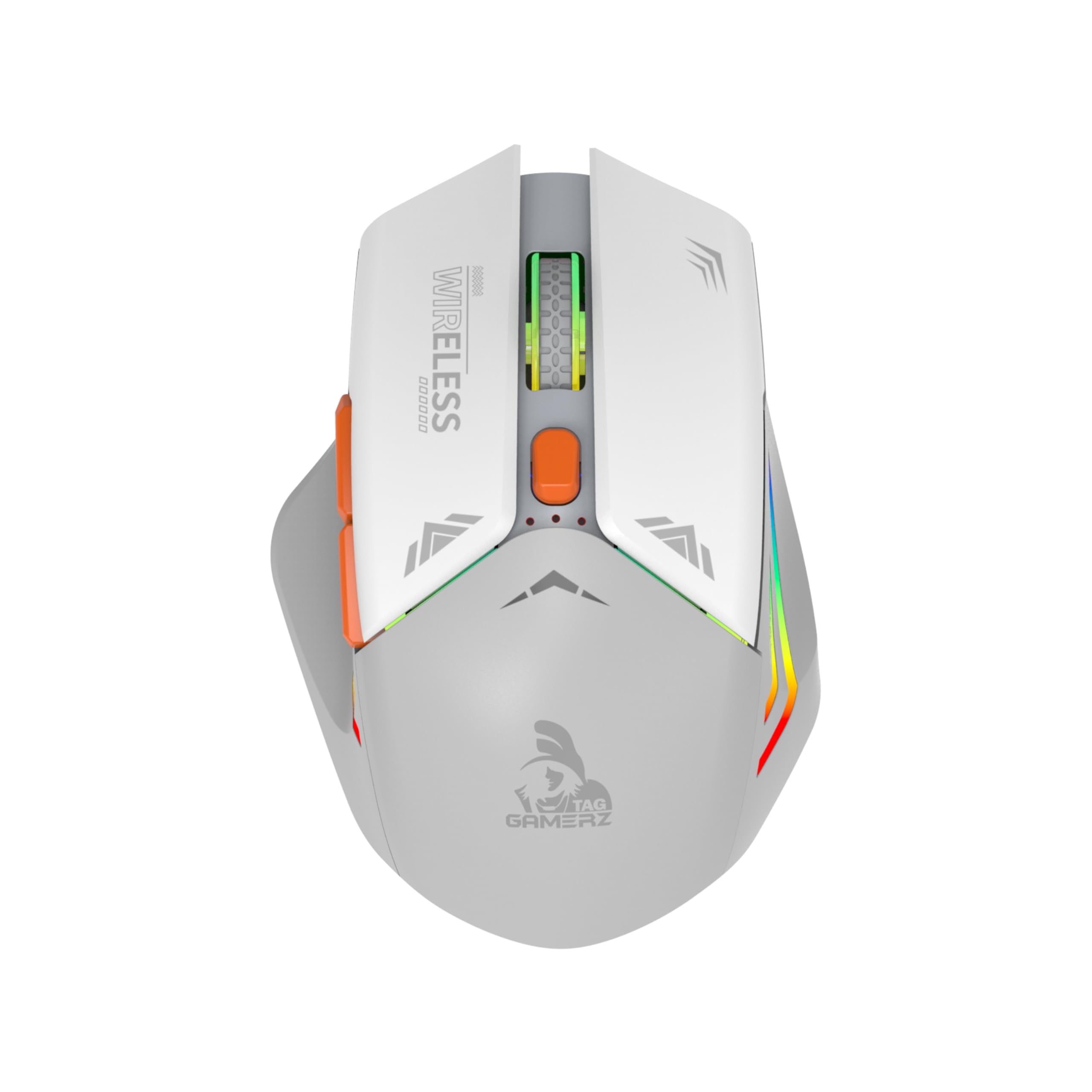
Imatge: El/La TAG Gamerz WM800 RGB Wireless Gaming Mouse in white, showcasing its ergonomic design and RGB elements.
Contingut del paquet:
- TAG Gamerz WM800 Wireless Mouse
- Nano receptor USB
- Manual d'usuari
Característiques principals:
- Llibertat sense fil: 2.4GHz USB Nano receiver for a stable connection up to 10 meters.
- DPI ajustable: 1000/1200/1600 DPI settings for precise control.
- Bateria recarregable: Built-in rechargeable battery with Type-C charging port.
- Eficiència energètica: Automatic power-saving mode and on/off switch.
- Plug and Play: No driver installation required.
- Àmplia compatibilitat: Supports Windows, Mac OS, and Linux.
- 6 Functional Buttons: For enhanced control and customization.
- Il·luminació RGB: Dynamic RGB lighting for an immersive gaming experience.
Guia de configuració
- Carrega el ratolí: Before first use, connect the mouse to a USB power source using a Type-C charging cable (not included in box contents, but required for charging). The RGB lighting may indicate charging status.
- Localitza el receptor USB: The USB Nano receiver is typically stored in a compartment on the underside of the mouse. Remove it carefully.
- Connecteu el receptor: Plug the USB Nano receiver into an available USB port on your computer (PC, laptop, gaming console).
- Engegar el ratolí: Locate the power switch on the underside of the mouse and slide it to the "ON" position.
- Connexió automàtica: The mouse should automatically connect to your computer. No additional drivers are required for basic functionality.
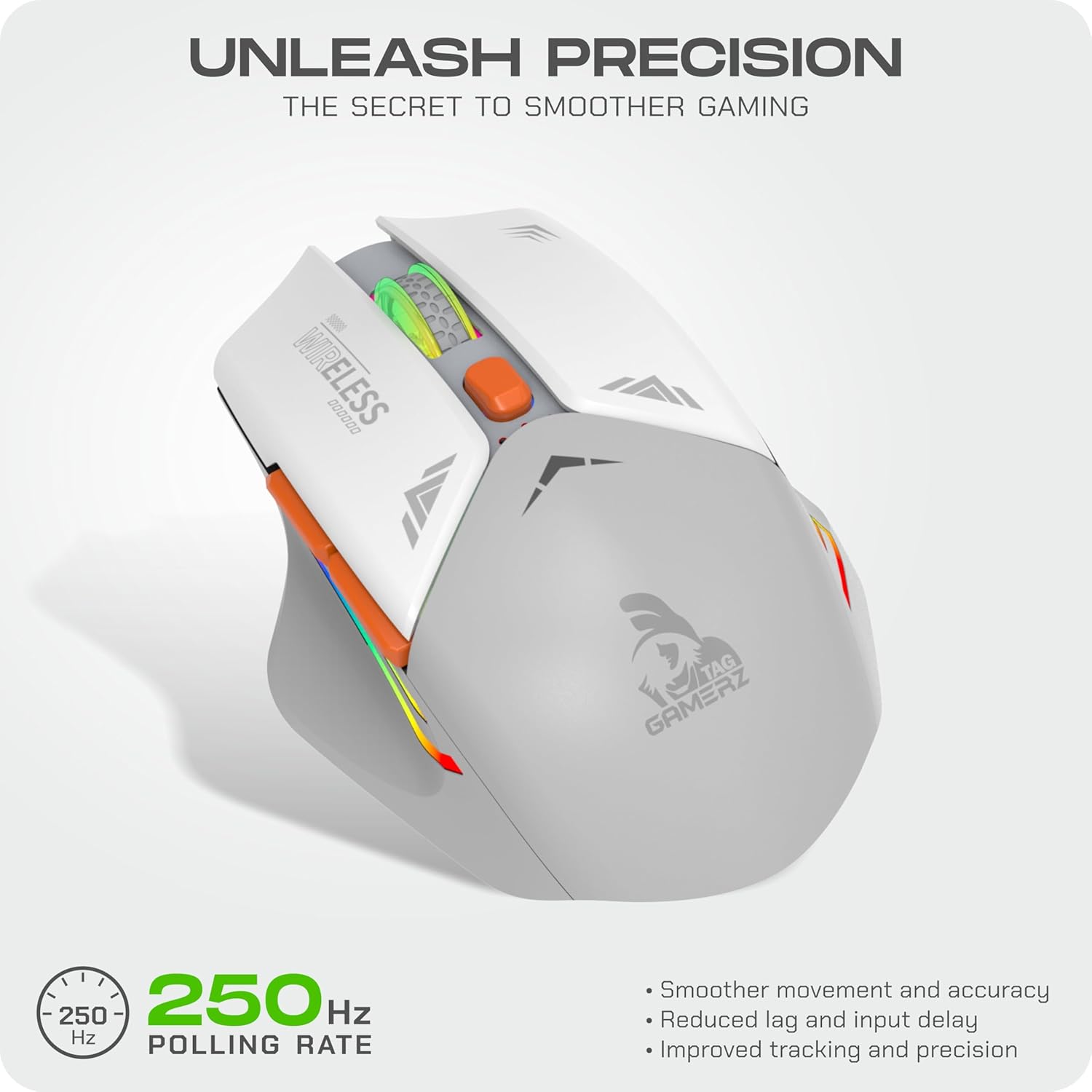
Imatge: El/La TAG Gamerz WM800 mouse shown alongside its compact USB Nano receiver, ready for connection.
Instruccions de funcionament
The WM800 mouse features 6 functional buttons for various tasks and gaming actions.

Imatge: Una imatge detallada view de la TAG Gamerz WM800 mouse, indicating the positions of the DPI adjustment button, scroll wheel, and the forward/backward side buttons.
- Botó esquerre de clic: Primary function, typically for selection and activation.
- Botó dret: Secondary function, usually for context menus.
- Roda de desplaçament: For scrolling through documents and web pàgines. També pot funcionar com a botó del botó central.
- Botó d'ajust de DPI: Situat darrere de la roda de desplaçament. Premeu-lo per anar canviant per la configuració de DPI.
- Botó Endavant: (Side button) Navigates forward in web navegadors o file exploradors.
- Botó enrere: (Side button) Navigates backward in web navegadors o file exploradors.
Ajust de DPI:
The WM800 mouse offers three adjustable DPI (Dots Per Inch) settings: 1000, 1200, and 1600. To change the DPI, press the DPI adjustment button located behind the scroll wheel. Each press will cycle to the next DPI setting, allowing you to tailor sensitivity for different tasks or games.

Imatge: El/La TAG Gamerz WM800 mouse illustrating the range of adjustable DPI settings (1000-1600) for customized precision.
Gestió de càrrega i energia
Càrrega del ratolí:
The WM800 mouse is equipped with a built-in rechargeable battery. To charge, connect a Type-C cable to the charging port on the front of the mouse and the other end to a USB power source (e.g., computer USB port, USB wall adapter). The RGB lighting may change or indicate charging status.

Imatge: La part frontal view de la TAG Gamerz WM800 mouse, clearly showing the Type-C charging port.
Mode d'estalvi d'energia:
To conserve battery life, the mouse features an automatic power-saving mode. If the mouse is inactive for an extended period, it will enter a sleep state. To wake it up, simply move the mouse or click any button.
Interruptor d'encesa/apagada:
For complete power control and to further conserve battery during long periods of non-use or transport, use the on/off switch located on the underside of the mouse.
Manteniment
- Neteja: Feu servir un drap suau i sec per netejar el ratolí. Per a la brutícia persistent, feu un drap lleugerament sec.amp es pot fer servir un drap, però assegureu-vos que no entri humitat al dispositiu. No utilitzeu productes químics agressius ni netejadors abrasius.
- Emmagatzematge: When not in use for extended periods, turn off the mouse using the power switch and store it in a dry, cool place.
- Cura de la bateria: Avoid fully discharging the battery frequently. Charge the mouse regularly to maintain battery health.
Resolució de problemes
| Problema | Possible solució |
|---|---|
| El ratolí no respon |
|
| Connexió amb retard o intermitent |
|
| El cursor del ratolí es mou de manera erràtica |
|
| La il·luminació RGB no funciona |
|
Especificacions
| Característica | Detall |
|---|---|
| Nom del model | WM800 |
| Connectivitat | Sense fil de 2.4 GHz (nanoreceptor USB) |
| abast sense fils | Fins a 10 metres |
| Configuració de DPI | 1000/1200/1600 DPI |
| Botons | 6 (Left, Right, Scroll Click, DPI, Forward, Backward) |
| Port de càrrega | Tipus-C |
| Bateria | Rechargeable Inbuilt Battery |
| Compatibilitat | Windows XP/Vista/7/8/8.1/10/11, Mac OS, Linux |
| Dimensions (L x A x A) | 11.7 x 8.2 x 5 centímetres |
| Pes | 200 grams |
| Material | Plàstic |
| Color | Blanc |
Informació de la garantia
El TAG Gamerz WM800 RGB Wireless USB Gaming Mouse comes with a 1 anys de garantia del fabricant from the date of purchase. This warranty covers manufacturing defects. Please retain your proof of purchase for warranty claims. The warranty does not cover damage caused by misuse, accidents, unauthorized modifications, or normal wear and tear.
Atenció al client
Should you encounter any issues or require assistance with your TAG Gamerz WM800 mouse, please contact our customer support team:
- Telèfon: +91 98201 63040
- Correu electrònic: support@technologyandgadgets.com
- Horari de funcionament: Monday to Saturday, 11:00 AM to 7:00 PM (IST)
Per a més informació, podeu visitar l'oficial TAG weblloc web o el vostre centre de servei local.

Image: Contact details for TAG customer support, including phone number, email, and operating hours.