
1. Introducció
The Yesido TV12 Gaming TV Box is a versatile device designed to transform your television into a smart entertainment hub. It combines 4K media streaming capabilities with extensive gaming emulation, offering a comprehensive entertainment experience. This manual provides essential information for setting up, operating, maintaining, and troubleshooting your device.
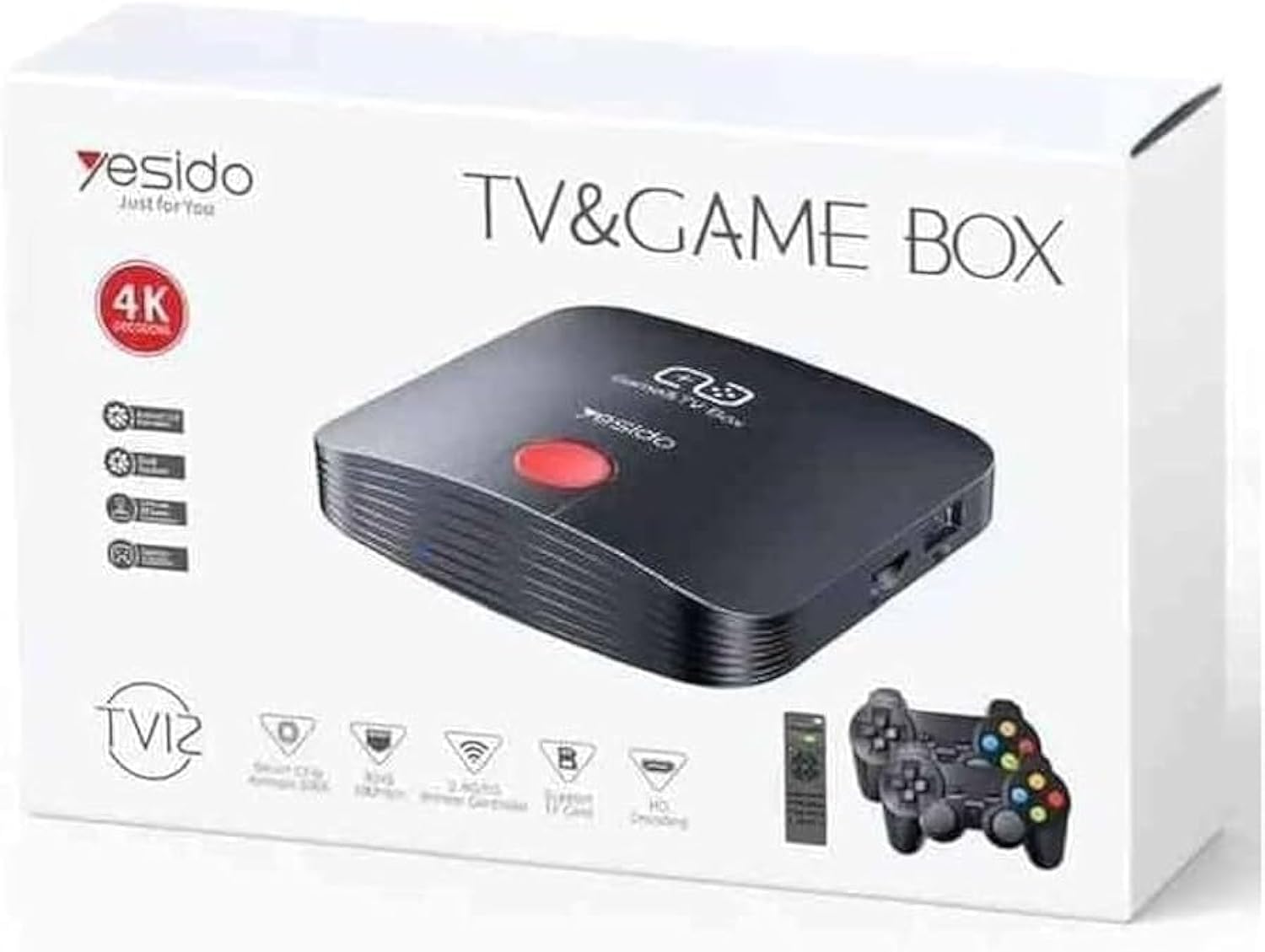
Image 1.1: The Yesido TV12 Gaming TV Box and included game controllers.
2. Producte acabatview
The Yesido TV12 is a high-tech smart TV box that supports high-definition 4K resolution, allowing you to enjoy movies and TV shows with stunning clarity. It features an Amlogic S905 smart chip and runs on an Android 12.0 dual system. The device is equipped with 2GB RAM and 16GB internal storage, facilitating multitasking and storage of your favorite media and games. A powerful Mali-G31 MP2 GPU ensures smooth performance for demanding games.
Característiques principals:
- 4K HD Resolution Support (1080P to 4K)
- Android 12.0 Dual System
- Amlogic S905 Smart Chip
- GPU Mali-G31 MP2
- 2 GB de RAM i 16 GB d'emmagatzematge
- Supports over 10,000 game emulations (14 types)
- Integrated 2.4G/5G Wi-Fi and 100Mbps RJ45 Ethernet
- Compatible with popular streaming services (Netflix, Hulu, Amazon Prime Video, Disney+)
- Voice-controlled remote for easy navigation
- Compatible with two game controllers
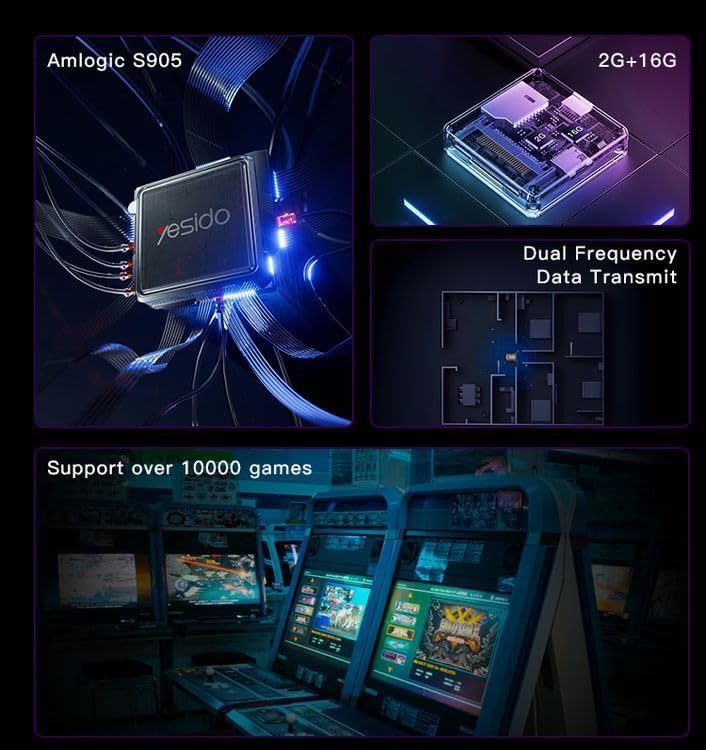
Image 2.1: Internal architecture highlighting the Amlogic S905 chip, memory, and data transmission capabilities.
3. Guia de configuració
3.1 Desembalatge i components
Traieu amb cura tots els articles de l'embalatge. Assegureu-vos que hi hagi els components següents:
- Yesido TV12 Gaming TV Box
- Adaptador d'alimentació
- Cable HDMI
- Control remot
- Game Controllers (quantity may vary)
- Manual d'usuari (aquest document)
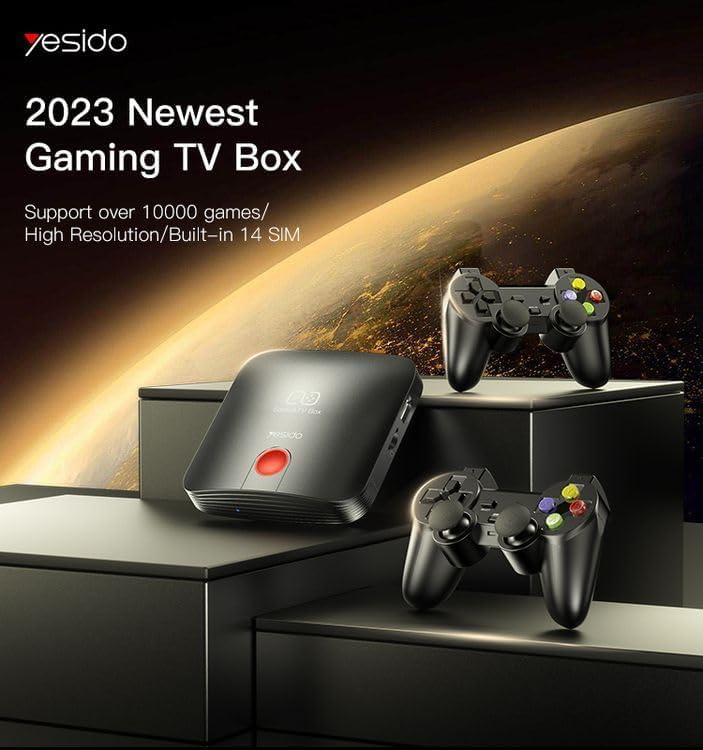
Image 3.1: The TV Box and game controllers, ready for setup.
3.2 Connexió al televisor
- Connect one end of the HDMI cable to the HDMI port on the Yesido TV12.
- Connecteu l'altre extrem del cable HDMI a un port d'entrada HDMI disponible del televisor. Anoteu el número d'entrada HDMI (per exemple, HDMI 1, HDMI 2).
3.3 Encès
- Connect the power adapter to the DC IN port on the TV Box.
- Connecteu l'adaptador de corrent a una presa de corrent.
- Turn on your television and select the corresponding HDMI input using your TV remote.
- The TV Box will automatically power on and display the boot-up screen.
3.4 Connexió de xarxa
For internet access, you can connect via Wi-Fi or Ethernet.
- Wi-Fi: Navigate to Settings > Network > Wi-Fi. Select your network from the list, enter the password, and connect.
- Ethernet: Connect an Ethernet cable from your router to the RJ45 port on the TV Box. The connection should be established automatically.
3.5 Remote Control and Gamepad Pairing
The included remote control is typically pre-paired. If not, or if pairing gamepads:
- Ensure batteries are inserted correctly into the remote/gamepad.
- For Bluetooth gamepads, go to Settings > Connected Devices > Pair new device and follow the on-screen instructions.
4. Instruccions de funcionament
4.1 Navegació per la interfície
Use the remote control to navigate the Android 12.0 interface. The directional buttons move the cursor, the OK button selects, and the Back button returns to the previous screen. The Home button returns to the main launcher screen.
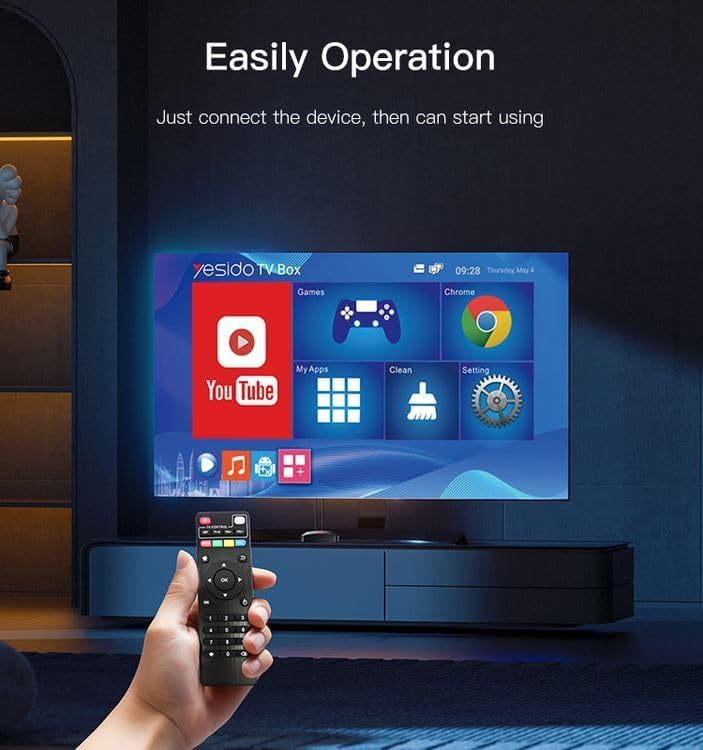
Image 4.1: Navigating the Yesido TV Box interface with the remote control.
4.2 Transmissió multimèdia
The TV Box supports various streaming applications. Pre-installed apps like YouTube are available, and you can download more from the app store (e.g., Netflix, Hulu, Amazon Prime Video, Disney+).
- Select the desired streaming app from the home screen or 'My Apps' section.
- Inicia la sessió amb les credencials del teu compte.
- Browse and select content to watch.
4.3 Jocs
The Yesido TV12 is designed for gaming, supporting over 10,000 game emulations. Connect your game controllers as described in Section 3.5.
- Access the 'Games' or 'Emulator' section from the home screen.
- Select your desired game or emulator.
- Use the connected game controllers for an immersive gaming experience.

Image 4.2: The wireless gamepads compatible with the TV Box.
4.4 Control de veu
If your remote control supports voice input, press the voice button and speak your commands or search queries. This allows for hands-free content search and device control.
5. Manteniment
5.1 Neteja del dispositiu
To maintain optimal performance and appearance, regularly clean the TV Box:
- Desconnecteu el dispositiu de la presa de corrent abans de netejar-lo.
- Feu servir un drap suau i sec per netejar les superfícies exteriors.
- Do not use liquid cleaners, aerosols, or abrasive materials, as they may damage the device.
5.2 Actualitzacions de programari
Keep your device's software updated to ensure the best performance and access to new features:
- Connect the TV Box to the internet.
- Navigate to Settings > About > System Update.
- Seguiu les instruccions que apareixen a la pantalla per comprovar i instal·lar les actualitzacions disponibles.
5.3 Gestió d'emmagatzematge
With 16GB of internal storage, managing your space is important:
- Aneu a Configuració > Emmagatzematge per view ús d'emmagatzematge.
- Uninstall unused applications or delete unnecessary files per alliberar espai.
- The device supports TF cards for expandable storage.
6. Solució De Problemes
6.1 Sense poder
- Assegureu-vos que l'adaptador de corrent estigui connectat correctament al televisor i a una presa de corrent que funcioni.
- Proveu una presa de corrent diferent.
6.2 No Signal / No Display
- Verifiqueu que el cable HDMI estigui connectat correctament tant al televisor com al descodificador.
- Assegureu-vos que el televisor estigui configurat a la font d'entrada HDMI correcta.
- Prova un altre cable HDMI o port HDMI al televisor.
6.3 Problemes de connexió de xarxa
- Wi-Fi: Check if your Wi-Fi router is working correctly. Re-enter the Wi-Fi password in Settings > Network.
- Ethernet: Ensure the Ethernet cable is properly connected to both the TV Box and the router.
- Restart your router and the TV Box.
6.4 El comandament a distància no respon
- Reviseu i substituïu les piles del comandament a distància.
- Assegureu-vos que no hi hagi obstacles entre el comandament a distància i el televisor.
- Re-pair the remote control if necessary (refer to Section 3.5).
6.5 Game Performance Issues
- Close any background applications to free up RAM.
- Assegureu-vos que hi hagi prou espai d'emmagatzematge disponible.
- For online games, check your internet connection stability.
7. Especificacions
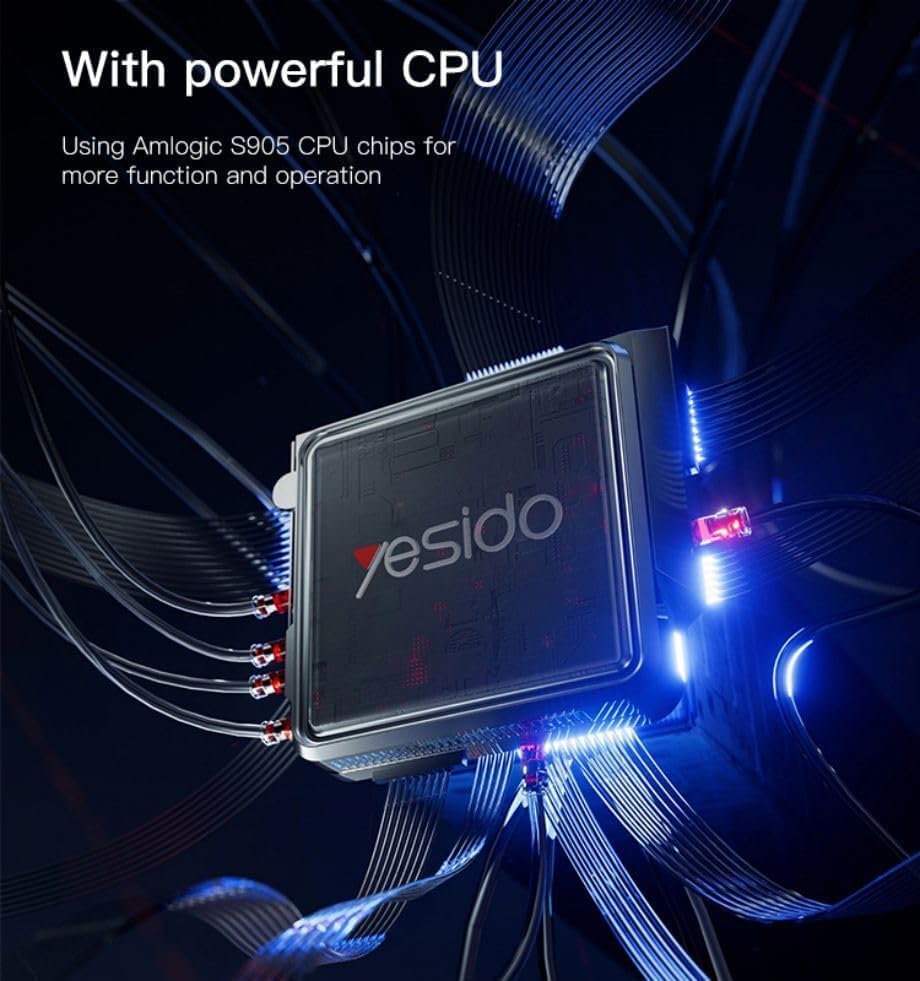
Image 7.1: The powerful Amlogic S905 CPU at the core of the TV Box.
| Característica | Descripció |
|---|---|
| Nom de marca | Yesido |
| Nom del model | TV12 |
| Sistema operatiu | Android 12.0 Dual System |
| CPU | Amlogic S905 |
| GPU | Mali-G31 MP2 |
| RAM instal·lada | 2 GB |
| Capacitat d'emmagatzematge de memòria | 16 GB |
| Resolució de sortida de vídeo | 1080P to 4K |
| Tecnologia de connectivitat | HDMI, Wi-Fi (2.4G/5G), RJ45 (100Mbps) |
| Tipus de connector | HDMI |
| Serveis d'Internet compatibles | Netflix, Hulu, Amazon Prime Video, Disney+ |
| Dispositius compatibles | Televisió |
| Components inclosos | TV Box, Controllers |
| Color | Negre |
| Pes de l'article | 1200 grams |
| Dimensions del producte (L x A x A) | 20 x 5 x 10 cm |
8. Garantia i Suport
8.1 Informació de la garantia
The Yesido TV12 Gaming TV Box comes with a standard manufacturer's warranty. Please refer to the warranty card included in your product packaging for specific terms, conditions, and duration. Keep your proof of purchase for warranty claims.
8.2 Atenció al client
If you encounter any issues not covered in this manual or require further assistance, please contact Yesido customer support. Contact details can typically be found on the product packaging, the official Yesido website, or your retailer's support page.