
Veement V300
Manual d'usuari de la càmera de salpicadero Veement V300
Model: V300 | Brand: Veement
Introducció
This manual provides comprehensive instructions for the installation, operation, and maintenance of your Veement V300 Dash Cam. Please read this manual thoroughly before using the device to ensure optimal performance and safety.
Què s'inclou

The package contains all necessary components for immediate setup and use. Please verify all items are present upon unboxing.
- 1 x Veement V300 Dash Cam
- 1 x Carregador de cotxe (cable de 11.5 m)
- 1 adhesius electrostàtics
- 1 x Manual d'usuari
- 1 x Eina de palanca fàcil
Configuració i instal·lació
1. Prepareu-vos per a la instal·lació
Ensure your vehicle's windshield is clean and dry before applying the electrostatic sticker. This provides a stable base for the dash cam's adhesive mount.
2. Muntar la càmera del salpicader
- Apply the electrostatic sticker to a clean, dry area on your windshield, ideally behind the rearview mirall per evitar obstruir-vos view.
- Attach the dash cam to the electrostatic sticker using the pre-applied 3M adhesive pad. Press firmly for at least 30 seconds to ensure a secure bond.
- Adjust the camera lens angle as needed to capture the desired field of view. The mount allows for vertical adjustment.

The compact design allows for discreet placement on the windshield, minimizing obstruction of the driver's view.
3. Connexió d'alimentació
- Connect the provided car charger to the dash cam's Type-C port.
- Route the power cable along the edge of the windshield and dashboard using the included pry tool to tuck it neatly.
- Plug the car charger into your vehicle's cigarette lighter socket. The dash cam will power on automatically when the vehicle starts.

The long power cable and pry tool facilitate a clean and hidden installation of the power supply.
4. Inseriu la targeta de memòria
IMPORTANT: A memory card is NOT included. You must purchase a U1 grade or higher Micro SD card (up to 256GB) separately for recording functionality.
- With the dash cam powered off, insert the Micro SD card into the designated slot until it clicks into place.
- If prompted by a voice alert to "Please insert a memory card," ensure the card is correctly inserted and formatted.
Instruccions de funcionament
Enregistrament automàtic
Once powered on, the Veement V300 Dash Cam automatically begins recording. A red "REC" indicator light will illuminate on the device.
VeeCar App Control
The built-in Wi-Fi allows for seamless control and management via the exclusive VeeCar APP. Download the app from your device's app store.
- Turn on Wi-Fi on your smartphone and connect to the dash cam's Wi-Fi network (SSID and password typically found on the device or manual).
- Open the VeeCar APP to access real-time video previews, download recorded footage, edit videos, and share them directly from your phone.
The VeeCar app provides convenient access to live view and recorded files directament des del vostre telèfon intel·ligent.
NOTE: Using the VeeCar app may not be possible while connected to wireless CarPlay or Android Auto due to Wi-Fi conflicts.
Alertes de veu
The dash cam provides voice alerts for important status updates, such as "Please insert a memory card" or "Start recording."
Característiques clau
1296P HD Resolution
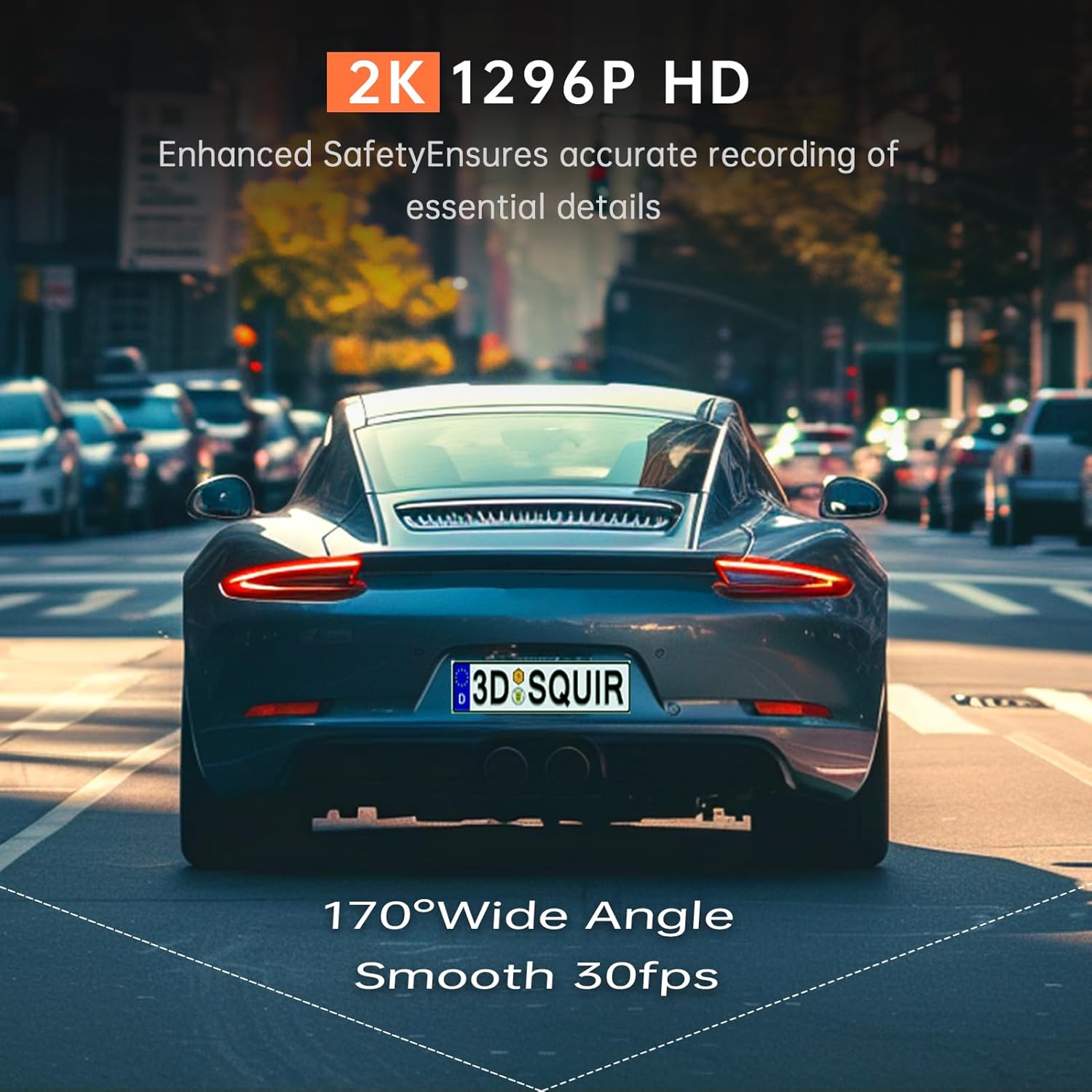
The Veement V300 captures ultra-clear footage at 2304*1296@30FPS, ensuring every detail on the road is preserved with exceptional clarity, day or night.

High-definition recording ensures critical details like license plates are clearly visible.
Visió nocturna superior
Equipped with a starlight-level sensor, F=1.7 large aperture, and a 170° ultra-wide lens, the dash cam captures clear, detailed video even in low-light environments. Six-layer glass lens technology further enhances night driving security.

Advanced sensor and lens technology provide enhanced visibility during nighttime driving.
Enregistrament en bucle sense interrupcions
The dash cam supports seamless loop recording, continuously recording over the oldest files when the memory card is full. This ensures continuous operation without manual intervention.
Mode d'aparcament 24 hores
For continuous surveillance, the 24H Parking Mode monitors your vehicle even when parked. This function requires an additional hardwire kit (sold separately) to activate.
Super condensador
The integrated super capacitor provides enhanced durability and reliability, allowing the dash cam to operate effectively in extreme temperatures ranging from -4°F to 165°F.
Manteniment
Gestió de targetes de memòria
Regularly format your Micro SD card (at least once a month) to ensure optimal performance and prevent data corruption. Back up any important footage abans de formatar.
Neteja
Use a soft, dry cloth to clean the dash cam lens and body. Avoid using abrasive cleaners or solvents that could damage the device.
Resolució de problemes
"Please insert a memory card" voice alert
- Ensure the Micro SD card is inserted correctly and fully into the slot.
- Format the memory card using the VeeCar app or a computer.
- If the issue persists, try a different U1 grade or higher Micro SD card (up to 256GB).
App connectivity issues with CarPlay/Android Auto
- This is a known limitation. Disconnect from wireless CarPlay or Android Auto to use the VeeCar app.
La càmera del salpicader no s'encén
- Check the car charger connection to both the dash cam and the vehicle's cigarette lighter socket.
- Ensure the vehicle's power outlet is functioning.
- Verify the power cable is not damaged.
Poca qualitat de vídeo
- Netegeu la lent de la càmera.
- Assegureu-vos que s'hagi tret la pel·lícula protectora de la lent.
- Check that the recording resolution setting in the app is set to 1296P.
Especificacions
| Característica | Detall |
|---|---|
| Nom del model | V300 |
| Resolució de vídeo | 1296P (2304*1296@30FPS) |
| Obertura de lents | F=1.7 |
| Viewangle ing | Ultra gran angular de 170° |
| Suport d'emmagatzematge | Micro SD Card up to 256GB (U1 or higher recommended, not included) |
| Connectivitat | Built-in Wi-Fi, VeeCar APP |
| Característiques especials | Loop Recording, 24H Parking Mode (requires hardwire kit), Voice Alert, Super Capacitor |
| Font d'alimentació | Carregador de cotxe (tipus C) |
| Temperatura de funcionament | -4 °F a 165 °F |
| Dimensions | 1 x 3.3 x 1.5 polzades |
| Pes | 7 unces |
Garantia i Suport
For warranty information and technical support, please refer to the contact details provided in the packaging or visit the official Veement weblloc.
For common questions and troubleshooting tips, please visit the Veement Store on Amazon.
Ask a question about this manual
Ask about setup, troubleshooting, compatibility, parts, safety, or missing instructions. Manuals+ will review the question and use this page’s manual context to help answer it.