
1. Producte acabatview
The DOOGEE T30E is an 11-inch Android 14 tablet designed for a seamless user experience, combining powerful performance with versatile features. It is equipped with an octa-core processor, ample memory, and a large battery, making it suitable for gaming, entertainment, and productivity.
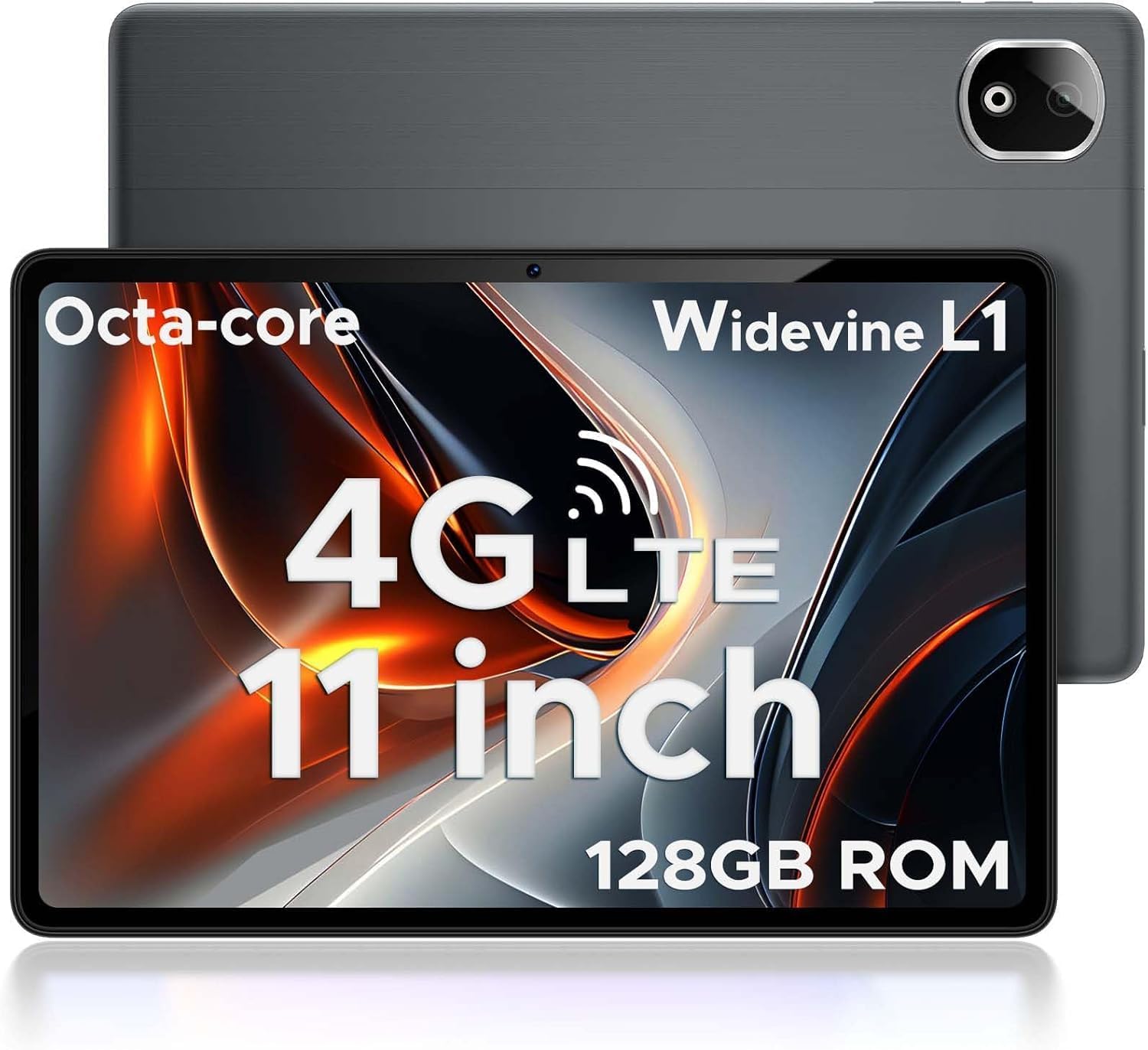
Figure 1.1: DOOGEE T30E Tablet, showcasinel seu disseny elegant i el mòdul de càmera.
2. Què hi ha a la caixa
Upon opening the DOOGEE T30E package, you will find the following items:
- DOOGEE T30E Tablet (128GB Storage)
- Cable de càrrega USB-C
- Adaptador d'alimentació
- Manual d'usuari
- Eina expulsora de SIM
Video 2.1: Unboxing the DOOGEE T30E Tablet and its contents.
3. Configuració inicial
3.1 Càrrega de la tauleta
Before first use, fully charge your DOOGEE T30E tablet. Connect the provided USB-C cable to the tablet's charging port and the power adapter, then plug the adapter into a wall outlet. The battery indicator on the screen will show charging progress.
3.2 Engegada/apagada
- To power on: Press and hold the Power button located on the side of the tablet until the DOOGEE logo appears.
- To power off: Press and hold the Power button, then select "Power off" from the options that appear on the screen.
3.3 Instal·lació de la targeta SIM i la targeta MicroSD
The DOOGEE T30E supports dual SIM cards and MicroSD card expansion up to 1TB. Use the provided SIM ejector tool to open the SIM tray.
- Localitza la safata de la targeta SIM al lateral de la tauleta.
- Introduïu l'eina d'expulsió de la SIM al forat petit que hi ha al costat de la safata i premeu suaument fins que la safata surti.
- Place your Nano-SIM cards and/or MicroSD card into the designated slots on the tray. Ensure they are correctly oriented.
- Empenyeu amb cura la safata cap a dins de la tauleta fins que encaixi al seu lloc.

Figure 3.1: Location of the SIM card tray and dual speakers on the DOOGEE T30E.
Video 3.2: Demonstration of SIM card installation and 4G network capabilities.
4. Instruccions de funcionament
4.1 Navigating the Android 14 Interface
The DOOGEE T30E runs on Android 14, offering an intuitive and secure user experience. Use touch gestures to navigate:
- Toca: Selecciona un element o obre una aplicació.
- Llisca: Scroll through screens, menus, or content.
- Pessigar: Apropar o allunyar les imatges i web pàgines.
- Premsa llarga: Accedir a menús contextuals o moure icones.

Figure 4.1: The Android 14 operating system interface on the DOOGEE T30E.
4.2 Connectivity (Wi-Fi, 4G LTE, Bluetooth)
Connect to the internet and other devices:
- Wi-Fi: Go to Settings > Network & internet > Wi-Fi to connect to available networks. Supports high-speed AC dual-band 2.4Ghz/5Ghz Wi-Fi.
- 4G LTE: With a valid SIM card, the tablet supports TD-LTE and FDD-LTE 4G for mobile data and VoLTE calls.
- Bluetooth 5.0: Enable Bluetooth in Settings > Connected devices > Connection preferences > Bluetooth to pair with headphones, speakers, or other Bluetooth-enabled devices.
4.3 Ús de la càmera
The tablet features a 13MP rear camera and an 8MP front camera for capturing photos and videos.
- Open the "Camera" app from the home screen or app drawer.
- Toqueu el botó de l'obturador per fer una foto.
- Canvia entre els modes de foto i vídeo segons calgui.
- Use the front/rear camera toggle for selfies or main shots.

Figure 4.2: Details on the 13MP rear camera and 5MP front camera capabilities.
4.4 Suport Widevine L1
The DOOGEE T30E supports Widevine L1, enabling high-definition streaming from popular platforms like Amazon Prime Video, YouTube, Disney+, and Hulu. This ensures a premium visual experience for your entertainment.
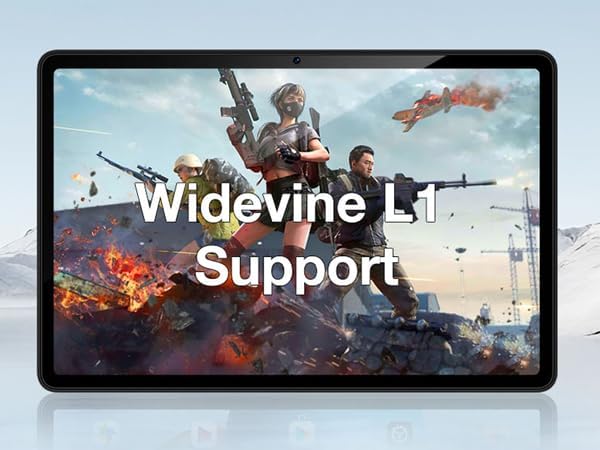
Figure 4.3: The tablet's display highlighting Widevine L1 support for high-definition streaming.
5. Característiques clau
5.1 Display and Performance
The tablet features an 11-inch HD display with a 1280x800 pixel resolution and an 83.2% screen-to-body ratio, providing an immersive viewing experience. Powered by a Spreadtrum T606 octa-core processor, it delivers superior performance for smooth multitasking and responsive gaming.

Figure 5.1: Visual comparison highlighting the 11-inch IPS large screen of the DOOGEE T30E.
Vídeo 5.2: Acabatview of the 11-inch screen and 8000mAh battery capacity.
5.2 Memòria i emmagatzematge
The T30E comes with 9GB RAM (4GB physical + 5GB virtual RAM expansion) and 128GB of internal storage. Storage can be expanded up to 1TB using a MicroSD card, providing ample space for apps, games, and media.

Figure 5.3: Illustration of the tablet's memory and storage capabilities.
Video 5.4: Demonstrating the 9GB RAM and 128GB ROM features of the DOOGEE Android tablet.
5.3 Durada de la bateria
Equipped with an 8000mAh long-lasting battery, the DOOGEE T30E provides extended usage times for movies, music, and gaming, reducing battery anxiety.

Figure 5.5: Diagram illustrating the 8000mAh battery and its estimated usage times.
5.4 Qualitat d'àudio
The tablet is equipped with high-quality stereo speakers, delivering a 3D surround sound experience for enhanced audio enjoyment.
Video 5.6: Highlighting the high-quality stereo speakers of the 11-inch tablet.
6. Manteniment
6.1 Neteja de la tauleta
To maintain the tablet's appearance and functionality:
- Feu servir un drap suau i sense borrissol per netejar la pantalla i la carcassa.
- Per a taques persistents, lleugerament dampNetegeu el drap amb aigua o un netejador de pantalles.
- Eviteu l'ús de productes químics agressius, materials abrasius o humitat excessiva.
6.2 Actualitzacions de programari
Comproveu i instal·leu regularment si hi ha actualitzacions de programari per garantir un rendiment òptim, seguretat i accés a noves funcions. Aneu a Configuració > Sistema > Actualització del sistema.
6.3 Cura de la bateria
Per allargar la durada de la bateria:
- Eviteu temperatures extremes.
- No deixeu que la bateria es descarregui completament amb freqüència.
- Desendolleu el carregador un cop la bateria estigui plena.
7. Solució De Problemes
| Problema | Possible solució |
|---|---|
| La tauleta no s'encén. | Assegureu-vos que la bateria estigui carregada. Premeu i manteniu premut el botó d'engegada durant almenys 10-15 segons per forçar un reinici. |
| Problemes de connexió Wi-Fi. | Reinicia la tauleta i el teu encaminador Wi-Fi. Oblida't de la xarxa a la configuració del Wi-Fi i torna a connectar-te. |
| Les aplicacions es bloquegen o es congelen. | Clear the app's cache (Settings > Apps > [App Name] > Storage & cache > Clear cache). If the issue persists, uninstall and reinstall the app. |
| Rendiment lent. | Close unused apps, clear cache, and ensure sufficient storage space. Consider a factory reset as a last resort (backup data first). |
| No s'ha detectat la targeta SIM. | Ensure the SIM card is correctly inserted and activated. Restart the tablet. |
8. Especificacions
- Model: T30E
- Sistema operatiu: Android 14
- Visualització: 11 polzades, 1280 x 800 píxels (HD)
- Processador: Spreadtrum T606 Octa-Core Processor (Unisoc)
- RAM: 9GB (4GB + 5GB RAM expansion)
- Emmagatzematge intern: 128 GB
- Emmagatzematge ampliable: Fins a 1 TB mitjançant targeta MicroSD
- Càmera posterior: 13MP
- Càmera frontal: 8MP
- Bateria: 8000mAh Lithium Ion (Average Battery Life: 2 days)
- Connectivitat: 4G LTE (Dual SIM), 5G WiFi (802.11ac), Bluetooth 5.0
- Dimensions (LxWxH): 10 x 7 x 0.4 polzades
- Pes de l'article: 2.01 lliures
- Característiques addicionals: Widevine L1 Support, GPS, Face ID
9. Garantia i Suport
The DOOGEE T30E comes with a 2 any de garantia. Additionally, DOOGEE provides suport tècnic de per vida i ple Assistència en línia 24 hores al dia, 7 dies a la setmana. If you encounter any problems or have questions regarding your tablet, please contact DOOGEE customer service for assistance. They aim to respond within 24 hours.
For further assistance, please visit the official DOOGEE weblloc web o consulteu la informació de contacte que es proporciona a l'embalatge del producte.