
1. Introducció
This manual provides essential information for the safe and efficient use of your Philips TAH3209WT Wireless On-Ear Headphones. Please read these instructions carefully before using the product.
Informació de seguretat
- Do not expose the headphones to excessive heat or direct sunlight.
- Eviteu deixar caure els auriculars ni sotmetre'ls a impactes forts.
- Do not immerse the headphones in water. They are not water-resistant.
- Use only the provided or a certified charging cable.
- Listening at high volumes for extended periods can cause hearing damage.
2. Contingut del paquet
Verifiqueu que tots els elements siguin presents al vostre paquet:
- Philips TAH3209WT Wireless On-Ear Headphones
- Cable de càrrega USB
- Guia d'inici ràpid (pot variar segons la regió)

Image: Philips TAH3209WT headphones in white, accompanied by a white USB charging cable.
3. Producte acabatview
Familiarize yourself with the components and controls of your headphones.
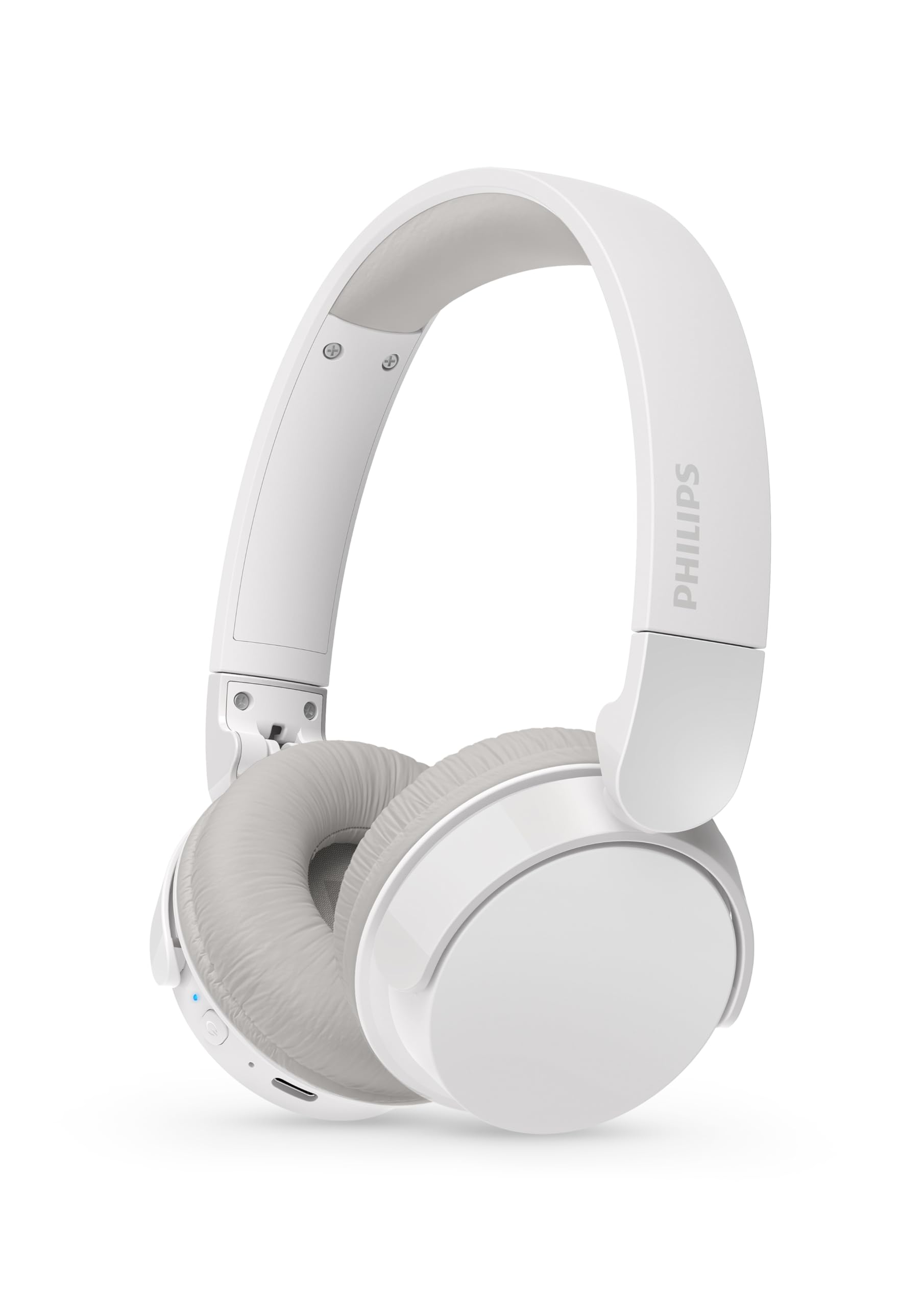
Image: A pair of Philips TAH3209WT Wireless On-Ear Headphones in white, showing the earcups, headband, and visible controls on the left earcup.

Imatge: Un costat en primer pla view of the Philips TAH3209WT headphones, highlighting the power button, volume controls, and charging port on the earcup.
Controls i indicadors:
- Botó d'encesa: Manteniu premut per encendre/apagar.
- Augment de volum / pista següent: Premeu per augmentar el volum, manteniu premut per a la pista següent.
- Baixada de volum / pista anterior: Premeu per baixar el volum, manteniu premut per a la pista anterior.
- Botó multifunció: Play/Pause, Answer/End Call, Activate Voice Assistant.
- Indicador LED: Mostra l'estat d'energia, emparellament i càrrega.
- Port de càrrega USB-C: Per carregar els auriculars.
4. Configuració
4.1 Càrrega dels auriculars
- Connecteu el cable de càrrega USB al port USB-C dels auriculars.
- Connect the other end of the cable to a powered USB port (e.g., computer, USB wall adapter).
- L'indicador LED mostrarà l'estat de càrrega. Una càrrega completa triga aproximadament 2 hores.
- Once fully charged, the LED indicator will change (refer to the Quick Start Guide for specific LED behavior).
Una càrrega completa proporciona aproximadament 25 hores de reproducció.
4.2 Vinculació Bluetooth
- Assegureu-vos que els auriculars estiguin apagats.
- Press and hold the Power button until the LED indicator flashes blue and white alternately, indicating pairing mode.
- Al dispositiu amb Bluetooth (telèfon intel·ligent, tauleta, ordinador), aneu a la configuració de Bluetooth.
- Cerca available devices and select "Philips TAH3209WT".
- Un cop connectat, l'indicador LED es tornarà blau fix o parpellejarà lentament en blau.
4.3 Connexió multipunt
The Philips TAH3209WT supports multi-point connection, allowing you to connect to two Bluetooth devices simultaneously. For example, you can connect to your smartphone and your laptop at the same time. If a call comes in on your phone while you're watching a movie on your laptop, the headphones will automatically switch to the phone call.
- Pair the headphones with the first device (e.g., smartphone) as described in section 4.2.
- Desactiveu el Bluetooth al primer dispositiu.
- Put the headphones back into pairing mode.
- Pair the headphones with the second device (e.g., laptop).
- Torneu a activar el Bluetooth al primer dispositiu. Els auriculars s'haurien de connectar automàticament als dos dispositius.
5. Funcionament dels auriculars
5.1 Encès/Apagat
- Encès: Premeu i manteniu premut el botó d'engegada durant aproximadament 2 segons fins que l'indicador LED s'encengui.
- Apagar: Premeu i manteniu premut el botó d'engegada durant aproximadament 4 segons fins que l'indicador LED s'apagui.
5.2 Reproducció de música
- Reproduir/pausa: Premeu el botó multifunció una vegada.
- Pista següent: Premeu i manteniu premut el botó de pujar el volum.
- Pista anterior: Manteniu premut el botó de baixar el volum.
- Pujar el volum: Premeu el botó Pujar volum.
- Baixar el volum: Premeu el botó per baixar el volum.
5.3 Gestió de trucades
- Respondre/Finalitzar la trucada: Premeu el botó multifunció una vegada.
- Rebutja la trucada: Manteniu premut el botó multifunció durant 2 segons.
5.4 Assistent de veu
- Activa l'Assistent de veu: Premeu dues vegades el botó multifunció.
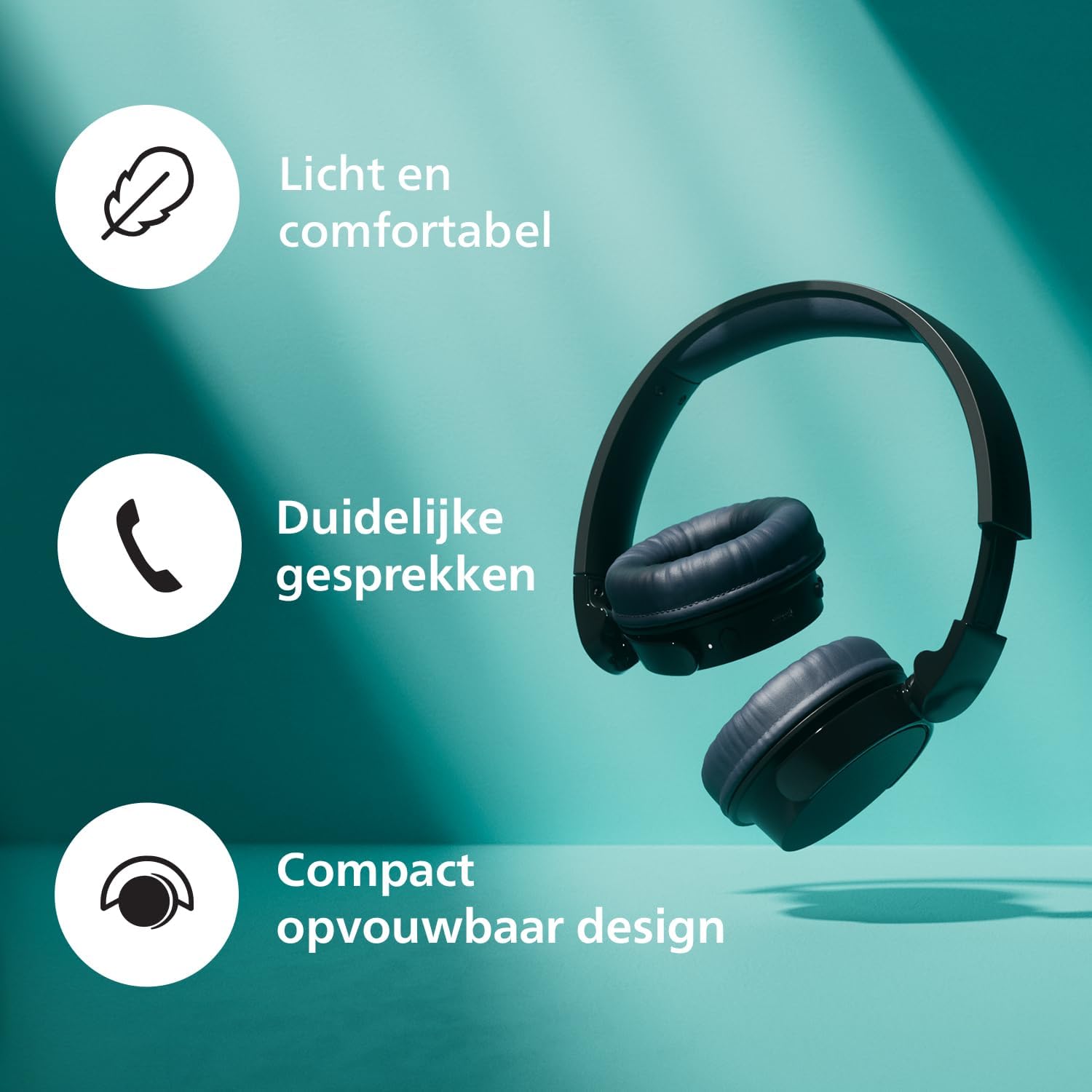
Image: A person wearing the Philips TAH3209WT headphones in dark grey, looking at a smartphone, illustrating typical usage.
6. Manteniment
6.1 Neteja
- Netegeu els auriculars amb un drap suau i sec.
- No utilitzeu productes de neteja que continguin alcohol, amoníac, benzè o abrasius, ja que poden danyar la unitat.
6.2 Emmagatzematge
- Store the headphones in a clean, dry environment when not in use.
- Eviteu l'emmagatzematge a temperatures extremes.

Image: Philips TAH3209WT headphones in white, shown folded for compact storage.
7. Solució De Problemes
Si teniu problemes, consulteu els problemes i solucions habituals següents.
| Problema | Solució |
|---|---|
| Els auriculars no s'engeguen. | Assegureu-vos que els auriculars estiguin carregats. Connecteu-los a una font d'alimentació i torneu-ho a provar. |
| No es pot emparellar amb un dispositiu Bluetooth. | Make sure the headphones are in pairing mode (LED flashing blue/white). Ensure Bluetooth is enabled on your device and it is within range. Forget the device on your phone and re-pair. |
| Sense so o amb un volum baix. | Check the volume levels on both the headphones and your connected device. Ensure the headphones are properly connected. |
| La qualitat del so és deficient. | Move closer to your Bluetooth device to reduce interference. Avoid obstacles between the headphones and the device. |
8. Especificacions
- Model: TAH3209WT
- Connectivitat: Bluetooth sense fil
- Versió Bluetooth: (Not specified, assumed standard)
- Factor de forma: A l'orella
- Control de soroll: Cancel·lació passiva de soroll
- Resposta de freqüència: 20 - 20000 Hz
- Sensibilitat: 112 dB
- Impedància: 32 ohms
- Temps de càrrega: Aproximadament 2 hores
- Durada mitjana de la bateria: Fins a 25 hores
- Tipus de control: Control tàctil
- Material: Plàstic
- Pes del producte: 0.18 Kilogram (180 grams)
- Dimensions del producte: 5 x 18 x 15.1 cm
- Nivell de resistència a l'aigua: No resistent a l'aigua
- Components inclosos: Cable de càrrega USB
- Dispositius compatibles: Smartphones, Tablets, HiFi systems, Televisions
9. Garantia i Suport
For warranty information and technical support, please refer to the official Philips website or contact your local Philips customer service. Keep your proof of purchase for warranty claims.
You can find more information and frequently asked questions at the Assistència de Philips Weblloc.