
1. Introducció
This manual provides detailed instructions for the installation, operation, and maintenance of your XIAOVV 2K Ultra HD 3MP Security Camera. This camera is designed to provide comprehensive surveillance with high-resolution video, advanced detection capabilities, and two-way audio communication. Please read this manual thoroughly before using the product to ensure proper setup and optimal performance.

Figura 1.1: Frontal view of the XIAOVV 2K Ultra HD 3MP Security Camera.
2. Producte acabatview
2.1 Característiques clau
- Resolució 2K Ultra HD (3MP): Provides crystal-clear video for detailed monitoring.
- Wide-Angle Lens & Pan/Tilt: Features a 110° wide-angle lens and 355° rotation capability for extensive coverage.
- Visió nocturna millorada: Ensures clear imagery in low-light conditions for 24-hour surveillance.
- Detecció humanoide per IA: Advanced artificial intelligence reduces false alarms by specifically identifying human shapes.
- Seguiment de moviments: Automatically tracks detected movement within its field of view.
- Àudio bidireccional: El micròfon i l'altaveu integrats permeten la comunicació en temps real.
- Múltiples mètodes d'instal·lació: Supports upside-down, wall mount, and ceiling mount options.
- Emmagatzematge local i al núvol: Supports Micro SD card (up to 128GB, not included) and optional cloud storage for recorded video.
2.2 Contingut del paquet
Si us plau, verifiqueu que tots els components siguin presents al paquet:
- XIAOVV 2K Ultra HD 3MP Security Camera
- Adaptador d'alimentació
- Cargols i ancoratges de muntatge
- Manual d'usuari (aquest document)
3. Configuració
3.1 Triar una ubicació d'instal·lació
Seleccioneu una ubicació que proporcioni el desitjat viewing angle and is within range of your Wi-Fi network. The camera is designed for indoor use and can be mounted on a wall, ceiling, or placed on a flat surface. Ensure the power outlet is easily accessible.

Figure 3.1: The camera offers a 110° wide-angle view, suitable for various indoor placements.

Figure 3.2: The camera is suitable for various indoor scenarios such as offices, hotels, and warehouses.
3.2 Muntatge de la càmera
- Muntatge de paret/sostre:
- Mark the desired drilling points using the mounting template (if provided) or the camera base.
- Drill holes and insert wall anchors if mounting on drywall or masonry.
- Secure the camera base to the wall/ceiling using the provided screws.
- Attach the camera body to the secured base.
- Col·locació de la taula: Simplement col·loqueu la càmera sobre una superfície plana i estable.

Figure 3.3: The camera can be ceiling-mounted for optimal room coverage.
3.3 Encès
Connecteu l'adaptador de corrent al port d'entrada d'alimentació de la càmera i després endolleu-lo a una presa de corrent estàndard. La càmera s'engegarà i iniciarà la seqüència d'inici.
3.4 Instal·lació i emparellament de l'aplicació
- Download the "XIAOVV APP" from your mobile device's app store (iOS App Store or Google Play Store).
- Obriu l'aplicació i creeu un compte nou o inicieu sessió si ja en teniu un.
- Follow the in-app instructions to add your new camera. This typically involves scanning a QR code on the camera or connecting to the camera's temporary Wi-Fi hotspot.
- Connect the camera to your home Wi-Fi network when prompted by the app.
- Once successfully paired, you will be able to view the live feed and access camera settings.
4. Instruccions de funcionament
4.1 Viu View i control de panoràmica/inclinació
After pairing, open the XIAOVV APP to access the live video feed from your camera. Use the on-screen controls to pan (horizontal rotation up to 355°) and tilt (vertical adjustment) the camera lens to adjust the viewzona d'ing.

Figure 4.1: The camera supports 355° horizontal rotation for comprehensive coverage.
4.2 Àudio bidireccional
The camera features a built-in microphone and speaker for two-way audio communication. In the live view interface of the app, tap the microphone icon to speak through the camera and the speaker icon to listen to audio from the camera's location. This feature can be used to communicate with family members or deter unwanted visitors.
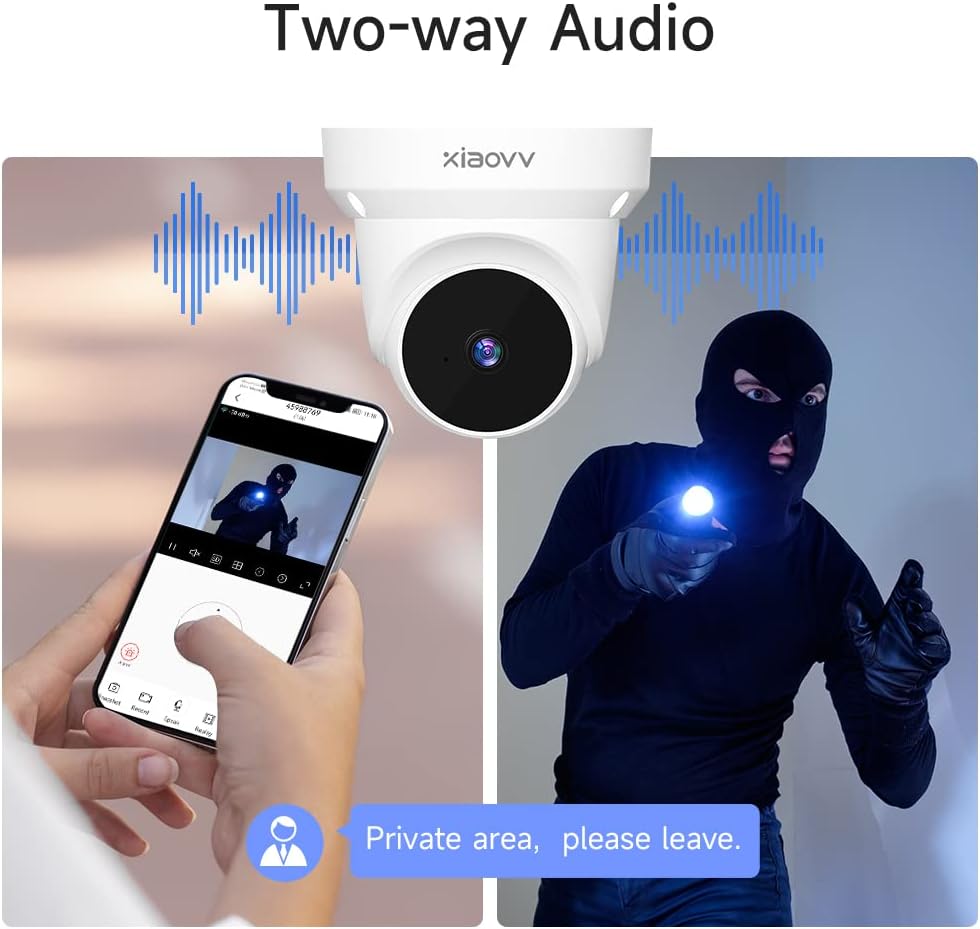
Figure 4.2: Two-way audio allows for real-time communication through the camera.

Figure 4.3: Use two-way audio to communicate with visitors or delivery personnel.
4.3 Motion Detection and AI Humanoid Detection
The camera is equipped with motion detection and advanced AI humanoid detection. When motion or a human shape is detected, the camera will record video and send an alarm message to your mobile app. You can adjust the sensitivity and detection zones within the app settings.
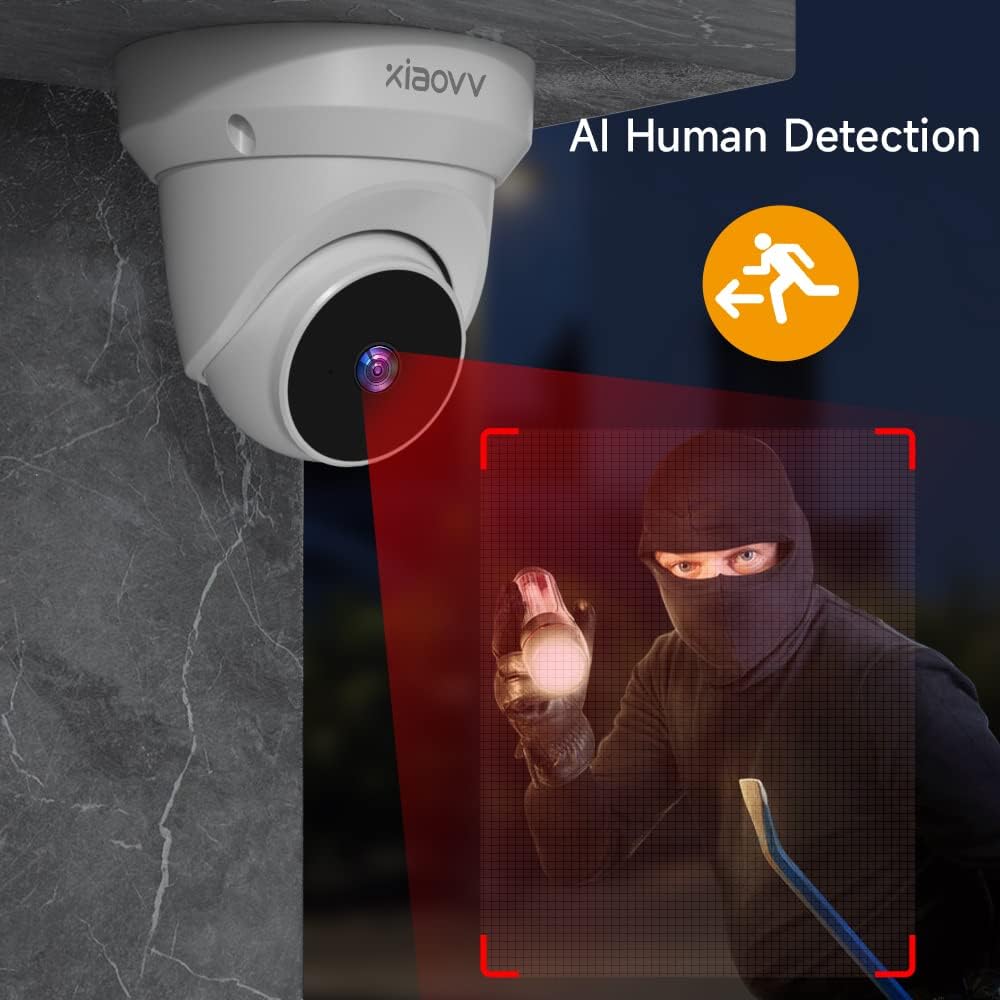
Figure 4.4: AI Human Detection helps reduce false alarms by focusing on human shapes.

Figure 4.5: Real-time alarm notifications are sent to your mobile device upon detection.
4.4 Visió nocturna
The camera automatically switches to night vision mode in low-light conditions, providing clear black and white or full-color (if supported by specific model features) video footage even in complete darkness. This ensures continuous surveillance around the clock.

Figure 4.6: The camera provides clear night vision for 24/7 monitoring.
4.5 Reproducció intel·ligent
Accés gravat footage through the app's playback feature. The smart playback function allows you to filter motion recordings and quickly find specific events or timeframes.

Figure 4.7: Smart Playback allows for easy review of recorded events.
4.6 Compartició multiusuari
You can share live streaming access and alerts with family members or trusted individuals through the XIAOVV APP. This allows multiple users to monitor the camera feed and receive notifications simultaneously.

Figure 4.8: Share camera access with multiple family members.
5. Manteniment
5.1 Neteja de la càmera
To maintain optimal image quality, regularly clean the camera lens with a soft, dry, lint-free cloth. Do not use harsh chemicals or abrasive cleaners.
5.2 Opcions d'emmagatzematge
The camera supports two primary storage methods for recorded video:
- Targeta micro SD: Insert a Micro SD card (up to 128GB, not included) into the camera's designated slot for local storage. The camera supports 24-hour video recording with automatic cycle coverage.
- Emmagatzematge al núvol: Optional cloud storage is available for alarm videos, providing an additional layer of data security and accessibility. Refer to the XIAOVV APP for details on cloud storage plans.

Figure 5.1: The camera features a built-in Micro SD card slot for local storage.

Figure 5.2: Both Micro SD card and cloud storage options are available for video recordings.
6. Solució De Problemes
6.1 Problemes comuns i solucions
| Problema | Causa possible | Solució |
|---|---|---|
| Càmera fora de línia a l'aplicació | Sense electricitat; Wi-Fi desconnectat; Problema amb el router | Comproveu la connexió d'alimentació; Verifiqueu la intensitat del senyal Wi-Fi; Reinicieu l'encaminador i la càmera. |
| Sense alertes de detecció de moviment | Detection sensitivity too low; Detection zone not set; App notifications disabled | Adjust sensitivity in app; Configure detection zones; Enable app notifications. |
| Mala qualitat d'imatge | Dirty lens; Insufficient lighting; Network bandwidth issues | Clean the lens; Ensure adequate lighting or check night vision settings; Check network speed. |
| La targeta SD no grava | SD card full or corrupted; Incorrect formatting; SD card not inserted properly | Format SD card via app; Replace SD card if corrupted; Reinsert SD card. |
If you encounter issues not listed here, please refer to the in-app help section or contact customer support.
7. Especificacions
| Característica | Detall |
|---|---|
| Model | XIAOVV 2K Ultra HD 3MP Security Camera |
| Resolució de captura de vídeo | 2K, 3 MP |
| Protocol de connectivitat | Wi-Fi |
| Tecnologia de comunicació sense fils | Wi-Fi |
| Font d'alimentació | Elèctric amb cable |
| Dispositius compatibles | XIAOVV APP |
| Tipus de muntatge | Wall Mount, Ceiling Mount, Tabletop |
| Ús interior/exterior | Interior |
| Emmagatzematge | Targeta Micro SD (fins a 128 GB), emmagatzematge al núvol |
| Tipus d'alerta | Motion Only (with AI Humanoid Detection) |
| Pes de l'article | 1 lliures (aprox.) |
| Dimensions del paquet | 6 x 5 x 4.5 polzades (aprox.) |
8. Garantia i Suport
8.1 Informació de la garantia
Please refer to the product packaging or the official XIAOVV website for specific warranty terms and conditions. Typically, products come with a limited warranty covering manufacturing defects.
8.2 Atenció al client
For technical assistance, troubleshooting, or warranty claims, please contact XIAOVV customer support through the following channels:
- XIAOVV APP: Access the "Help" or "Support" section within the application.
- Fabricant Weblloc: Visit the official XIAOVV weblloc web amb informació de contacte i preguntes freqüents.
Si us plau, tingueu a mà el model del producte i la informació de compra quan us poseu en contacte amb el servei d'assistència.