
1. Introducció
Gràcies per la compraasing the PENTAX WG-1000 Grey Waterproof Digital Camera. This manual provides essential information for the safe and effective use of your camera. Please read it thoroughly before use and keep it in a safe place for future reference.
The PENTAX WG-1000 is designed for durability and high performance in various outdoor conditions. It features robust waterproofing, shock resistance, and dustproof capabilities, making it ideal for adventure photography and professional use.

Figure 1: PENTAX WG-1000 with key specifications and dimensions.
2. Característiques del producte
- Waterproof and Shock-Resistant Design: The camera is waterproof up to 15 meters for continuous use of 1 hour (IPX8 compliant) and shock-resistant from drops of up to 2 meters. It also features IP6X dustproof performance. Its chemical resistance allows for use with disinfectants like sodium hypochlorite and chlorine dioxide water, suitable for professional applications.
- Imatges d'alta qualitat: Equipped with a back-illuminated CMOS image sensor, the camera offers excellent high-sensitivity and low-noise characteristics. It achieves high-resolution images of approximately 16.35 effective megapixels with a maximum ISO sensitivity of 3200.
- Lent de zoom òptic 4x: Features a 4x optical zoom lens with a focal length of 4.9 to 19.6mm (equivalent to approximately 27-108mm in 35mm format). Combined with digital zoom, it can achieve high-magnification shooting equivalent to approximately 24x.
- Modes de tret versàtils: Includes 7 diverse shooting modes such as 'AUTO' for automatic scene recognition, 'Manual' for user-controlled aperture, shutter speed, and ISO, and 'Underwater' mode to reduce blue cast for natural colors. There are also 18 scene modes for optimal settings.
- Creative Color Modes: Offers 20 color modes for diverse photographic expression, including 'Monochrome', 'Sepia', 'Japanese Style' (bluish tint), 'Italian Style' (greenish tint), 'French Style' (reddish tint), 'Negative' (like undeveloped film), and 'Sketch' (like a painting). These can be applied during or after shooting.
- Gravació de vídeo Full HD: Supports Full HD video recording at 1920x1080 (16:9) pixels at 30 frames per second, using H.264 format for high-quality, long-duration video capture.
3. Configuració
3.1. Desembalatge i comprovació del contingut
Carefully unpack your camera and ensure all accessories are present. The package should include:
- Càmera digital PENTAX WG-1000
- Protector Jacket O-CC180 (pre-installed or included)
- Carabiner Strap O-ST180
- Bateria recarregable d'ions de liti
- Cable USB (per a la càrrega i la transferència de dades)
- Adaptador d'alimentació de càrrega

Figure 2: Included accessories with the PENTAX WG-1000.
3.2. Carregant la bateria
- Inseriu la bateria d'ió de liti recarregable a la càmera.
- Connect the USB cable to the camera's Type-C port and the charging power adapter.
- Connecteu l'adaptador de corrent a una presa de corrent. L'indicador de càrrega s'il·luminarà.
- La càrrega s'ha completat quan s'apaga el llum indicador.
3.3. Inserting a Memory Card (SD/SDHC/SDXC)
The camera has internal memory, but for extended shooting, insert a compatible SD, SDHC, or SDXC memory card.
- Open the battery/card compartment cover.
- Insert the memory card into the slot with the label facing the correct direction until it clicks into place.
- Close the compartment cover securely to maintain waterproofing.
4. Funcionament de la càmera
4.1. Encendre/apagar
Premeu el botó d'engegada per encendre o apagar la càmera.
4.2. Fotografia bàsica
- Seleccioneu un mode: Use the mode dial or menu to select your desired shooting mode (e.g., AUTO, Manual, Underwater, Scene).
- Enquadra la teva presa: Use the LCD monitor to compose your image.
- Focus: Premeu el botó de l'obturador fins a la meitat per enfocar. El marc d'enfocament es tornarà verd quan s'hagi aconseguit enfocar.
- Captura: Premeu completament el botó de l'obturador per fer la foto.
4.3. Underwater Photography
The WG-1000 features a dedicated 'Underwater' mode to optimize color balance and reduce blue cast for natural-looking photos and videos underwater.

Figura 3: Example of underwater photography with the WG-1000.
4.4. Gravació de vídeo
To record Full HD videos:
- Switch to video recording mode.
- Premeu el botó de gravació de vídeo per començar a gravar.
- Torneu a prémer el botó per aturar la gravació.
4.5. Using Creative Color Modes
The camera offers 20 unique color modes to enhance your photos. These can be applied either before taking a picture or during playback editing.
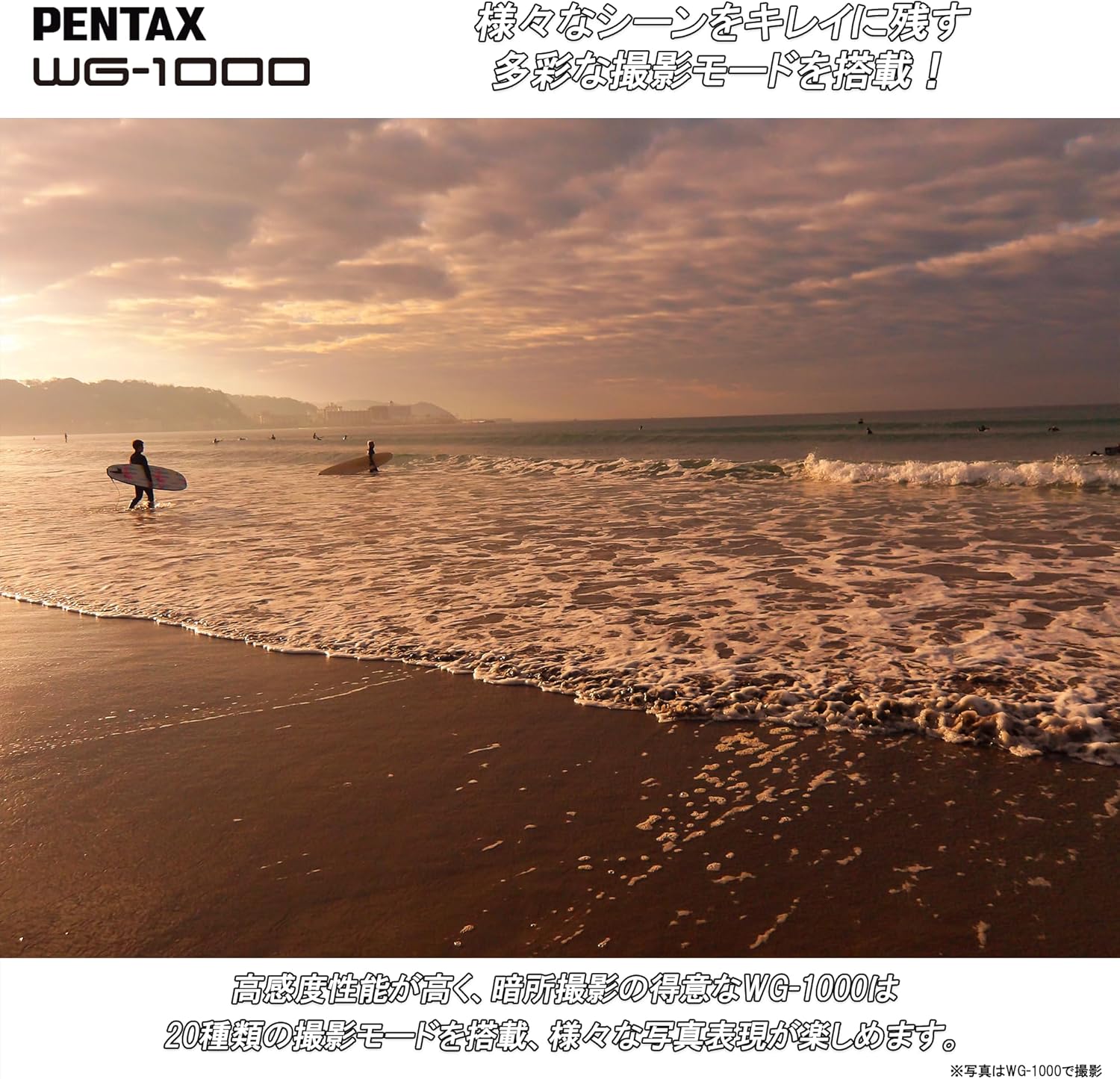
Figure 4: The WG-1000 is suitable for various outdoor scenes like this beach sunset.

Figure 5: The WG-1000 performs well in low-light conditions.
5. Manteniment
5.1. Neteja de la càmera
- Netegeu el cos de la càmera amb un drap suau i sec.
- Per a la brutícia persistent, utilitzeu un drap lleugerament humit.ampamb aigua o una solució de neteja suau.
- Clean the lens and LCD screen with a specialized lens cleaning cloth and solution.
5.2. Maintaining Waterproofing
- Always ensure the battery/card compartment cover and all port covers are securely closed before exposing the camera to water.
- After using the camera in saltwater, rinse it thoroughly with fresh water and dry it completely before opening any compartments.
- Regularly check the rubber seals (gaskets) for any dirt, sand, or damage. Clean them gently if necessary.
6. Solució De Problemes
If you encounter issues with your PENTAX WG-1000, refer to the following common problems and solutions:
| Problema | Causa possible | Solució |
|---|---|---|
| La càmera no s'encén. | La bateria està esgotada o inserida incorrectament. | Carregueu la bateria completament. Torneu a inserir la bateria correctament. |
| Les imatges són borroses. | Lens is dirty, camera shake, or incorrect focus. | Clean the lens. Hold the camera steady. Ensure proper focus before shooting. |
| Water inside the camera. | Compartment cover not properly sealed. | Immediately turn off the camera, remove the battery and memory card, and contact customer support. Do not attempt to dry or use the camera. |
| Cannot record videos. | La targeta de memòria està plena o massa lenta. | Elimineu-les innecessàries files or use a higher-speed memory card. |
7. Especificacions
| Característica | Especificació |
|---|---|
| Marca | PENTAX |
| Número de model | WG-1000 (2153) |
| Tecnologia del sensor fotogràfic | CMOS |
| Resolució de fixes efectius | 16 MP |
| Zoom òptic | 4x |
| Distància focal màxima | 108 millimeters (35mm equivalent) |
| Distància focal mínima | 27 millimeters (35mm equivalent) |
| Apertura màxima | F5.6 |
| Rang ISO ampliat | 100-3200 |
| Velocitat d'obturació | 1/4000 segons |
| Estabilització d'imatge | Digital |
| Resolució de captura de vídeo | 1080p (Full HD) |
| Format de captura de vídeo | MP4 |
| Tipus de visualització | LCD |
| Mida de la pantalla | 2.7 polzades |
| Connectivitat | Micro HDMI, USB |
| Targetes de memòria compatibles | SD, SDHC, SDXC |
| Característiques especials | Shockproof, Waterproof (15m), Dustproof (IP6X), Chemical Resistant |
| Pes | 1.1 lliures (aprox. 500 g) |
8. Informació de la garantia
The PENTAX WG-1000 comes with a Garantia del fabricant de 1 anys. Please retain your proof of purchase for warranty claims. For detailed warranty terms and conditions, refer to the official PENTAX weblloc o contacteu amb el servei d'atenció al client.
9. Suport
For product inquiries, technical assistance, or service requests, please contact Ricoh Imaging Customer Service.
9.1. Contact by Phone
TEL: 0570-001313
Horari de funcionament: 10:00 AM - 5:00 PM JST
Please note: Closed on Sundays, public holidays, New Year holidays, company special holidays, and building facility inspection days.
9.2. Contact by Email
Visit the official Ricoh Imaging support website for email inquiries and further information:
https://www.ricoh-imaging.co.jp/japan/support/product_web.html
For Amazon-specific inquiries, please contact Amazon Customer Support directly.