
Introducció
This manual provides essential information for the safe and efficient operation of your Haier 55-inch QLED Google TV, model H55S80EU. Please read all instructions carefully before using the television and retain this manual for future reference. This television features a QLED display, 4K HDR10, 120Hz gaming capabilities, Dolby Vision, Dolby Atmos audio, and the Google TV operating system for a comprehensive entertainment experience.
Informació de seguretat
Seguiu sempre les precaucions de seguretat bàsiques quan utilitzeu aquest televisor per reduir el risc d'incendi, descàrrega elèctrica i lesions. No exposeu el televisor a la pluja ni a la humitat. No obriu la tapa del televisor.asing; refer all servicing to qualified personnel. Ensure proper ventilation and avoid blocking ventilation openings. Keep the TV away from heat sources and direct sunlight. Use only the power cord and accessories specified by the manufacturer.
Configuració
1. Desembalatge
Carefully remove the television from its packaging. Inspect for any damage. Ensure all accessories are present: remote control, batteries, power cord, and stand components.
2. Instal·lació del suport o muntatge a la paret
Per a la instal·lació del suport: Place the TV face down on a soft, flat surface. Attach the stand legs to the designated slots on the bottom of the TV using the provided screws. Ensure the stand is securely fastened.

Imatge: Frontal view of the Haier 55-inch QLED Google TV with its stand installed.
Per al muntatge a la paret: This TV supports VESA mounting standard 200 x 200 mm. Use a compatible wall mount bracket (sold separately) and follow the instructions provided with the bracket. Ensure the wall can support the TV's weight (10.6 kg).
Imatge: Part posterior view of the Haier 55-inch QLED Google TV, highlighting the VESA mounting points and various input ports.
3. Connexió de perifèrics
Connect your external devices such as cable boxes, gaming consoles, or Blu-ray players to the TV's HDMI ports. This model features 4 HDMI ports, including HDMI 2.1 for enhanced gaming features like VRR and ALLM. Two USB 3.0 ports are also available for media playback or connecting other accessories. Connect the power cord to the TV and then to a wall outlet.
4. Engegada inicial i configuració de Google TV
Press the power button on the remote control or on the TV. Follow the on-screen instructions to complete the initial setup, including language selection, network connection (Wi-Fi), and Google account sign-in. This will activate the Google TV operating system and allow access to smart features.
Instruccions de funcionament
1. Control remot sobreview
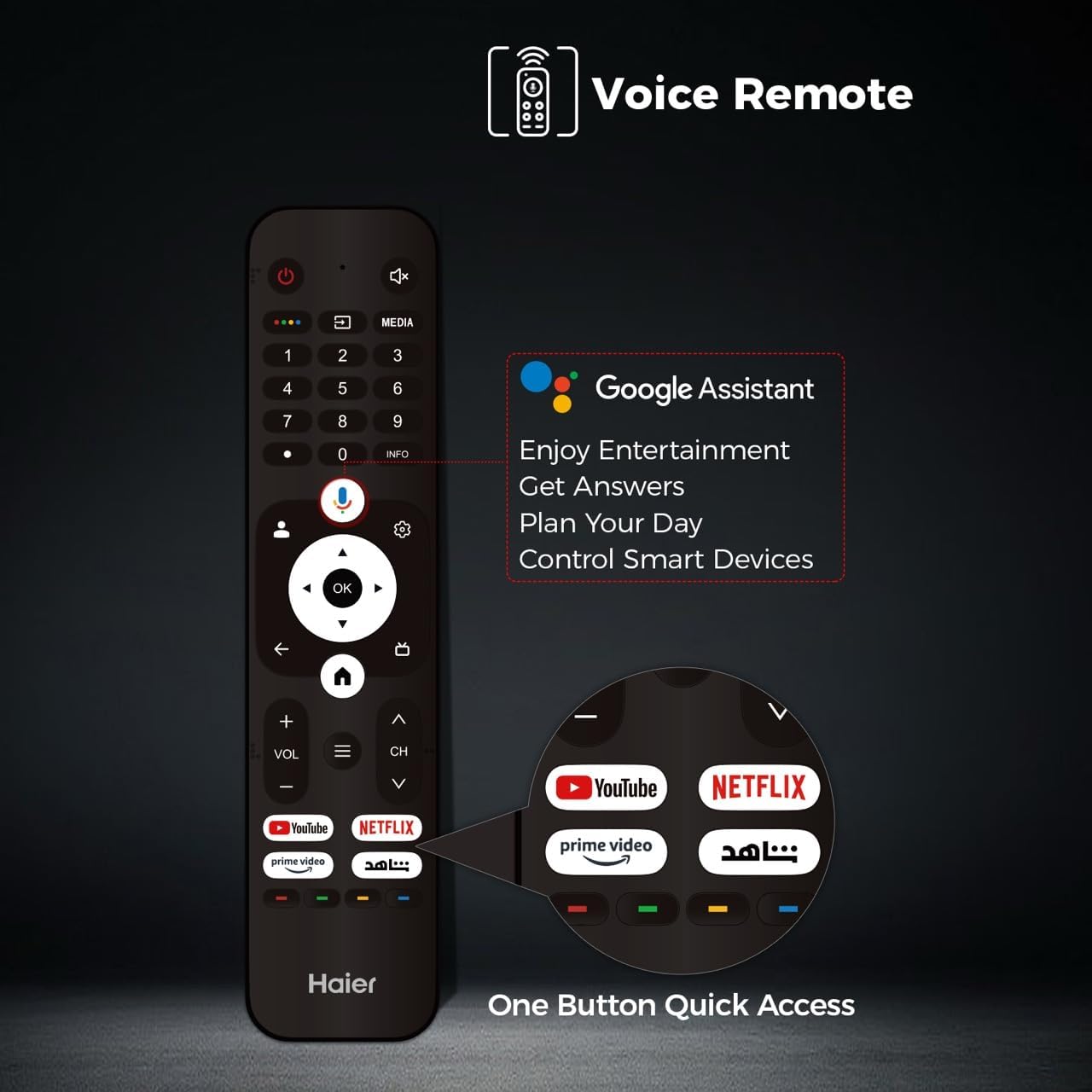
The included remote control allows full control over your TV. It features dedicated buttons for popular streaming services and a voice control button for Google Assistant.
Image: The Haier TV voice remote control, showing buttons for power, volume, channel, navigation, Google Assistant, and quick access to YouTube, Netflix, and Prime Video.
2. Funcions bàsiques del televisor
- Potència: Premeu el botó d'engegada per encendre o apagar el televisor.
- Volum: Feu servir els botons VOL +/- per ajustar el nivell del so.
- Canal: Use the CH +/- buttons to change channels (for broadcast TV).
- Entrada: Press the Input button to select different video sources (HDMI 1, HDMI 2, USB, etc.).
3. Navegació de la interfície de Google TV
Navigate the Google TV interface using the directional pad and OK button on your remote. The home screen provides personalized recommendations, access to installed apps, and live TV options.
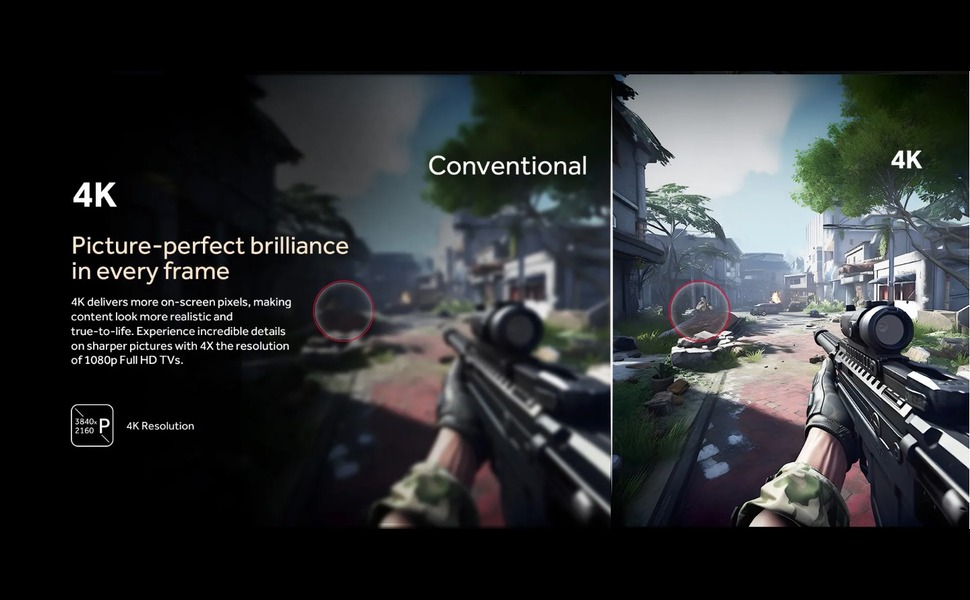
Image: The Google TV home screen displaying various streaming content recommendations and installed applications like YouTube, Netflix, and Disney+.
4. Funcions intel·ligents
- Assistent de Google: Press the voice button on your remote to use voice commands for searching content, controlling smart home devices, or getting information.
- Aplicacions de streaming: Access pre-installed apps like YouTube, Netflix, and Prime Video, or download more from the Google Play Store.
- Google Cast: Use Google Cast to mirror content from your mobile device to the TV.
5. Configuració d'imatge i so
Access the TV settings menu to adjust picture and sound preferences. This QLED TV offers vibrant colors and high contrast. It supports 4K resolution, HDR10, and Dolby Vision for enhanced visual quality.
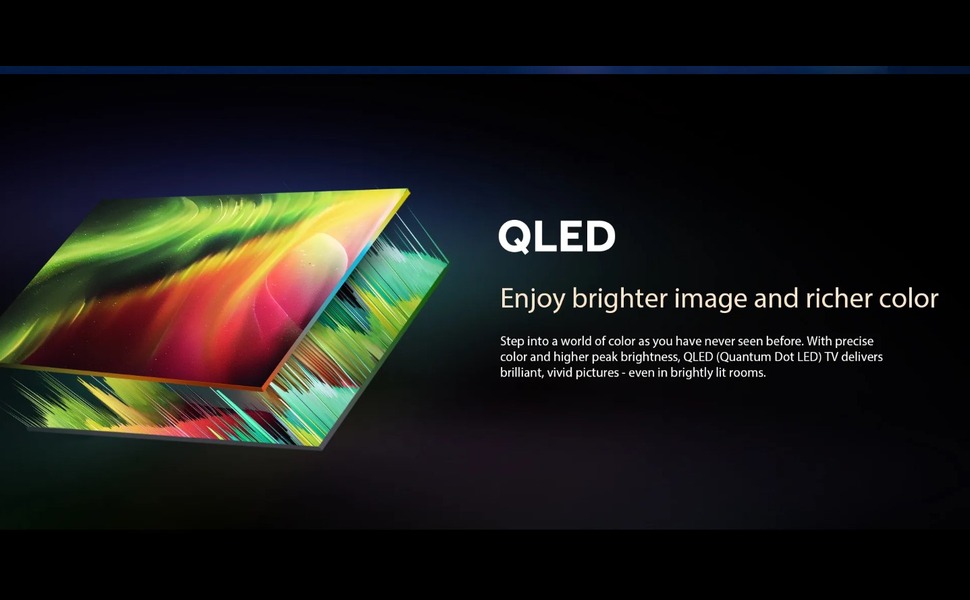
Image: An illustration demonstrating QLED display technology, emphasizing brighter images and richer colors.
For audio, the TV features Dolby Atmos and 2.1 channel speakers, providing immersive sound. Adjust sound modes and equalizer settings to suit your preference.
6. Característiques de joc
The Haier H55S80EU is optimized for gaming with a 120Hz refresh rate, Variable Refresh Rate (VRR), and Auto Low Latency Mode (ALLM) via HDMI 2.1. Motion Estimation, Motion Compensation (MEMC) technology reduces blur in fast-moving scenes.
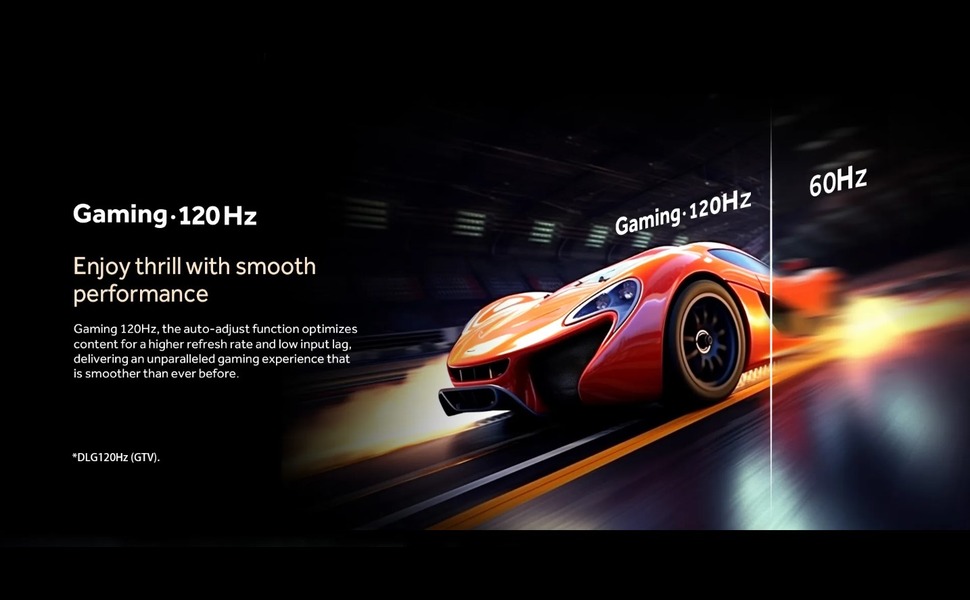
Image: A visual comparison illustrating the smoothness of 120Hz gaming compared to 60Hz, showing a racing car.

Image: An illustration demonstrating MEMC (Motion Estimation, Motion Compensation) technology, showing a blurred image on the left and a clear image on the right, indicating reduced motion blur.
Manteniment
1. Neteja
Unplug the TV before cleaning. Use a soft, dry cloth to wipe the screen and cabinet. For stubborn marks, lightly dampen the cloth with water or a mild, non-abrasive cleaner specifically designed for electronics. Do not use alcohol, benzene, or thinners.
2. Actualitzacions de programari
Assegura't que el televisor estigui connectat a Internet per rebre actualitzacions de programari automàtiques. Les actualitzacions proporcionen noves funcions, millores de rendiment i millores de seguretat. També pots comprovar manualment si hi ha actualitzacions al menú de configuració del televisor.
Resolució de problemes
Si teniu problemes amb el televisor, consulteu les solucions habituals següents:
| Problema | Possible solució |
|---|---|
| Sense poder | Comproveu si el cable d'alimentació està ben connectat al televisor i a la presa de corrent. Assegureu-vos que la presa de corrent tingui corrent. |
| No hi ha imatge, però hi ha so | Comproveu la font d'entrada. Assegureu-vos que els dispositius externs estiguin encesos i connectats correctament. |
| No hi ha so, però hi ha imatge | Check the volume level and mute settings. Ensure external audio devices are connected correctly. |
| El comandament a distància no funciona | Canvieu les piles. Assegureu-vos que no hi hagi cap obstacle entre el comandament a distància i el sensor d'infrarojos del televisor. |
| Problemes de connexió Wi-Fi | Restart your router and modem. Reconnect the TV to the Wi-Fi network in the settings. |
Especificacions
| Característica | Detall |
|---|---|
| Nom de marca | Haier |
| Nom del model | H55S80EU |
| Mida de la pantalla | 55 polzades |
| Tecnologia de visualització | QLED |
| Resolució | 4K |
| Freqüència d'actualització | 120 Hz |
| Suport al format HDR | HDR10, Dolby Vision |
| Motion Enhancement Technology | MEMC |
| Maximum Screen Brightness | 1000 nits |
| Tecnologia de retroiluminació | Mini LED |
| Sistema operatiu | Google TV |
| Mode de sortida d'àudio | Dolby Atmos |
| Descripció del ponent | Altaveus de 2.1 canals |
| Ports HDMI totals | 4 (HDMI 2.1 with VRR/ALLM support) |
| Ports USB totals | 2 (USB 3.0) |
| Tecnologia de comunicació sense fils | Wi-Fi |
| Screen Mirroring Technology | Google Cast |
| Mètode de control | Control remot, control d'aplicacions |
| Estàndard de muntatge VESA | 200 x 200 mm |
| Pes de l'article | 10.6 kg |
| Dimensions del producte (profunditat x amplada x alçada) | 8 cm x 120 cm x 84 cm |
| Any de fabricació | 2024 |
Informació de la garantia
This Haier television comes with a standard warranty. The warranty description states a coverage period of Dos anys, with an estimated product life of 5 anys. For detailed terms and conditions, please refer to the warranty card included with your product or contact Haier customer service.
Suport
For further assistance, technical support, or service inquiries, please visit the official Haier weblloc web o poseu-vos en contacte amb el seu departament d'atenció al client. Normalment, podeu trobar la informació de contacte al fabricant weblloc o a l'embalatge del producte.