
Introducció
Thank you for choosing the TECKNET TK-MS317 Bluetooth Wireless Mouse. This manual provides detailed instructions for setting up, operating, and maintaining your mouse to ensure optimal performance. Please read this manual thoroughly before use and retain it for future reference.
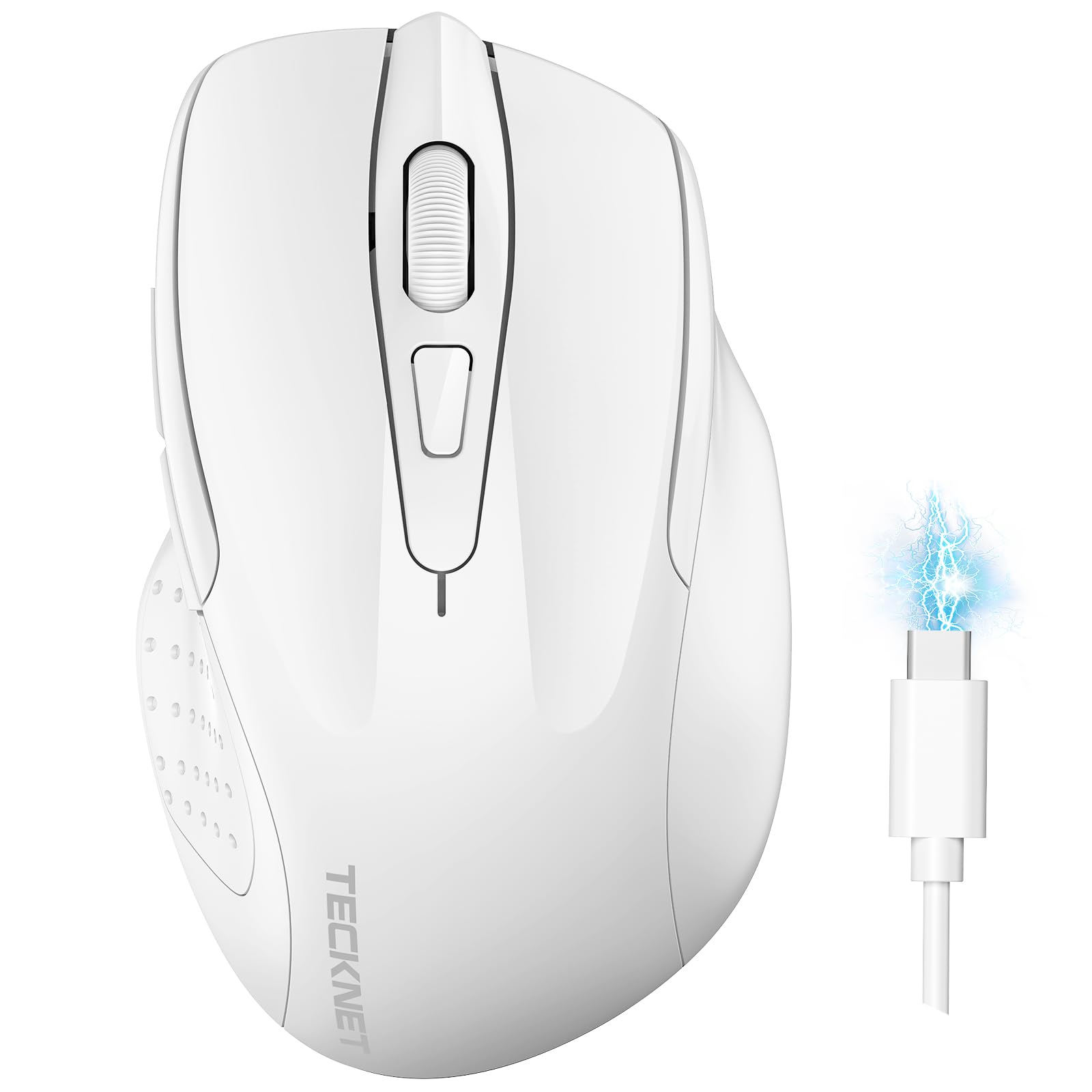
Image: The TECKNET TK-MS317 Bluetooth Wireless Mouse, showcasing its ergonomic design and sleek white finish.
Característiques del producte
- Triple Connection Modes: Supports Bluetooth 5.0, Bluetooth 3.0, and 2.4GHz wireless connectivity, allowing seamless switching between up to two devices.
- DPI ajustable: Six adjustable DPI levels (800/1200/1600/2400/3200/4800) for precise control and adaptability to various tasks.
- Bateria recarregable: Equipped with a 700 mAh rechargeable battery, providing extended usage on a single charge. Can be used while charging via USB-C.
- Clics silenciosos: Designed for quiet operation, reducing click noise by 90% for a focused work environment.
- Disseny ergonòmic: Contoured shape fits comfortably in the palm, reducing hand fatigue during prolonged use.
- Estalvi d'energia: Features a key-wake function and automatic sleep mode to conserve battery life.
- Compatibilitat universal: Compatible with Windows 11/10/8/7/XP/Vista, Mac OS, Linux, Android, and iOS (BT 5.0 for iOS 10.4+).

Image: Illustration highlighting the silent click feature of the mouse, showing a quiet work environment.

Image: Diagram illustrating the ergonomic curvature of the TECKNET TK-MS317 mouse, designed for comfortable hand fit.
Instruccions de configuració
1. Càrrega del ratolí
Before first use, or when the battery is low, connect the mouse to a power source using the provided USB-C cable. The charging indicator light will illuminate. A full charge typically takes about two hours and can last for 1 to 2 months of intensive use.

Image: The TECKNET TK-MS317 mouse connected via a USB-C cable for charging, highlighting its 700mAh battery capacity.
2. Connexió mitjançant una xarxa sense fil de 2.4 GHz
- Locate the USB 2.4G receiver, usually stored in a compartment on the underside of the mouse.
- Connecteu el receptor USB a un port USB-A disponible de l'ordinador.
- Switch the mode selector on the bottom of the mouse to the "2.4G" position.
- The mouse should automatically connect to your computer. If not, try moving the mouse or restarting your computer.
3. Connexió mitjançant Bluetooth (BT5.0 / BT3.0)
- Switch the mode selector on the bottom of the mouse to either "BT5.0" or "BT3.0" position.
- Press and hold the Bluetooth pairing button (usually located near the mode switch) for 3-5 seconds until the indicator light starts flashing, indicating pairing mode.
- On your device (computer, laptop, tablet, smartphone), go to Bluetooth settings.
- Cerca new devices. You should see "TECKNET Mouse" or a similar name appear in the list.
- Select the mouse to pair. Once connected, the indicator light on the mouse will stop flashing.
- To switch between paired Bluetooth devices or to the 2.4G mode, simply use the mode selector switch on the bottom of the mouse.

Image: Diagram showing the three connection modes (2.4G, Bluetooth 5.0, Bluetooth 3.0) of the TECKNET TK-MS317 mouse, connecting to a laptop and a tablet.
Instruccions de funcionament
1. Ajust de DPI
The mouse features a DPI button, typically located behind the scroll wheel. Press this button to cycle through the six available DPI settings: 800, 1200, 1600, 2400, 3200, and 4800. Select the DPI that best suits your task and preference for cursor speed and precision.

Image: Visual representation of the TECKNET TK-MS317 mouse highlighting its 6 levels of adjustable DPI, up to 4800 DPI.
2. Canvi de mode
Use the physical switch on the underside of the mouse to select your desired connection mode: 2.4G, BT5.0, or BT3.0. This allows you to quickly switch between different devices without re-pairing.
3. Mode d'estalvi d'energia
The mouse will automatically enter sleep mode after a period of inactivity to conserve battery. To wake the mouse, simply move it or click any button.
Manteniment
1. Neteja
To clean your mouse, use a soft, dry cloth. For stubborn dirt, a slightly damp Es pot fer servir un drap amb sabó suau, assegurant-se que no entri líquid al ratolí. Eviteu utilitzar productes químics agressius o materials abrasius.
2. Cura de la bateria
- Eviteu descarregar completament la bateria amb freqüència.
- Guardeu el ratolí en un lloc fresc i sec quan no l'utilitzeu durant períodes prolongats.
- Feu servir només el cable USB-C proporcionat o un equivalent certificat per carregar.
Resolució de problemes
- El ratolí no respon:
- Assegureu-vos que el ratolí estigui carregat.
- Check if the mode switch is set correctly (2.4G, BT5.0, or BT3.0).
- For 2.4G mode, ensure the USB receiver is securely plugged in.
- For Bluetooth mode, ensure Bluetooth is enabled on your device and the mouse is paired. Try re-pairing if necessary.
- Try connecting the mouse to a different USB port or device to rule out port/device issues.
- Connexió intermitent:
- Move the mouse closer to the receiver/device.
- Eviteu utilitzar el ratolí sobre superfícies metàl·liques, ja que poden interferir amb els senyals sense fil.
- Ensure there are no other strong wireless interference sources nearby.
- Cursor movement is erratic:
- Netegeu el sensor òptic de la part inferior del ratolí.
- Prova d'utilitzar el ratolí en una superfície diferent o en una alfombrilla de ratolí.
- Ajusteu la configuració de DPI a un valor més baix.
Especificacions
| Número de model | TK-MS317 |
| Marca | TECNET |
| Modes de connexió | Sense fil de 2.4 GHz, Bluetooth 5.0, Bluetooth 3.0 |
| Nivells de DPI | 800, 1200, 1600, 2400, 3200, 4800 |
| Nombre de botons | 6 |
| Tipus de bateria | Bateria de liti recarregable integrada de 700 mAh |
| Port de càrrega | USB-C |
| Pes | 150 grams |
| Compatibilitat | Windows 11/10/8/7/XP/Vista, Mac OS, Linux, Android, iOS (10.4+ for BT 5.0) |
Garantia i Suport
TECKNET offers a 36-month warranty for registered users of this product. If you encounter any issues with your TECKNET TK-MS317 Bluetooth Wireless Mouse, please do not hesitate to contact our professional customer service team for assistance.
For warranty claims or technical support, please visit the official TECKNET weblloc web o consulteu la informació de contacte que s'inclou amb l'embalatge del producte.