
DOOGEE Blade 10 Ultra
DOOGEE Blade 10 Ultra (2025) Rugged Smartphone User Manual
Model: Blade 10 Ultra
Marca: DOOGEE
1. Introducció
Welcome to the user manual for your new DOOGEE Blade 10 Ultra (2025) Rugged Smartphone. This manual provides essential information on setting up, operating, and maintaining your device. Designed for durability and high performance, the Blade 10 Ultra is built to withstand challenging environments while offering advanced smartphone capabilities.

Imatge: Anvers i revers view of the DOOGEE Blade 10 Ultra (2025) Rugged Smartphone, showcasing its robust design and camera module.
2. Contingut del paquet
Marqueu la casella per als elements següents:
- DOOGEE Blade 10 Ultra Smartphone
- Cable USB
- Funda protectora
- Protector de pantalla (preaplicat o en caixa)
3. Característiques del producte
3.1. Rendiment i emmagatzematge
The DOOGEE Blade 10 Ultra is equipped with a powerful Octa-core Processor (1.6GHz) for smooth operation. It features 20GB RAM (8GB physical + 12GB virtual) and 256GB of internal storage, expandable up to 2TB via a microSD card (sold separately).

Image: Visual representation of the 20GB RAM and 256GB ROM, highlighting the expandable storage via microSD card.
3.2. Visualització
Experience vibrant visuals on the 6.56-inch HD+ Waterdrop Display with a 90Hz refresh rate. Utilizing TDDI technology, the display offers enhanced touch sensitivity and clarity. Key display specifications include:
- Mida: 6.56 polzades
- Resolució: 1080 x 2400
- Freqüència d'actualització: 90 Hz
- Relació pantalla-cos: 90%
- Relació d'aspecte: 20:9
- Colors: 16.7 milions
- Brillantor: 400 nits
- Contrast: 1500:1

Image: Close-up of the 6.56-inch HD+ 90Hz Waterdrop Display, highlighting its visual quality and specifications.
3.3. Sistema de càmeres
Capture clear photos with the 50MP AI Main Camera and take selfies with the 8MP Front Camera.
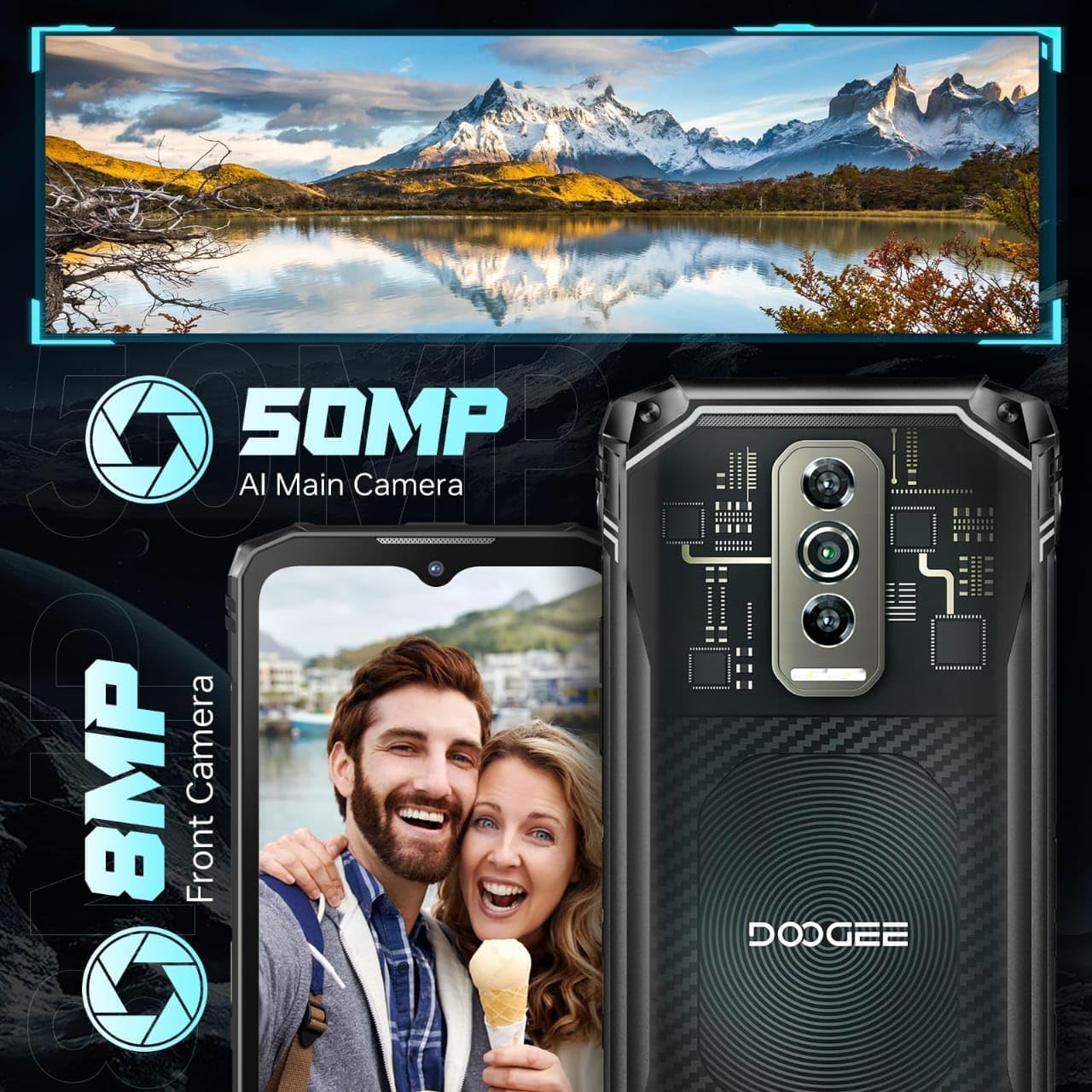
Image: Illustration of the smartphone's camera setup, featuring the 50MP AI main camera and 8MP front camera.
3.4. Bateria
The device is powered by a 5150mAh Lithium Polymer battery, providing extended usage time.
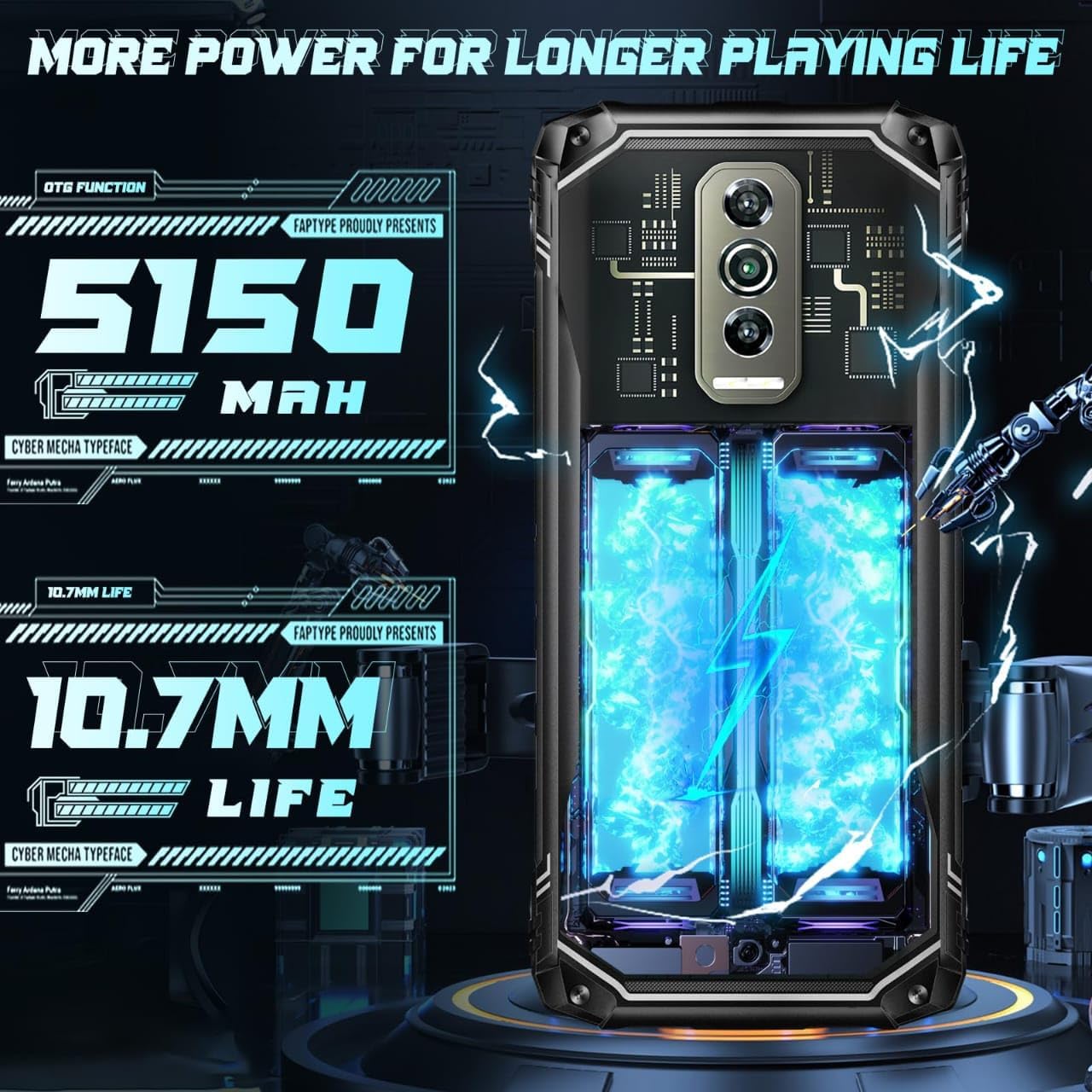
Image: Depiction of the 5150mAh battery, emphasizing its capacity for longer usage.
3.5. Sistema operatiu
The DOOGEE Blade 10 Ultra runs on the latest Android 14 OS, offering enhanced security, privacy features, and a user-friendly interface.

Image: Android 14 operating system interface with various app icons, indicating the phone's software version.
4. Configuració
4.1. Inserció de targetes SIM i targeta MicroSD
The DOOGEE Blade 10 Ultra supports dual SIM cards and a microSD card for expanded storage. Locate the SIM tray on the side of the device. Use the provided SIM ejector tool to open the tray. Carefully place your Nano-SIM cards and/or microSD card into the designated slots, ensuring correct orientation. Close the tray securely.

Image: Diagram illustrating the insertion of dual SIM cards and a TF (microSD) card into the phone's tray.
4.2. Assistent d'encesa inicial i configuració
Press and hold the Power button until the DOOGEE logo appears. Follow the on-screen instructions to complete the initial setup, including language selection, Wi-Fi connection, Google account login, and security settings (Face ID, Fingerprint Recognition, PIN/Pattern).
5. Instruccions de funcionament
5.1. Desbloqueig del dispositiu
The Blade 10 Ultra offers multiple unlocking methods:
- Reconeixement d'empremtes dactilars laterals: The fingerprint sensor is integrated into the side power button. Register your fingerprints in the Security settings for quick and secure unlocking (0.19s response speed, 508DPI scanning resolution, 360° identification angle).
- Reconeixement facial: Set up Face ID for instant access by simply looking at your phone.
- PIN/Patró/Contrasenya: Standard Android unlocking methods.

Image: Illustration showing the side fingerprint recognition and face recognition features for unlocking the device.
5.2. Navegació bàsica
Navigate the Android 14 interface using gestures or the traditional navigation bar. Swipe up from the bottom to access the app drawer, swipe down from the top for quick settings and notifications.
Video: A demonstration of the DOOGEE Blade 10 Ultra's various back cover designs and its slim profile.
5.3. Multimèdia i entreteniment
The Blade 10 Ultra supports Widevine L1, allowing you to stream high-definition content from platforms like Hulu, Amazon Prime Video, and HBO Max.

Image: Illustration of Widevine L1 support, showing logos for Hulu, Amazon Prime Video, and HBO Max, indicating high-definition streaming capability.
Vídeo: Acabatview of the DOOGEE Blade 10 series, emphasizing its ruggedness and reliability.
5.4. Connectivitat
El dispositiu ofereix opcions de connectivitat completes:
- Wi-Fi: Supports dual-band Wi-Fi for fast and stable internet connection.
- Cel·lular: Unlocked for all carriers, supporting 4G networks.
- NFC: Per a pagaments sense contacte i transferència de dades.
- GPS: For accurate navigation and location services.
5.5. Digital Toolkit
The Blade 10 Ultra includes a useful digital toolkit with various utility applications:
- Brúixola
- Sonòmetre
- Penjar fotos
- Gradient
- Weight Measure
- Transportador
- Plumb Bob
- Lupa
- Campana d'alarma
6. Durabilitat i cura
The DOOGEE Blade 10 Ultra is built to be rugged, featuring IP68, IP69K, and MIL-STD-810H certifications, making it highly resistant to water, dust, and drops.
- IP68: Resistent a l'aigua i a la pols.
- IP69K: Resistent a dolls d'aigua d'alta pressió i alta temperatura.
- MIL-STD-810H: Military standard for durability against drops, shocks, and extreme temperatures.

Image: Visual representation of the phone's IP68, IP69K, and MIL-STD-810H ratings, demonstrating its resistance to water, dust, and drops.
While rugged, proper care is still recommended to ensure longevity. Avoid exposing the device to extreme conditions beyond its specified ratings. Ensure all port covers are securely closed before exposing the phone to water or dust.
Video: A detailed look at the transparent back cover of the DOOGEE Blade 10 Ultra, showcasing el seu disseny únic.
7. Manteniment
- Neteja: Utilitzeu un suau, damp drap per netejar el dispositiu. Eviteu productes químics agressius o materials abrasius.
- Actualitzacions de programari: Comproveu i instal·leu regularment si hi ha actualitzacions del sistema per garantir un rendiment i una seguretat òptims. Aneu a Configuració > Sistema > Actualització del sistema.
- Cura de la bateria: To prolong battery life, avoid extreme temperatures and do not fully discharge the battery frequently.
8. Solució De Problemes
| Problema | Possible solució |
|---|---|
| El dispositiu no s'encén | Assegureu-vos que la bateria estigui carregada. Connecteu-la a un carregador durant almenys 10 minuts. Si encara no respon, feu un reinici forçat mantenint premut el botó d'engegada durant 10-15 segons. |
| Senyal de xarxa pobre | Check if SIM card is properly inserted. Move to an area with better network coverage. Restart the device. |
| Les aplicacions es bloquegen o es bloquegen | Clear app cache (Settings > Apps > [App Name] > Storage > Clear cache). Restart the device. Update the app or reinstall it. |
| El sensor d'empremtes dactilars no funciona | Assegura't que el dit estigui net i sec. Torna a registrar les empremtes dactilars a Configuració > Seguretat. |
| Charging port flap issue | The charging port is covered by a rubber cap for waterproofing. Ensure it is fully opened when charging and securely closed afterwards. Handle with care to prevent damage. |
9. Especificacions
| Característica | Especificació |
|---|---|
| Model | Blade 10 Ultra |
| Sistema operatiu | Android 14 |
| RAM | 20 GB (8 GB físic + 12 GB virtual) |
| Emmagatzematge intern | 256 GB |
| Emmagatzematge ampliable | Up to 2TB microSD card |
| Mida de la pantalla | 6.56 polzades |
| Resolució de visualització | 1080 x 2400 |
| Freqüència d'actualització | 90 Hz |
| Càmera principal | Càmera AI de 50 MP |
| Càmera frontal | 8MP |
| Capacitat de la bateria | 5150 mAh |
| Classificacions de durabilitat | IP68, IP69K, MIL-STD-810H |
| Connectivitat | Wi-Fi, Cellular (4G), NFC, GPS |
| Mètodes de desbloqueig | Side Fingerprint, Face Recognition |
| Dimensions | 7.64 x 4.09 x 2.24 polzades |
| Pes | 9.2 unces (262 grams) |
| Jack d'àudio | Sense presa per a auriculars |
10. Garantia i Suport
For warranty information and technical support, please refer to the official DOOGEE weblloc web o contacteu directament amb el servei d'atenció al client. Conserveu el comprovant de compra per a reclamacions de garantia.
You can visit the official DOOGEE store for more information: DOOGEE Store on Amazon
Ask a question about this manual
Ask about setup, troubleshooting, compatibility, parts, safety, or missing instructions. Manuals+ will review the question and use this page’s manual context to help answer it.