
Introducció
Welcome to the user manual for your AOLON Curve 2 Smart Watch. This guide provides detailed instructions on setting up, operating, and maintaining your device to ensure optimal performance and a seamless user experience. The Curve 2 Smart Watch features a 1.83" HD curved screen, Bluetooth calling, comprehensive health and activity tracking, and a durable design.
Què hi ha a la caixa
- AOLON Curve 2 Smart Watch
- Corretja de silicona
- Cable de càrrega
- Manual d'usuari

Image: An illustration detailing the product size and the items included in the packaging: the smartwatch, silicone strap, charging cable, and user manual.
Configuració
1. Càrrega del rellotge intel·ligent
Before first use, fully charge your AOLON Curve 2 Smart Watch. Connect the magnetic charging cable to the charging points on the back of the watch. Plug the USB end of the cable into a standard USB power adapter (not included) or a computer's USB port.
- Temps de càrrega: Aproximadament 2 hores per a una càrrega completa.
- Durada de la bateria: Up to 7 days with regular use, 2 days with heavy use.
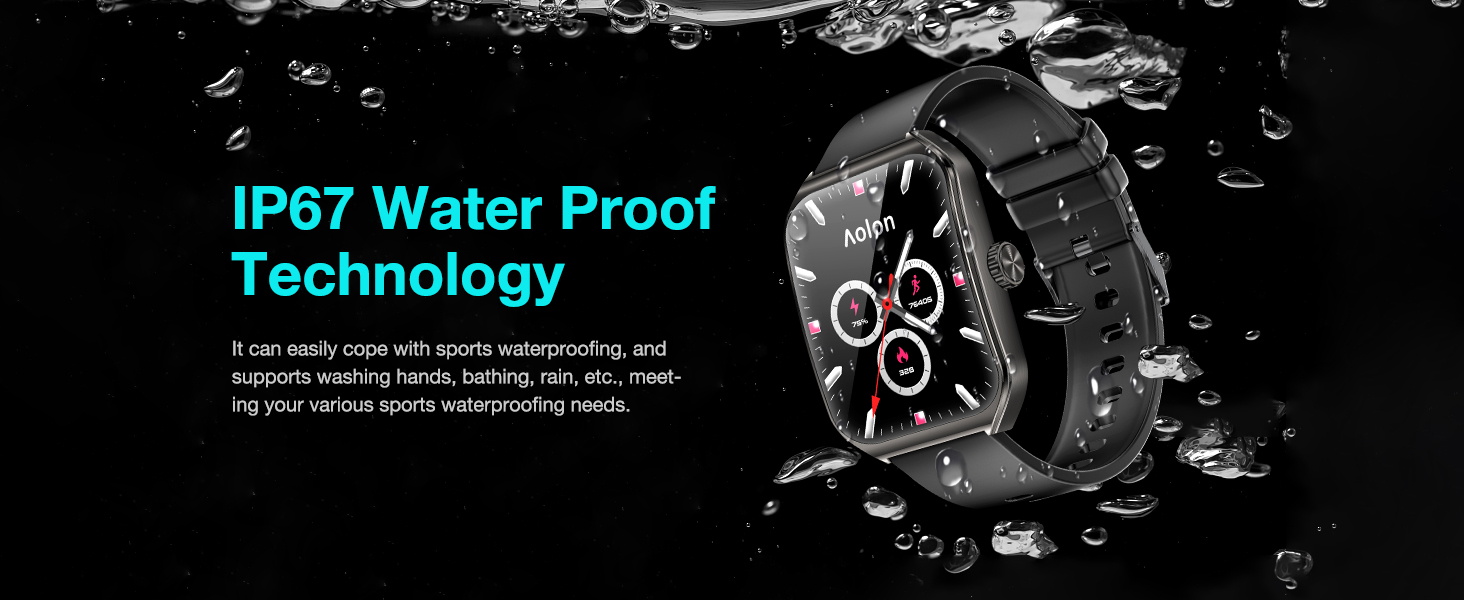
Image: The smartwatch displaying an 80% charge level, with an arrow indicating longer battery life, and text showing 2 days heavy use, 7 days regular use, and 2 hours charging time.
2. Instal·lació de l'aplicació i emparellament de dispositius
To unlock the full potential of your smart watch, download the "Aolon Fit" or "GloryFit" app from your smartphone's app store (compatible with Android 6.0 or Above, iOS 9.0 or Above).
- Scan the QR code in the included user manual or search for "Aolon Fit" or "GloryFit" in the App Store (iOS) or Google Play Store (Android).
- Instal·leu l'aplicació i obriu-la.
- Assegureu-vos que el Bluetooth estigui habilitat al vostre telèfon intel·ligent.
- In the app, navigate to the "Add Device" section and select "Aolon Curve 2" from the list of available devices to pair.
- Seguiu les indicacions a la pantalla per completar el procés de vinculació.
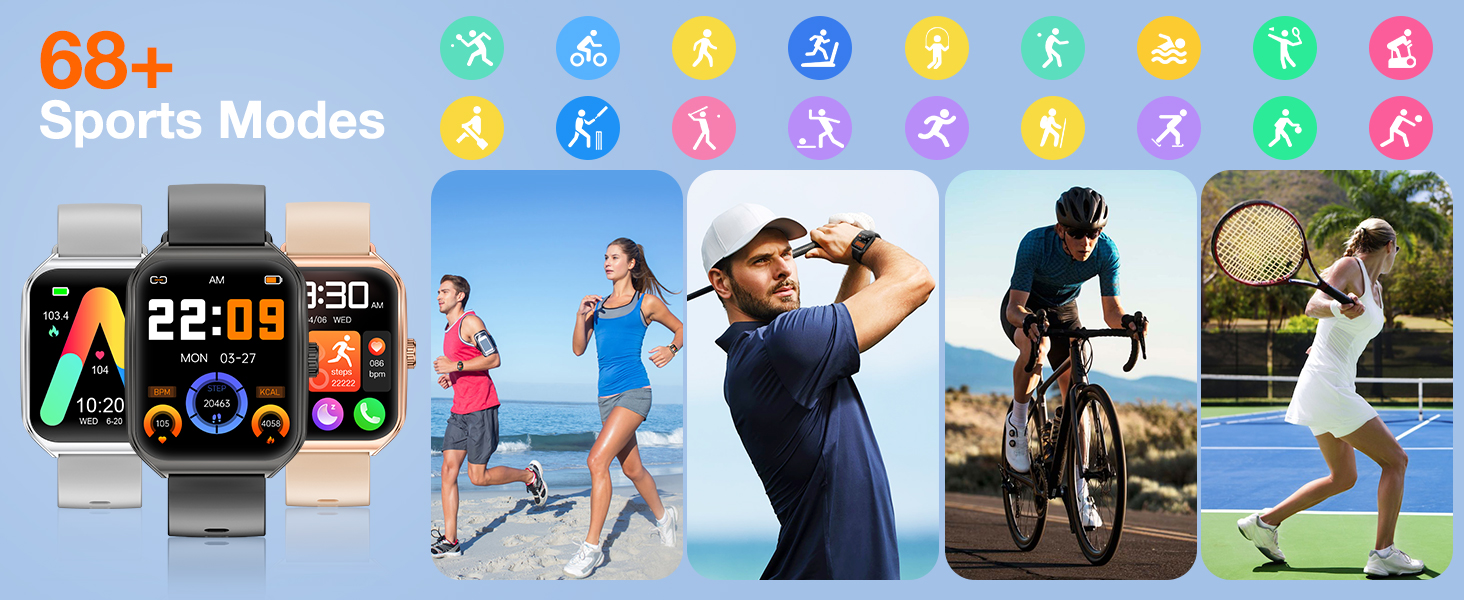
Image: A visual guide demonstrating the steps to connect the smartwatch using the companion app, including downloading the app, enabling Bluetooth, adding the device, and selecting "Aolon Curve 2".
Instruccions de funcionament
1. Navegació bàsica
The AOLON Curve 2 Smart Watch features a responsive 1.83" HD touch screen and a classic crown for intuitive navigation.
- Pantalla tàctil: Llisca esquerra/dreta, amunt/avall per navegar pels menús i les funcions. Toca per seleccionar.
- Side Crown: Press to return to the home screen or wake the display. Rotate to scroll through lists and adjust settings.
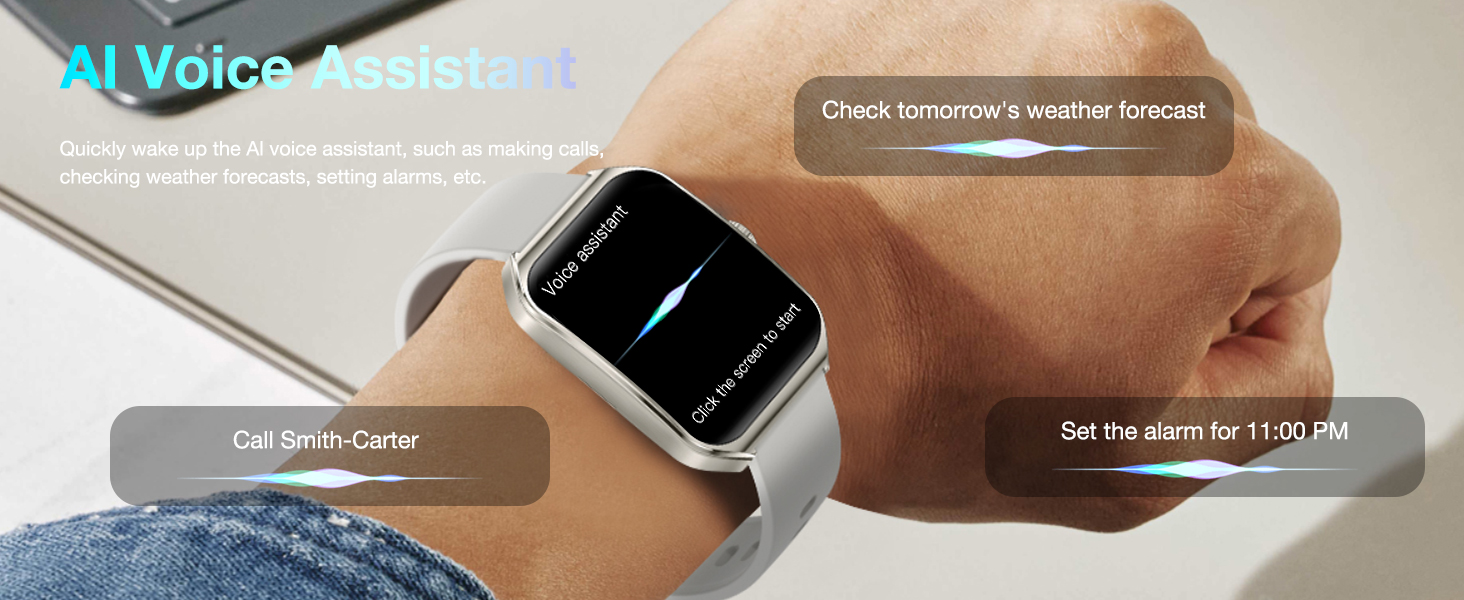
Image: The smartwatch screen showing a grid of colorful application icons, illustrating the touch-sensitive display and user interface.
2. Bluetooth Calls and Message Reminders
With its built-in microphone and speaker, the Curve 2 allows you to manage calls directly from your wrist and receive real-time notifications.
- Fer/Rebre trucades: Once paired, you can make, receive, and reject calls directly on the watch. Synchronize up to 100 contacts and view historial de trucades.
- Notificacions de missatges: Receive notifications from various apps (e.g., SMS, social media) directly on your watch, ensuring you don't miss important information.
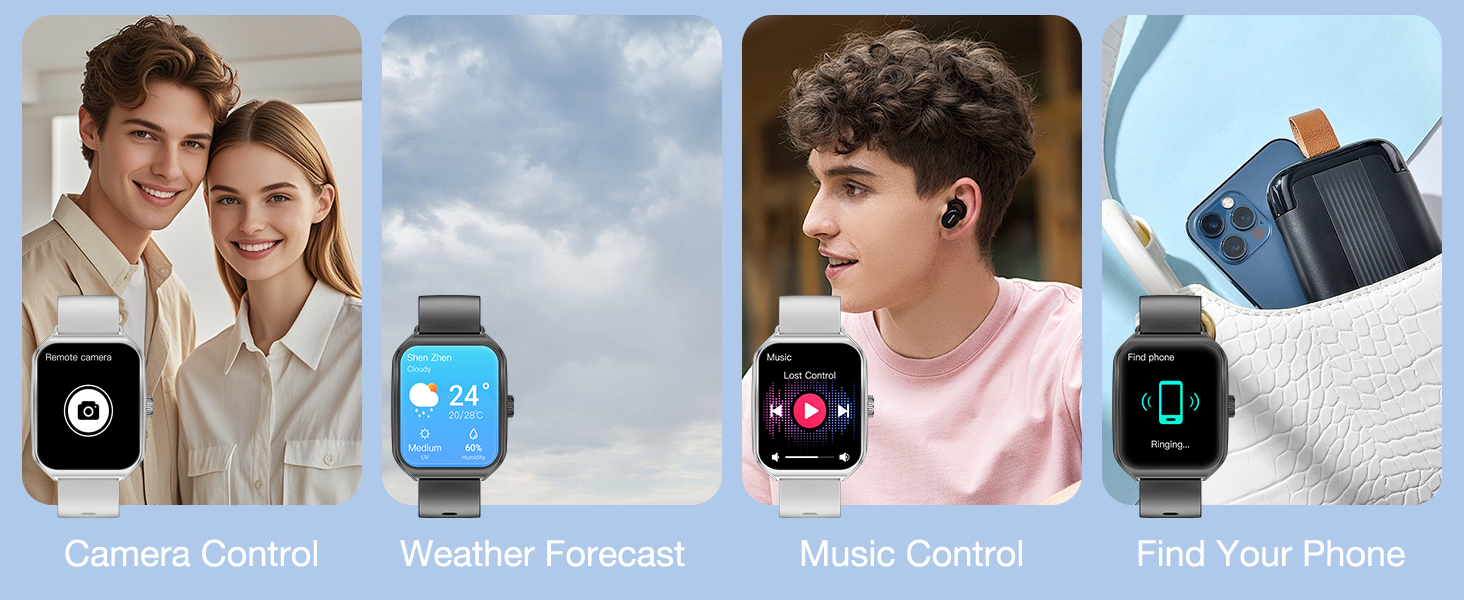
Image: Two scenarios demonstrating call management and message synchronization on the smartwatch. One shows a user answering a call, and the other shows various app notifications on the watch face.
3. Music and Camera Control
Control your smartphone's music playback and camera shutter directly from your watch.
- Control de música: Play, pause, skip tracks, and adjust volume for music playing on your connected phone.
- Control de la càmera: Remotely trigger your phone's camera shutter by shaking your watch, ideal for group photos.
Image: A collage of images illustrating various practical functions of the smartwatch, including remote camera control, weather forecast display, music playback control, and the "Find Your Phone" feature.
4. AI Voice Assistant and Customizable Watch Faces
- Assistent de veu AI: Quickly activate the AI voice assistant to perform tasks like checking weather, setting alarms, or making calls.
- Esferes de rellotge personalitzables: Choose from over 150 watch faces in the app or personalize your watch with your favorite photos.
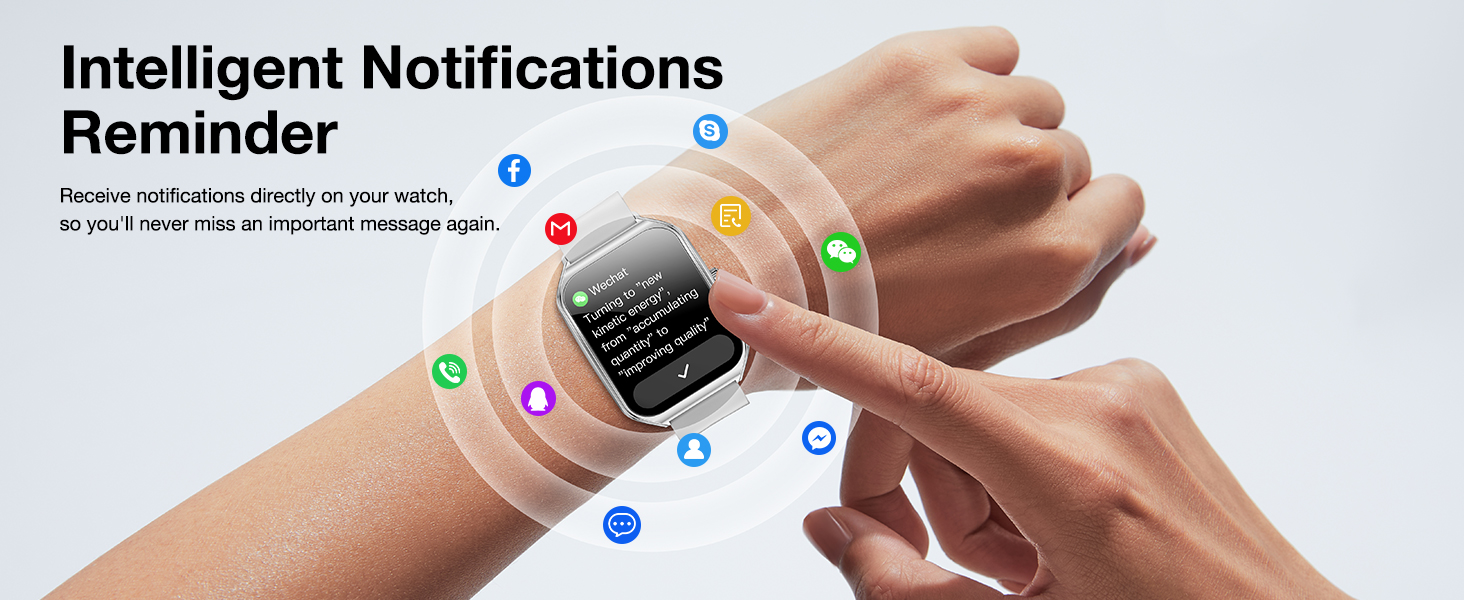
Image: A user interacting with the smartwatch's AI Voice Assistant, demonstrating voice commands for weather forecasts and making calls.
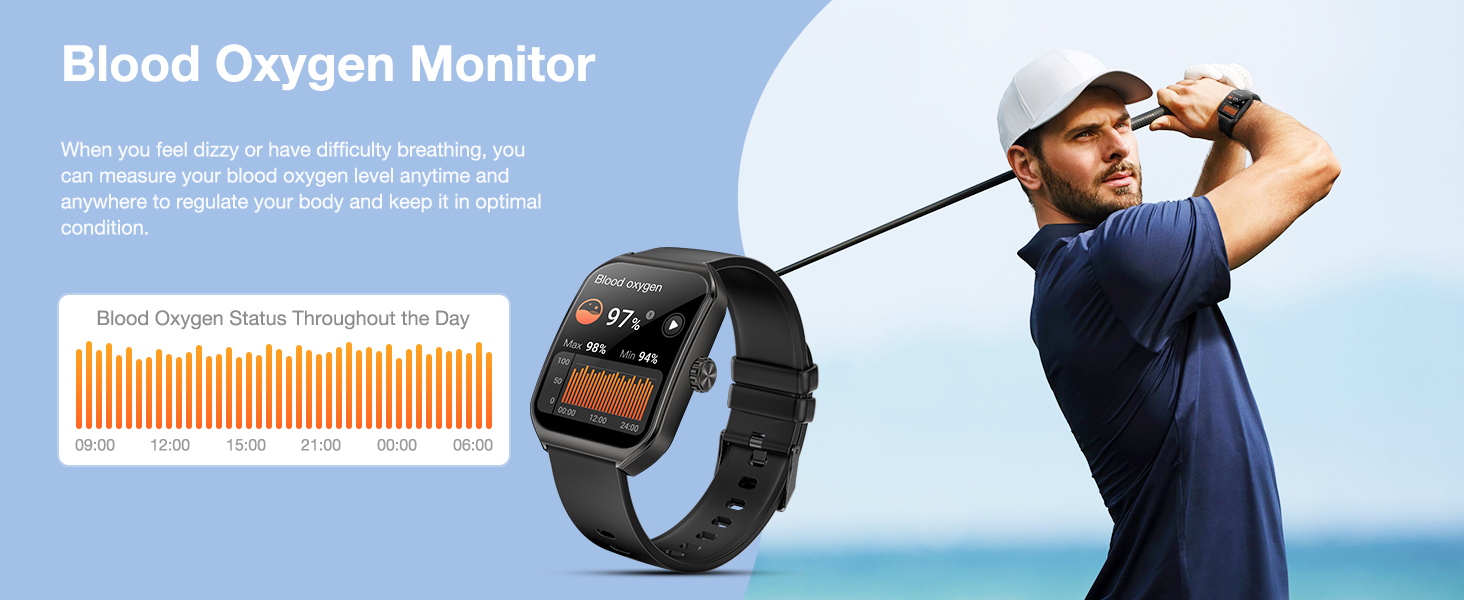
Image: A selection of customizable watch faces for the AOLON Curve 2 Smart Watch, including options to use personal photos, highlighting the variety of styles available.
Health & Fitness Tracking
The AOLON Curve 2 Smart Watch is equipped with upgraded sensors to accurately monitor your health and activity data.
1. Heart Rate and Blood Oxygen Monitoring
- Freqüència cardíaca: Monitors real-time heart rate throughout the day, providing alerts for abnormal readings.
- Oxigen en sang (SpO2): Measures blood oxygen levels anytime, anywhere, to help you maintain optimal health.
Image: The smartwatch displaying real-time heart rate and blood oxygen levels, with accompanying graphs showing daily status.
2. Sleep Monitoring and Menstrual Health Tracking
- Monitorització del son: Tracks sleep duration, quality, and stages (deep sleep, light sleep, awake) to help improve sleep habits.
- Salut menstrual: Provides comprehensive tracking for women's physiological cycles.
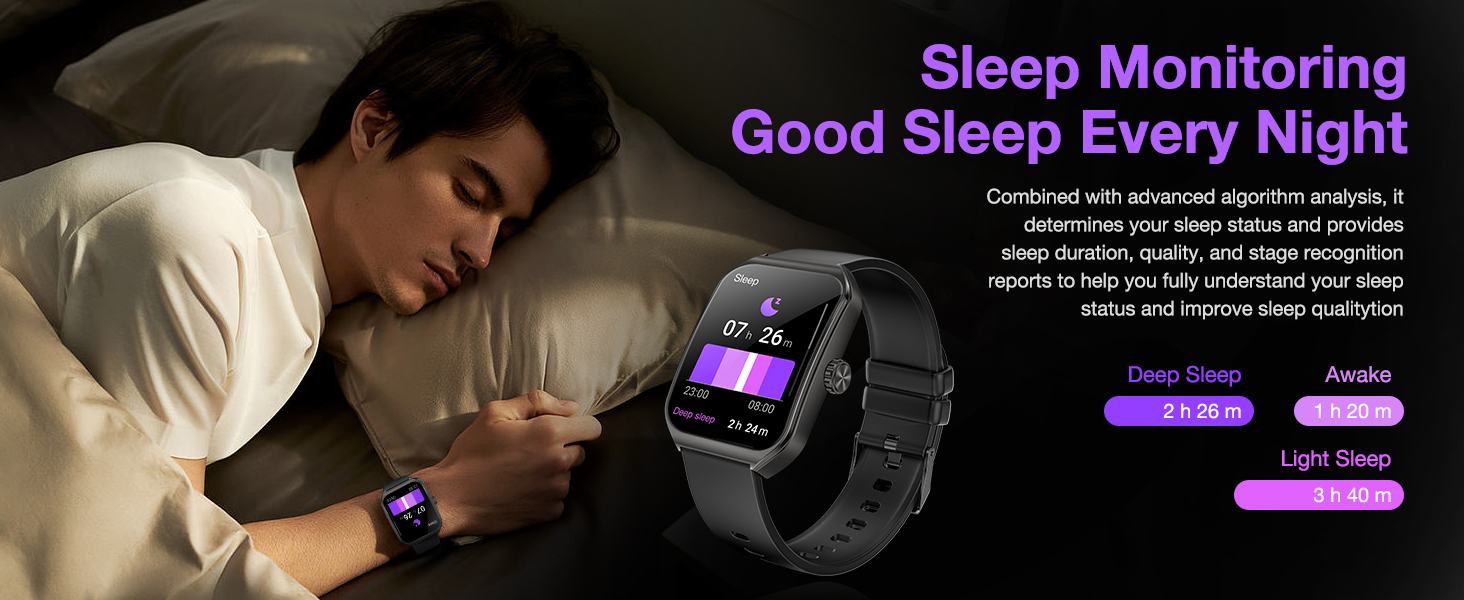
Image: The smartwatch displaying sleep data (deep, light, awake hours) and a calendar interface for menstrual health tracking.
3. Modes esportius i seguiment d'activitat
The watch supports over 120 sports modes and tracks daily activities to help you achieve your fitness goals.
- Més de 120 modes esportius: Accurately tracks calorie consumption, steps, training time, and distance for various activities like running, walking, hiking, cycling, and more.
- All-day Activity Tracking: Monitors steps, calories burned, and distance covered throughout your day.
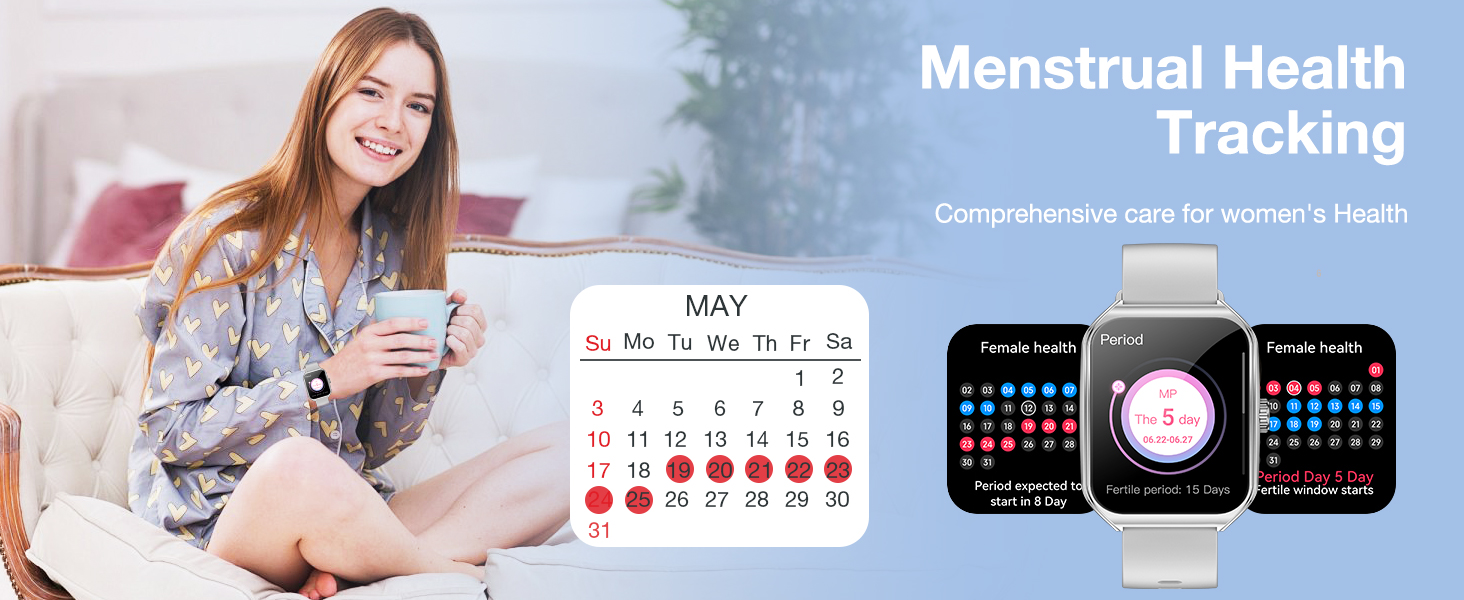
Image: A visual representation of the smartwatch's extensive sports modes and all-day activity tracking, showing a user hiking and the watch displaying steps, calories, and distance.
Característiques addicionals
- Pronòstic del temps: Get real-time weather updates directly on your wrist.
- Troba el teu telèfon: Locate your misplaced smartphone using the watch.
- Despertador: Configura alarmes per despertar-te o recordar-te esdeveniments importants.
- Cronòmetre i temporitzador: Utilize precise timing functions for workouts or daily tasks.
- Calculadora: Perform quick calculations on the go.
- Llanterna: Use the watch screen as a convenient light source.
- Recordatori sedentari: Rep alertes per moure't després de períodes d'inactivitat.
- Exercicis de respiració: Sessions de respiració guiada per a la relaxació.
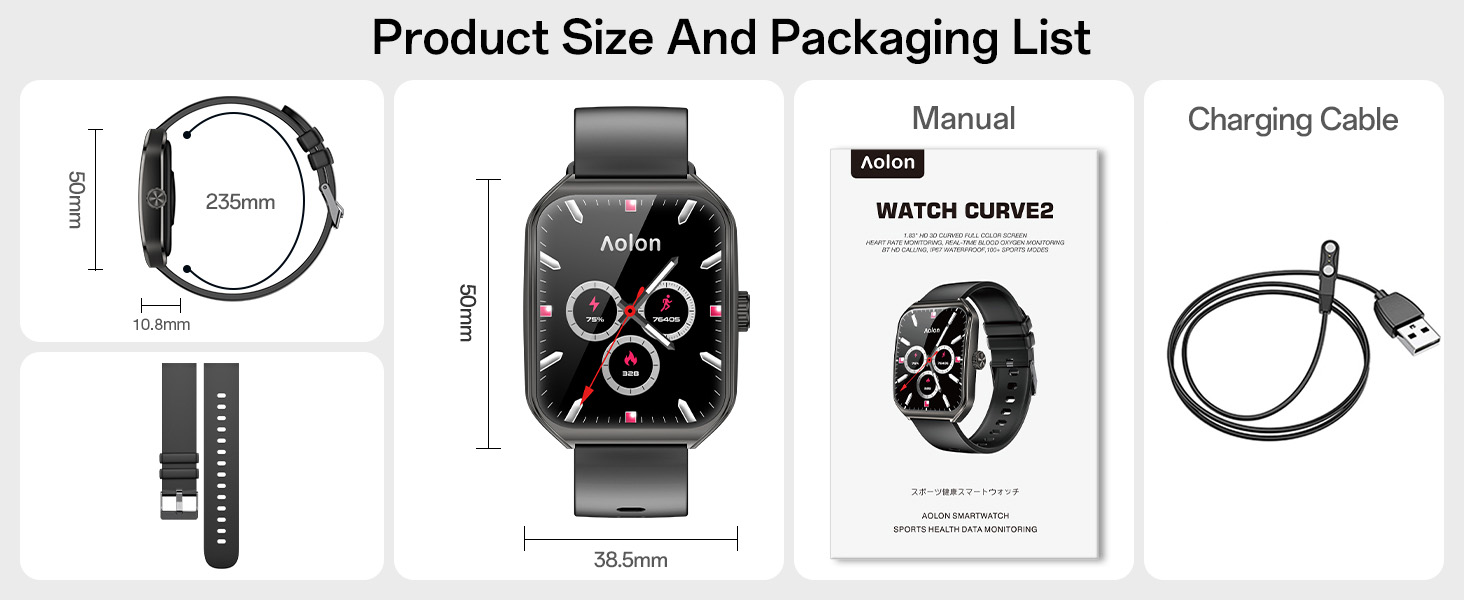
Image: A collage of images illustrating practical functions such as alarm clock, stopwatch, sedentary reminder, and guided breathing training.
Manteniment
1. Resistència a l'aigua (IP67)
The AOLON Curve 2 Smart Watch features an IP67 waterproof rating, meaning it is resistant to splashes, rain, and brief immersion in water. It is suitable for daily waterproof requirements like washing hands. Do not use the watch for swimming, diving, or in hot water/steam environments.
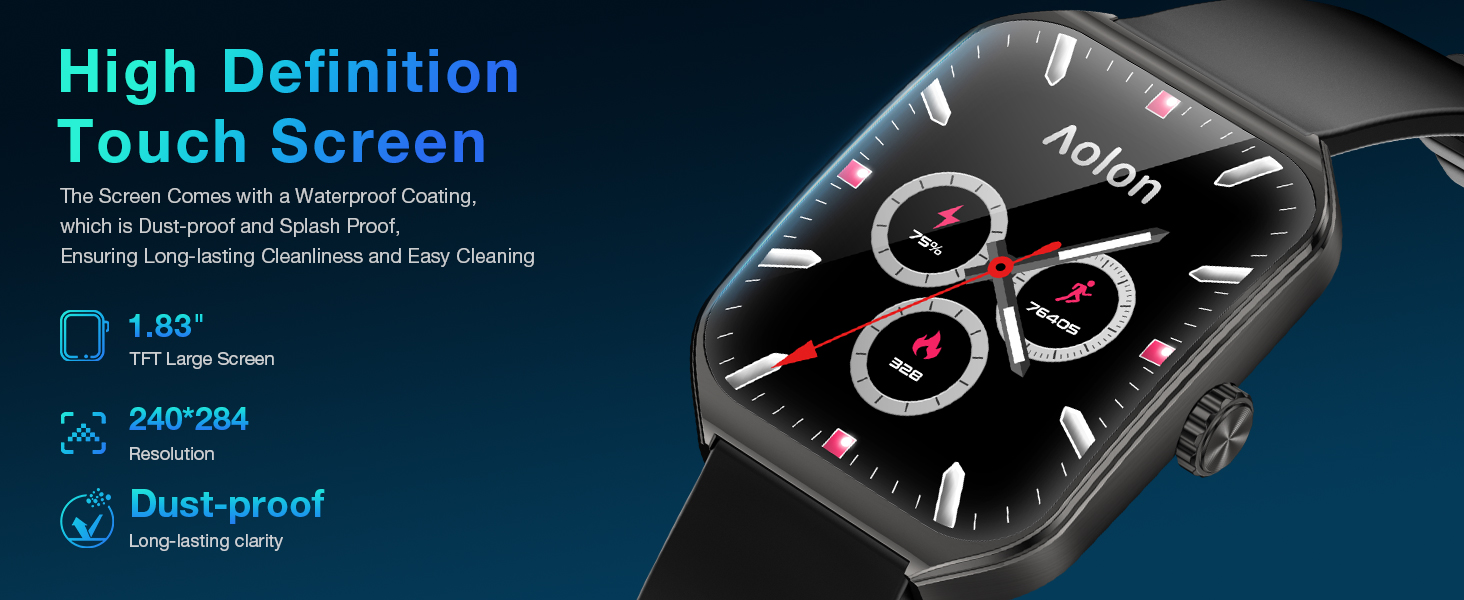
Image: The smartwatch being splashed with water, illustrating its IP67 waterproof technology and ability to handle sports waterproofing.
2. Neteja i cura
- Netegeu el rellotge i la corretja regularment amb un drap suau i sec.amp tela.
- Eviteu utilitzar productes químics o materials abrasius.
- Assegureu-vos que els contactes de càrrega estiguin nets i secs abans de carregar.
3. Cura de la bateria
- Eviteu les temperatures extremes (calor o fred), ja que poden afectar la durada de la bateria.
- No deixeu el rellotge completament descarregat durant períodes prolongats.
Resolució de problemes
| Problema | Solució |
|---|---|
| El rellotge no s'encén | Ensure the watch is fully charged. Press and hold the side crown for a few seconds. |
| No es pot emparellar amb el telèfon intel·ligent |
|
| Dades de salut inexactes | Ensure the watch is worn snugly on your wrist, about one finger's width from your wrist bone. Keep the sensor clean. Note that data is for reference and not for medical diagnosis. |
| No apareixen notificacions | Check app notification settings on your phone and within the "Aolon Fit" or "GloryFit" app. Ensure the app is running in the background. |
Especificacions
| Nom del model | Corba 2 |
| Mida de la pantalla | 1.83 inches TFT Color Screen |
| Resolució de visualització | 240*284 |
| Capacitat de la bateria | 230 mAh |
| Classificació impermeable | IP67 |
| Connectivitat | Bluetooth 5.0 |
| Compatibilitat de sistemes operatius | Android 6.0 or Above, iOS 9.0 or Above |
| Material de la caixa | Aliatge de zinc |
| Material de la corretja | Silicona |
| Pes | 5.3 unces |
Garantia i Suport
AOLON proudly stands behind its products with a 2-year quality support guarantee. Should you encounter any issues with your Curve 2 Smart Watch, please contact our exceptional customer support team. You can find relevant order information and tap "CONTACT SELLER" on the platform where you purchased the product. We are ready to assist you and ensure your satisfaction.

Image: A graphic indicating "2 Years After-Sales Service" and instructions to contact the seller for any product issues.


