
Introducció
This manual provides detailed instructions for the Tikkers Series 34 Smartwatch. It covers setup, operation, maintenance, and troubleshooting to help you get the most out of your device. The Tikkers Series 34 Smartwatch is designed for children and teenagers, offering a range of features and a stylish design.

Figura 1: The Tikkers Series 34 Smartwatch, featuring a pink strap and a customizable watch face with a unicorn design.

Figura 2: The Tikkers Series 34 Smartwatch comfortably worn on a child's wrist, displaying the time and a playful watch face.
Què hi ha a la caixa
Upon unboxing your Tikkers Series 34 Smartwatch, please ensure all the following items are present:
- Tikkers Series 34 Smartwatch
- USB Charging Cable (magnetic attachment)
- Manual d'instruccions (aquest document)
- Embalatge de caixa de regal

Figura 3: Included items in the Tikkers Series 34 Smartwatch package. This image shows the pink smartwatch, a USB charging cable, and a quick start guide, all presented within a branded gift box.
Configuració
1. Càrrega del rellotge intel·ligent
Before initial use, fully charge your Tikkers Series 34 Smartwatch. A full charge typically takes approximately 2 hours.
- Connect the USB charging cable to a standard USB power adapter (not included) or a computer's USB port.
- Alinea l'extrem magnètic del cable de càrrega amb els contactes de càrrega de la part posterior del rellotge intel·ligent. Els imants l'enganxaran al seu lloc.
- The watch screen will indicate charging status.
2. Instal·lació i emparellament de l'aplicació
The Tikkers Series 34 Smartwatch requires the free Tikkers Time app for full functionality and customization. The app is compatible with both iOS and Android smartphones.
- Descarrega't el Tikkers Time aplicació des de Google Play Store (per a dispositius Android) o des de l'Apple App Store (per a dispositius iOS).
- Assegureu-vos que el Bluetooth del vostre telèfon intel·ligent estigui activat.
- Obriu el Tikkers Time app and follow the on-screen instructions to create an account or log in.
- Within the app, select the option to "Add Device" or "Pair Smartwatch."
- The app will search for nearby Tikkers smartwatches. Select your Tikkers Series 34 from the list.
- Confirma la sol·licitud d'emparellament tant al teu telèfon intel·ligent com al rellotge intel·ligent si se't demana.

Figura 4: The Tikkers Time app, available for both iOS and Android, is essential for managing smartwatch settings and data.
Funcionament del rellotge intel·ligent
The Tikkers Series 34 Smartwatch features a color touch screen for navigation and a side button for power and screen activation.
Navegació bàsica
- Llisca cap amunt/avall: Desplaça't pels menús i les notificacions.
- Llisca cap a l'esquerra/dreta: Accedir a diferents pantalles de funcions (per exemple, dades d'activitat, freqüència cardíaca, temps).
- Toca: Seleccioneu un element o obriu una aplicació.
- Botó lateral: Press to wake the screen, return to the home screen, or long-press to power on/off.
Característiques clau
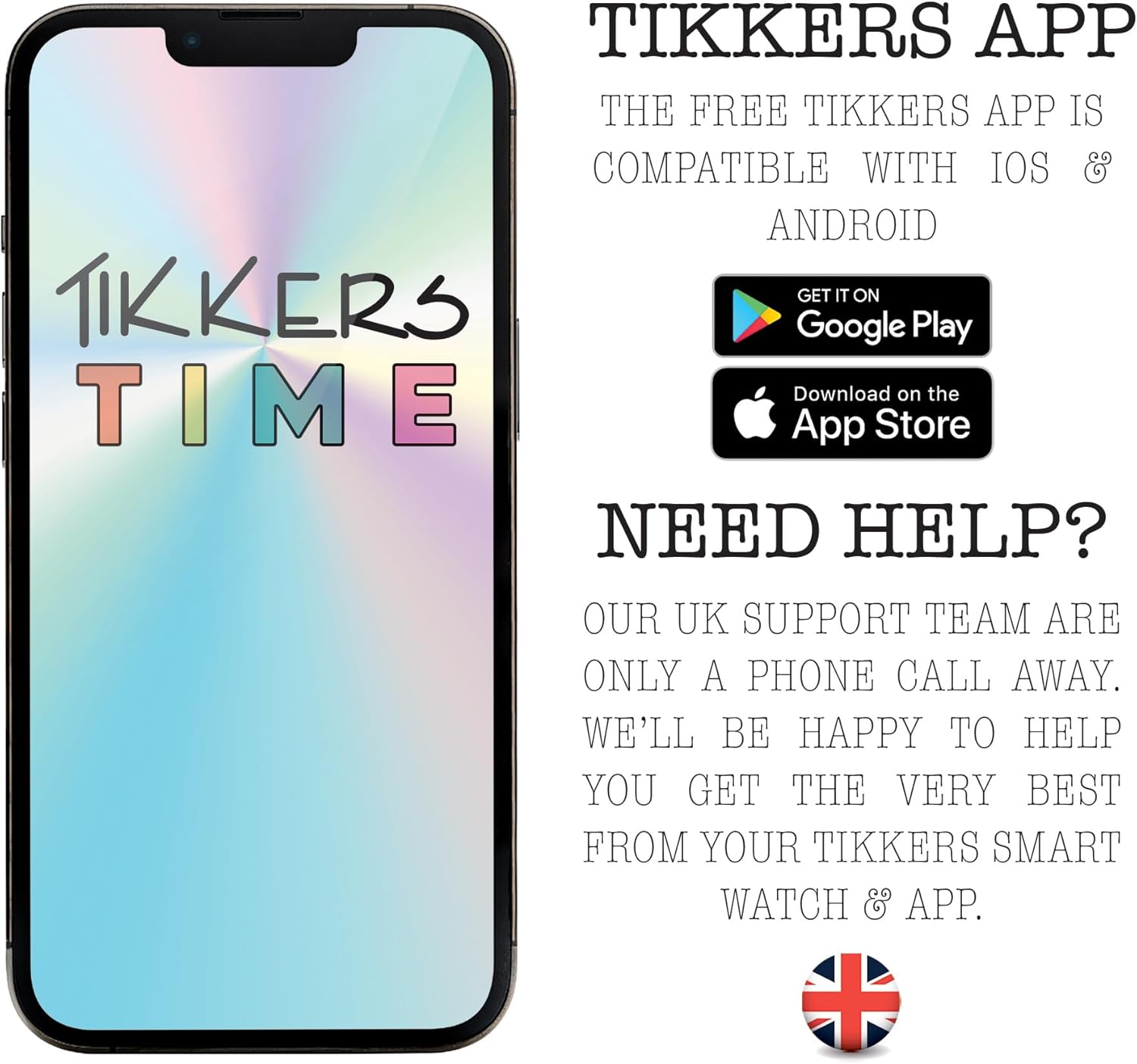
Figura 5: Visual representation of the smartwatch's core functionalities, such as step counting, heart rate monitoring, sleep analysis, and message notifications.
Seguiment de la forma física
- Comptador de passos: Automatically tracks your daily steps. View your progress on the watch or in the Tikkers Time app.
- Monitor de freqüència cardíaca: Measures your heart rate. Access this feature from the watch menu or set up continuous monitoring via the app.
- Modes esportius: Select from various sport modes (e.g., walking, running, cycling) to track specific workouts. Data is recorded and synced with the app.
- Connexió GPS: When connected to your smartphone, the watch can utilize your phone's GPS for tracking outdoor activities like walks or runs.
Communication & Notifications
Stay connected with call, message, and social media notifications directly on your wrist. These alerts can be managed or disabled via the Tikkers Time app settings.
- Alertes de trucades: Rebre notificacions de trucades entrants.
- Notificacions de missatges: View missatges de text entrants.
- Social Media Alerts: Get notifications from selected social media applications.
Health & Well-being
- Monitor de son: Fa un seguiment dels patrons i la qualitat del son. View detailed analysis in the Tikkers Time app.
- Recordatoris d'hidratació: Set reminders to drink water throughout the day.
- Exercicis de respiració: Guided breathing exercises to help with relaxation.
- Alarmes: Set multiple alarms for various purposes, such as waking up or reminders.
Funcions addicionals
- Control de música: Controla la reproducció de música al teu telèfon intel·ligent connectat (reprodueix, pausa, salta pistes).
- Control de la càmera: Use the watch as a remote shutter for your smartphone's camera, ideal for selfies.
- Alertes meteorològiques: Receive current weather information when connected to your smartphone.
- Localitzador de rellotges: A feature within the app to help locate your watch if it's within Bluetooth range.
Personalització
Personalize your smartwatch to match your style.
- Cares de visualització: Choose from a selection of vibrant pre-installed watch faces.
- Custom Photos: Upload your own photos via the Tikkers Time app to create personalized watch faces.

Figura 6: The Tikkers Series 34 Smartwatch offers multiple dial designs and the option to use personal photos for customization, managed through the companion app.
Manteniment
Resistència a l'aigua (IP68)
The Tikkers Series 34 Smartwatch is rated IP68 for water resistance. This means it is protected against dust ingress and can withstand immersion in water up to 1.5 meters for up to 30 minutes. It is suitable for everyday use, such as washing hands or light rain. However, it is no recomanable for swimming, showering with hot water, or diving, as steam and high water pressure can compromise the seals.
Neteja
To clean your smartwatch:
- Netegeu la pantalla i la corretja amb un drap suauamp tela.
- Avoid using harsh chemicals, abrasive cleaners, or solvents, as these can damage the watch's finish and components.
- Assegureu-vos que el rellotge estigui completament sec abans de carregar-lo.
Cura de la bateria
To prolong the battery life of your smartwatch:
- Eviteu les temperatures extremes, tant les de calor com les de fred.
- No permeteu que la bateria es descarregui completament amb freqüència.
- Carregueu el rellotge regularment, fins i tot si no l'utilitzeu diàriament.
Resolució de problemes
| Problema | Causa possible | Solució |
|---|---|---|
| El rellotge no s'encén. | Bateria baixa. | Carregueu el rellotge durant almenys 30 minuts. |
| No es pot emparellar amb el telèfon intel·ligent. | Bluetooth off, watch not in pairing mode, app issue. | Ensure Bluetooth is on. Restart both watch and phone. Reinstall Tikkers Time app. |
| Notificacions no rebudes. | App permissions, notification settings in app. | Check app notification settings and phone's app permissions. Ensure watch is connected. |
| Dades de fitness inexactes. | Improper fit, sensor obstruction. | Ensure the watch is worn snugly on the wrist. Clean the heart rate sensor. |
| La pantalla no respon. | Error temporal de programari. | Restart the smartwatch by long-pressing the side button. |
Especificacions
| Característica | Detall |
|---|---|
| Marca | Tikkers |
| Número de model | TKS34-0022 |
| Color | Rosa |
| Mida de la pantalla | 1.69 polzades |
| Connectivitat | Bluetooth |
| Operating System (Compatibility) | Android (compatible with Android smartphones) |
| Resistència a l'aigua | IP68 |
| Tipus de bateria | Polímer de liti |
| Capacitat de la bateria | 200 mAh |
| Característiques especials | Fitness tracking, sport modes, sleep monitor, heart rate monitor, call alerts, message notifications, social media notifications, GPS connection (via phone), weather alerts, music control, camera control. |
Garantia i Suport
Garantia
The Tikkers Series 34 Smartwatch comes with a 2 anys de garantia from the date of purchase. This warranty covers manufacturing defects under normal use. Please retain your proof of purchase for any warranty claims. The warranty does not cover damage caused by misuse, accidents, unauthorized repairs, or normal wear and tear.
Atenció al client
For any questions, technical assistance, or warranty claims, please contact the Tikkers support team. Our UK support team is available to assist you.
- Refer to the contact information provided in the packaging or on the official Tikkers weblloc.
- Visit the Tikkers weblloc web per a preguntes freqüents i recursos addicionals.