
VTech VG232
Manual d'usuari del telèfon sense fil VTech VG232
Model: VG232
Introducció
This manual provides detailed instructions for the setup, operation, and maintenance of your VTech VG232 Cordless Phone with Answering System. Please read this manual thoroughly to ensure proper use and to take full advantage de totes les característiques.

Image: VTech VG232 Cordless Phone and Base Unit
Què hi ha a la caixa
Comproveu que el vostre paquet contingui els elements següents:
- Unitat base
- Telèfon sense fil
- Adaptador de CA
- Paquet de bateries
- Cordó de línia telefònica
Configuració
1. Instal·lació de la bateria
- Obriu la tapa del compartiment de la bateria a la part posterior del telèfon.
- Connect the battery pack connector securely into the jack inside the compartment.
- Place the battery pack with the label UP.
- Tanqueu la tapa del compartiment de la bateria.
2. Connexió de la unitat base
- Plug the small end of the AC adaptor into the power jack on the back of the telephone base.
- Plug the large end of the AC adaptor into a wall outlet not controlled by a wall switch.
- Plug one end of the telephone line cord into the telephone jack on the back of the telephone base.
- Connecteu l'altre extrem del cable de la línia telefònica a una presa de paret.
3. Càrrega inicial
Place the handset in the telephone base to charge. The handset will display 'Charging' and the charge light on the handset will illuminate. Allow at least 16 hours for the battery to fully charge before initial use.
4. Opcions de col·locació
The VTech VG232 base unit can be placed on a tabletop or mounted on a wall.

Image: VTech VG232 Cordless Phone Base Unit on a tabletop and wall-mounted
Instruccions de funcionament
Sistema de resposta digital
The integrated digital answering system records messages when you are unavailable to answer calls. It offers up to 14 minutes of recording time.
- Reproducció de missatges: Premeu PLAY/STOP a la unitat base.
- Ometent missatges: Premeu SALTAR to advance to the next message.
- Missatges repetits: Premeu REPETIR to replay the current message. Press twice to go to the previous message.
- Eliminació de missatges: Premeu ELIMINAR durant la reproducció del missatge.
- Comptador de missatges: La unitat base mostra el nombre de missatges nous.

Image: VTech VG232 Cordless Phone with Digital Answering System

Image: VTech VG232 Cordless Phone indicating 14 minutes of recording time

Image: VTech VG232 Cordless Phone base unit with message counter displaying '12'
Identificador de trucades/Trucada en espera
The phone displays the name, number, time, and date of incoming calls. It stores up to 50 calls in the Caller ID log.
- ReviewTrucades: Utilitza el CID button to scroll through the Caller ID log.
- Tornant a trucar: Premeu XERRADA / FLASH to call a number from the Caller ID log.

Image: VTech VG232 Cordless Phone displaying Caller ID information and storing 50 calls
Full-Duplex Handset Speakerphone
Engage the speakerphone function for hands-free conversations. The full-duplex feature allows both parties to speak and be heard simultaneously.
- Activating Speakerphone: Premeu el botó XERRADA / FLASH button during a call to switch to speakerphone.
- Ajust de volum: Utilitza el VOLUM buttons on the handset.
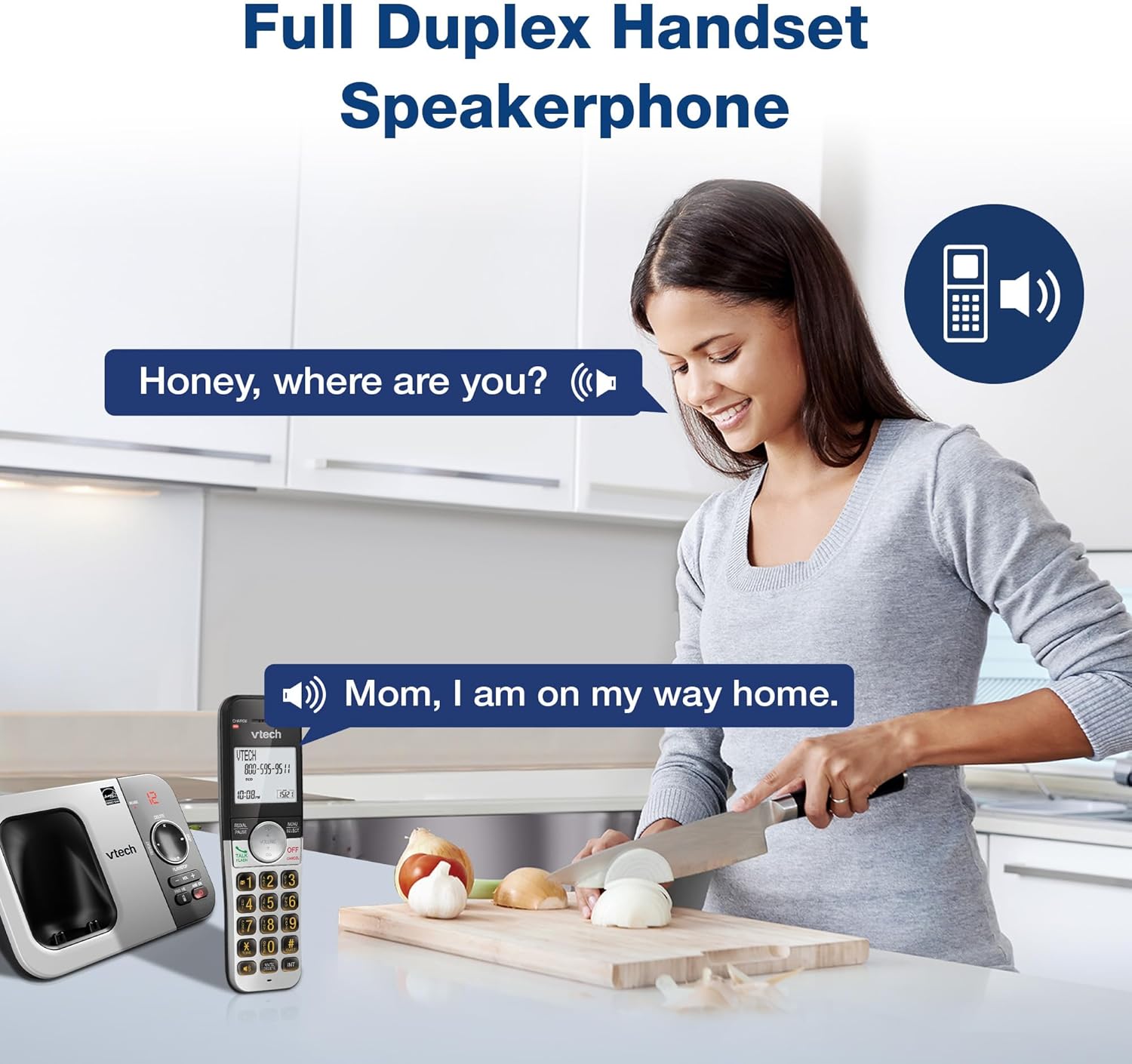
Image: VTech VG232 Cordless Phone with Full Duplex Handset Speakerphone in use
Backlit Keypad and Display
The handset features a backlit keypad and a large 2-inch white backlit LCD screen for improved visibility in low-light conditions.

Image: VTech VG232 Cordless Phone with illuminated keypad
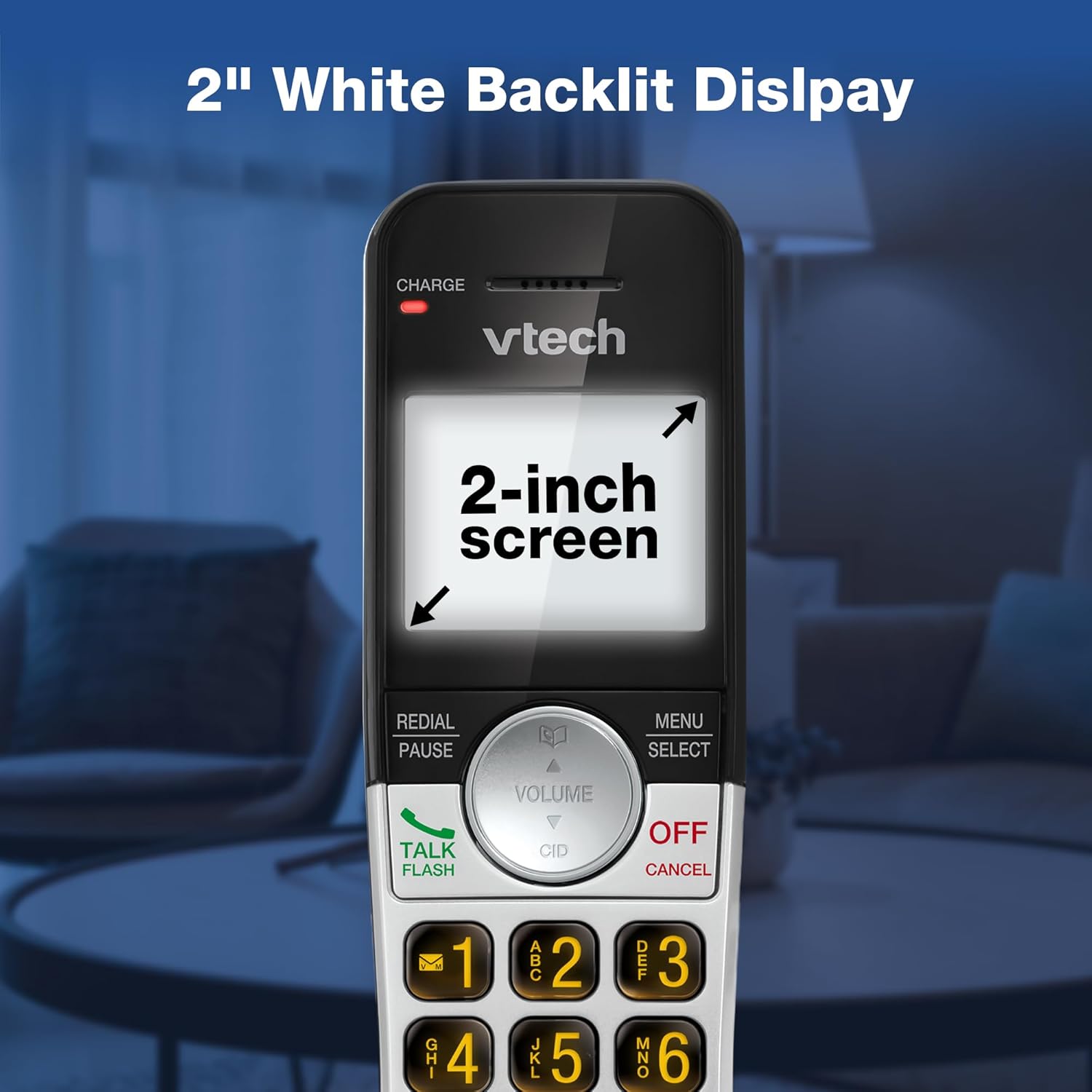
Image: VTech VG232 Cordless Phone with 2-inch white backlit display
Mode silenciós
Activate Quiet Mode to silence the ringer on the handset and base unit for a specified period, providing uninterrupted peace.
- Activating Quiet Mode: Manteniu premut el botó TRANQUIL button (usually #) on the handset. Follow the on-screen prompts to set the duration.

Image: VTech VG232 Cordless Phone showing Quiet Mode feature
Agenda telefònica
Emmagatzemeu fins a 50 noms i números a la llibreta telefònica per marcar ràpidament.
- Adding Entries: Premeu MENÚ/SELECT, navigate to Phonebook, and select 'Add New Entry'.
- Searching Entries: Use the alphabetical search function or scroll through the list.

Image: VTech VG232 Cordless Phone displaying 50 Name and Number Phonebook Contacts
Last 10 Number Redial
Quickly redial any of the last 10 numbers called.
- Remarcació: Premeu REMARCAT/PAUSA a view the last 10 numbers. Select a number and press XERRADA / FLASH per marcar.

Image: VTech VG232 Cordless Phone showing Last 10 Number Redial feature
Intercom Between Handsets (if applicable)
If you have multiple handsets, you can use the intercom feature to communicate between them.
- Iniciació de l'intercomunicador: Premeu INT on the handset and select the desired handset to call.

Image: Two VTech VG232 Cordless Handsets communicating via intercom
Remote Access to Answering System
Access your answering system messages from an outside line.
- Accessing: Dial your phone number from an external phone. When the answering system answers, enter your remote access code.

Image: VTech VG232 Cordless Phone showing remote access feature
Manteniment
To ensure the longevity and optimal performance of your VTech VG232 Cordless Phone, follow these maintenance guidelines:
- Neteja: Netegeu el telèfon i la unitat base amb un drap suau iamp drap. No utilitzeu esprais de neteja ni productes químics agressius.
- Cura de la bateria: Replace the battery pack when the handset indicates low battery or when performance significantly decreases. Use only the specified replacement battery.
- Condicions ambientals: Eviteu exposar el telèfon a temperatures extremes, llum solar directa o humitat.
Resolució de problemes
If you experience issues with your phone, refer to the following common problems and solutions:
| Problema | Solució |
|---|---|
| Sense to de marcatge | Ensure the telephone line cord is securely connected to both the base unit and the wall jack. Check if the AC adaptor is properly connected to the base unit and a working power outlet. |
| Handset displays "Low Battery" | Place the handset in the base unit to charge. Allow at least 16 hours for a full charge. If the issue persists, the battery pack may need replacement. |
| No sento la persona que truca / La persona que truca no em sent | Adjust the handset volume. Check the telephone line cord connection. If using speakerphone, ensure you are speaking clearly towards the handset. |
| El contestador automàtic no enregistra els missatges | Ensure the answering system is turned ON. Check if the memory is full; delete old messages if necessary. |
| No es mostra l'identificador de trucades | Assegureu-vos que esteu subscrit al servei d'identificació de trucades del vostre proveïdor de serveis telefònics. |
Especificacions
| Característica | Detall |
|---|---|
| Número de model | VG232 |
| Dimensions del producte | 5.54 x 3.36 x 7.23 polzades |
| Pes de l'article | 1.1 lliures |
| Tipus de telèfon | Sense fils |
| Tipus de contestador | Digital |
| Temps d'enregistrament del contestador automàtic | Fins a 14 minuts |
| Memòria d'identificació de trucades | 50 trucades |
| Capacitat de l'agenda | 50 noms i números |
| Mostra | 2-inch White Backlit LCD |
| Teclat | Retroil·luminat |
| Font d'alimentació | Battery Powered (1 Product Specific battery included) |
| Material | Plàstic |
| Color | Plata, Negre |
| Dispositius compatibles | PSTN networks, VTech models |
Garantia i Suport
VTech products are manufactured with high-quality components and are designed to provide years of trouble-free operation. For specific warranty details, please refer to the warranty card included with your purchase or visit the official VTech weblloc.
For technical support, product registration, or to purchase accessories, please visit the VTech support weblloc web o contacteu amb el servei d'atenció al client:
- Assistència en línia: www.vtechphones.com/support
- Atenció al client: Refer to your product packaging for the most current contact information.
Documents relacionatsVG232


Ask a question about this manual
Ask about setup, troubleshooting, compatibility, parts, safety, or missing instructions. Manuals+ will review the question and use this page’s manual context to help answer it.