
Introducció
This manual provides detailed instructions for the setup, operation, and maintenance of your voijump Wireless Voice Amplifier with Lavalier Microphone. Please read this manual thoroughly before using the product to ensure proper function and longevity.
Contingut del paquet
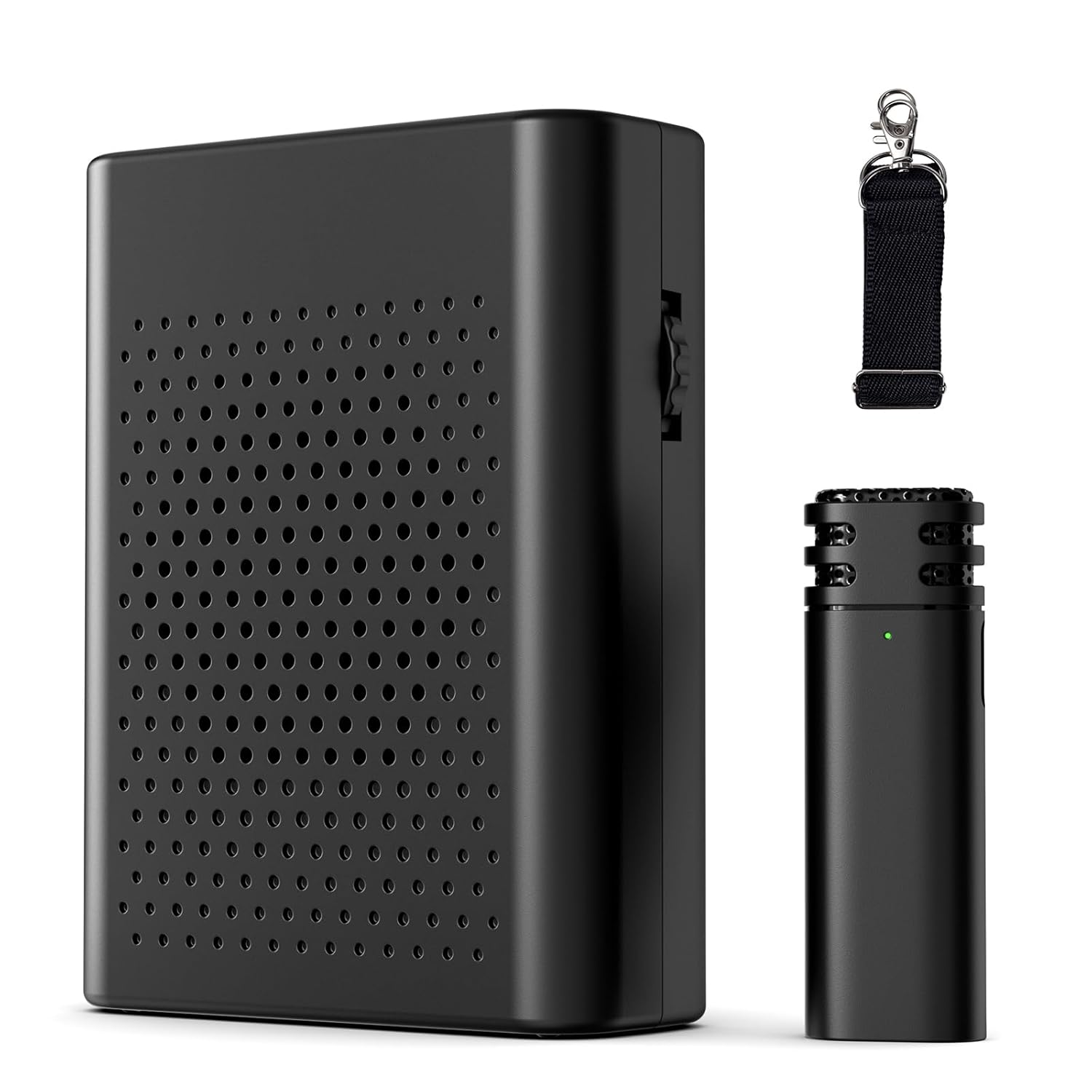
- Veu sense fils Amplificador (1 unitat)
- Wireless Lavalier Microphone (1 unit)
- Corretja (1 unitat)
- Manual d'usuari (1 unitat)
Guia de configuració
1. Càrrega dels dispositius
Before first use, fully charge both the Wireless Voice Amplifier and the Wireless Lavalier Microphone. Use the provided USB Type-C cable (not explicitly listed in contents but implied by 'Connector: USB Type-C' in specs) to connect each device to a power source.
- Veu sense fils Ampmés viu: Approximately 3-4 hours for a full charge, providing 10-12 hours of use.
- Micròfon de solapa sense fil: Approximately 1-1.5 hours for a full charge, providing 6-8 hours of use.

2. Maridatge inicial
El amplifier and microphone are designed for automatic pairing. Follow these steps:
- Pas 1: Turn on the receiver (Wireless Voice Amplifier) by rotating the knob switch to the 'ON' position. A green light will flash.
- Pas 2: Short press the power button of the microphone for 2 seconds. The indicator light on the microphone will illuminate.
- Pas 3: The indicator light on the receiver will become solid, indicating successful pairing. Clip the microphone to your clothing in an appropriate position for optimal sound capture.
Nota: If pairing is unsuccessful, turn off both devices and repeat the steps.

Instruccions de funcionament
1. Encendre/apagar
Per encendre el amplifier, rotate the side knob switch to 'ON'. To power off, rotate it to 'OFF'. For the microphone, press and hold the power button for 2 seconds to turn on, and repeat to turn off.
2. Control de volum
Ajusteu el volum de la amplifier by rotating the knob switch on the side. Rotate clockwise to increase volume and counter-clockwise to decrease it.
3. Portar els dispositius
La veu amplifier is lightweight and portable. It features a clip on the back for attachment to clothing or a belt. The included strap allows for comfortable wearing around the waist or neck. The lavalier microphone should be clipped to your collar or lapel, approximately 6-8 inches from your mouth, for optimal sound capture.


4. Noise Reduction Feature
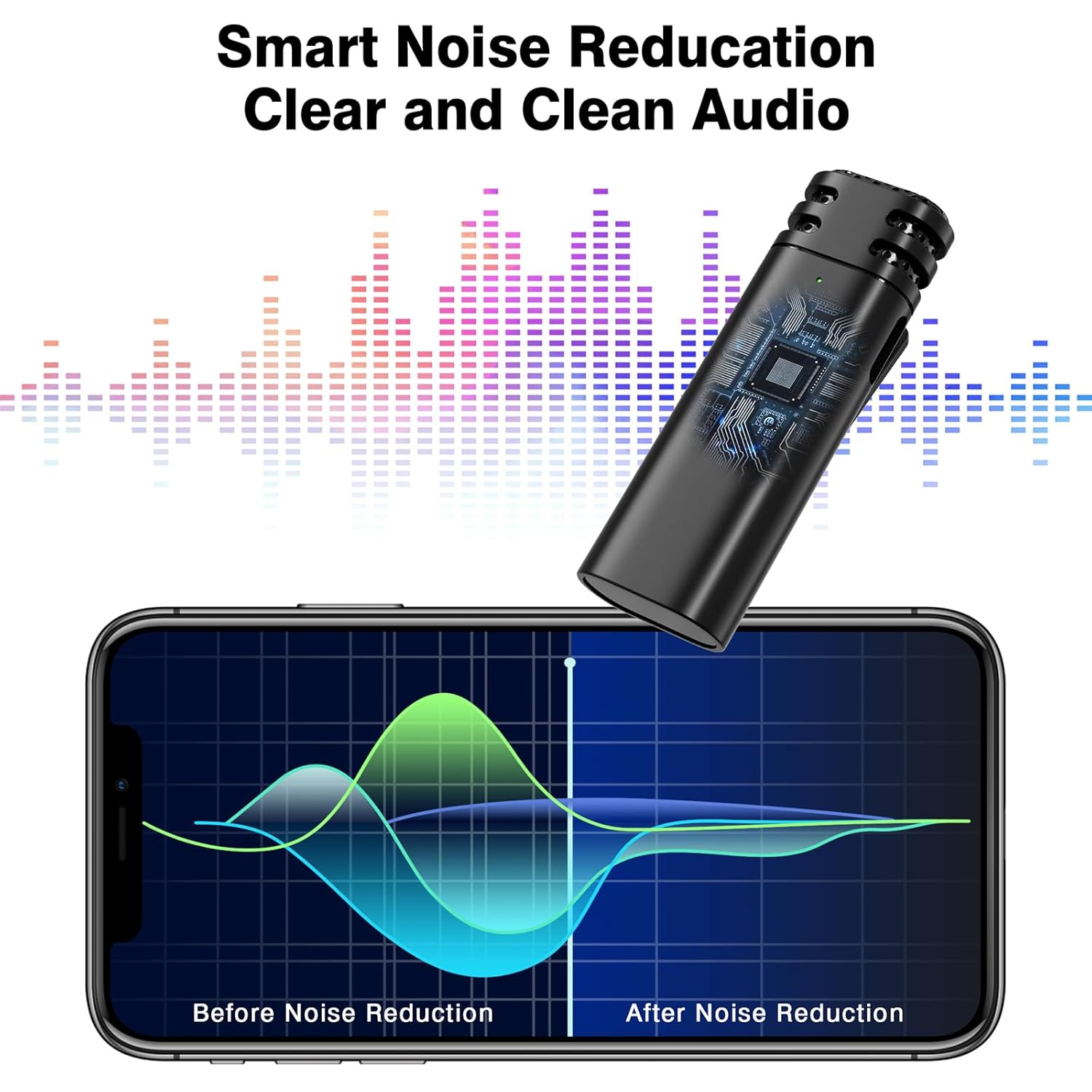
The system incorporates intelligent active noise reduction chips and an AI algorithm to filter out ambient noise, ensuring clear sound quality even in noisy environments. The high-density spray-proof sponge on the microphone further reduces wind noise and clutter.
5. Using with Wired Headphones
The Wireless Voice Amplifier includes a 3.5mm port, allowing you to connect wired headphones for personal monitoring or alternative audio output.

Manteniment
- Neteja: Use a soft, dry cloth to clean the surfaces of the amplifier and microphone. Avoid using harsh chemicals or abrasive materials.
- Emmagatzematge: Guardeu els dispositius en un lloc fresc i sec, allunyat de la llum solar directa i de temperatures extremes.
- Cura de la bateria: To prolong battery life, avoid fully discharging the devices frequently. Recharge them regularly, even if not in constant use.
- Manipulació: Handle the devices with care to prevent damage from drops or impacts.
Resolució de problemes
| Problema | Causa possible | Solució |
|---|---|---|
| Sense so ampmés viu | Amplifier or microphone is off; low battery; devices not paired. | Ensure both devices are powered on. Charge both devices. Re-pair the amplifier and microphone as per 'Initial Pairing' instructions. |
| El so està distorsionat o poc clar | Microphone too far/close; interference; volume too high. | Adjust microphone position (6-8 inches from mouth). Move away from potential sources of interference. Lower the ampvolum de lificació. |
| Echo or delayed feedback | Acoustic feedback; device placement. | Ensure the microphone is not pointing directly at the amplifier speaker. Adjust the distance between the microphone and amplifier. Reduce volume if necessary. |
| Durada de la bateria curta | Incomplete charging; aging battery. | Ensure devices are fully charged before use. If battery life significantly degrades, contact customer support. |
| Els dispositius no s'emparellan | Incorrect pairing procedure; interference. | Turn off both devices and repeat the 'Initial Pairing' steps carefully. Ensure no other wireless devices are causing interference. |
Especificacions del producte
| Característica | Especificació |
|---|---|
| Dimensions del producte | 10.92 x 3.3 x 8.38 cm |
| Pes de l'article | 299 g |
| Número de model | Veu sense fils Ampmés viu |
| Color | Negre |
| Dispositius compatibles | Ampmés viu |
| Tipus de connector | USB tipus C |
| Material | Plàstic |
| Font d'alimentació | Funciona amb bateria |
| Amplifier Battery Life | 10-12 hores (després de 3-4 hores de càrrega) |
| Durada de la bateria del micròfon | 6-8 hores (després de 1-1.5 hores de càrrega) |
| abast sense fils | Fins a 20 metres |
Suport
For any questions or assistance, please contact voijump customer service. We provide 24-hour online support to address your concerns.
Si us plau, consulteu la documentació de compra per obtenir detalls específics de la garantia.