
1. Introducció
This manual provides essential information for setting up, operating, and maintaining your DOOGEE N55PLUS Unlocked Cell Phone. Please read it carefully to ensure proper use and to maximize the device's capabilities. The DOOGEE N55PLUS is an Android 14 smartphone featuring a 6.56-inch HD+ 90Hz display, an Octa-Core processor, 20GB RAM (8GB physical + 12GB virtual), 128GB internal storage expandable up to 1TB, a 5150mAh battery, and a 13MP AI main camera.
2. Què hi ha a la caixa
- 1 x DOOGEE N55PLUS Cell Phone
- 1 x Carregador
- 1 x Type-C Port Cable
- 1 x TP Protective film (pre-applied)
- 1 x TPU Protective case
3. Configuració
3.1 Instal·lació de la targeta SIM i la targeta TF
- Localitza la safata de la targeta SIM al lateral del telèfon.
- Introduïu l'eina d'expulsió de la SIM (si s'inclou) al forat petit que hi ha al costat de la safata i premeu suaument fins que la safata surti.
- Place your Nano-SIM card(s) and/or TF card into the designated slots on the tray. Ensure the gold contacts are facing down. The phone supports dual 4G SIM cards (nano SIM1 + nano SIM2) or one nano SIM and one TF card for storage expansion.
- Torneu a inserir la safata amb cura al telèfon fins que encaixi al seu lloc.

3.2 Engegada/apagada
- Per encendre: Press and hold the Power button (located on the right side) until the DOOGEE logo appears.
- Per apagar: Press and hold the Power button until the power options menu appears. Tap 'Power off' and confirm.
- Per reiniciar: From the power options menu, tap 'Restart' and confirm.
3.3 Configuració inicial
Upon first power-on, follow the on-screen prompts to complete the initial setup. This includes selecting your language, connecting to Wi-Fi, setting up your Google account, and configuring security features like Face Unlock.
4. Com utilitzar el telèfon
4.1 Pantalla i navegació
The DOOGEE N55PLUS features a 6.56-inch HD+ Waterdrop screen with a 90Hz refresh rate, providing a smooth visual experience. Navigate the interface using touch gestures: tap to select, swipe to scroll, pinch to zoom.

4.2 Funcions de la càmera
The phone is equipped with a 13MP AI main camera and an 8MP front camera. Open the Camera app to capture photos and videos. Various modes such as Portrait, Pro Mode, Beauty, Night mode, and Panorama are available to enhance your photography.

4.3 Rendiment i emmagatzematge
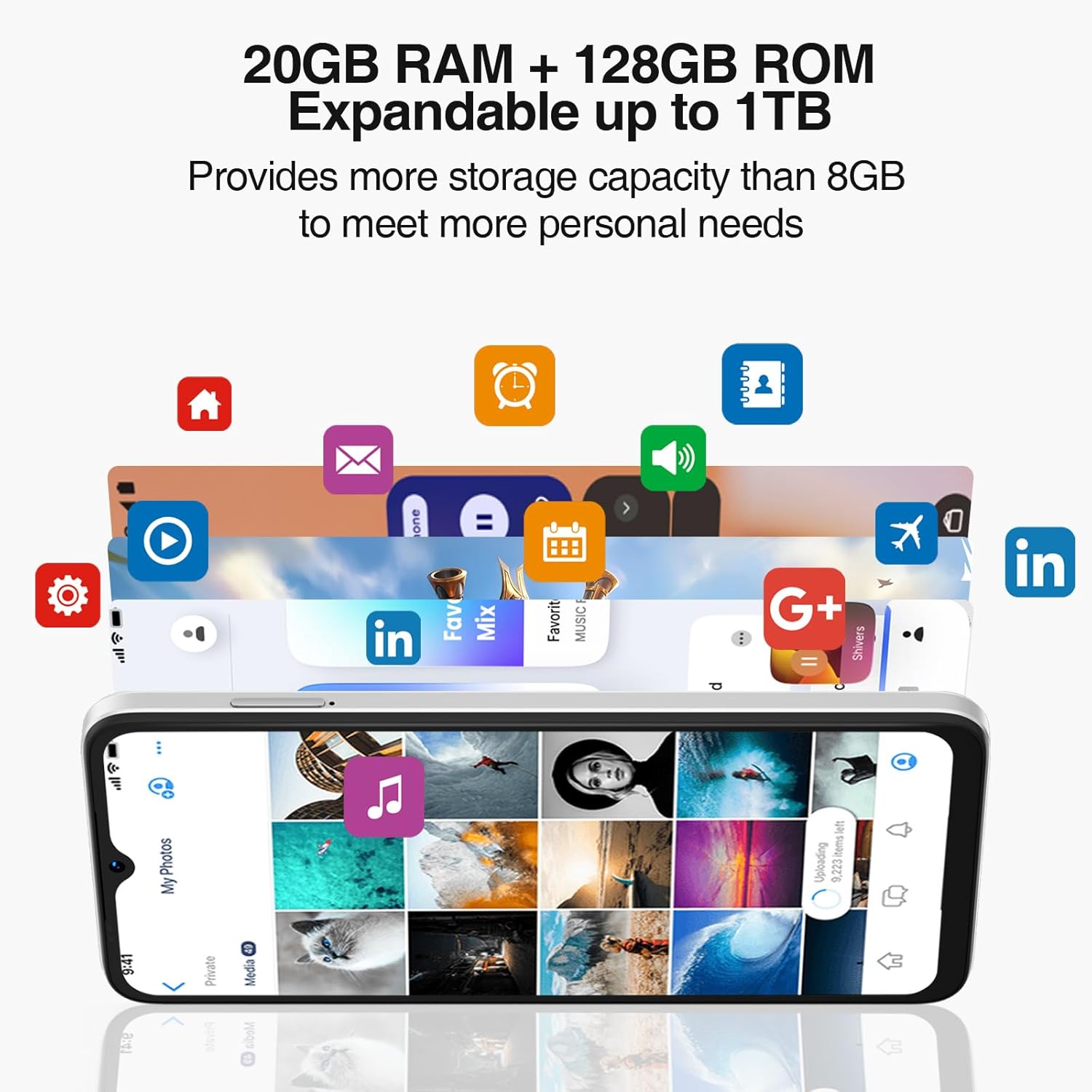
Powered by an Octa-Core processor and 20GB RAM (8GB physical + 12GB virtual), the N55PLUS ensures smooth multitasking and app performance. It comes with 128GB of internal storage, expandable up to 1TB using a TF card, providing ampl'espai per al teu files, photos, and applications.
4.4 Gestió de la bateria
The 5150mAh large battery provides extended usage time. To optimize battery life, manage background app usage, adjust screen brightness, and enable power-saving modes when needed. The phone supports OTG reverse charging, allowing it to charge other devices.

5. Connectivitat
- Xarxa: Supports 4G global network bands (GSM, WCDMA, TDD, FDD). Ensure your SIM card is compatible with the phone's supported bands for optimal service.
- Wi-Fi: Connecteu-vos a les xarxes Wi-Fi disponibles per accedir a Internet.
- Bluetooth: Pair with Bluetooth devices such as headphones, speakers, or car systems.
- GPS: Integrated GPS, Glonass, Galileo, and Beidou for accurate navigation.
- USB tipus C: Per a càrrega i transferència de dades.
6. Manteniment
6.1 Actualitzacions de programari
Regularly check for and install software updates to ensure your phone has the latest features, security patches, and performance improvements. Go to Configuració > Sistema > Actualització del sistema.
6.2 Neteja del vostre dispositiu
Feu servir un drap suau i sense borrissol per netejar la pantalla i la carcassa del telèfon. Eviteu utilitzar productes químics agressius o materials abrasius que puguin danyar el dispositiu.
6.3 Gestió d'emmagatzematge
To maintain optimal performance, periodically clear unnecessary files, desinstal·leu les aplicacions no utilitzades i transferiu suports multimèdia grans files to external storage or cloud services. Go to Configuració > Emmagatzematge to manage your device's storage.
7. Solució De Problemes
- El telèfon no s'encén: Assegureu-vos que la bateria estigui carregada. Connecteu el telèfon al carregador i espereu uns minuts abans d'intentar engegar-lo de nou.
- Les aplicacions es bloquegen o es bloquegen: Close and restart the app. If the issue persists, clear the app's cache (Settings > Apps > [App Name] > Storage > Clear cache) or uninstall and reinstall the app.
- Senyal de xarxa deficient: Comproveu si la targeta SIM està inserida correctament. Desplaceu-vos a una zona amb millor cobertura de xarxa. Poseu-vos en contacte amb el vostre proveïdor de serveis si el problema persisteix.
- La bateria s'esgota ràpidament: Reduce screen brightness, disable unused features like Wi-Fi or Bluetooth, and close background apps. Check battery usage in Settings to identify power-hungry apps.
- Face Unlock not working: Ensure your face is well-lit and clearly visible to the front camera. Re-register your face data in Settings > Security > Face Unlock.
8. Especificacions
| Característica | Especificació |
|---|---|
| Nom del model | N55 Plus |
| Sistema operatiu | Android 14 |
| Processador | Octa-Core (Mediatek Dimensity 1100, 3.2 GHz) |
| RAM | 8 GB (expandable to 20 GB with virtual RAM) |
| Emmagatzematge intern | 128 GB |
| Emmagatzematge ampliable | Up to 1 TB via TF card |
| Mida de la pantalla | 6.56 polzades |
| Tipus de visualització | HD+ IPS Waterdrop Screen |
| Resolució | 1612 x 720 |
| Freqüència d'actualització | 90 Hz |
| Càmera principal | Càmera d'IA de 13 MP |
| Càmera frontal | 8 MP |
| Capacitat de la bateria | 5150 mAh d'ions de liti |
| Connectivitat | 4G LTE, Wi-Fi, Bluetooth, USB Type-C |
| Navegació | GPS, Glonass, Galileo, Beidou |
| Característiques especials | Dual SIM, Expandable Memory, Face Unlock, Widevine L1, OTG |
| Dimensions | 6.45 x 2.98 x 0.34 inches (8.6mm thickness) |
| Pes | 6.6 unces (186 grams) |
9. Garantia i Suport
All DOOGEE unlocked phones purchased from our official channels are covered by a 12-month warranty. If you encounter any issues during use, please contact our customer support for assistance. For further support, visit the official DOOGEE weblloc web o consulteu la informació de contacte proporcionada amb la vostra compra.