
1. Introducció
This manual provides essential information for the safe and effective operation of your HAVIT Smart Life Series PJ211 PRO projector. Please read this manual thoroughly before using the device and retain it for future reference.
The HAVIT PJ211 PRO is a compact smart projector designed for home entertainment, gaming, and presentations. It features a native HD resolution of 1280x720, supporting up to 4K input, and integrates Android TV 9.0 for direct access to streaming services.
2. Contingut del paquet
En desempaquetar, assegureu-vos que tots els articles estiguin presents i en bon estat:
- HAVIT Smart Life Series PJ211 PRO Projector
- Cable d'alimentació
- Control remot
- Manual d'usuari (aquest document)
3. Producte acabatview
Familiarize yourself with the projector's physical components and connection ports.
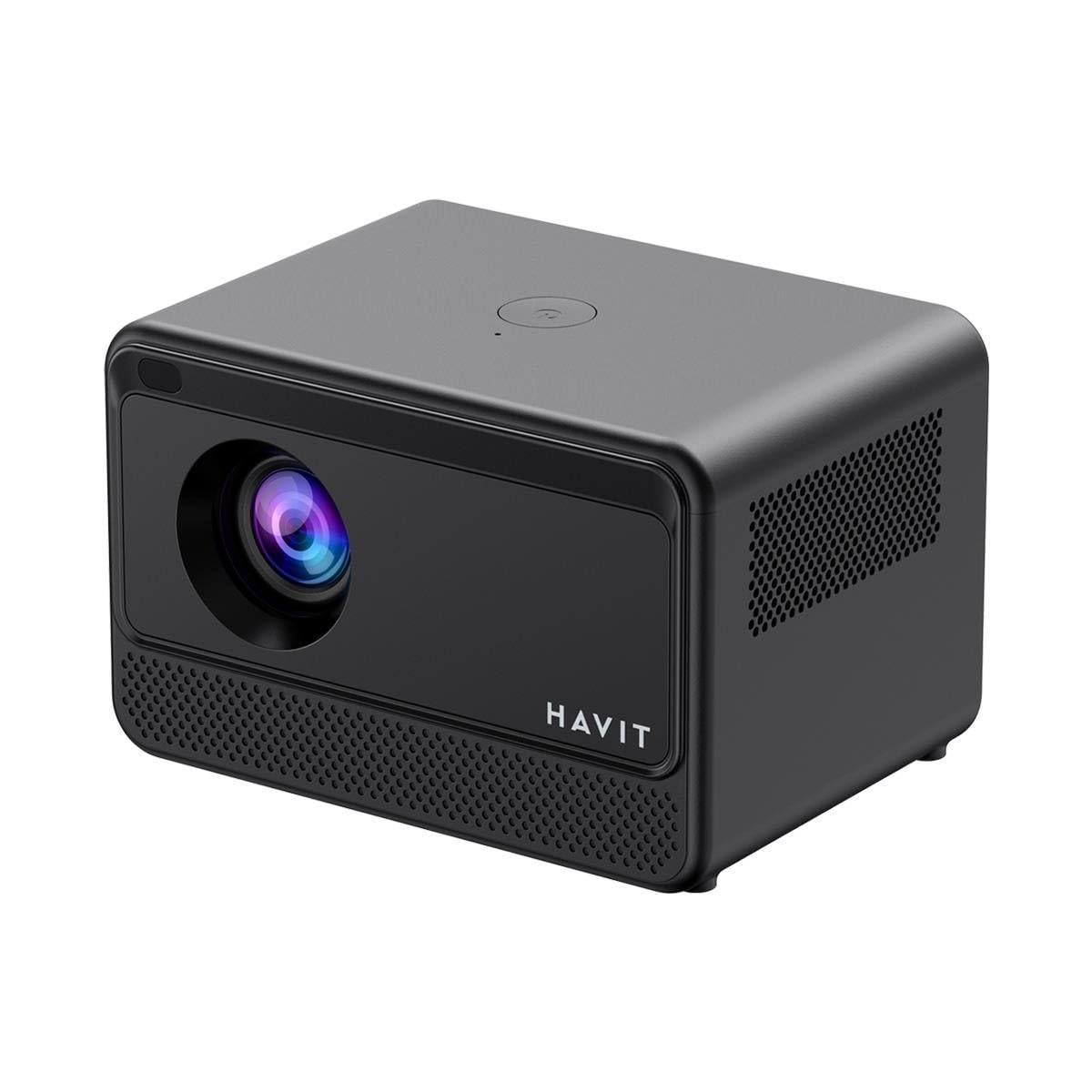
Imatge: Part posterior i lateral view of the HAVIT PJ211 PRO projector, highlighting the power input, HDMI, USB, and audio ports.

Imatge: Frontal view of the HAVIT PJ211 PRO projector, showing the projection lens and front grille.
Ports i controls:
- Entrada d'alimentació: Es connecta a l'adaptador de corrent.
- Port HDMI: Per connectar fonts de vídeo externes com ara ordinadors portàtils, consoles de jocs o reproductors de Blu-ray.
- Ports USB: Per connectar dispositius d'emmagatzematge USB per reproduir contingut multimèdia files o connectar perifèrics.
- Entrada AV: Per connectar dispositius més antics mitjançant un cable AV.
- Conector d'àudio de 3.5 mm: Per connectar altaveus externs o auriculars.
- Botó d'encesa: Located on the top panel for turning the projector on/off.
4. Configuració
4.1 Col·locació
Position the projector on a stable, flat surface. Ensure there is adequate ventilation around the device. The optimal projection distance ranges from 1 to 4 meters, yielding a screen size between 32 and 150 inches.
4.2 Connexió d'alimentació
- Connecteu el cable d'alimentació al port d'entrada d'alimentació del projector.
- Connecteu l'altre extrem del cable d'alimentació a una presa de corrent adequada.
4.3 Encès inicial
Press the power button on the projector or the remote control to turn on the device. The projector will boot up and display the Android TV interface.
4.4 Correcció de focus i trapezoide
The PJ211 PRO features semi-auto focus and semi-auto keystone correction. The projector will attempt to adjust these settings automatically upon startup or movement. Fine-tuning can be done via the on-screen menu if needed.
4.5 Connexió de xarxa
To access online content, connect the projector to a Wi-Fi network.

Image: Illustration showing the projector's support for both 2.4G and 5G dual-band Wi-Fi connections, indicating improved transmission rates and smoother online viewing with 5G.
- Navigate to the 'Settings' menu on the Android TV interface.
- Seleccioneu "Xarxa i Internet".
- Trieu la xarxa Wi-Fi que vulgueu de la llista.
- Enter the password if prompted and confirm the connection. The projector supports 2.4G and 5G dual-band Wi-Fi for stable connectivity.
5. Instruccions de funcionament
5.1 Interfície d'Android TV 9.0
The projector runs on Android TV 9.0, providing access to various applications and streaming services. Use the remote control to navigate the interface, select apps, and adjust settings.
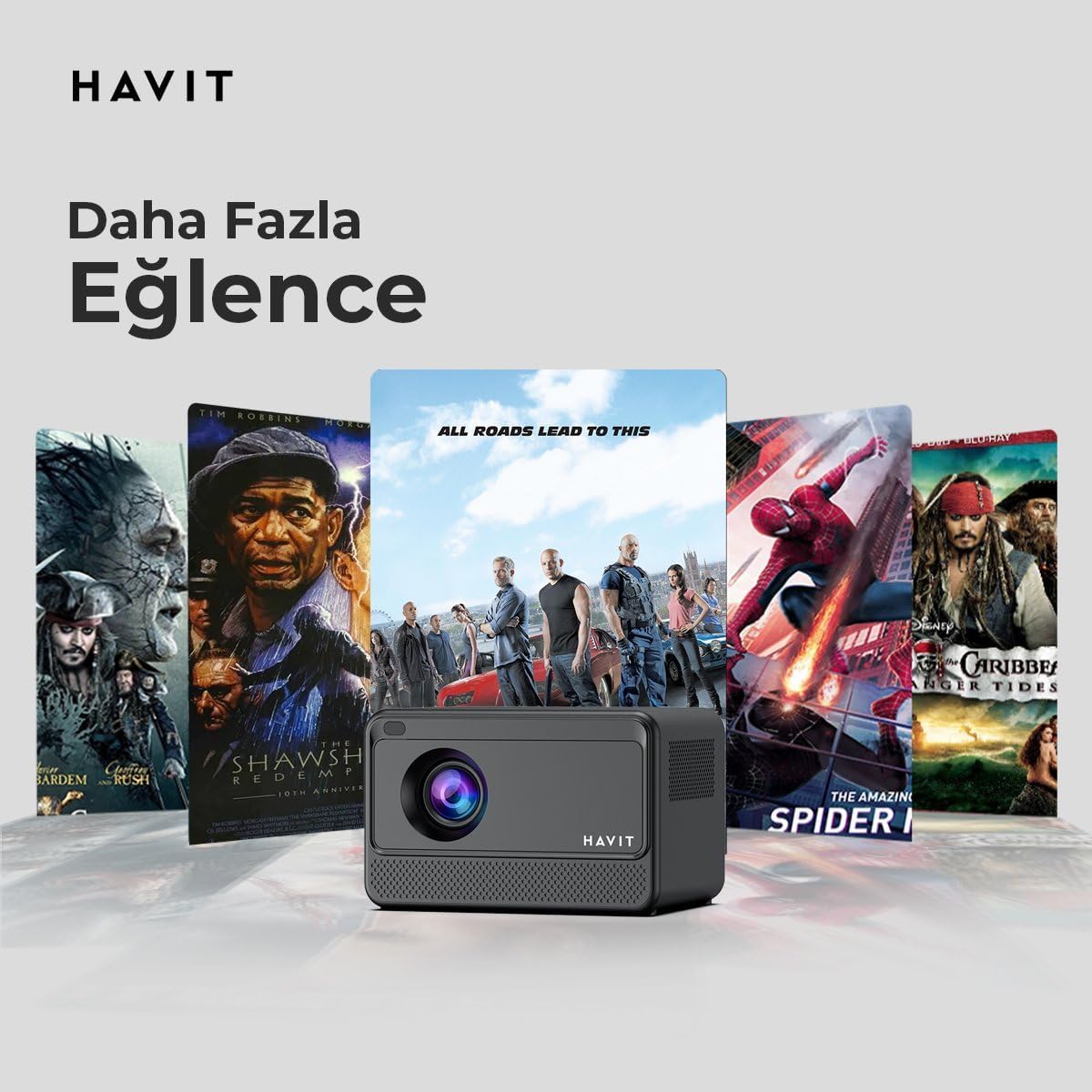
Image: The HAVIT PJ211 PRO projector displaying a selection of popular streaming service icons, illustrating its 'More Entertainment' capability through Android TV.
5.2 Connexió de dispositius externs
You can connect various external devices to the projector:
- HDMI: Connect a device (e.g., laptop, game console) using an HDMI cable. Select the HDMI input source from the projector's input menu.
- USB: Insert a USB drive into a USB port. The projector's media player will typically detect the drive, allowing you to browse and play supported media files.
- DE: Use an AV cable to connect compatible devices. Select the AV input source.
- Sortida d'àudio (connector de 3.5 mm): Connect external speakers or headphones for enhanced audio. The projector has a built-in 3W speaker for standard audio output.
6. Manteniment
6.1 Neteja
- Lent: Feu servir un drap suau i sense borrissol dissenyat específicament per a lents òptiques. No utilitzeu productes de neteja ni draps abrasius.
- Exterior: Netegeu l'exterior del projector amb un drap suau i sec. Eviteu utilitzar productes de neteja líquids directament sobre el dispositiu.
- Ventilació: Assegureu-vos que les obertures de ventilació estiguin lliures de pols i obstruccions per evitar el sobreescalfament.
6.2 Lamp La vida
El LED lamp in your PJ211 PRO projector has an estimated life of 30,000 hours, providing long-term reliability under normal usage conditions.
7. Solució De Problemes
Si teniu problemes amb el projector, consulteu els problemes i solucions més comuns següents:
| Problema | Causa possible | Solució |
|---|---|---|
| No es mostra cap imatge | Cable d'alimentació desconnectat, font d'entrada incorrecta, tapa de l'objectiu posada. | Check power connection, select correct input source (HDMI, USB, AV), remove lens cap. |
| La imatge és borrosa | Desenfocat, distància de projecció incorrecta. | Adjust focus manually via settings, ensure projector is within 1-4 meters of screen. |
| Sense so | Volume too low, external speakers not connected properly, audio settings. | Increase volume, check external speaker connection, verify audio output settings. |
| Problemes de connexió Wi-Fi | Incorrect password, router issues, signal interference. | Re-enter Wi-Fi password, restart router, ensure projector is within Wi-Fi range. |
8. Especificacions
Detailed technical specifications for the HAVIT Smart Life Series PJ211 PRO projector:

Image: A visual representation of the HAVIT PJ211 PRO projector's specifications, including system, resolution, projection distance, brightness, and connectivity.
- Tecnologia de visualització: LCD
- Resolució nativa: 1280 x 720 (HD)
- Resolució compatible: Fins a 3840 x 2160 (4K)
- Brillantor: Over 5000 lumens (180+ ANSI lumens)
- Relació de contrast: 1500:1
- Relació d'aspecte: 16:9 / 4:3
- Distància de projecció: 1-4 metres
- Interval de mides de pantalla: 32-150 polzades
- Ajust del focus: Semi-Auto Focus
- Correcció Keystone: Semi-Auto Keystone
- Altaveu integrat: 3W
- Sistema operatiu: Android TV 9.0
- Connectivitat sense fils: Wi-Fi (2.4G/5G Dual-Band)
- Ports d'entrada: HDMI, USB, AV, 3.5mm audio jack
- Lamp Tipus: LED
- Lamp Vida: 30,000 hores
- Consum d'energia: 65W
- Pes de l'article: 2.3 quilos
- Color: Negre
9. Garantia i Suport
9.1 Informació de la garantia
The HAVIT Smart Life Series PJ211 PRO projector comes with a 1 anys de garantia des de la data de compra. Aquesta garantia cobreix defectes de fabricació i avaries en condicions d'ús normal. Conserveu el comprovant de compra per a reclamacions de garantia.
9.2 Atenció al client
For technical assistance, troubleshooting beyond this manual, or warranty inquiries, please contact HAVIT customer support through their official website or the retailer where the product was purchased. Please have your model number (PJ211 PRO) and purchase details ready when contacting support.