
1. Introducció
Thank you for choosing Donerton W90 Wireless Earbuds. These earbuds are designed to provide a high-quality audio experience with advanced features such as Bluetooth 5.4 connectivity, dynamic drivers, and a long-lasting battery. This manual will guide you through the setup, operation, and maintenance of your new earbuds.
2. Què hi ha a la caixa

Image: Contents of the Donerton W90 Wireless Earbuds package.
- Wireless Earbuds (L/R)
- Estoig de càrrega
- Replacement Ear Caps (S, M, L)
- Cable de càrrega tipus C.
- Llibre d'instruccions
3. Producte acabatview
3.1 Característiques clau
- Tecnologia Bluetooth 5.4: Provides faster and more stable connections with lower power consumption.
- Controladors dinàmics de 13 mm: Delivers rich textures and a wide sound field for a superior audio experience.
- Cancel·lació de soroll ambiental (ENC): Built-in microphones and CVC algorithm filter out surrounding noise for clear calls.
- 40 hores de reproducció total: 8 hours on a single charge, with an additional 32 hours from the charging case.
- Pantalla d'alimentació LED: Accurately shows remaining power for both earbuds and the charging case.
- Classificació impermeable IP7: Resistant to rainwater, sweat, and splashes.
- Controls tàctils intel·ligents: Manage calls, volume, music playback, and voice assistant with simple touches.
- Disseny ergonòmic: Lightweight (3.9g per earbud) and comfortable for extended wear.
3.2 Bluetooth Technology Comparison
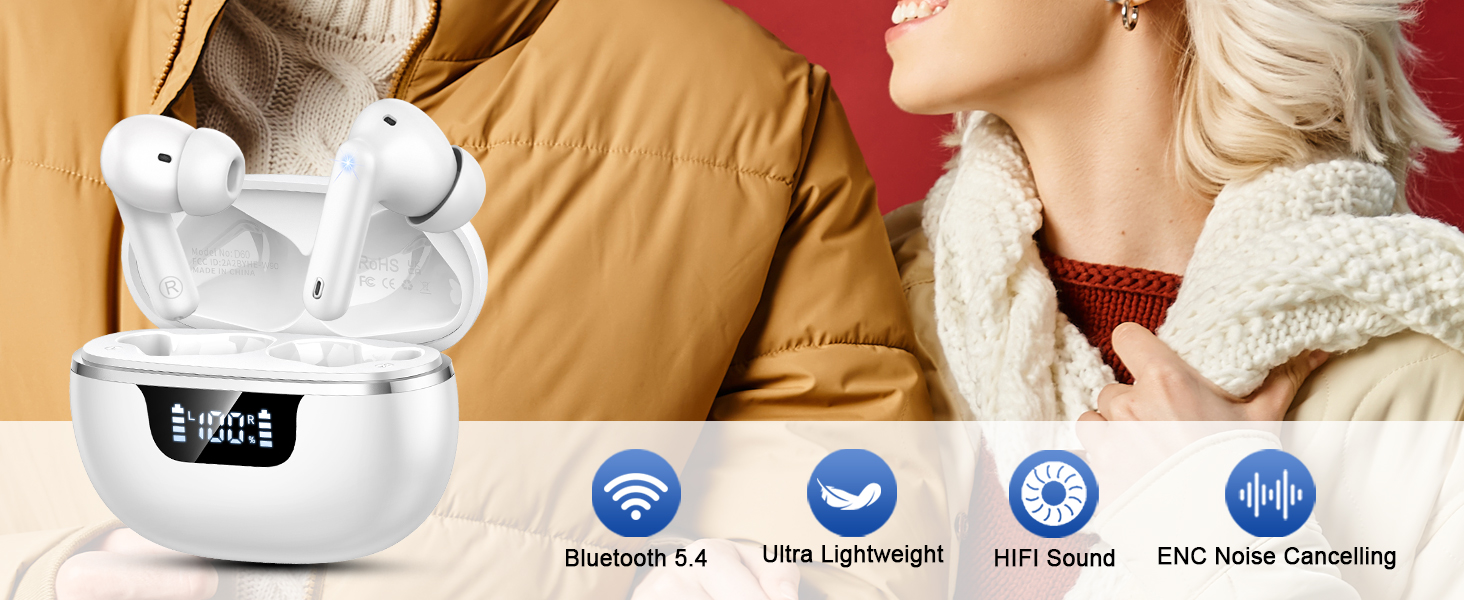
Image: Comparison of Bluetooth 5.3 vs. Bluetooth 5.4, highlighting improvements in latency, anti-interference, and power consumption.
3.3 Qualitat d'àudio

Image: Illustration of the 13mm dynamic drivers for Hi-Fi stereo sound.
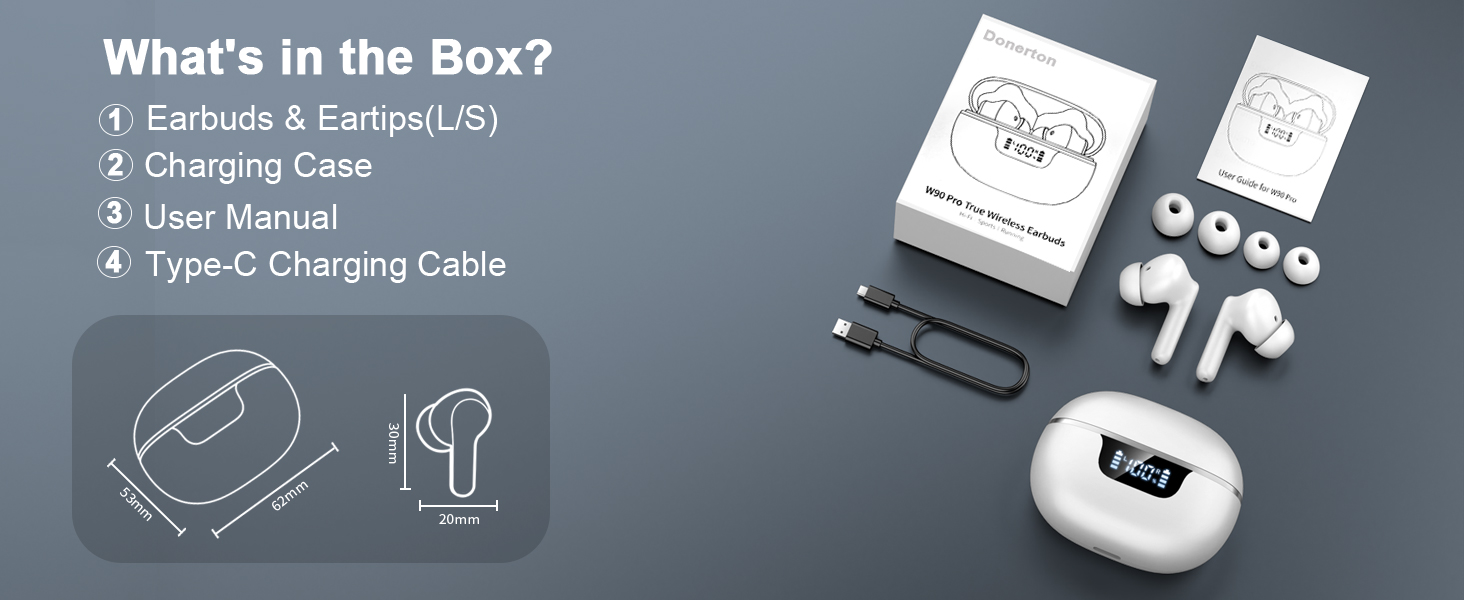
Image: Visual representation of sound delivery with 13mm dynamic drivers.
3.4 Reducció del soroll

Image: Earbud with built-in ENC Noise Reduction Chip, illustrating 40 dB noise reduction.
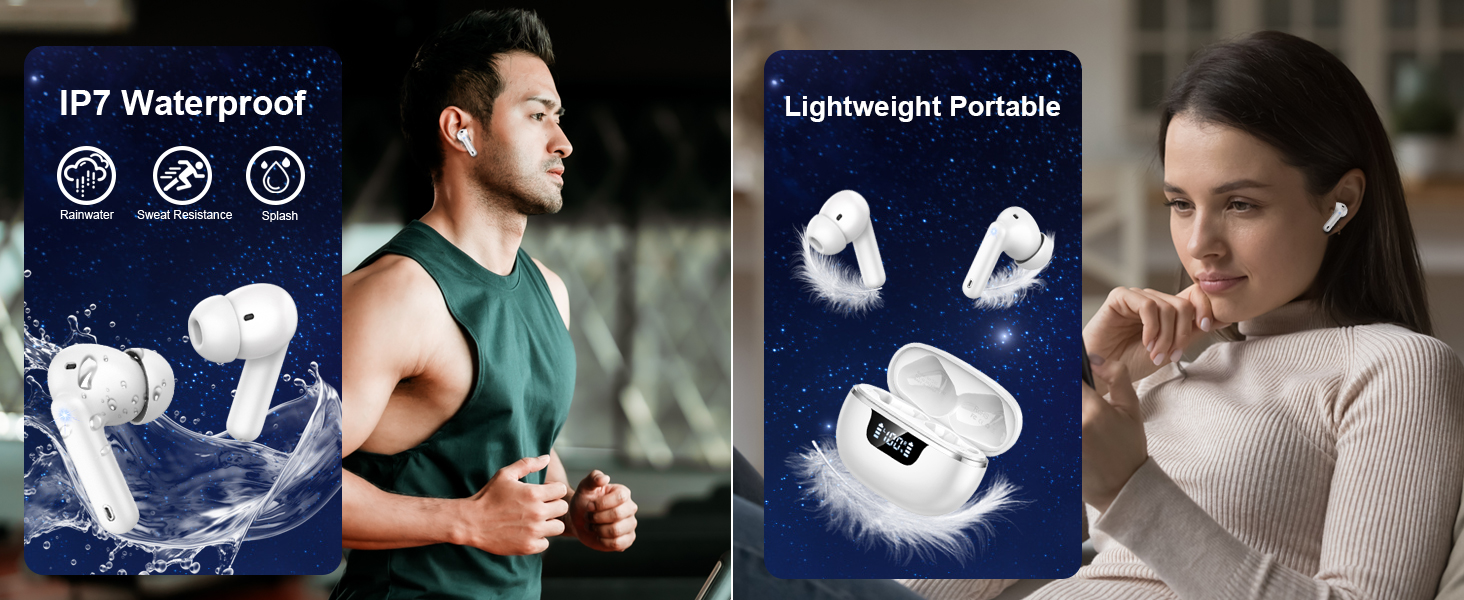
Image: Clear call functionality with built-in 4 microphones and ENC noise reduction.
4. Configuració
4.1 Càrrega dels auriculars i l'estoig
Before first use, fully charge the earbuds and charging case. Connect the provided Type-C charging cable to the charging case and a USB power source. The LED display on the case will indicate the charging status and battery level.
- Temps de càrrega: Aproximadament 1.5 hores per a una càrrega completa.
- Durada de la bateria: Up to 8 hours of playback on a single charge; up to 40 hours total with the charging case.

Image: Charging case with LED display showing battery status and Type-C fast charging.
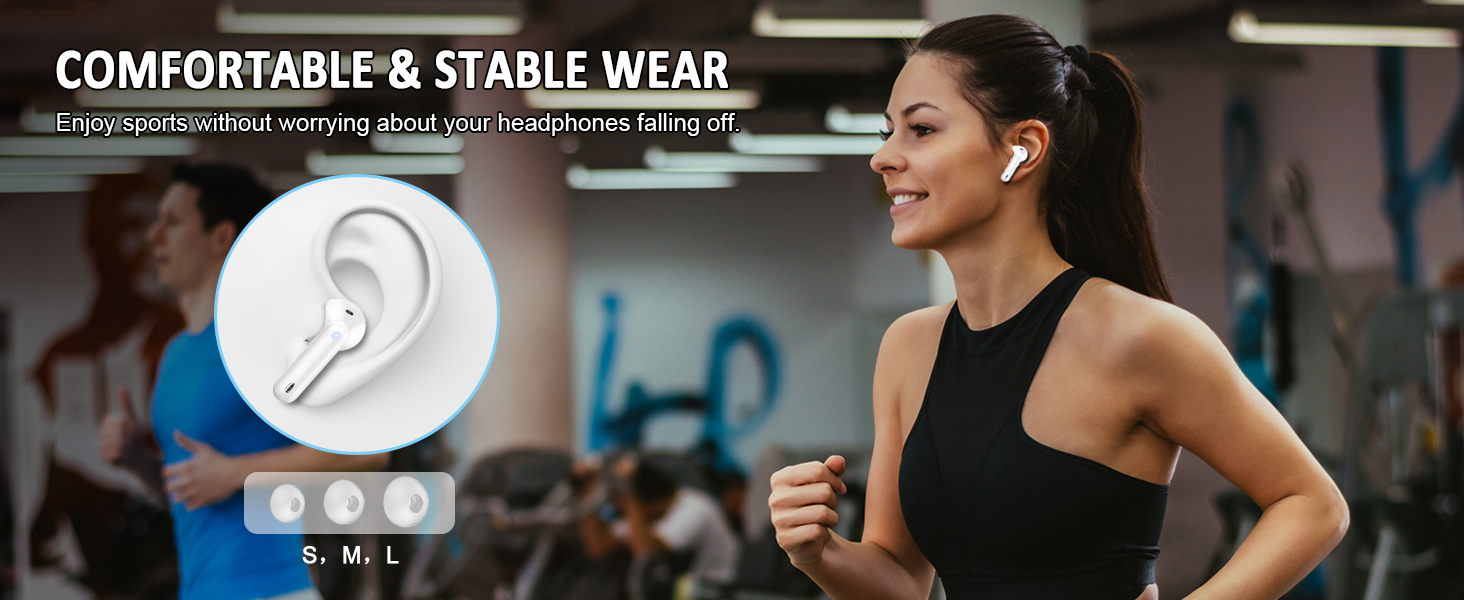
Image: All-day listening capabilities with 8 hours per charge and 40 hours total with the charging case.
4.2 Parellament
The earbuds feature one-step pairing for convenience.
- Primera parella:
- Obre l'estoig de càrrega. Els auriculars s'encendran automàticament i entraran en mode d'emparellament.
- On your device (phone, tablet, laptop), enable Bluetooth and search for available devices.
- Select "W90 Pro" from the list of devices to connect.
- Un cop connectats, sentireu un to de confirmació i els auriculars estaran a punt per al seu ús.
- Reconnexió automàtica:
- After the initial pairing, the earbuds will automatically connect to the last paired device when taken out of the charging case.

Imatge: Procés d'emparellament d'un sol pas amb un telèfon intel·ligent.
5. Instruccions de funcionament
5.1 Controls tàctils
The earbuds feature highly sensitive touch sensors for various operations.

Image: Ergonomic design and smart touch control functions.
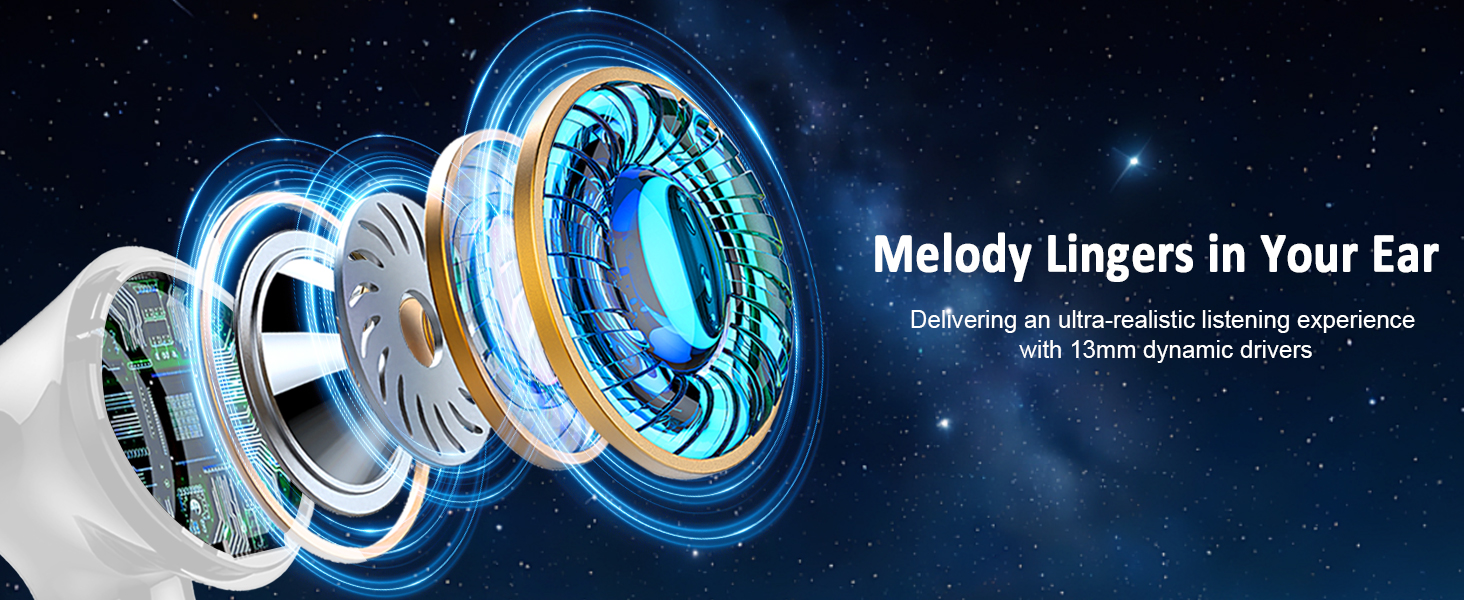
Image: Automatic pairing and detailed smart touch control gestures.
| Acció | Funció |
|---|---|
| Tap Once (L/R) | Reproduir/Pausar música, Respondre/Finalitzar trucada |
| Press and Hold 2s (L) | Pista anterior |
| Press and Hold 2s (R) | Pista següent |
| Single Tap on L | Baixa el volum |
| Single Tap on R | Puja el volum |
| Toqueu dues vegades (E/D) | Rebutja la trucada |
| Tap Three Times (L/R) | Activa l'Assistent de veu |
5.2 Mode simple/doble
The earbuds can be used individually (Single Mode) or together (Twin Mode).
- Mode únic: Simply take one earbud out of the charging case. It will automatically connect to your device. The other earbud can remain in the case or be used by another person.
- Mode Doble: Take both earbuds out of the charging case. They will automatically pair with each other and then connect to your device.
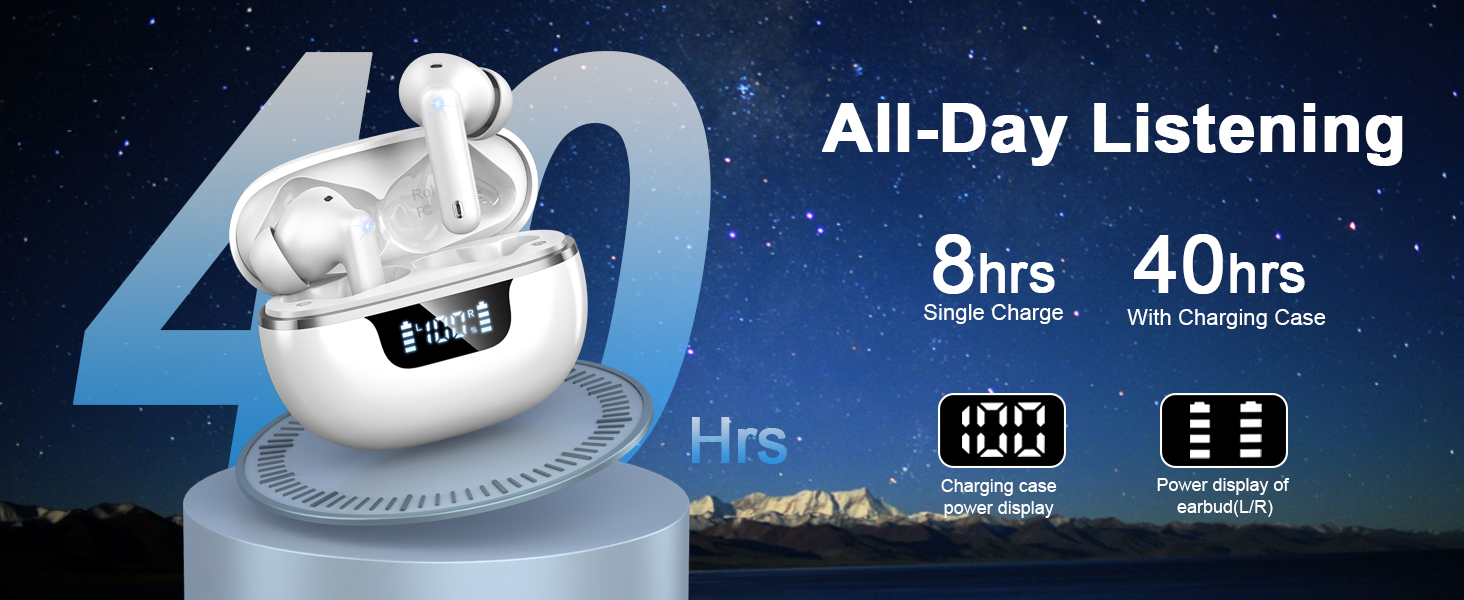
Image: Single/Twin Mode usage scenario.
6. Manteniment
6.1 Neteja
- Netegeu regularment els auriculars i l'estoig de càrrega amb un drap suau, sec i sense borrissol.
- No utilitzeu netejadors abrasius, alcohol ni dissolvents químics.
- Assegureu-vos que els contactes de càrrega dels auriculars i de la funda estiguin nets i secs per a una càrrega òptima.
6.2 Resistència a l'aigua
The Donerton W90 earbuds are rated IP7 waterproof, meaning they are protected against immersion in water up to 1 meter for 30 minutes. This makes them suitable for sports and outdoor activities, offering resistance to rainwater, sweat, and splashes.
- Do not intentionally submerge the earbuds in water for extended periods.
- Assegureu-vos que els auriculars estiguin secs abans de tornar-los a col·locar a l'estoig de càrrega per evitar que es facin malbé.

Image: IP7 Waterproof rating and lightweight portable design.
7. Solució De Problemes
| Problema | Possible solució |
|---|---|
| Els auriculars no s'emparellan amb el dispositiu. |
|
| Només funciona un auricular. |
|
| Volum baix o mala qualitat de so. |
|
| L'estoig de càrrega no es carrega. |
|
| Els controls tàctils no responen. |
|
8. Especificacions
| Característica | Especificació |
|---|---|
| Nom del model | W90 |
| Tecnologia de connectivitat | Sense fil (Bluetooth) |
| Versió Bluetooth | 5.4 |
| Interval Bluetooth | 15 metres |
| Tipus de controlador d'àudio | Conductor dinàmic |
| Mida del controlador d'àudio | 13 mil·límetres |
| Durada de la bateria (auriculars) | 8 hores |
| Temps de reproducció total (amb estoig) | 40 hores |
| Temps de càrrega | 1.5 hores |
| Tipus de control | Control tàctil |
| Nivell de resistència a l'aigua | IP7 (impermeable) |
| Funcions de control de soroll | Passive Noise Isolation, ENC Noise Reduction |
| Dispositius compatibles | iOS 9.0/Android 5.0 or later, Bluetooth 5.0 or later devices (Cellphones, tablets, laptops, Windows, iOS, Android) |
| Pes dels auriculars (individuals) | 3.9 g (0.14 oz) |
| Font d'alimentació | Necessita 1 bateria de polímer de liti |
9. Informació de seguretat
- No desmunteu, repareu o modifiqueu el producte.
- Keep the earbuds and charging case away from extreme temperatures, direct sunlight, and open flames.
- Avoid exposing the product to corrosive liquids.
- No utilitzeu els auriculars a un volum alt durant períodes prolongats per evitar danys auditius.
- Mantenir fora de l'abast dels nens i mascotes.
10. Garantia i Suport
Donerton products come with a standard manufacturer's warranty. For specific warranty details, please refer to the warranty card included in your package or visit the official Donerton website. If you encounter any issues or have questions not covered in this manual, please contact Donerton customer support through their official channels.
Informació de contacte: Please refer to the contact details provided on the product packaging or the official Donerton weblloc d'atenció al client.