
eKids FR-533
eKids Disney Frozen Kids Camera Instruction Manual
Model: FR-533
Marca: eKids
1. Producte acabatview
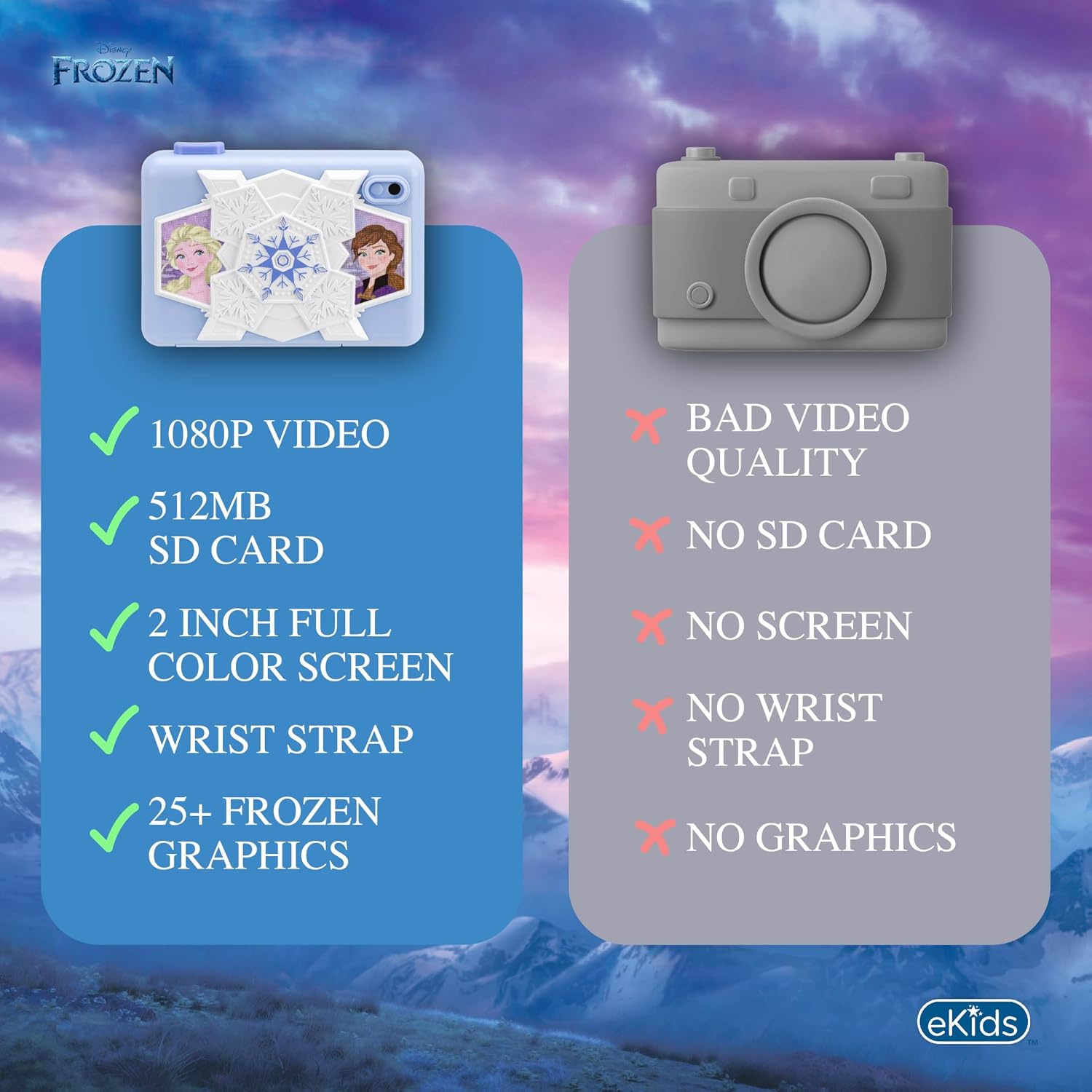
The eKids Disney Frozen Kids Camera is designed for young photographers to capture photos and videos with ease. It features a durable design, built-in digital stickers, and games for an engaging experience.
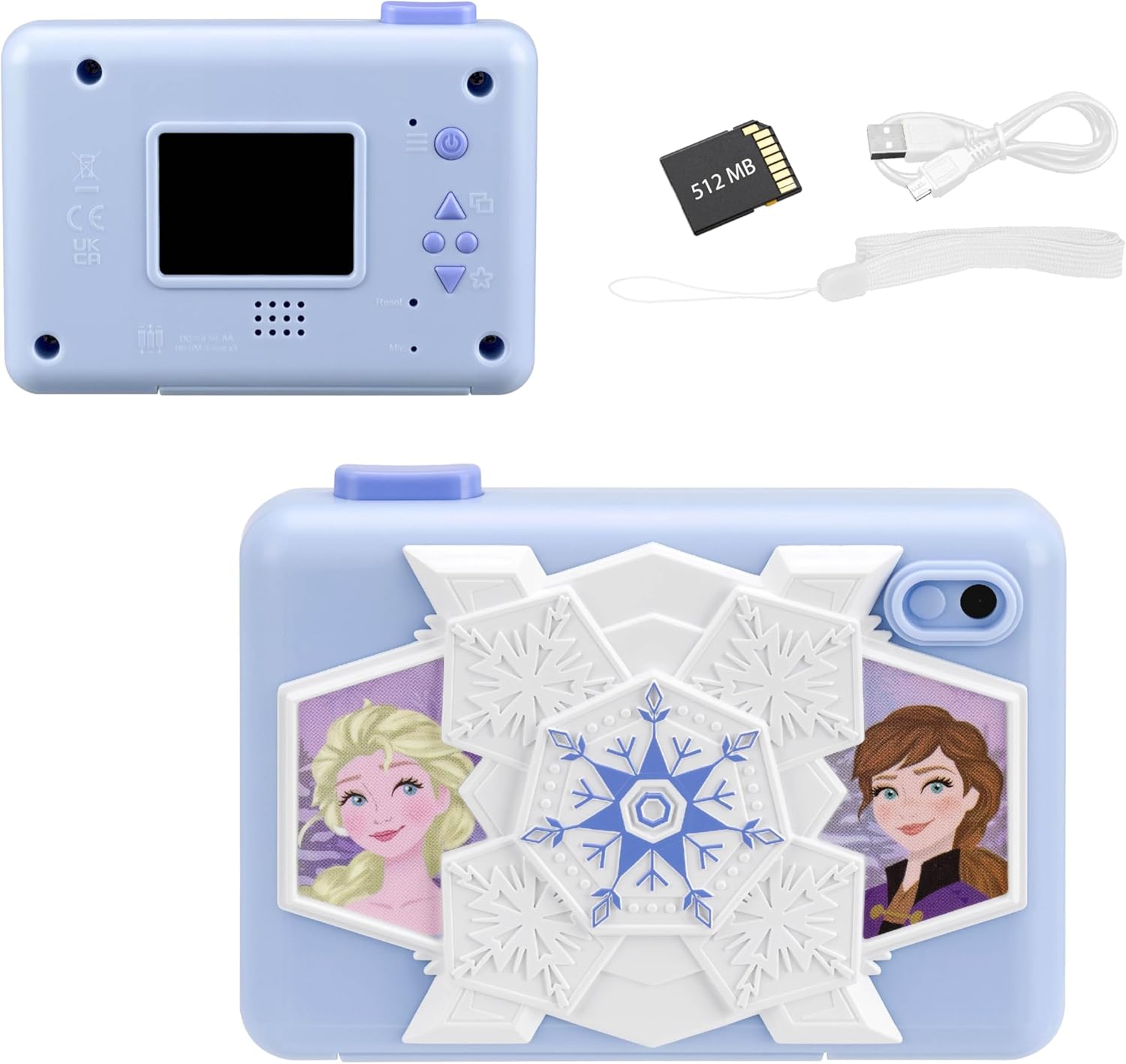
Davant view of the eKids Disney Frozen Kids Camera, featuring Elsa and Anna characters.

Enrere view of the camera showing the screen and controls, alongside the included 512MB SD card, micro USB cable, and wrist strap.
Característiques principals:
- Digital Camera Functionality: Capture photos and videos with user-friendly controls.
- Gravació de vídeo: Record and save videos, viewable on the 2-inch full-color screen.
- Memòria ampliable: Comes with a 512MB SD card for storage, which can be replaced with a larger SD memory card.
- Creative Decoration: Over 25 built-in photo frames and digital stickers inspired by Disney Frozen.
- Jocs integrats: Includes 5 pre-loaded games for entertainment.
- Connectivitat: Micro USB port for connecting to a computer to transfer content.
- Portabilitat: Lightweight design with an included wrist strap.
2. Configuració
2.1 Instal·lació de la bateria
The camera requires 3 AA batteries (not included).
- Localitzeu el compartiment de la bateria a la part inferior de la càmera.
- Obriu la tapa del compartiment de la bateria.
- Inseriu 3 piles AA, assegurant la polaritat correcta (+/-).
- Tanqueu bé la tapa del compartiment de la bateria.
2.2 Instal·lació de la targeta SD
The camera comes with a 512MB SD card. You can use this card or replace it with another compatible SD card (up to 32GB max).
- Locate the SD card slot next to the battery compartment.
- Introduïu la targeta SD a la ranura fins que encaixi. Assegureu-vos que la targeta estigui inserida amb l'orientació correcta.
- To remove the SD card, gently push it in until it clicks, then release to eject.

Diagram showing the SD card slot and Micro USB port on the camera.
2.3 Fixació de la corretja de canell
Attach the included wrist strap to the designated loop on the camera for secure handling and to prevent accidental drops.
3. Instruccions de funcionament
3.1 Engegada/apagada
- Per encendre, premeu i manteniu premut Botó d'encesa (usually marked with a power symbol) located on the back of the camera.
- Per apagar-lo, manteniu premut el botó Botó d'encesa de nou fins que la pantalla s'apagui.
The camera's screen displaying the main menu with various function icons.
3.2 Navegació pel menú
Use the directional buttons (Up, Down, Forward/Photo Frames, Reverse/Mode Select) to navigate through the camera's menu options on the 2-inch full-color LCD screen. Press the Camera Shutter / OK Button per seleccionar una opció.
Detallada view of the camera's back panel, highlighting the display, speaker, microphone, and control buttons including Camera Shutter/OK, Indicator Light, Power, Up, Forward/Photo Frames, Reverse/Mode Select, Down, and Reset.
3.3 Fer fotos
- Al menú principal, seleccioneu Icona de la foto.
- Enquadra la teva foto amb la pantalla LCD.
- Premeu el botó Camera Shutter / OK Button per fer una foto.
3.4 Gravació de vídeos
- Al menú principal, seleccioneu Icona de vídeo.
- Premeu el botó Camera Shutter / OK Button per començar a gravar.
- Premeu el botó Camera Shutter / OK Button de nou per aturar la gravació.
Official product video demonstrating the eKids Disney Frozen Digital Camera for Kids, showcasing les seves característiques i facilitat d'ús.
3.5 Applying Digital Stickers and Frames
The camera offers over 25 built-in Frozen-themed photo frames and digital stickers to decorate your images.
- After taking a photo, or when viewing a saved photo, use the Forward / Photo Frames button to browse available frames and stickers.
- Premeu el botó Camera Shutter / OK Button to apply the selected decoration.
An image illustrating how to add fun digital images and record videos using filters or slow motion, with examples of photos decorated with Frozen characters.
3.6 Jugar a jocs
The camera includes 5 built-in games for entertainment.
- Al menú principal, seleccioneu Icona de jocs.
- Use the directional buttons to choose a game.
- Premeu el botó Camera Shutter / OK Button per començar a jugar.

Visual representation of the camera's multi-functional capabilities, including playing games, playing music, taking photos, and recording videos.
3.7 Transferring Content to a Computer
You can transfer your photos and videos to a computer using the included micro USB cable.
- Connect the micro USB cable to the camera's micro USB port and to an available USB port on your computer.
- The camera should appear as a removable storage device on your computer.
- Open the camera's folder to access and transfer your files.
4. Manteniment
4.1 Neteja de la càmera
- Use a soft, dry cloth to clean the exterior of the camera.
- For the screen, use a microfiber cloth specifically designed for electronics.
- No utilitzeu netejadors líquids ni materials abrasius, ja que poden fer malbé la càmera.
4.2 Cura de la bateria
- Traieu les piles si no heu d'utilitzar la càmera durant un període prolongat per evitar fuites.
- No barregeu piles velles i noves, o diferents tipus de piles.
- Eliminar les bateries usades de manera responsable d'acord amb la normativa local.
4.3 Emmagatzematge
Guardeu la càmera en un lloc fresc i sec, allunyat de la llum solar directa i de temperatures extremes.
5. Solució De Problemes
| Problema | Causa possible | Solució |
|---|---|---|
| La càmera no s'encén. | Piles baixes o gastades; instal·lació incorrecta de la bateria. | Replace with fresh AA batteries; ensure batteries are inserted with correct polarity. |
| No es poden fer fotos/vídeos. | SD card full or not inserted correctly; camera mode not selected. | Check SD card storage and reinsert if necessary; ensure photo/video mode is active. |
| Mala qualitat d'imatge/vídeo. | Insufficient lighting; dirty lens. | Ensure adequate lighting; gently clean the camera lens with a soft cloth. |
| No es pot connectar a l'ordinador. | Faulty USB cable; incorrect USB port; driver issue. | Try a different USB cable or port; restart computer and camera. |
Si els problemes persisteixen, consulteu la secció Garantia i assistència per obtenir més ajuda.
6. Especificacions
| Característica | Detall |
|---|---|
| Nom del model | FR-533 |
| Marca | eKids |
| Mida de la pantalla | 2 polzades |
| Tipus de visualització | LCD |
| Emmagatzematge de memòria | 512 MB SD Card (expandable up to 32GB) |
| Tipus de bateria | 3 piles alcalines AA (no incloses) |
| Connectivitat | Micro USB |
| Resolució del sensor fotogràfic | 2 MP |
| Resolució de vídeo | 1080p |
| Estabilització d'imatge | Digital |
| File Formats | JPEG (imatges), MP4 (vídeo) |
| Dimensions (P x A x A) | 4.49 "P x 1.38" W x 3.3" H |
| Material | Plàstic |
7. Garantia i Suport
7.1 Garantia limitada
This eKids Disney Frozen Kids Camera (Model: FR-533) comes with a 1 anys de garantia limitada from the manufacturer, KIDdesigns. This warranty covers defects in materials and workmanship under normal use.
For full warranty details and terms, please refer to the documentation included with your product or visit the eKids official weblloc.
7.2 Atenció al client
If you have any questions, require technical assistance, or need to make a warranty claim, please contact eKids customer support:
- Assistència en línia: Visita el eKids Brand Store on Amazon per obtenir informació sobre el producte i recursos d'assistència.
- Fabricant: KIDdesigns
Please have your product model number (FR-533) and proof of purchase ready when contacting support.
Documents relacionatsFR-533


Ask a question about this manual
Ask about setup, troubleshooting, compatibility, parts, safety, or missing instructions. Manuals+ will review the question and use this page’s manual context to help answer it.